¡Hola, te doy la bienvenida a esta clase con un mensaje muy especial!
En este curso, gracias a la herramienta de Replit, NO tienes que instalar nada en tu computador para comenzar a programar. Pero te tengo un mensaje del futuro muy importante: en tu día a día programando utilizarás otras herramientas que te permitirán construir software de manera profesional.
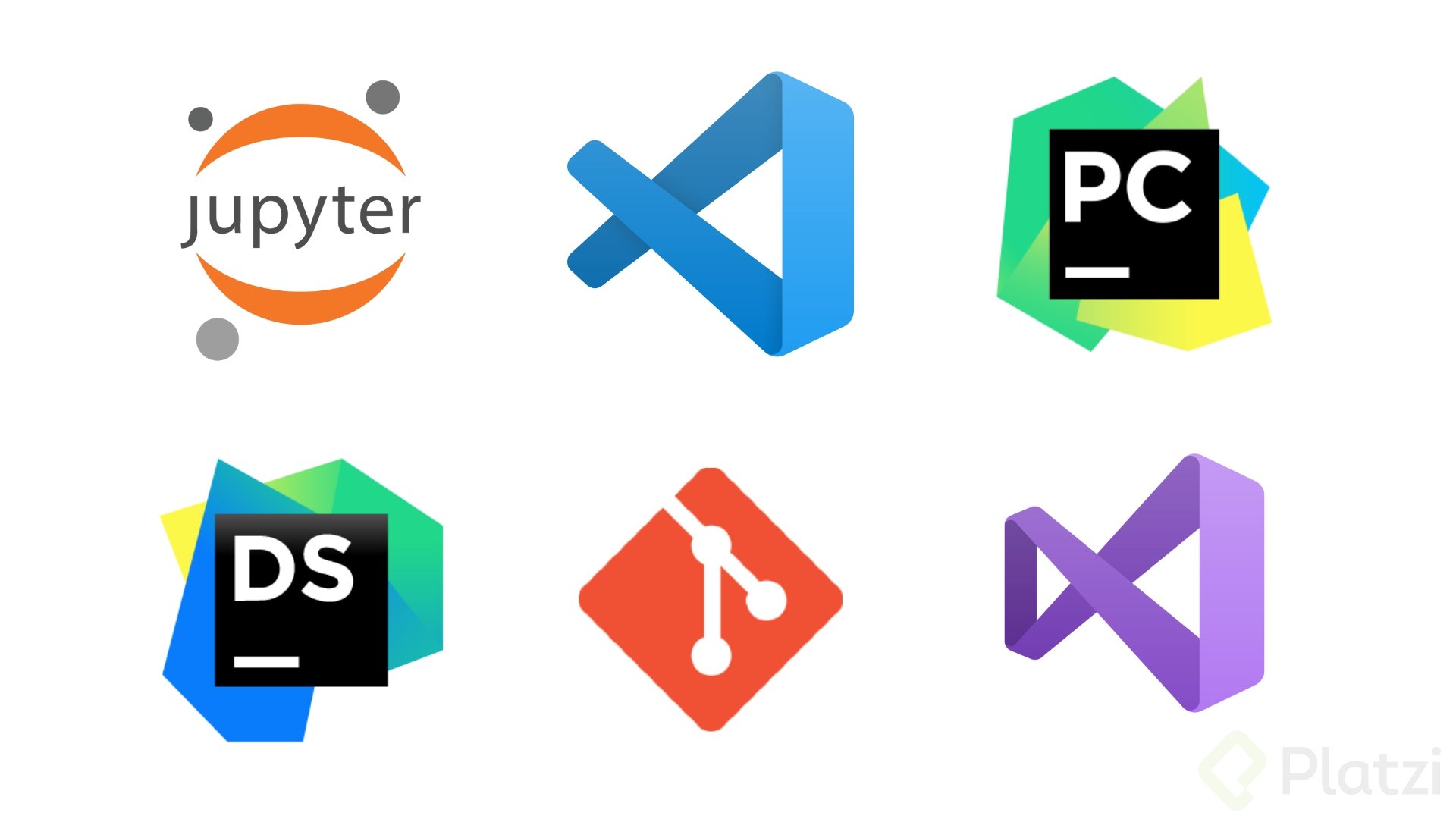
Algunas de estas herramientas son las siguientes:
- Editores de código como Visual Studio Code.
- Terminal y línea de comandos en diversos sistemas operativos.
- Jupyter Notebooks (si decides entrar a data science).
- Git para control de versiones.
- Entornos virtuales con PIP.
- Entornos integrados de desarrollo (IDE) como PyCharm, Visual Studio o DataSpell.
Por ahora NO nos preocuparemos por todo esto, ni por alguna instalación. Lo más importante en este momento que estás dando tus primeros pasos es que aprendas los fundamentos del lenguaje Python.
En cursos posteriores de la ruta de aprendizaje que sigues, instalarás y conocerás herramientas que te permitirán programar con Python de manera profesional.
¡Sigue avanzando en tu ruta de aprendizaje! 🐍💚