Cuando queremos que las clases que estamos definiendo estén disponibles en todo el proyecto y no sólo en la pantalla del componente actual, tendremos que definirlas en el archivo styles.css en la raíz del proyecto y no sólo en el css del componente.
Y en vez de usar la clase center que estamos creando, podemos usar la clase text-center de Bootstrap.
También en vez de usar marto15 y marbo15, podemos usar las clases mt-3 y mb-3 que sería iguall a margin-top: 16px y margin-bottom: 16px
Bootstrap ya trae clases como esas auxiliares:
center-text
Y la de los márgenes
mt-x : margin top de 1 a 5
mb-x: margin bottom de 1 a 5
ml-x: margin left
mr-x margin right
Si, las clases que están implementadas por bootstrap son:
text-center (text-left, text-justify, text-right)
Margin: m-x (mt-x, mb-x, mr-x, ml-x)
Padding: p-x (pt-x, pb-x, pr-x, pl-x)
mx-x: margen en el eje x (horizontal)
my-x: margen en el eje y (vertical)
tambien van de 1-5
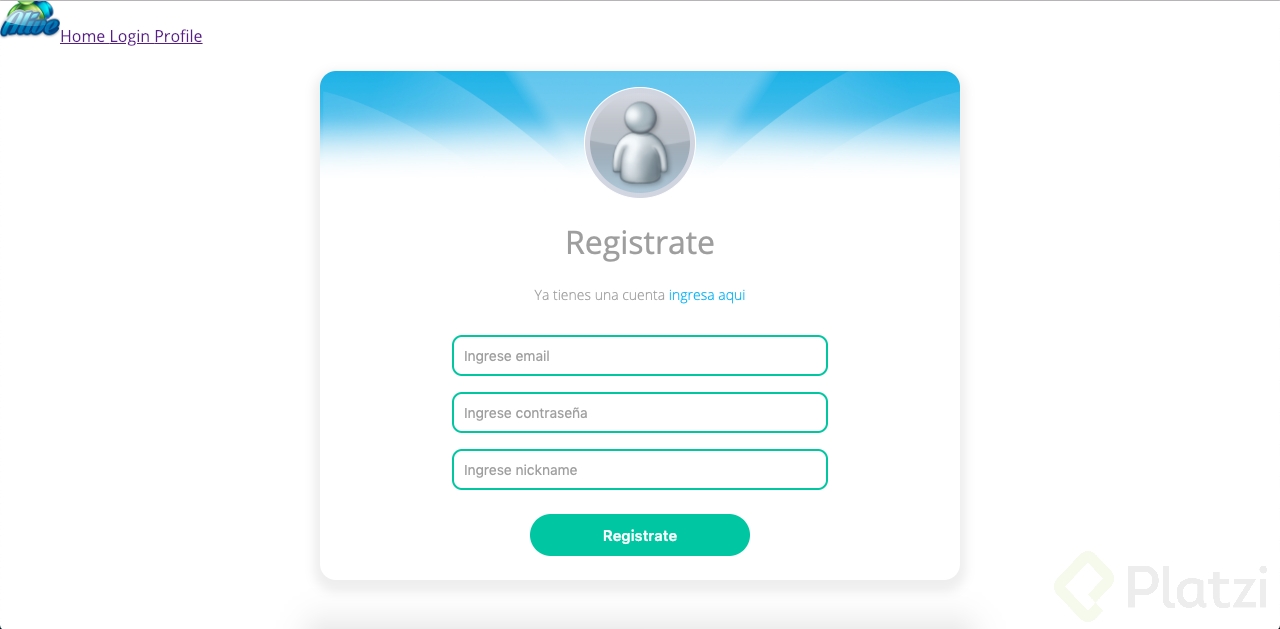
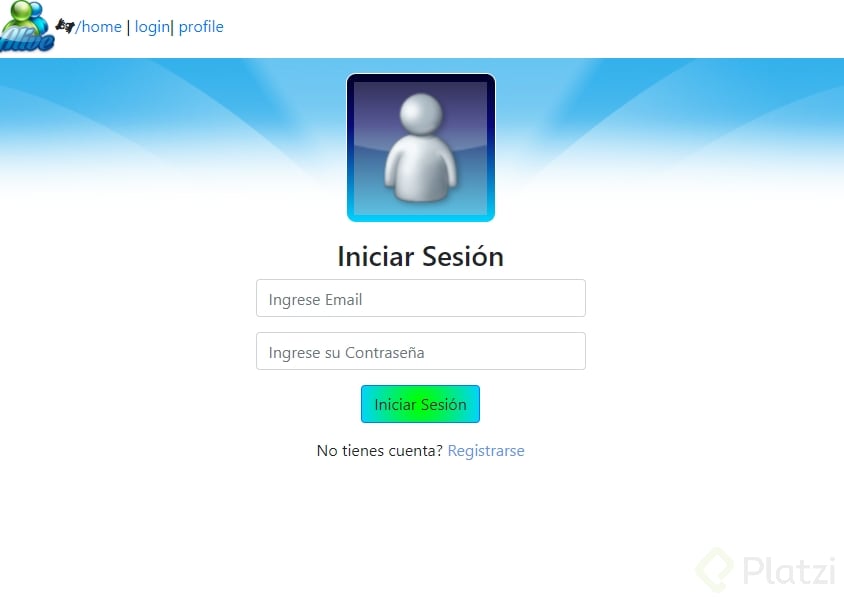
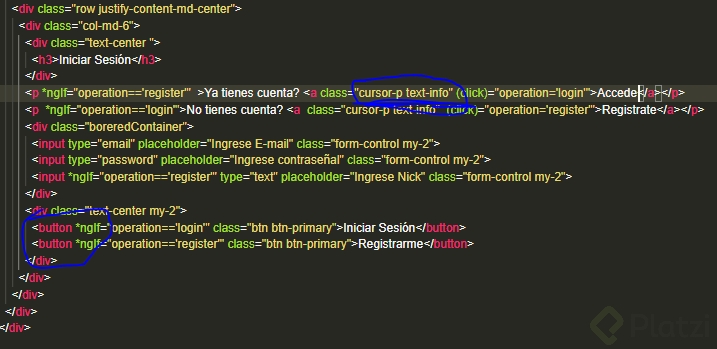
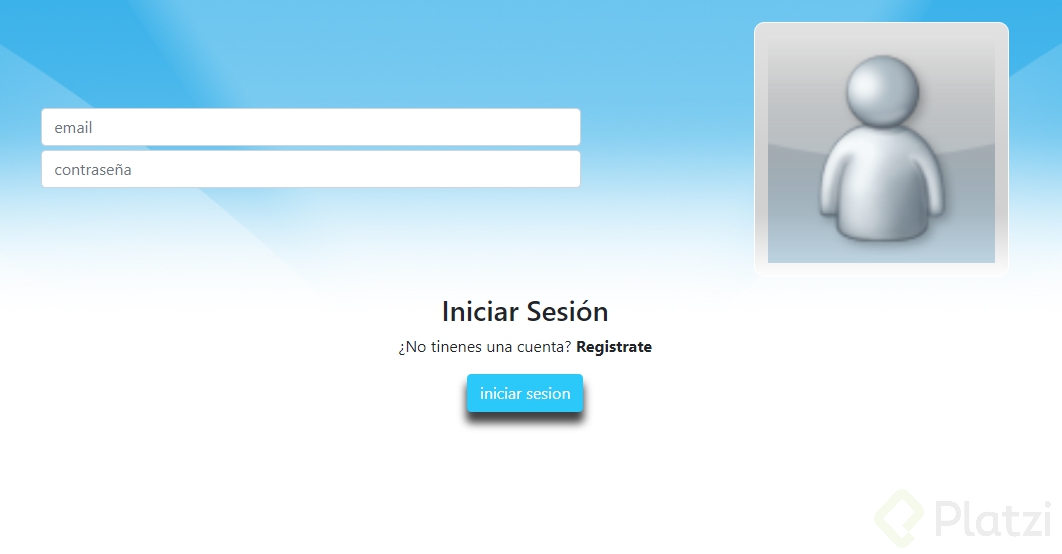
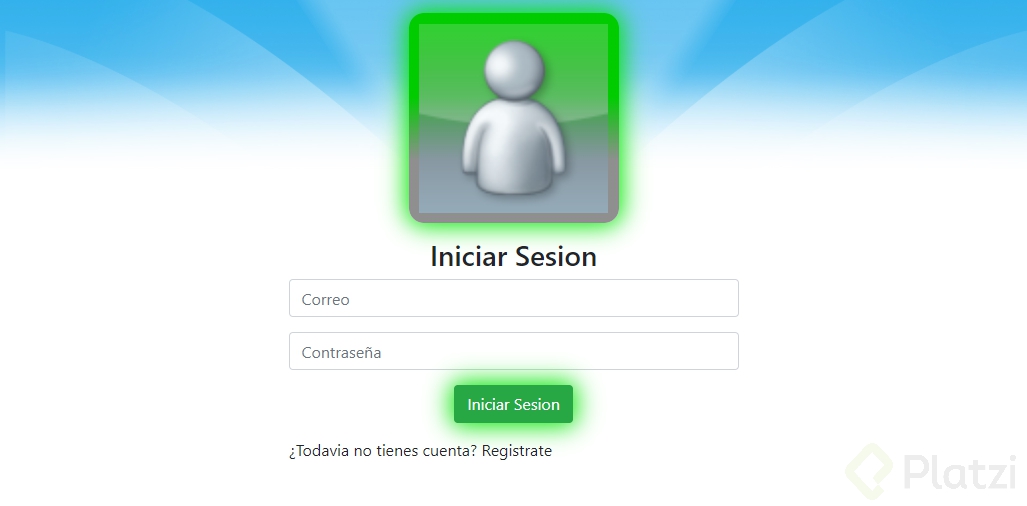
he aquí el resultado!!!
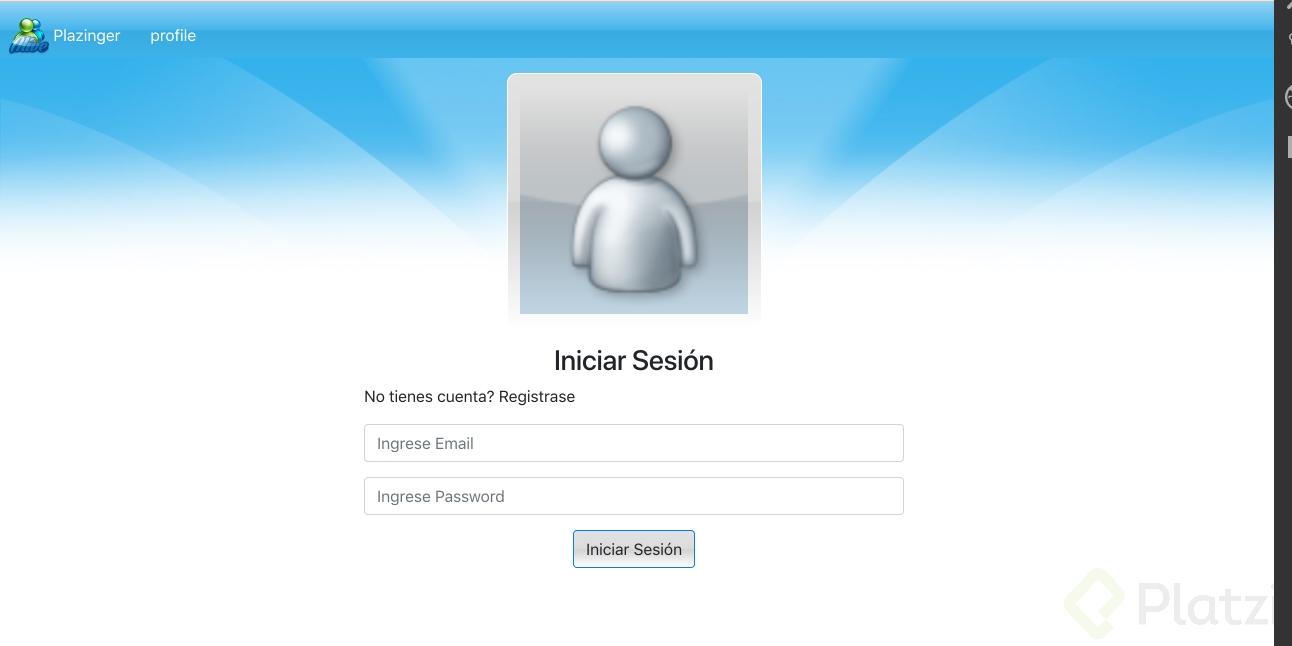
El azul se ve bien.
la hice mientras ya la volvemos de nosotros
styles.css ---->
/* You can add global styles to this file, and also import other style files */.avatarFrameOffline{background:rgba(242,246,248,1);background:-moz-linear-gradient(left,rgba(242,246,248,1)0%,rgba(216,225,231,1)50%,rgba(181,198,208,1)51%,rgba(224,239,249,1)100%);background:-webkit-gradient(left top, right top, color-stop(0%,rgba(242,246,248,1)), color-stop(50%,rgba(216,225,231,1)), color-stop(51%,rgba(181,198,208,1)), color-stop(100%,rgba(224,239,249,1)));background:-webkit-linear-gradient(left,rgba(242,246,248,1)0%,rgba(216,225,231,1)50%,rgba(181,198,208,1)51%,rgba(224,239,249,1)100%);background:-o-linear-gradient(left,rgba(242,246,248,1)0%,rgba(216,225,231,1)50%,rgba(181,198,208,1)51%,rgba(224,239,249,1)100%);background:-ms-linear-gradient(left,rgba(242,246,248,1)0%,rgba(216,225,231,1)50%,rgba(181,198,208,1)51%,rgba(224,239,249,1)100%);background: linear-gradient(to right,rgba(242,246,248,1)0%,rgba(216,225,231,1)50%,rgba(181,198,208,1)51%,rgba(224,239,249,1)100%);filter: progid:DXImageTransform.Microsoft.gradient( startColorstr='#f2f6f8', endColorstr='#e0eff9',GradientType=1); text-align: center;padding:5%; border-radius: 10px;border: 1px solid white;display: inline-block;}.center{ text-align: center !important;}.marto15{ margin-top: 15px;}.marbo15{ margin-bottom: 5px;}.btn-primary{ background-color: limegreen;}
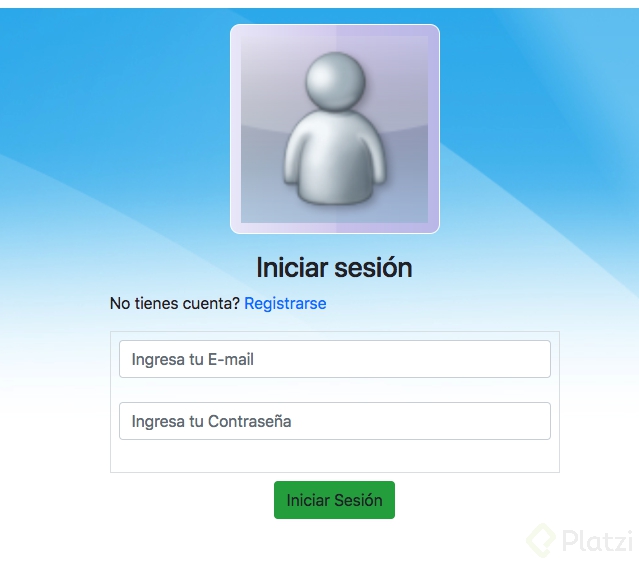
/* You can add global styles to this file, and also import other style files */.avatarFrameOffline{background:rgba(235,233,249,1);background:-moz-linear-gradient(left,rgba(235,233,249,1)0%,rgba(216,208,239,1)50%,rgba(206,199,236,1)51%,rgba(193,191,234,1)100%);background:-webkit-gradient(left top, right top, color-stop(0%,rgba(235,233,249,1)), color-stop(50%,rgba(216,208,239,1)), color-stop(51%,rgba(206,199,236,1)), color-stop(100%,rgba(193,191,234,1)));background:-webkit-linear-gradient(left,rgba(235,233,249,1)0%,rgba(216,208,239,1)50%,rgba(206,199,236,1)51%,rgba(193,191,234,1)100%);background:-o-linear-gradient(left,rgba(235,233,249,1)0%,rgba(216,208,239,1)50%,rgba(206,199,236,1)51%,rgba(193,191,234,1)100%);background:-ms-linear-gradient(left,rgba(235,233,249,1)0%,rgba(216,208,239,1)50%,rgba(206,199,236,1)51%,rgba(193,191,234,1)100%);background: linear-gradient(to right,rgba(235,233,249,1)0%,rgba(216,208,239,1)50%,rgba(206,199,236,1)51%,rgba(193,191,234,1)100%);filter: progid:DXImageTransform.Microsoft.gradient( startColorstr='#ebe9f9', endColorstr='#c1bfea',GradientType=1); text-align: center;padding:5%; border-radius: 10px;-webkit-border-radius: 10px;border: 1px solid white;display: inline-block;}
tu si que lo quieres replicar exacto esta muy bueno!!! 😮
Bootstrap 4 trae consigo clases auxiliares para ayudarnos, la utilidades de Espaciado que nos permiten manipular fácilmente margin y padding , y la utilidades de texto