Reorganizar la vista de podcasts
Clase 12 de 23 • Curso de Next.js 2018
Contenido del curso
Clase 12 de 23 • Curso de Next.js 2018
Contenido del curso

David Daniel Castillo Nava

Ramiro Calo

david vicent

Daniel Esteves

David Esteban Higuita Velasquez
Daniel Esteves

Elvis Saavedra

Alex Abel Lerman

silvana murgo

Jhon Manuel Angulo Moncada

Esdras Benjamín Pavón
Reto cumplido
Home

Channel
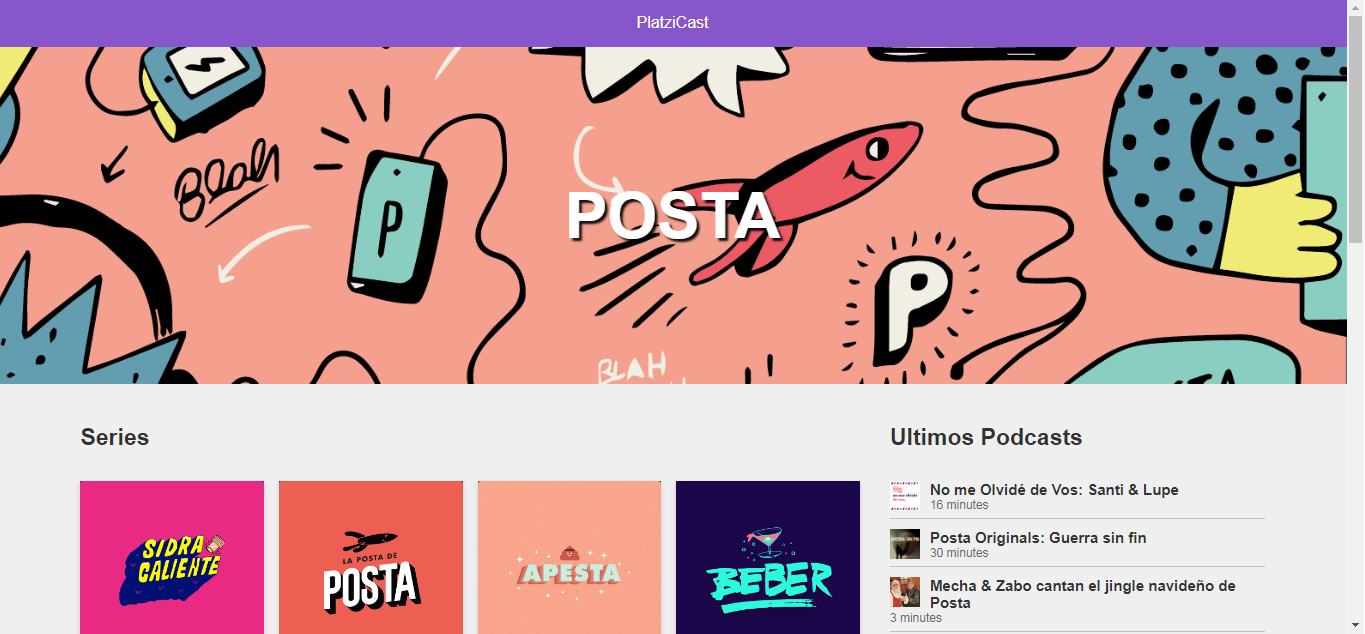
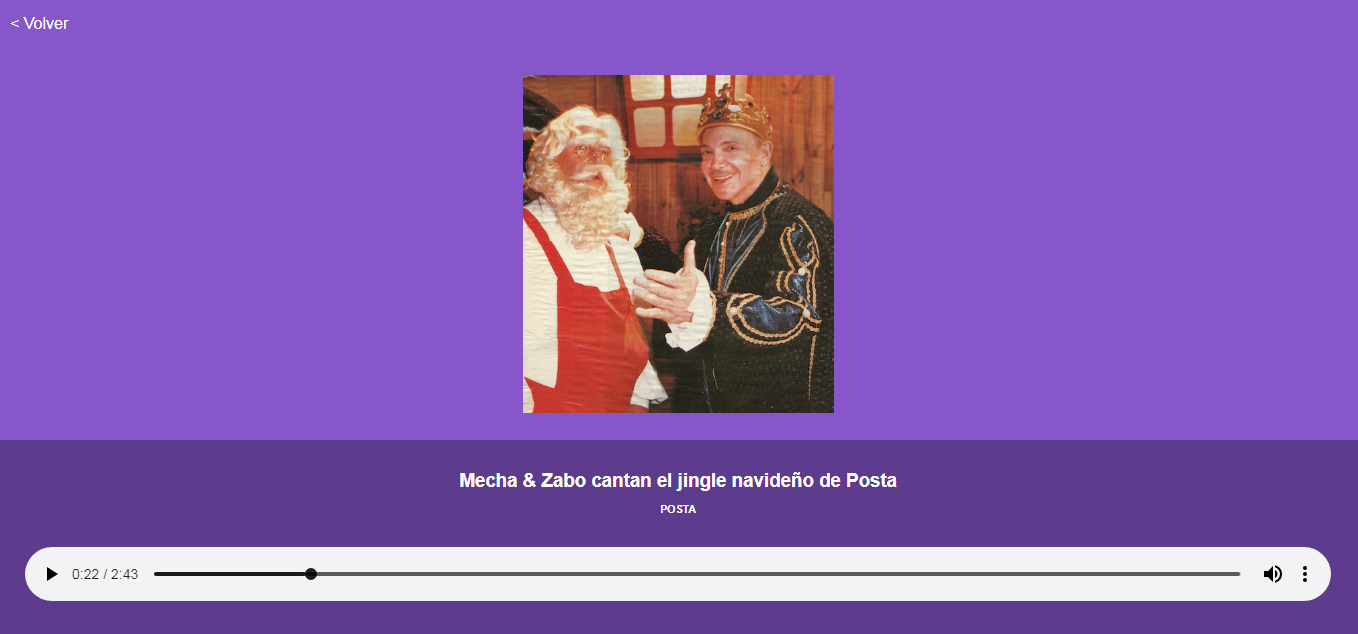
Cada vez me gusta mas el curso y usar React con Next.js
Hola, podrías compartir tus styles de channel? me gustó como te quedó.
No se ve la vista del iphone X
¡Hola David! ¿Te sale algún error con la vista del iPhone? Recuerda que el profesor está usando Mac y Xcode
¿cómo se puede observar la data que retorna un api en next? Me refiero a ver la respuesta directa del api similar a cómo se ve en el network de chrome cuando se crea una app con create-reacat-app, es decir, allá puedo ver el api consumido y la data que llega, y supongo que como en next ya está el server-side-rendering la forma es distinta, pero no se cómo hacerlo
Puedes hacer un console.log() después de obtener los datos e imprimirlo en la consola
Tenía la misma duda, como mencionan abajo, es usar un console log en el código mismo, no es para nada comparado con el developer tools de chrome pero es algo que al ser renderizado en el servidor no puede hacer el browser, a menos que haya alguna extensión o forma de debuggear.
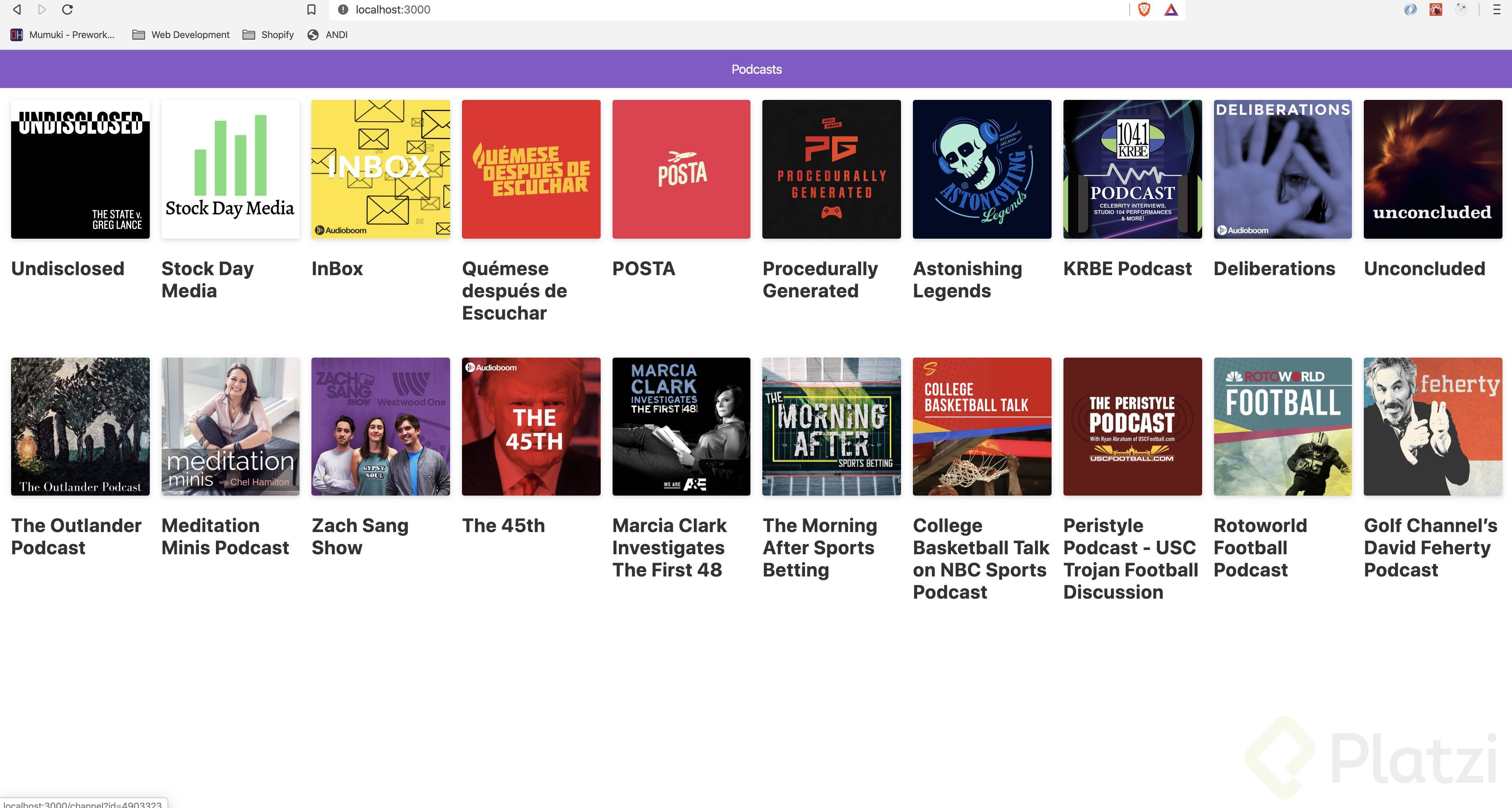
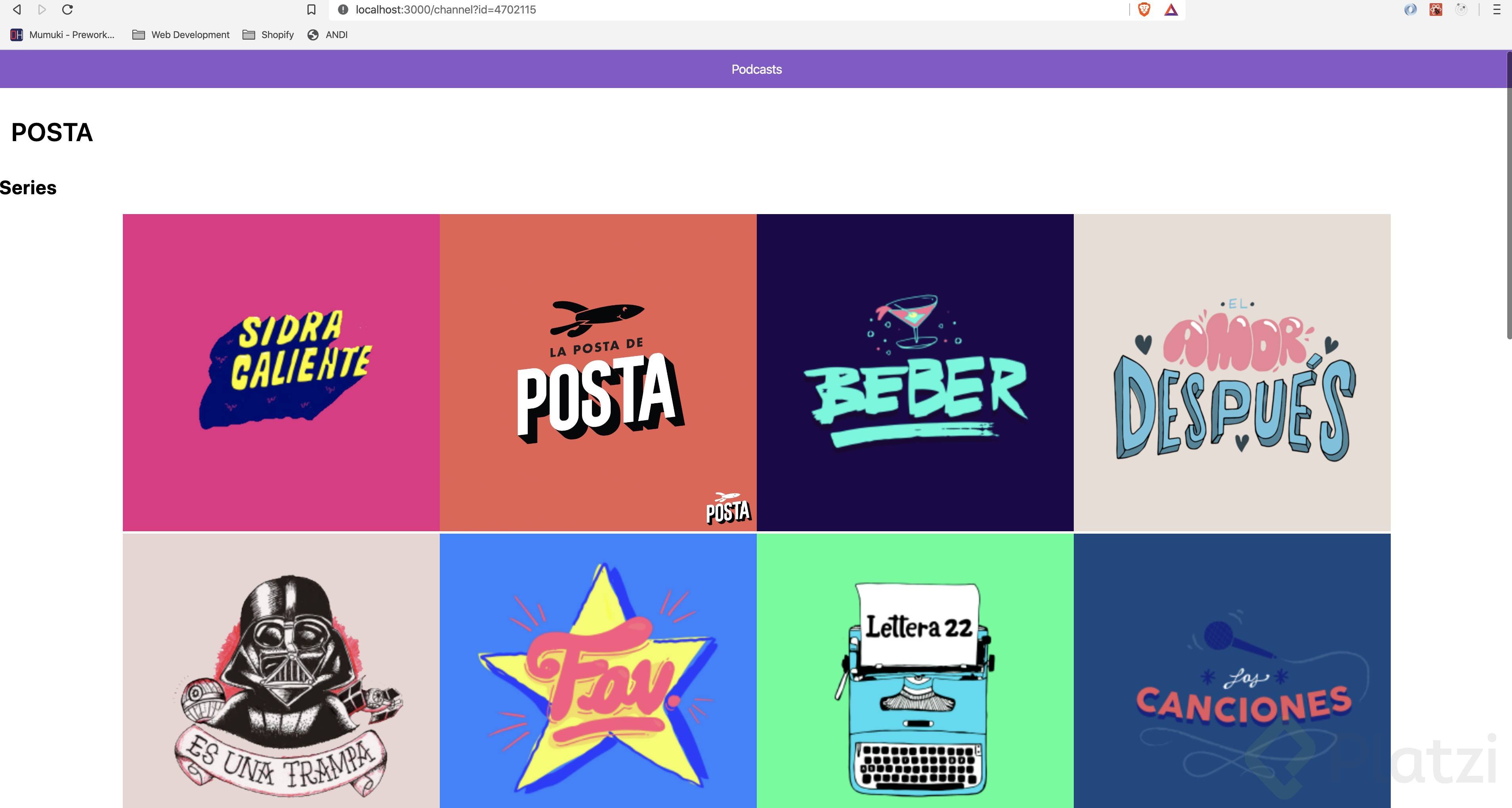
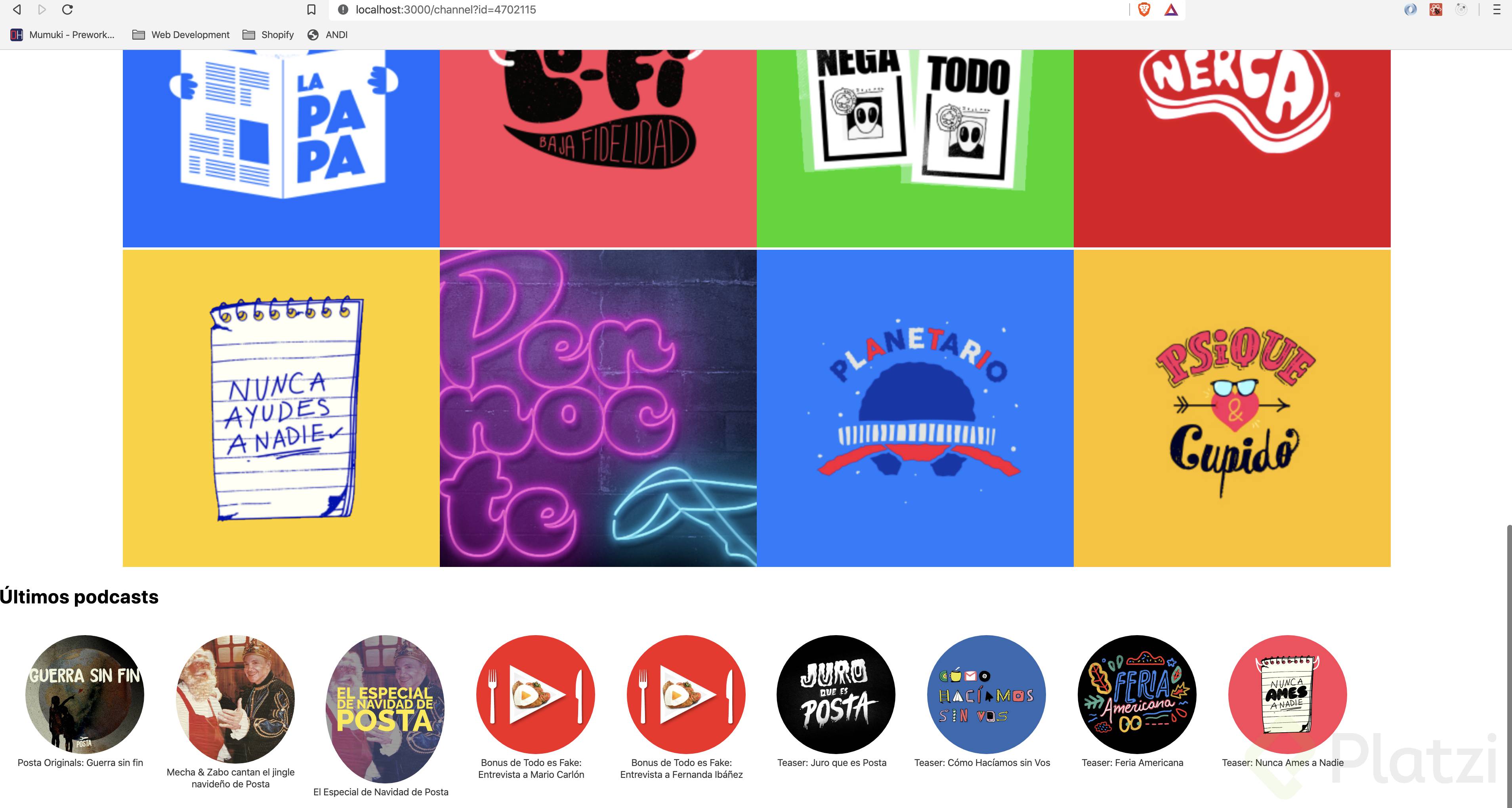
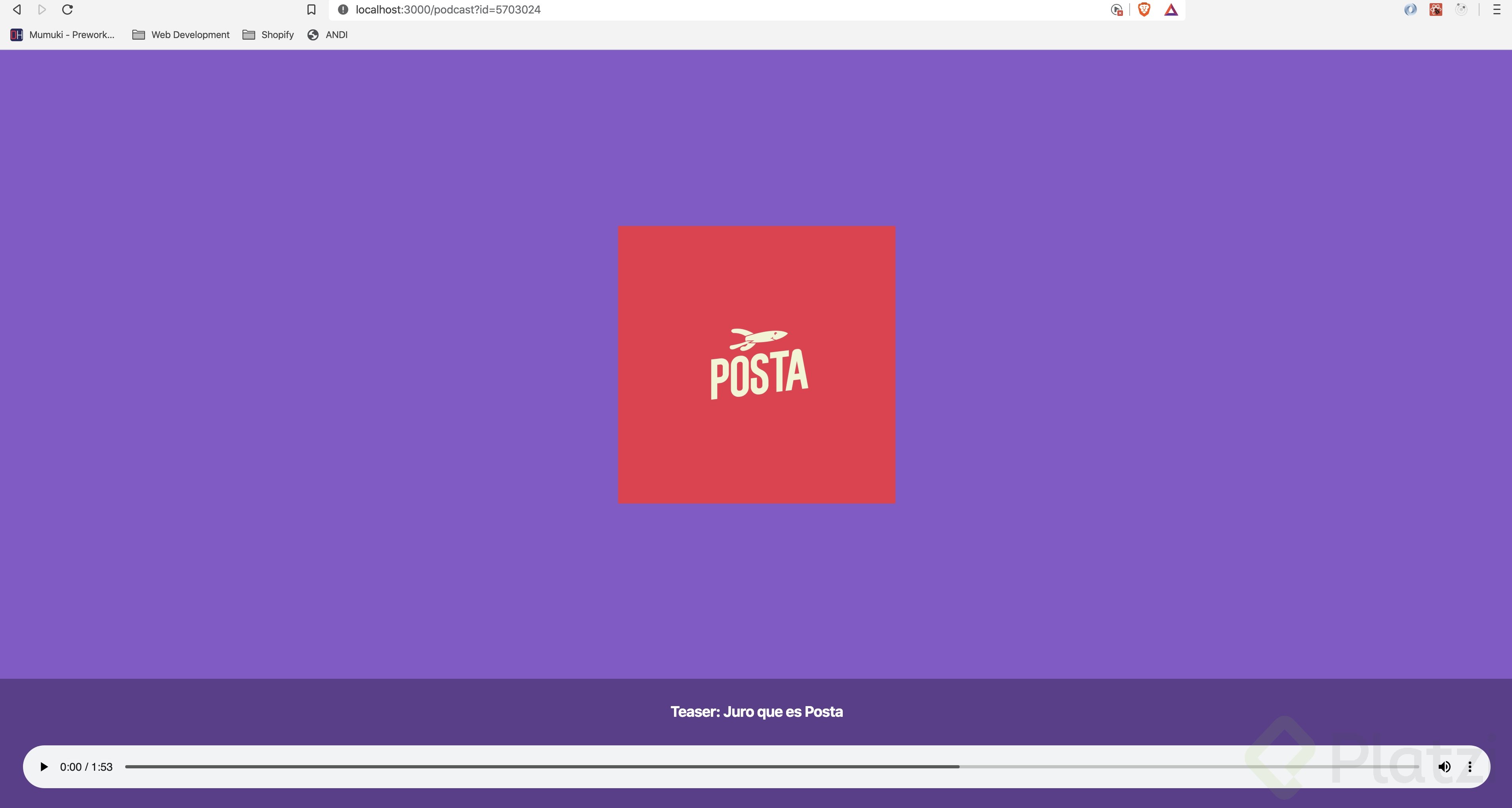
RETO DONE
PodcastList
import Link from 'next/link';

const PodcastList = ({ audioClips }) => {
  return (
    <>
      {audioClips.map((clip, index) => (
        <div key={index}>
          <Link href={`/podcast?id=${clip.id}`}>
            <a className='podcast'>
              <h3>{clip.title}</h3>
              <div className='meta'>
                {Math.ceil(clip.duration / 60)} minutes
              </div>
            </a>
          </Link>
        </div>
      ))}
      <style jsx>{`
        .podcast {
          display: block;
          text-decoration: none;
          color: #333;
          padding: 15px;
          border-bottom: 1px solid rgba(0, 0, 0, 0.2);
          cursor: pointer;
        }
        .podcast:hover {
          color: #000;
        }
        .podcast h3 {
          margin: 0;
        }
        .podcast .meta {
          color: #666;
          margin-top: 0.5em;
          font-size: 0.8em;
        }
      `}</style>
    </>
  );
};
export default PodcastList;
channel.js
import 'isomorphic-fetch';
import ChannelGrid from '../components/ChannelGrid';
import Layout from '../components/Layout';
import PodcastList from '../components/PodcastList';

const Channel = ({ channel, audioClips, childChannels }) => {
  return (
    <>
      <Layout title={channel.title}>
        <h1>{channel.title}</h1>
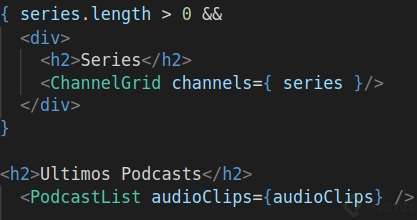
        {childChannels.length > 0 && (
          <div>
            <h2>Series</h2>
            <hr />
            <ChannelGrid channels={childChannels} title='Series' />
          </div>
        )}
        <h2>Latest Podcasts</h2> <hr />
        <PodcastList audioClips={audioClips} />
      </Layout>
      <style jsx>{`
        h1 {
          left: 0;
          margin: 0;
          width: 100%;
          padding-left: 5px;
          font-weight: 800;
          text-align: center;
          padding-top: 15px;
          font-size: 3em;
        }
        h2 {
          padding: 5px;
          font-size: 1.4em;
          font-weight: 600;
          margin: 0;
          text-align: left;
        }
        hr {
          height: 1px;
          background-color: #ccc;
          border: none;
        }
      `}</style>
    </>
  );
};

export async function getServerSideProps({ query }) {
  console.log(query);
  const channelID = query.id;
  let [reqChannel, reqAudio, reqChildChannels] = await Promise.all([
    fetch(`https://api.audioboom.com/channels/${channelID}`),
    fetch(`https://api.audioboom.com/channels/${channelID}/audio_clips`),
    fetch(`https://api.audioboom.com/channels/${channelID}/child_channels`),
  ]);
  let responseChannel = await reqChannel.json();
  let channel = responseChannel.body.channel;
  let responseAudio = await reqAudio.json();
  let audioClips = responseAudio.body.audio_clips;
  let responseChildChannels = await reqChildChannels.json();
  let childChannels = responseChildChannels.body.channels;

  return { props: { channel, audioClips, childChannels } };
}
export default Channel;
Reto cumplido....
import Layout from '../components/Layout'
import ChannelGrid from '../components/ChannelGrid'
import PodcastList from '../components/PodcastList'

export default class extends React.Component {

  static async getInitialProps({ query }) {
    let idChannel = query.id

    let [reqChannel, reqSeries, reqAudios] = await Promise.all([
      fetch(`https://api.audioboom.com/channels/${idChannel}`),
      fetch(`https://api.audioboom.com/channels/${idChannel}/child_channels`),
      fetch(`https://api.audioboom.com/channels/${idChannel}/audio_clips`)
    ])

    let dataChannel = await reqChannel.json()
    let channel = dataChannel.body.channel

    let dataAudios = await reqAudios.json()
    let audioClips = dataAudios.body.audio_clips

    let dataSeries = await reqSeries.json()
    let series = dataSeries.body.channels

    return { channel, audioClips, series }
  }

  render() {
    const { channel, audioClips, series } = this.props

    return <Layout title={channel.title}>

      <div className="banner" style={{ backgroundImage: `url(${channel.urls.banner_image.original})` }} />

      {series.length > 0 &&
        <React.Fragment>
          <h1>{channel.title}</h1>
          <ChannelGrid channels={series} />
        </React.Fragment>
      }

      <PodcastList audioClips={audioClips} />

      <style jsx>{`
        .banner {
          width: 100%;
          padding-bottom: 25%;
          background-position: 50% 50%;
          background-size: cover;
          background-color: #aaa;
        }

        h1 {
          font-weight: 600;
          padding: 15px;
        }
      `}</style>
    </Layout>
  }
}
_Reto cumplido!! _ 💪