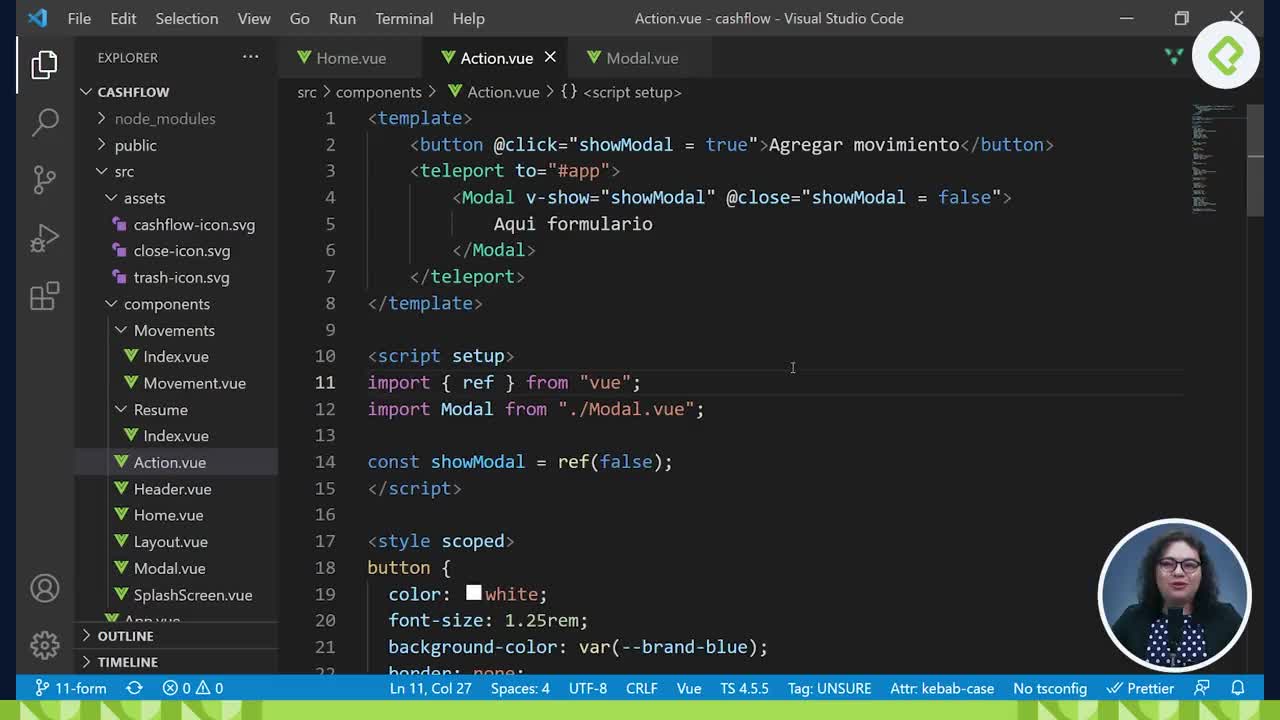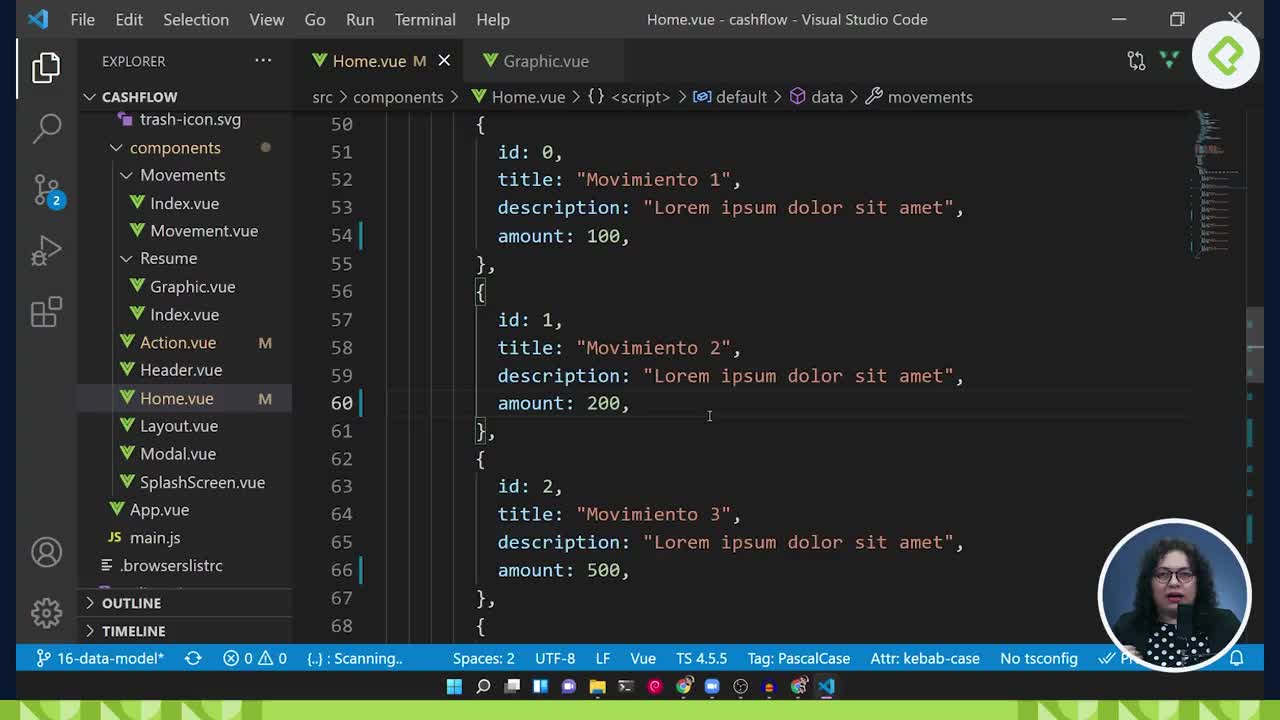
El botón para agregar
Contenido del curso
El botón para agregar
Contenido del curso
Comparto el style de Modal.vue
<style scoped> .modal { z-index: 2; position: absolute; left: 0; right: 0; top: 0; bottom: 0; background-color: white; } .head { display: flex; justify-content: space-between; align-items: center; width: 100%; padding: 24px 24px; box-sizing: border-box; } p { margin: 0; font-size: 1.5rem; color: var(--brand-blue); } </style>

José Reinaldo Duque Serna

Josue Cerron Tuesta
Gracias bro!

Juan Guillermo Perez Cardozo
vamos bien, como dijo la profe el teleport es mas por practicar su uso.

daniel alejandro diaz morales
si quiero agregar 3 modales en una vista principal ?

SEG TI
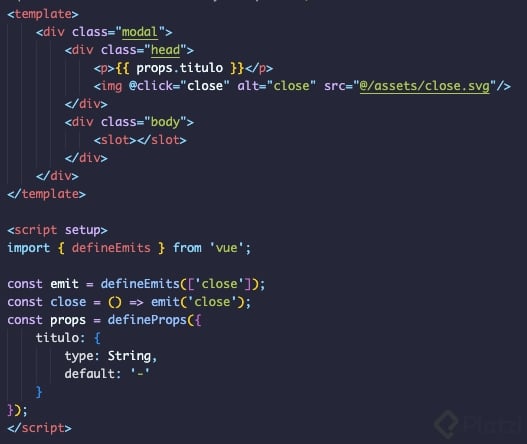
En mi componente Modal decidí pasar el nombre de titulo como props, para que no quede amarrado desde el componente, y cada que se reutilice, se defina el nombre o titulo cuando se llama desde actions.

Jose Alejandro Pantoja Giraldo
El teleport es una chulada.
Aquí el style de Action.vue
<style scoped> button { color: white; font-size: 1.25rem; background-color: var(--brand-blue); border: none; width: 100%; padding: 24px 60px; border-radius: 60px; box-sizing: border-box; } form { font-size: 1.24rem; width: 100%; } form .action { padding: 0 24px; } .field { display: flex; justify-content: space-between; flex-direction: column; padding: 16px 24px; } label { margin-bottom: 8px; } input, textarea { font-size: 1.24rem; border: 2px solid var(--brand-blue); border-radius: 8px; padding: 8px; } input[type="number"] { text-align: right; } .radio-label { display: flex; align-items: center; margin-top: 8px; } .radio-label span { margin-top: 4px; margin-left: 8px; } input[type="radio"] { appearance: none; width: 1.24rem; height: 1.24rem; color: var(--brand-blue); border: 2px solid var(--brand-blue); border-radius: 50%; } input[type="radio"]:checked { background-color: var(--brand-blue); } </style>