Build a Voice Sales Agent With ElevenLabs
Contenido del curso


Prototipado con IA


Adquisición
- 7

Creación de contenido visual con IA en diferentes canales
09:37 min - 8

Enriquecimiento de leads B2B con IA
12:27 min - 9

Build a B2B Proposal Generator with AI
10:12 min - 10

Programmatic SEO Without Getting Penalized
07:43 min - 11

SEO programático aplicado
16:33 min - 12

Crea y lanza mini-productos de IA en tu web
10:44 min
Agentes de Growth


Build a Voice Sales Agent With ElevenLabs
Resumen
Cloning your voice and turning it into a working sales agent is closer than you think. With ElevenLabs you can replicate how you sound, train an assistant on your company data, and put it to work qualifying leads, answering questions, or guiding users through a product. Here is how the workflow comes together step by step.
What is a voice agent and why does it matter for sales?
A voice agent is an AI assistant that speaks with your cloned voice and follows a specific objective, like capturing leads or answering product questions. The example we built clones Felipe's voice for Dataup, a platform that helps supply chain, planning, and finance teams make better decisions with real data, practical recommendations, and future scenarios.
What does a voice agent actually do? It holds a real conversation with a user using your cloned voice, follows a defined goal, pulls answers from your knowledge base, and extracts data like name, email, or company size during the call.
How do you start with ElevenLabs for free?
Go to elevenlabs.io and create an account. You get 10,000 free credits per month, enough to start building without paying anything [00:55]. If you later integrate the agent into your growth strategy, you can scale to a paid plan.
Once inside, you will see two environments:
- The Creative platform, where you turn text into voice and clone or generate new voices.
- The Agents platform, where you build the conversational agent with a goal, workflows, and tools.
How do you clone your own voice?
Inside the Creative platform, click Create or clone a voice. ElevenLabs asks for several voice samples so it can detect your patterns and replicate them later inside the agent [02:00]. You can also explore their voice library by language and country, which is useful if your customers are in a specific market like Colombia or Brazil.
How do you build the conversational agent step by step?
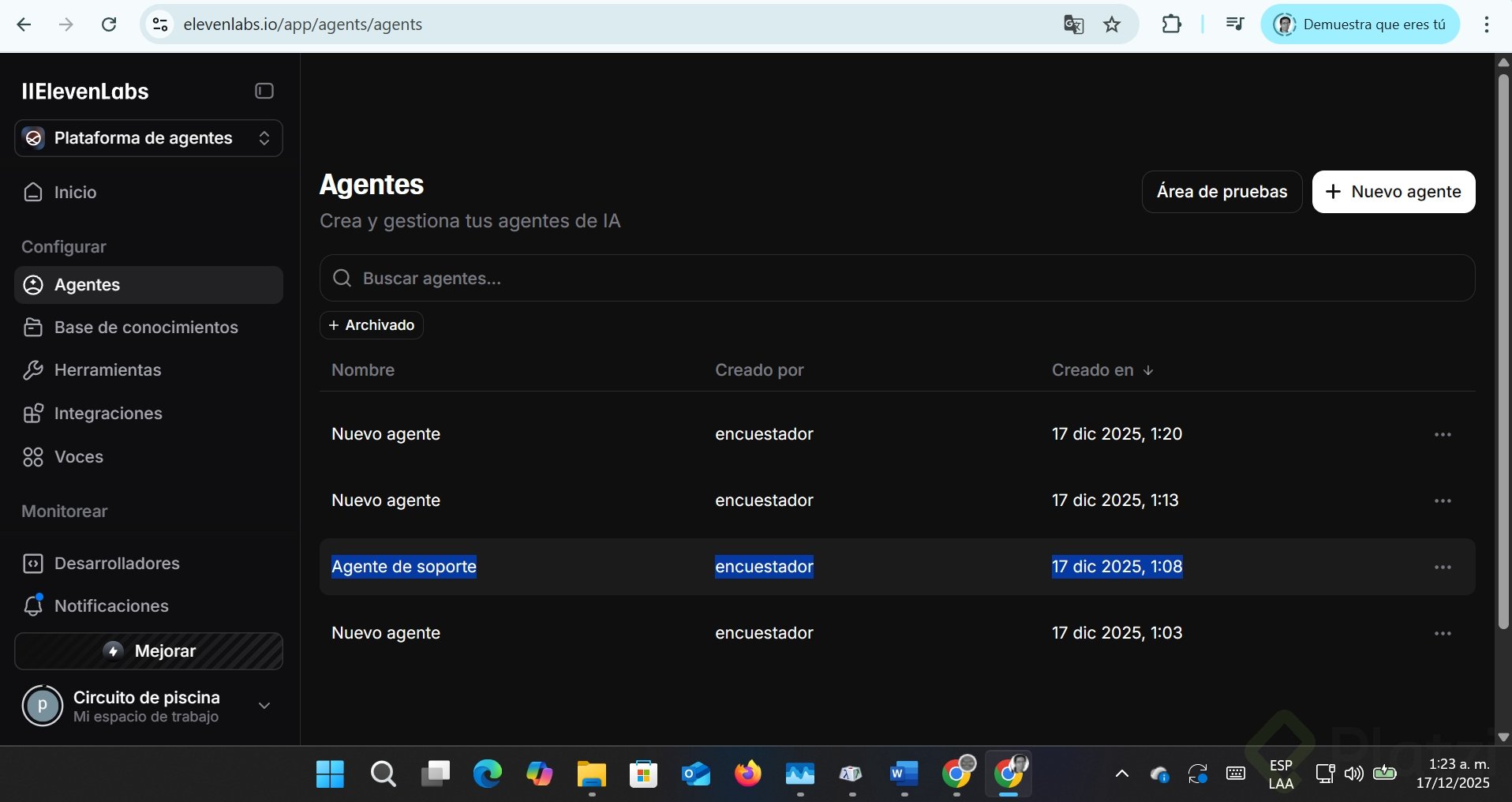
Go to the Agents platform and click Create a new agent. If you are starting out, pick a preset instead of a blank template, since it gives you working defaults. For the Dataup example we picked Technology and software and the Lead qualification preset, then pasted the website URL so the system could pre fill the prompt.
How do you configure language and voice?
Switch the default language to Spanish and add extra languages if you need them. Felipe's agent, for example, also speaks Portuguese and English, and keeps the same accent across all of them. In the Voice section, select your cloned voice as the default. You can also set conditional voices: if a user speaks English, swap to a native English voice so it does not sound like a Colombian speaking English.
Use lightweight models to keep latency low. A natural conversation needs fast responses, so heavy reasoning models will make the agent feel slow [05:50].
How do you write the system prompt?
The system prompt is the box that decides whether the agent works or not. ElevenLabs suggests including:
- Personality and tone.
- Ambience or context.
- The agent's objective.
- Guardrails to limit what it can say or do.
- Tools it is allowed to use.
If the website is well structured, the auto generated prompt will already contain real differentiators. In the Dataup case it pulled faster implementation times under five weeks directly from the site [08:25].
How do you make the agent capture lead data during the call? Add variables in the prompt using square brackets, like [name] or [email], and describe what each one means. ElevenLabs will detect them as dynamic variables and extract them from the conversation.
How do you connect knowledge, tools, and analysis?
The knowledge base is where the agent finds answers. Paste your main URL, product pages, support docs, and any PDF that adds context. The richer your sources, the more accurate the answers.
For the LLM, keep the suggested model and adjust the temperature. A value near 1 makes it too creative; around 0.10 keeps it grounded and predictable [11:30]. Test until the tone feels right.
What tools can the agent use?
ElevenLabs ships with native tools that you can toggle on:
- End the call when the conversation is over.
- Detect the language being spoken.
- Skip turn or pass the conversation to another agent.
- Transfer to a real phone number.
Start simple. Get the conversational agent working first, then add specialized tools.
How do you save and structure conversation data?
In the Analysis section, click Add item and define each variable as string, number, integer, or boolean. For each one, write a description that tells the model how to identify it. For name, for example, you might say: look for introductions like "Hi, I'm Daniela", formal greetings, or mentions of other people, and extract the full name if available [14:40].
Be careful with data types. If you want a numeric value stored as a number, set it as integer or number, not string. That consistency matters when you push the data to your CRM or scheduler later.
How do you publish and test the agent on your site?
In the Widget section you personalize how the agent looks when embedded. Upload an image of the person whose voice you cloned, pick colors, edit the button text, and add terms and conditions. A familiar face plus a familiar voice makes the interaction feel closer than a generic chatbot.
When you run the test, the agent greets the user, answers product questions, and starts qualifying with questions like are you using Forecast Pro, SAP IBP, Blue Yonder, or RELEX? [17:50]. If a word is mispronounced, like Datup being read as Datup instead of Datap, add it to the agent's pronunciation dictionary.
Now it is your turn. Build your own sales agent or pick another use case in your company, share the link or a screenshot, and tell us which prompt you used.