Reusable components in Lovable are the fastest way to keep your code base lean, avoid duplication, and stop the slowdowns that come from bloated projects. If you are building a React app inside Lovable and want changes to propagate cleanly across your entire application, this is where it clicks into place.
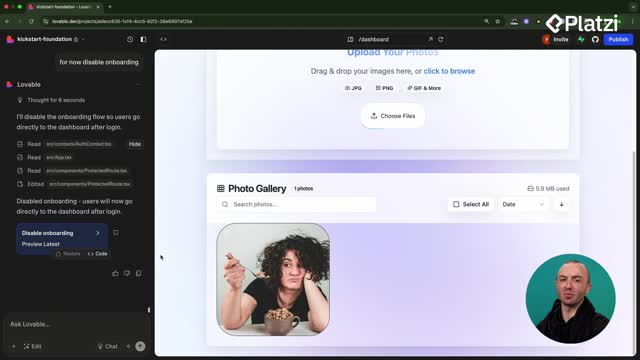
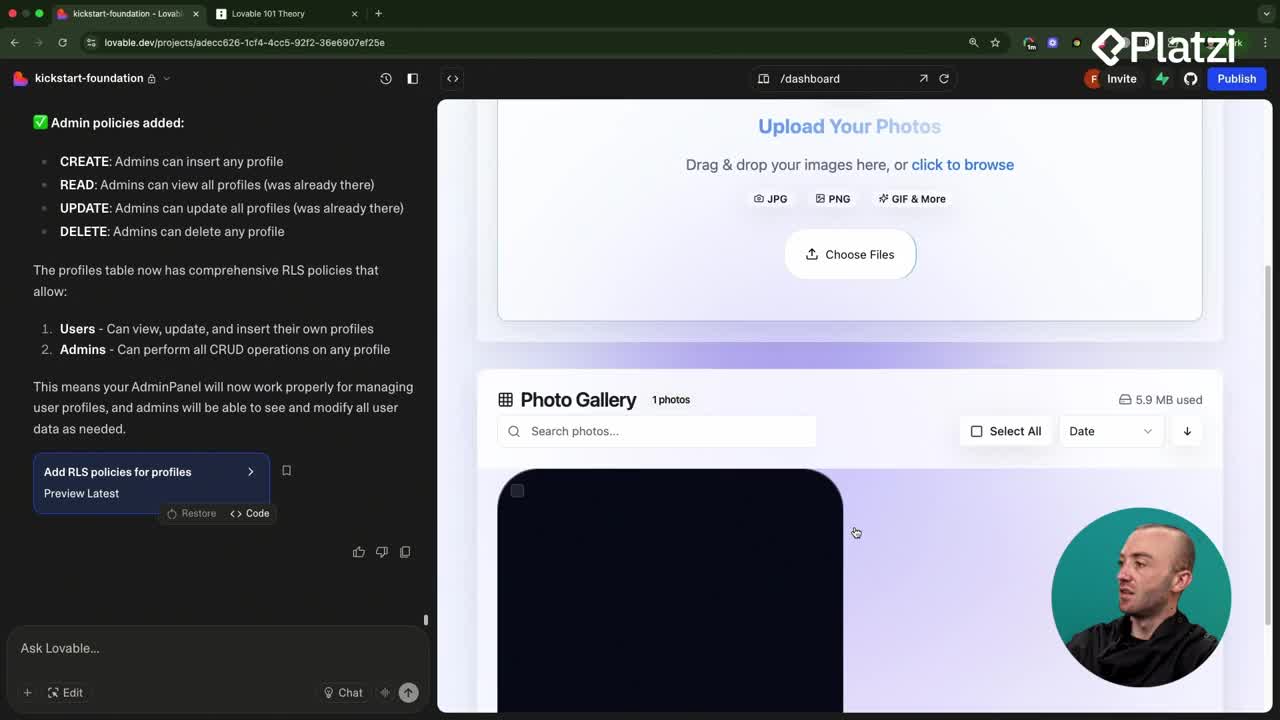
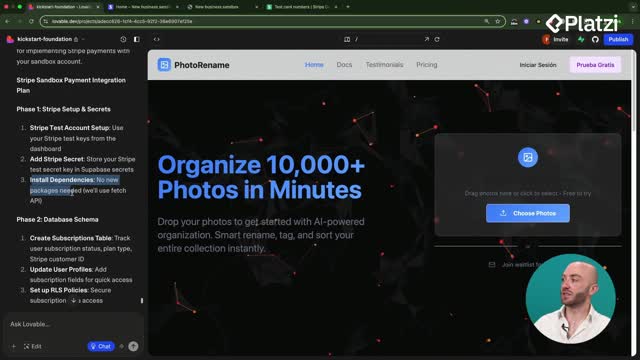
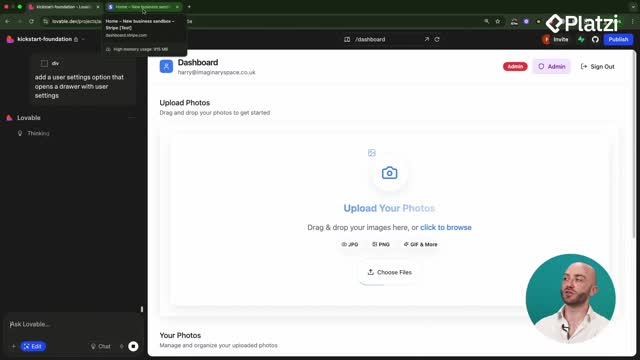
Think about a photo renaming app with a drop zone where users drag their images. That single piece of UI is a component, and once you build it right, you can drop it anywhere without rewriting a thing.
What is a component in React and why does it matter?
A component is simply a piece of UI. In the photo renaming app example, the drop zone is a component that might combine a header, the drop logic, and a couple of buttons. All of that lives inside your components folder.
Back in the day, working in components during website development was hard. React made it easy. Instead of copying and pasting the same block everywhere, you build it once and embed it wherever you need it.
What is a component in React? It is a reusable piece of UI, like a drop zone or a button, that lives in your components folder. You build it once and embed it across multiple pages instead of recreating it every time.
If you are new to React, the transcript points you toward the Platzi React course as a complement to this material. That foundation makes everything here easier to follow.
How does reusing components across pages save you time?
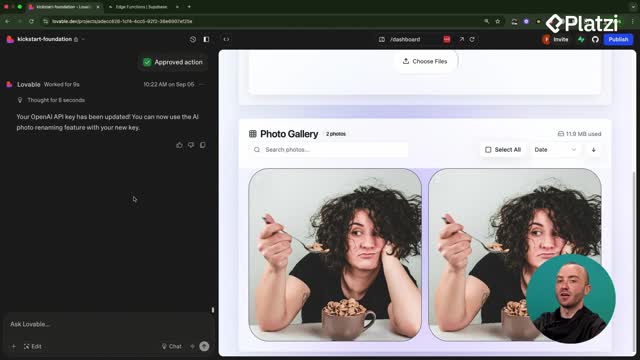
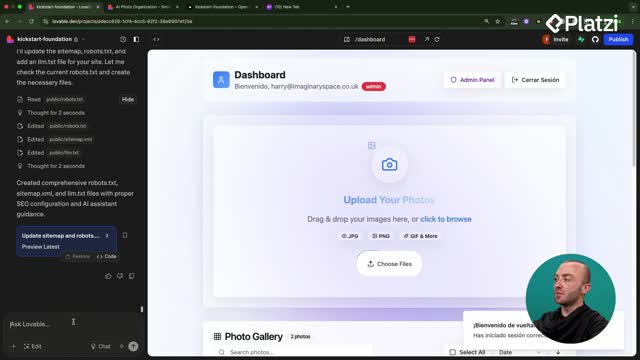
Here is the interesting part. Imagine a welcome landing page where users can upload one or two photos for free, and a separate dashboard page with advanced features like the photo gallery and batch renaming.
You can embed the same drop zone component into both pages. Because they share the same code, design, and component, any change flows everywhere automatically.
- Change a button on the drop zone, and it updates on the welcome page and the dashboard at once.
- You never re-create the same UI across different parts of the app.
- You avoid inconsistent designs between pages.
In the demo, the instructor logs out, returns to the landing page, and replaces the existing email wait list. The prompt used was simple: "Using our drop zone component, can you also put a copy of it on the hero of the landing page?" [03:22]
The result did not look perfect, but it proved the point. One component, reused, edited in one place.
Why do reusable components make Lovable faster?
The payoff is both speed and cleaner edits. By reusing components, you reduce the total amount of code in the project. Less code means Lovable can make the edits you want without sweeping changes across hundreds of files.
How do you keep a Lovable code base clean? Reuse existing components instead of creating new files. Reference components by name in your prompts so Lovable edits what already exists rather than bloating the project with duplicates.
There is a practical benchmark worth remembering. If a component grows too large, it slows Lovable down.
- Keep an eye on component size. The drop zone in the demo was around 100 lines. [04:42]
- If a component passes roughly 300 lines, refactor it. [04:57]
- Use a prompt like: "Can you refactor the drop zone into smaller and more organized components?"
After refactoring, you get smaller, more organized pieces that are easier to edit and faster to load.
How do you reference the right component when prompting?
Names matter. If you remember what a component is called, you can point Lovable straight to it. In the demo, the component is called FileDropzone, so referencing it by name ensures the right one gets edited. [05:18]
Stuck on a name? Click the Open Code button and open the Components folder. There you can see every component you have built in previous classes.
- Browse the Components folder to find exact names. [05:35]
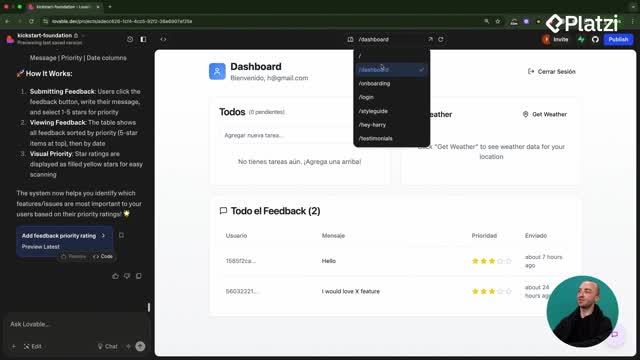
- Reference a component like the weather widget when reusing it elsewhere.
- Specify where you want it placed so Lovable reuses instead of recreating.
When you name the component, Lovable reuses it instead of spawning a new file and bloating your code base. That single habit keeps your app cleaner and faster overall.
What should you set up before building to build faster?
The main takeaway is planning upfront. Having a plan, a design system, and a theme ready before you build helps you move faster and avoid big changes later.
A few tools and steps came up along the way:
- Use sites like 21st Dev to bring in components that look great and add polish. [06:35]
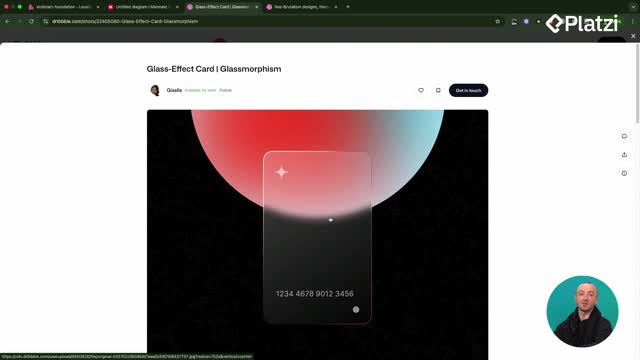
- Create your own design theme and style based on the type of client or customer you serve.
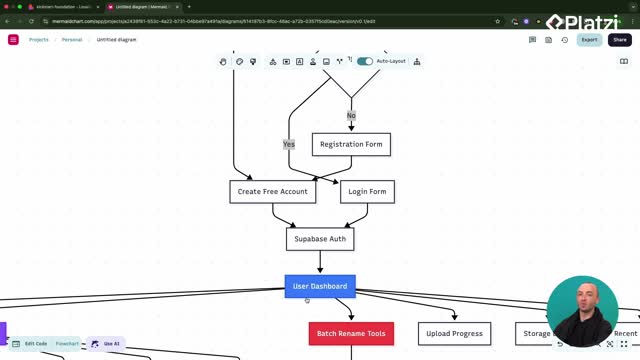
- Map your plan in a mermaid diagram or on paper before you start.
With those steps in place, you finish projects faster, build things that actually work, and keep the design consistent across the whole application.
What component are you planning to reuse first in your next Lovable build? Drop your approach in the comments.