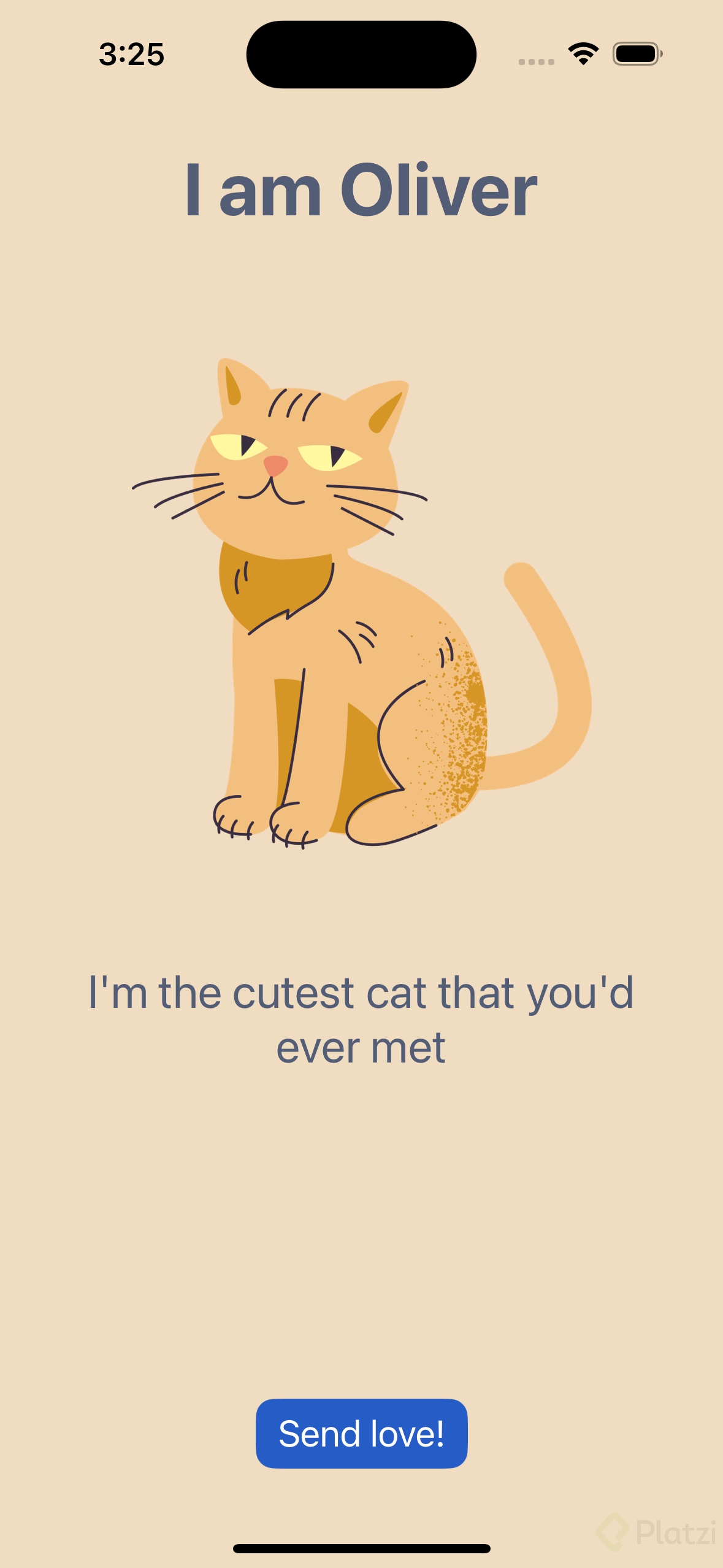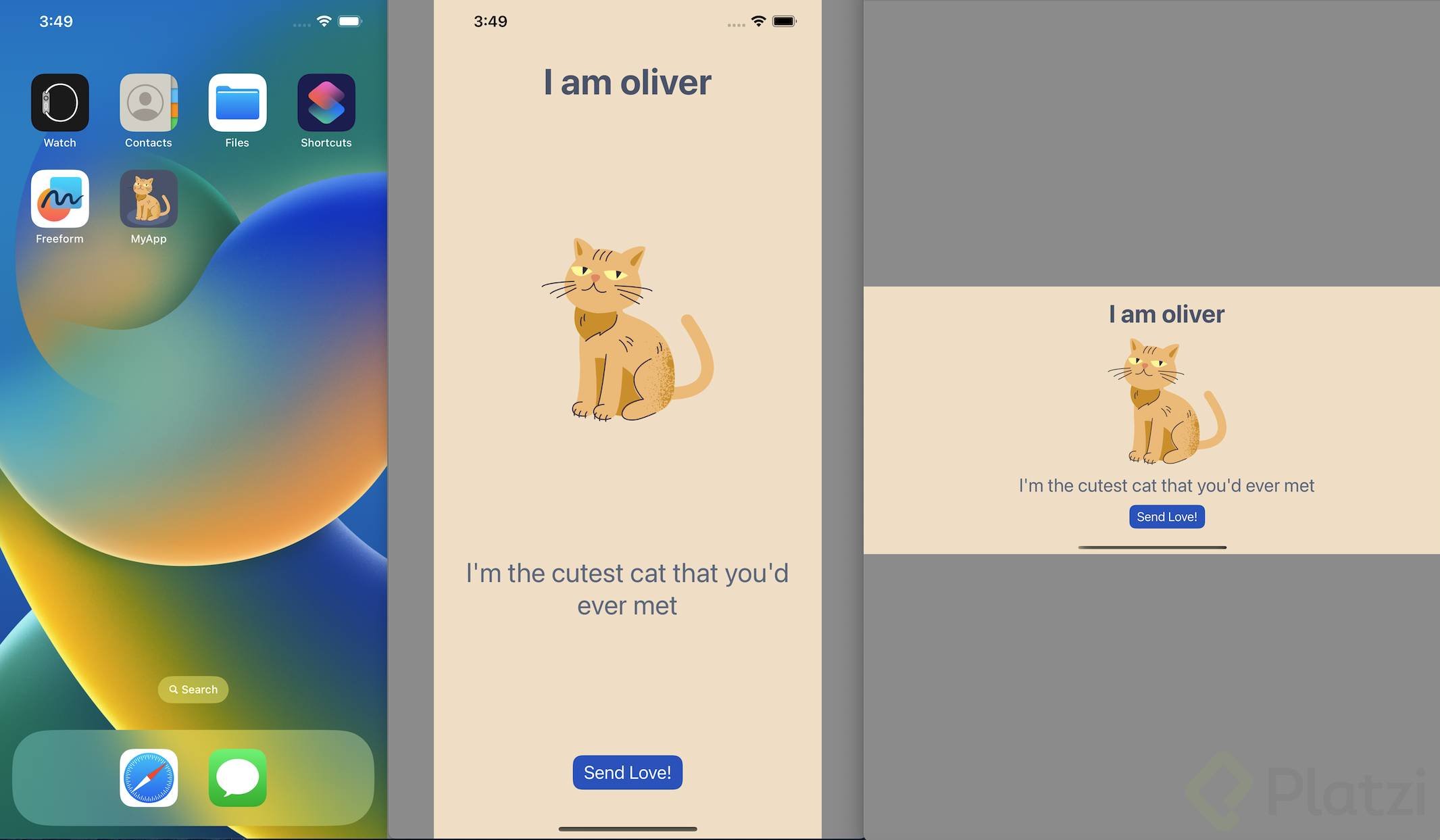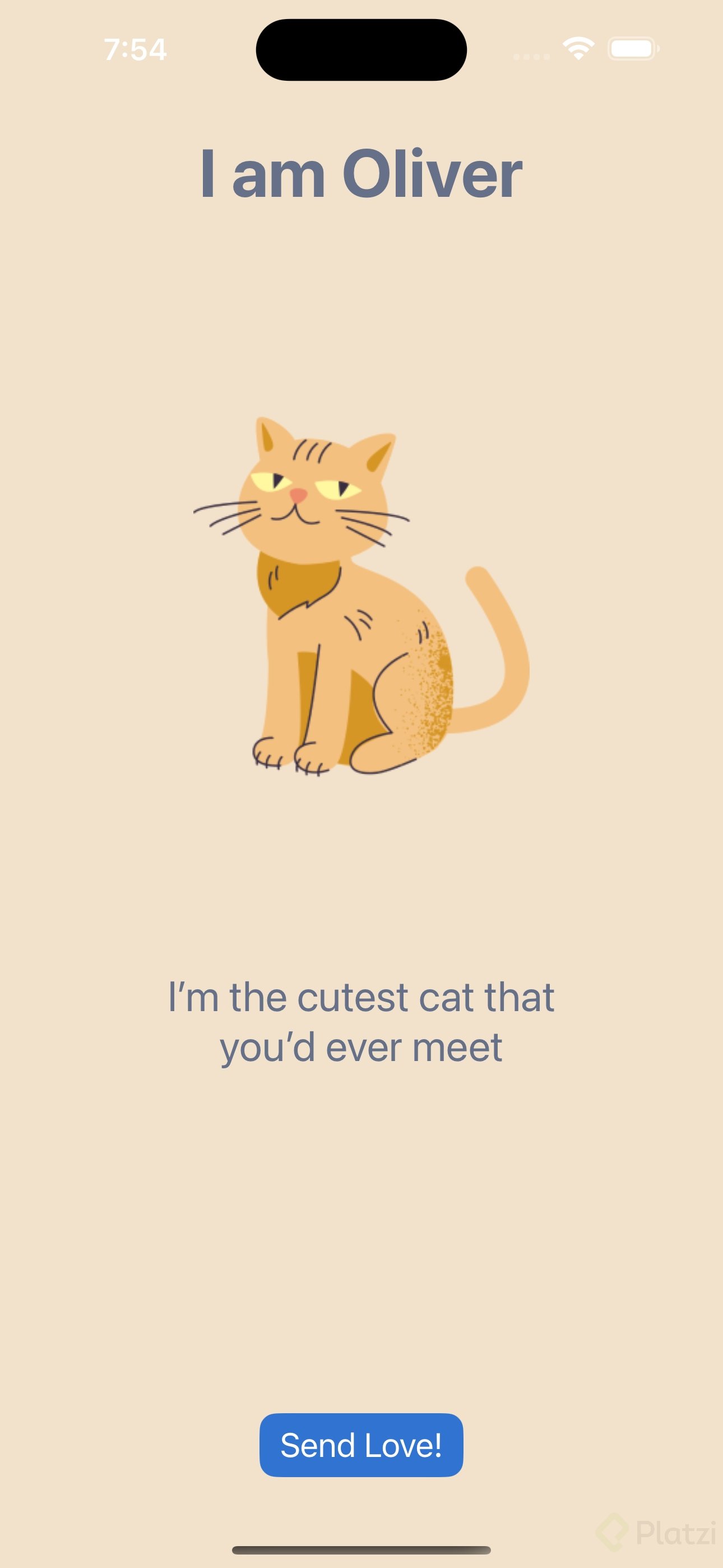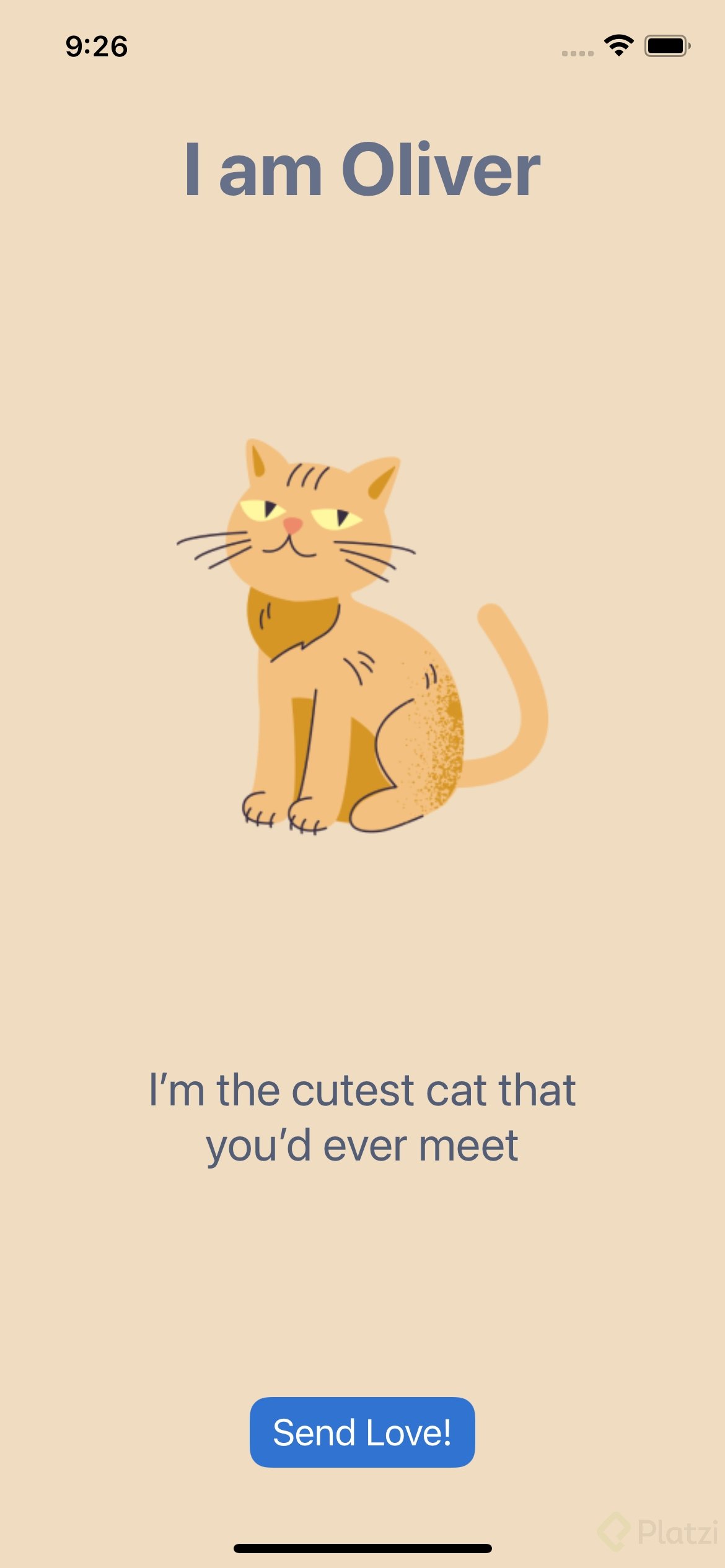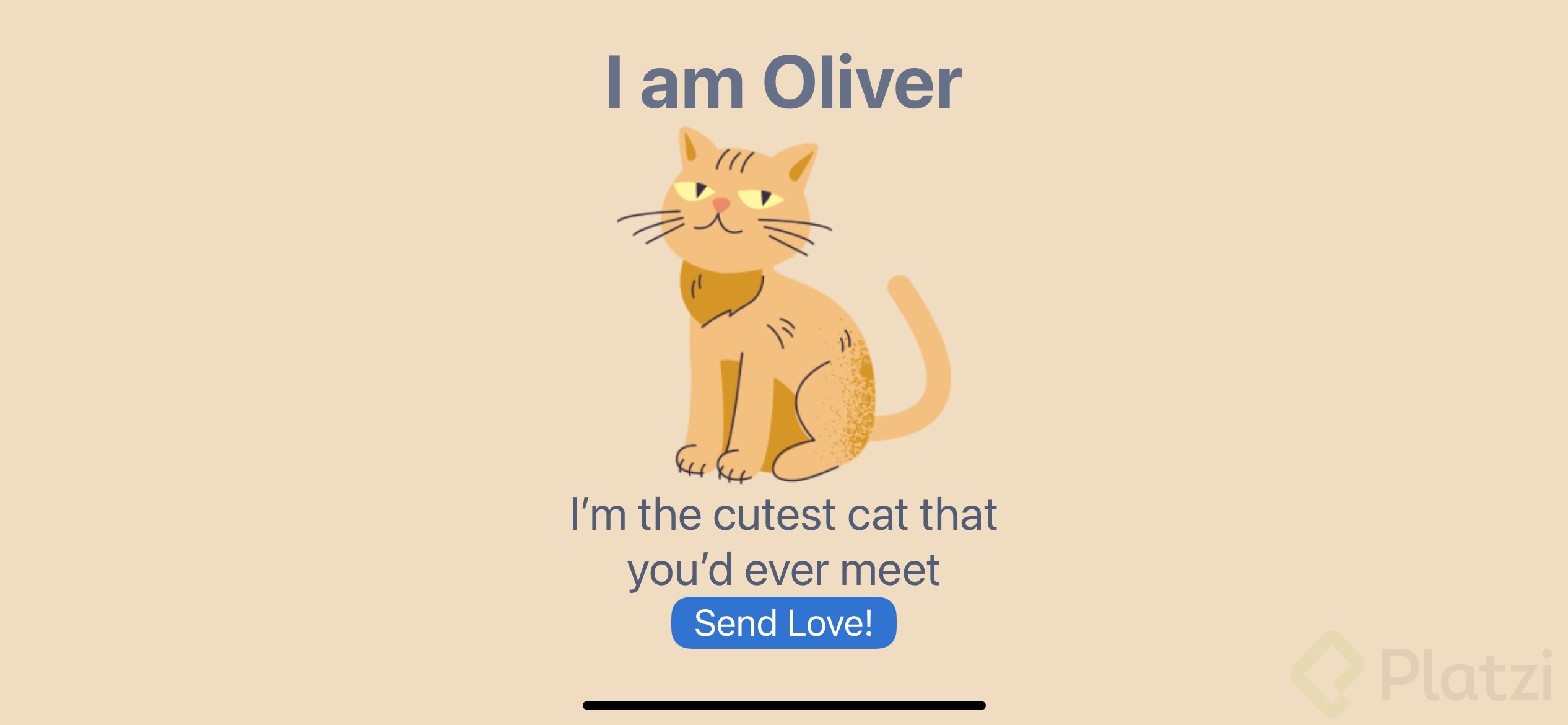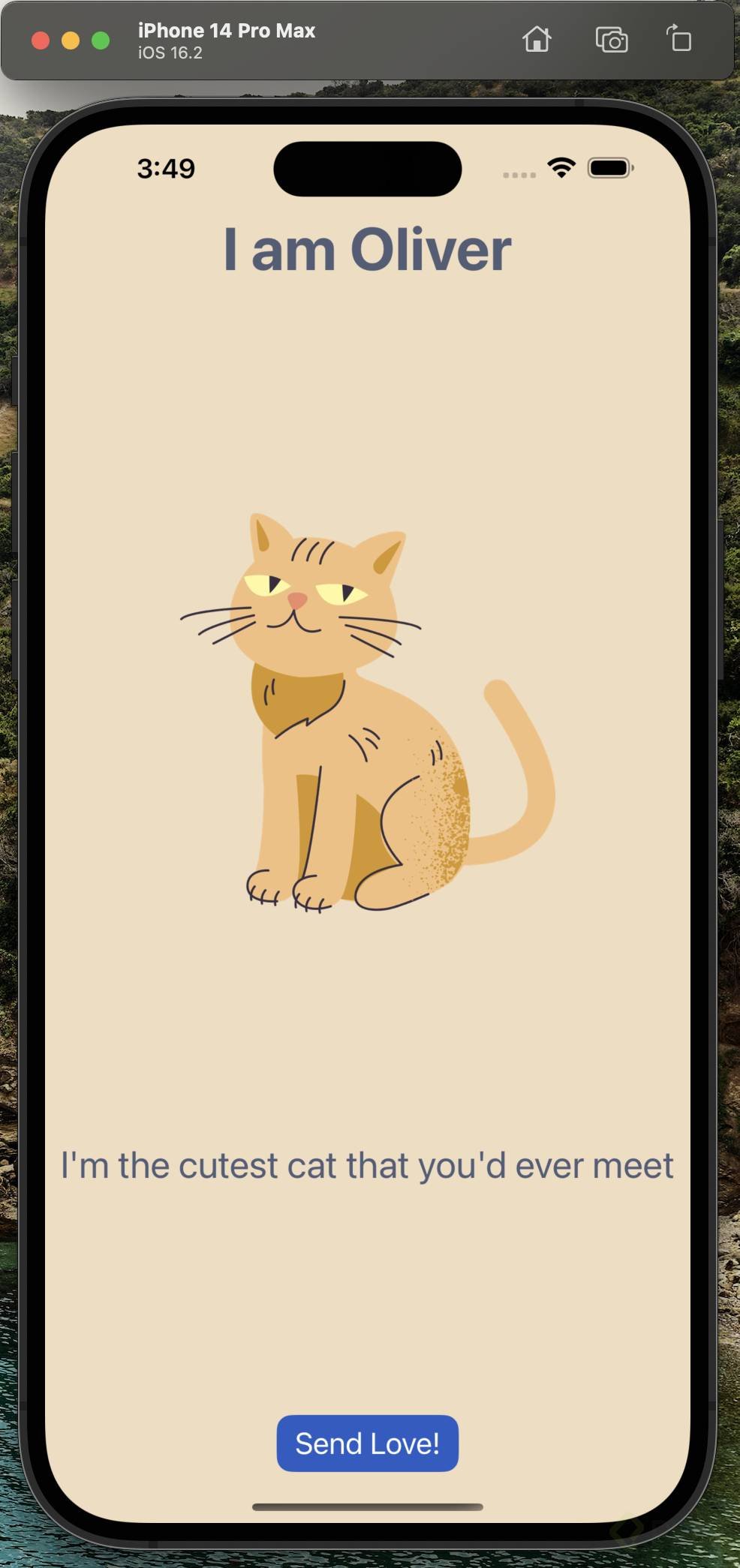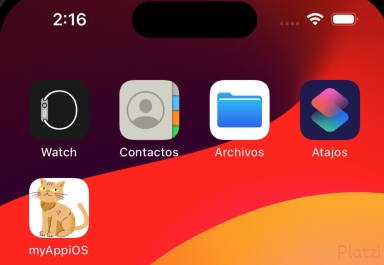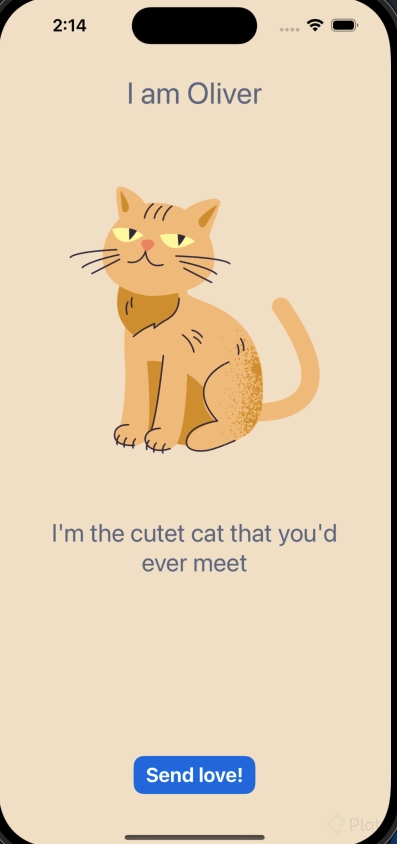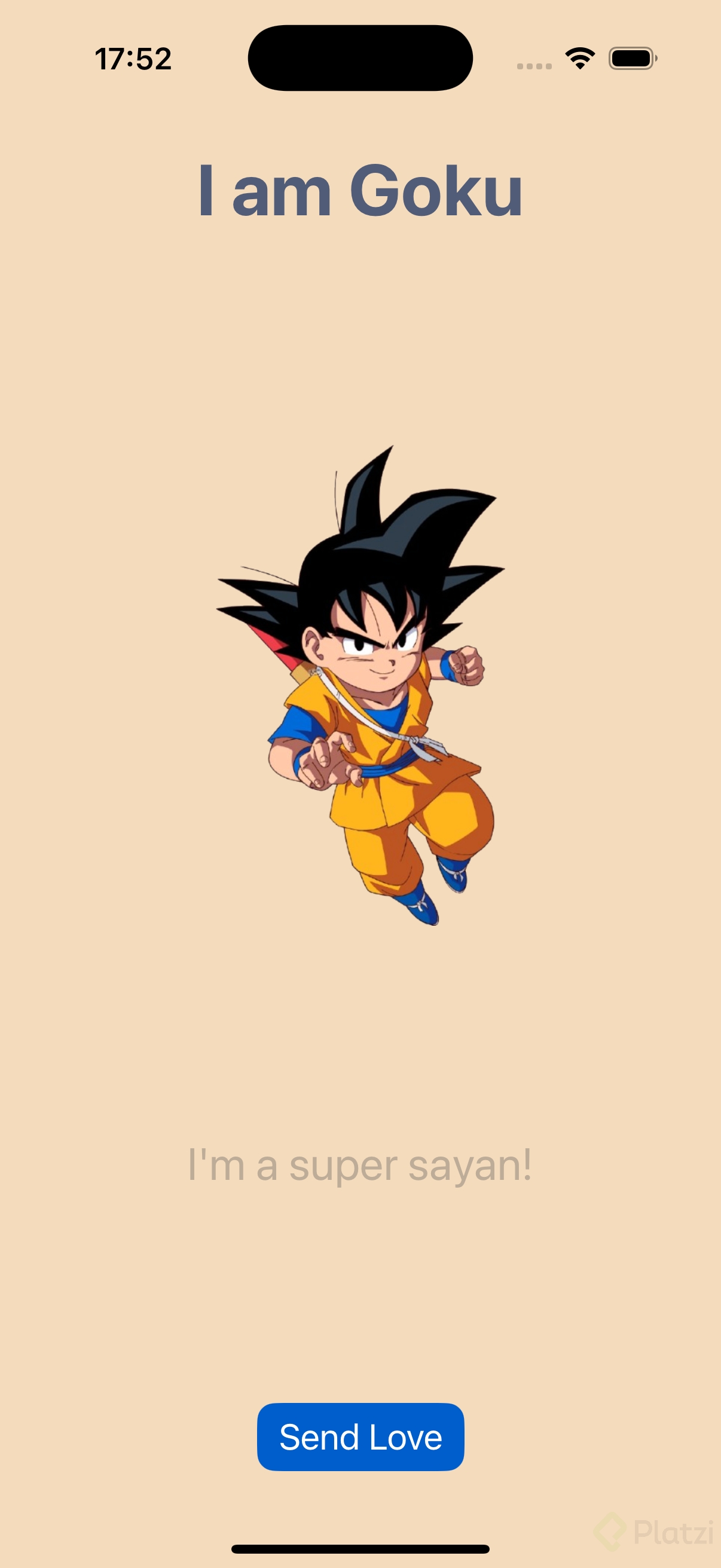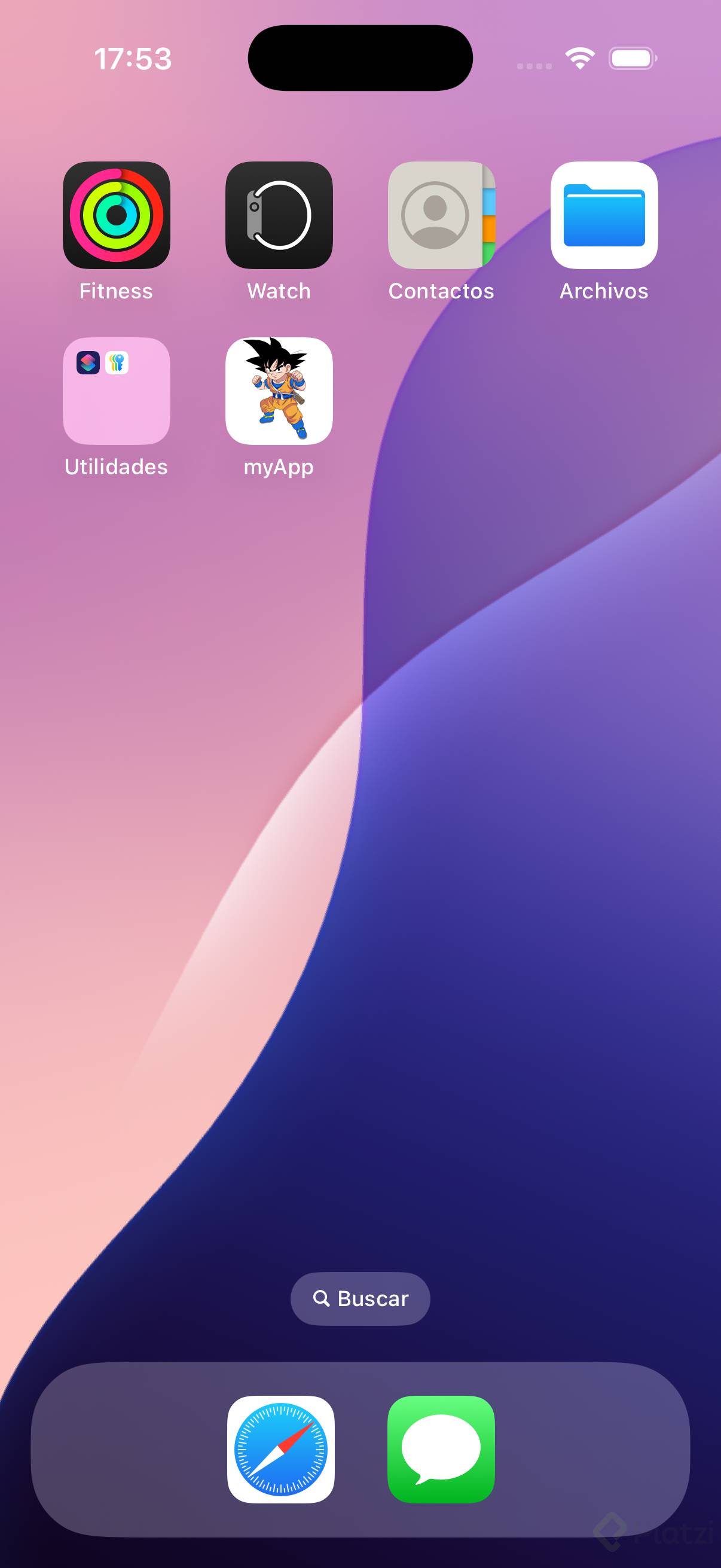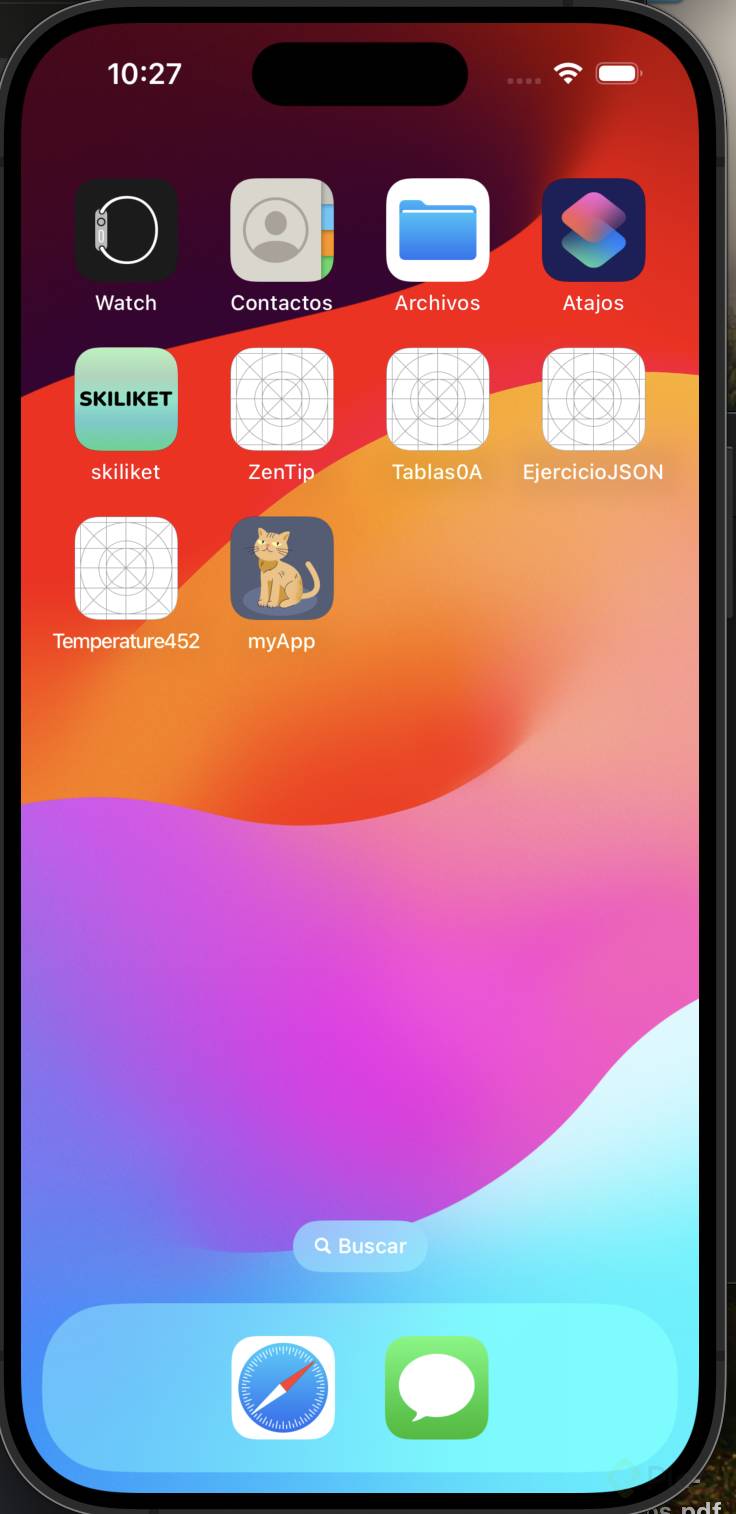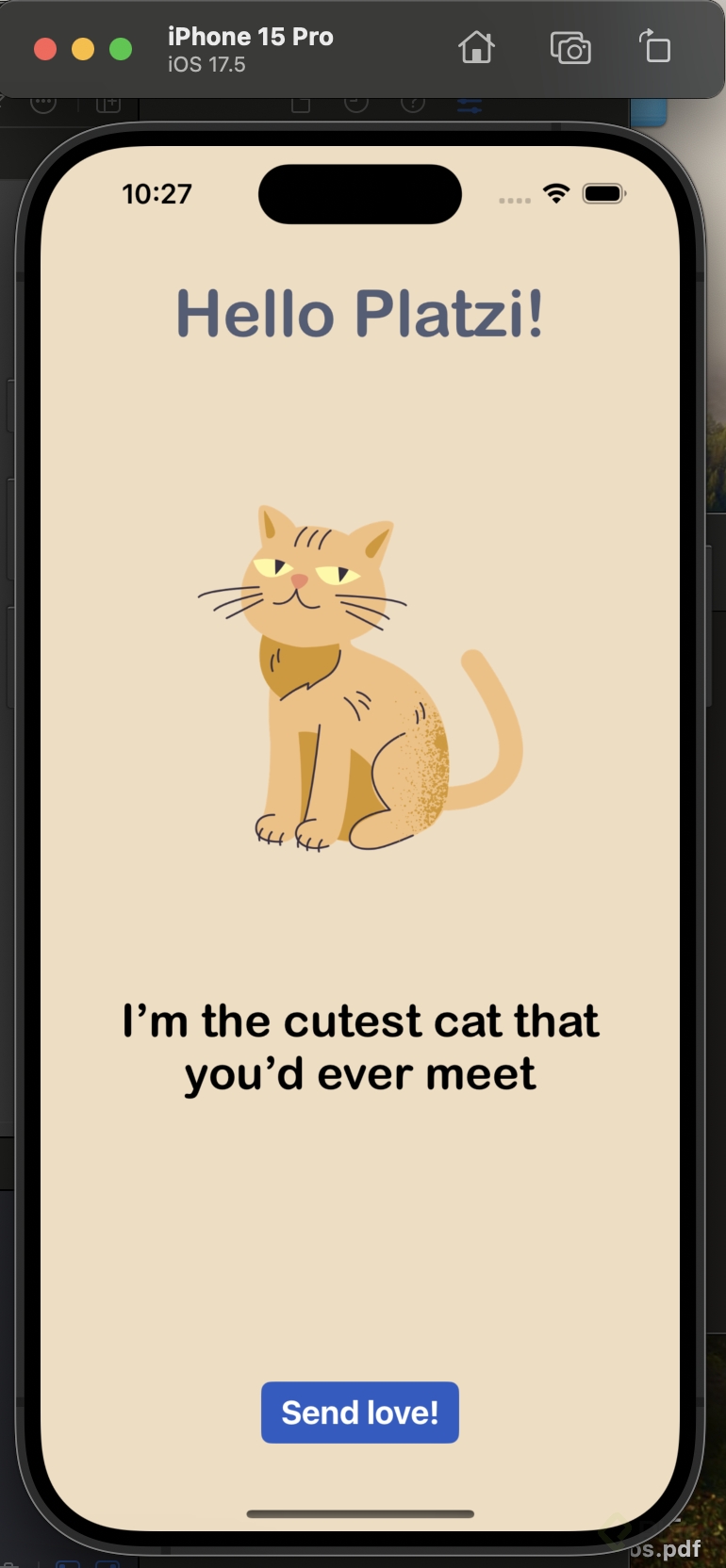
Le agregué una pequeña animación de corazón cuando se presiona el botón de "Send love"
!Imagen principal
Utilice el siguiente código, el cual agrega una acción al botón (se tiene que enlazar desde la vista) y un enlace al mismo para obtener la posición. Adjunto el código de la animación (se puede mejorar y optimizar)
for _ in1...6{let randomtime =Double.random(in:0.3...0.8)DispatchQueue.main.asyncAfter(deadline:.now()+ randomtime){let heartImage =UIImage(systemName:"heart.fill")let heartImageView =UIImageView(image: heartImage) heartImageView.tintColor=UIColor.red// Establecer la posición inicial y el tamaño del corazónlet heartSize =CGFloat(20)let x =CGFloat.random(in: self.buttom.frame.minX... self.buttom.frame.maxX)let y = self.buttom.frame.maxY heartImageView.frame=CGRect(x: x,y: y,width: heartSize,height: heartSize)// Agregar el corazón a la vista self.view.addSubview(heartImageView)// Animación del corazónUIView.animate(withDuration:1.5,delay:0,options:.curveEaseOut,animations:{ heartImageView.frame.origin.y= self.buttom.frame.minY-Double.random(in:10...30)},completion:{ _ in heartImageView.removeFromSuperview()})}}
Y el ViewController quedaría de este modo.
//// ViewController.swift// Proyecto platzi//// Created by Maximiliano Ovando Ramírez on 19/05/23.//importUIKitclassViewController:UIViewController{ @IBOutlet weak varbuttom:UIButton! override func viewDidLoad(){super.viewDidLoad()// Do any additional setup after loading the view.} @IBAction func send(_ sender:Any){for _ in1...6{let randomtime =Double.random(in:0.3...0.8)DispatchQueue.main.asyncAfter(deadline:.now()+ randomtime){let heartImage =UIImage(systemName:"heart.fill")let heartImageView =UIImageView(image: heartImage) heartImageView.tintColor=UIColor.red// Establecer la posición inicial y el tamaño del corazónlet heartSize =CGFloat(20)let x =CGFloat.random(in: self.buttom.frame.minX... self.buttom.frame.maxX)let y = self.buttom.frame.maxY heartImageView.frame=CGRect(x: x,y: y,width: heartSize,height: heartSize)// Agregar el corazón a la vista self.view.addSubview(heartImageView)// Animación del corazónUIView.animate(withDuration:1.5,delay:0,options:.curveEaseOut,animations:{ heartImageView.frame.origin.y= self.buttom.frame.minY-Double.random(in:10...30)},completion:{ _ in heartImageView.removeFromSuperview()})}}}}