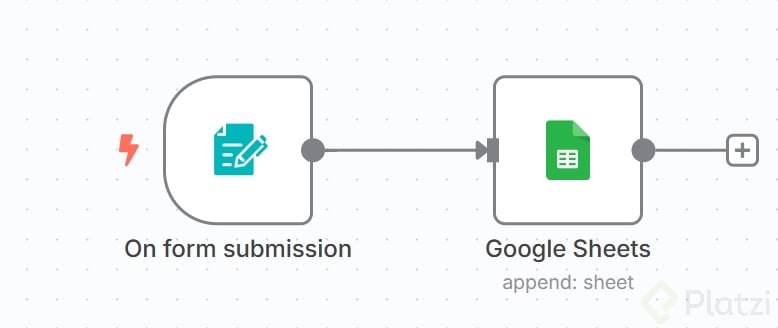
Building your first automation in n8n is simpler than it sounds. You will create a workflow that captures form submissions and sends them straight into Google Sheets, learning the core logic that powers every no code automation along the way.
How do you create a new workflow in n8n?
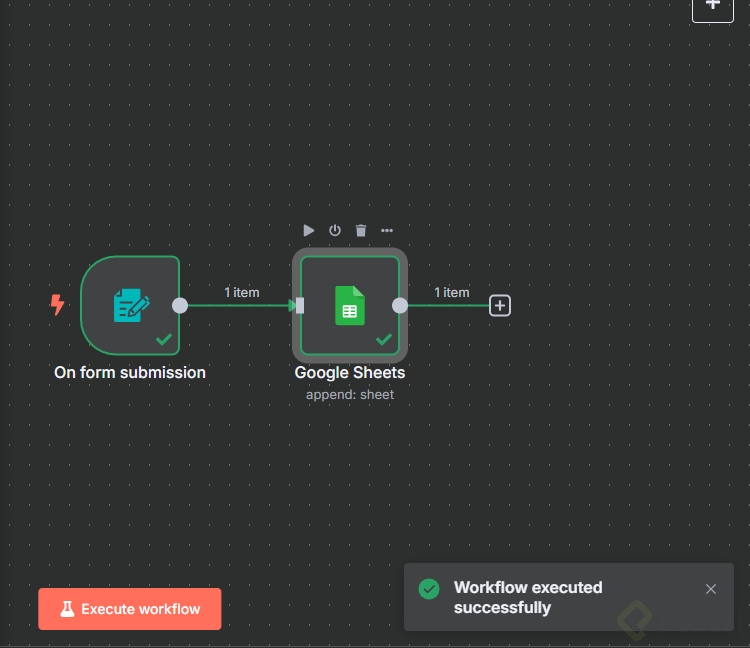
Start in the top right corner of the interface and click Create Workflow. From there, you hit the plus icon and search for the trigger that fits your use case. In this case, you want n8n Form because the goal is to capture data from a public form.
Which trigger should you pick for a form?
Select On New n8n Form Event. This trigger listens for every new submission and pushes the data into the rest of the workflow. Give it a clear title, something like Form1, so you can identify it later.
Then add the fields users will fill in. Click Add Form Element and create two:
- A text field for the name.
- An email field for the email address, using the email element type so n8n validates the format automatically.
What is a trigger in n8n? It is the node that starts a workflow. Without a trigger, nothing runs. The form trigger fires every time someone submits the form.
Hit Test Step and your form is live. Submit any data and you will see the input appear on the right side of the screen with the name and email captured cleanly.
How do you connect n8n to Google Sheets?
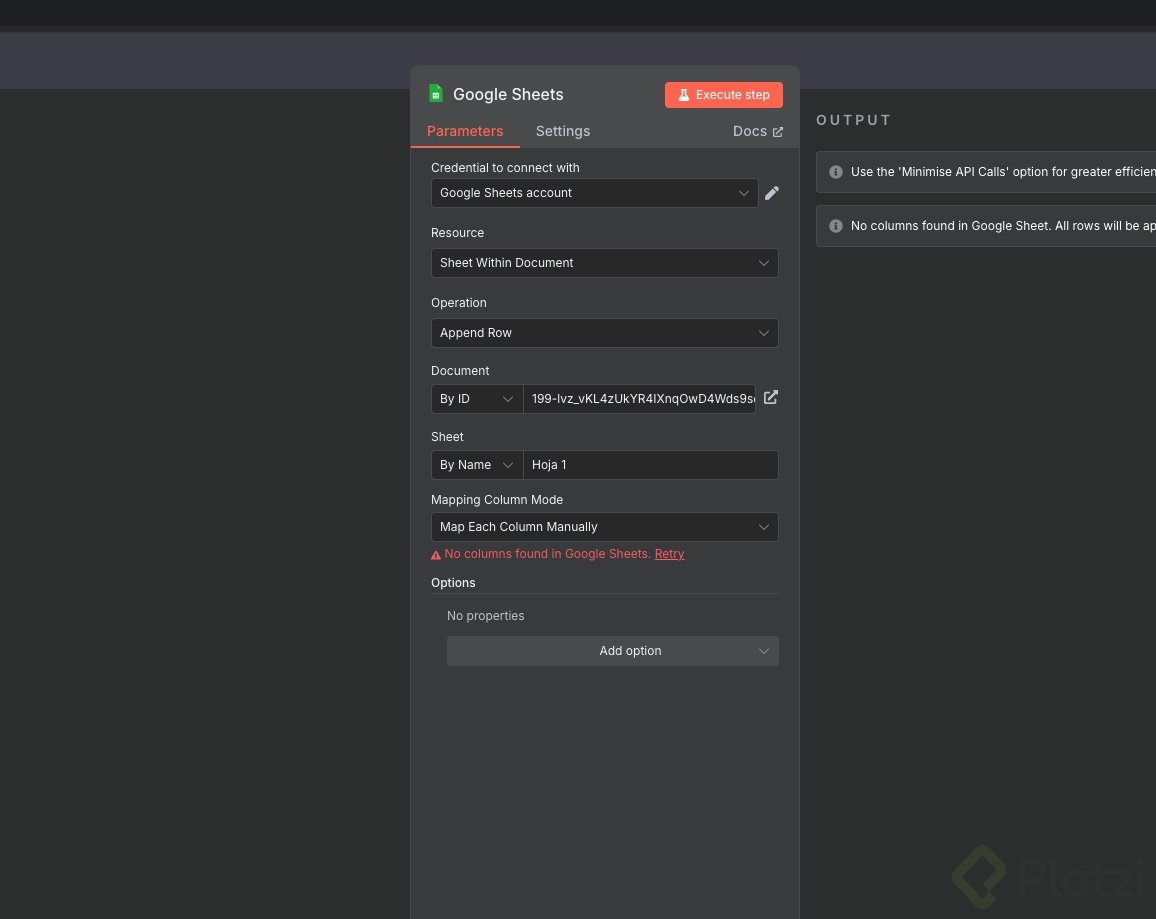
Once the trigger is ready, click the plus icon next to it and search for Google Sheets. Inside Actions, pick Append Row in a Sheet. You want Append because each new submission should land on its own row, one after the other, without overwriting anything.
How do you authenticate Google Sheets in n8n?
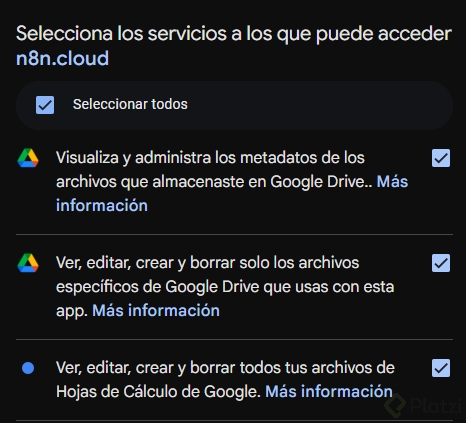
Click Create New Credentials and then Sign in with Google. Use the account where your spreadsheet lives, accept the permissions, and you are done. n8n confirms the connection and you can close that window.
What does Append Row do in Google Sheets? It adds a new row at the bottom of your sheet every time the node runs, keeping all previous entries intact.
Now configure the node. Leave Resource as Sheet within document and Operation as Append row. Pick your spreadsheet, in this case Mi primer flujo n8n, and select the Form sheet inside it. You will find a copy of this file in the class resources.
How do you map form fields to spreadsheet columns?
In Mapping column mode, choose Map each column manually. This gives you full control over which form field lands in which column. Drag the input data from the left panel:
- Match the name field from the form with the name column.
- Match the email field with the email column.
- Run Test Step to confirm everything writes correctly.
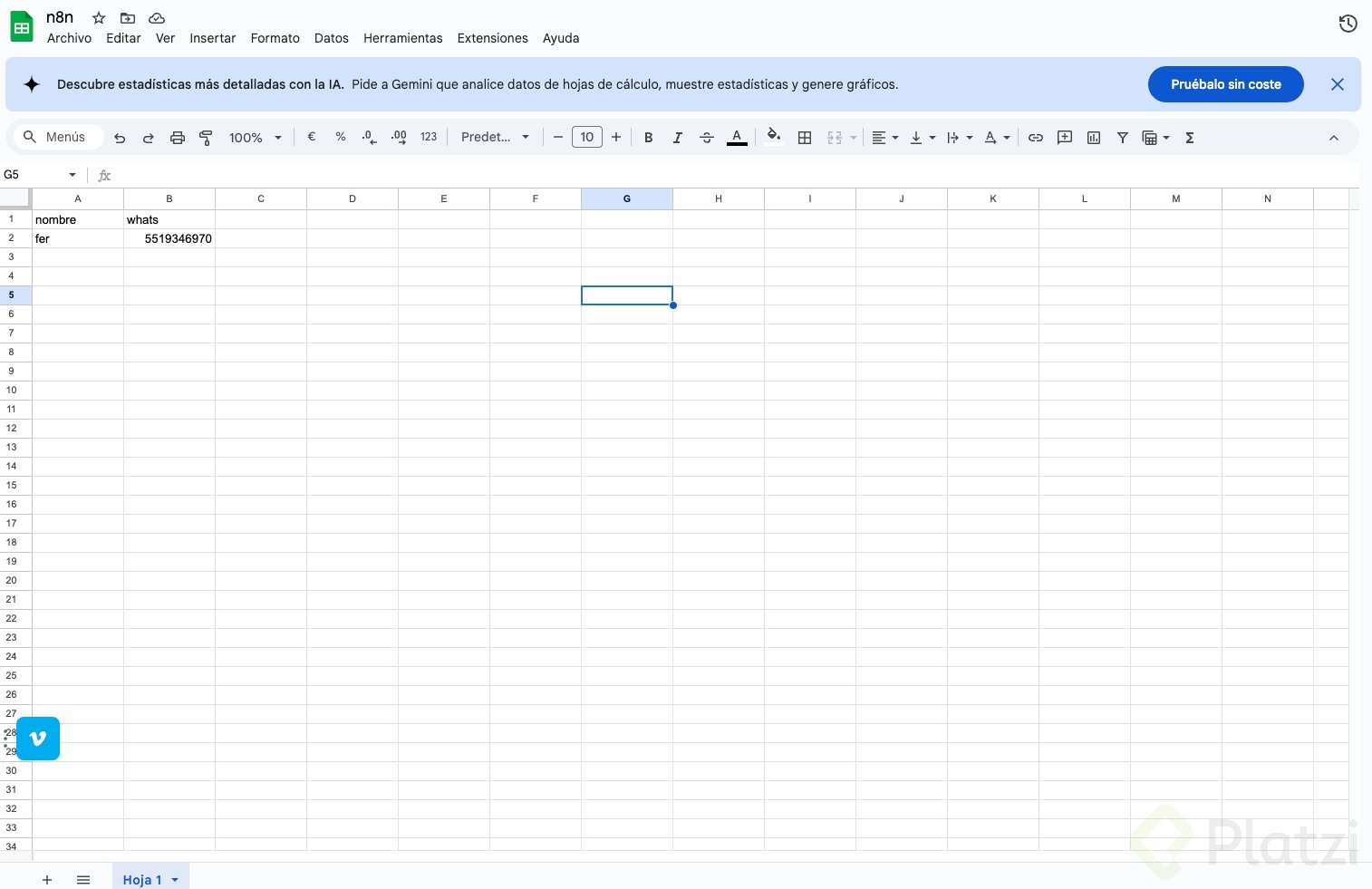
Open your Google Sheet and the row should be there. That is the full loop: a user submits a form, n8n captures the data, and Google Sheets stores it.
What does the n8n interface look like?
The main workspace is called Canvas, and it is where you build every workflow visually. You connect nodes with lines, just like a flowchart, and each node represents an action or a trigger.
In the bottom left corner you have controls to zoom in, zoom out, and recenter the flow. Useful when your automation grows and you need a wider view.
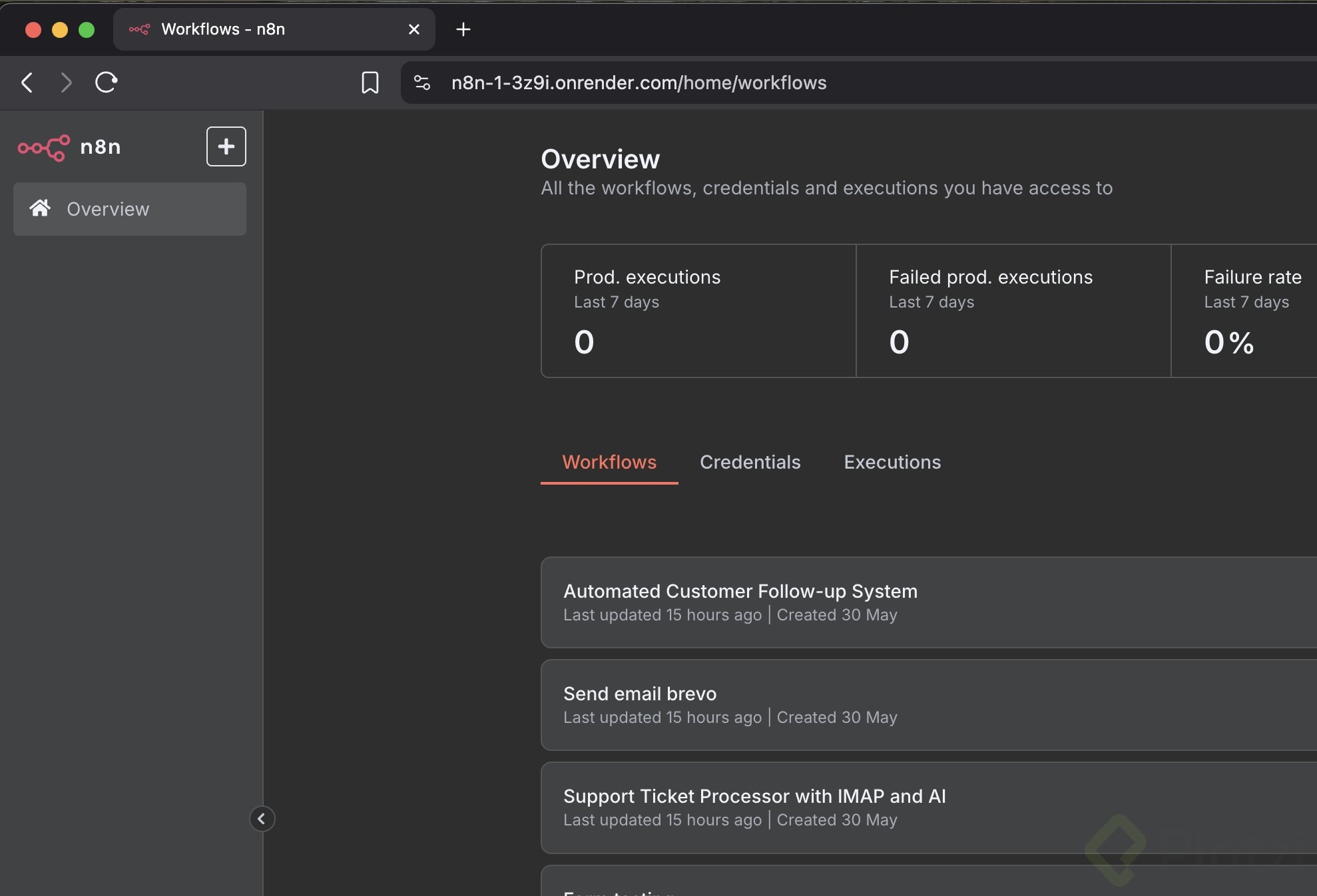
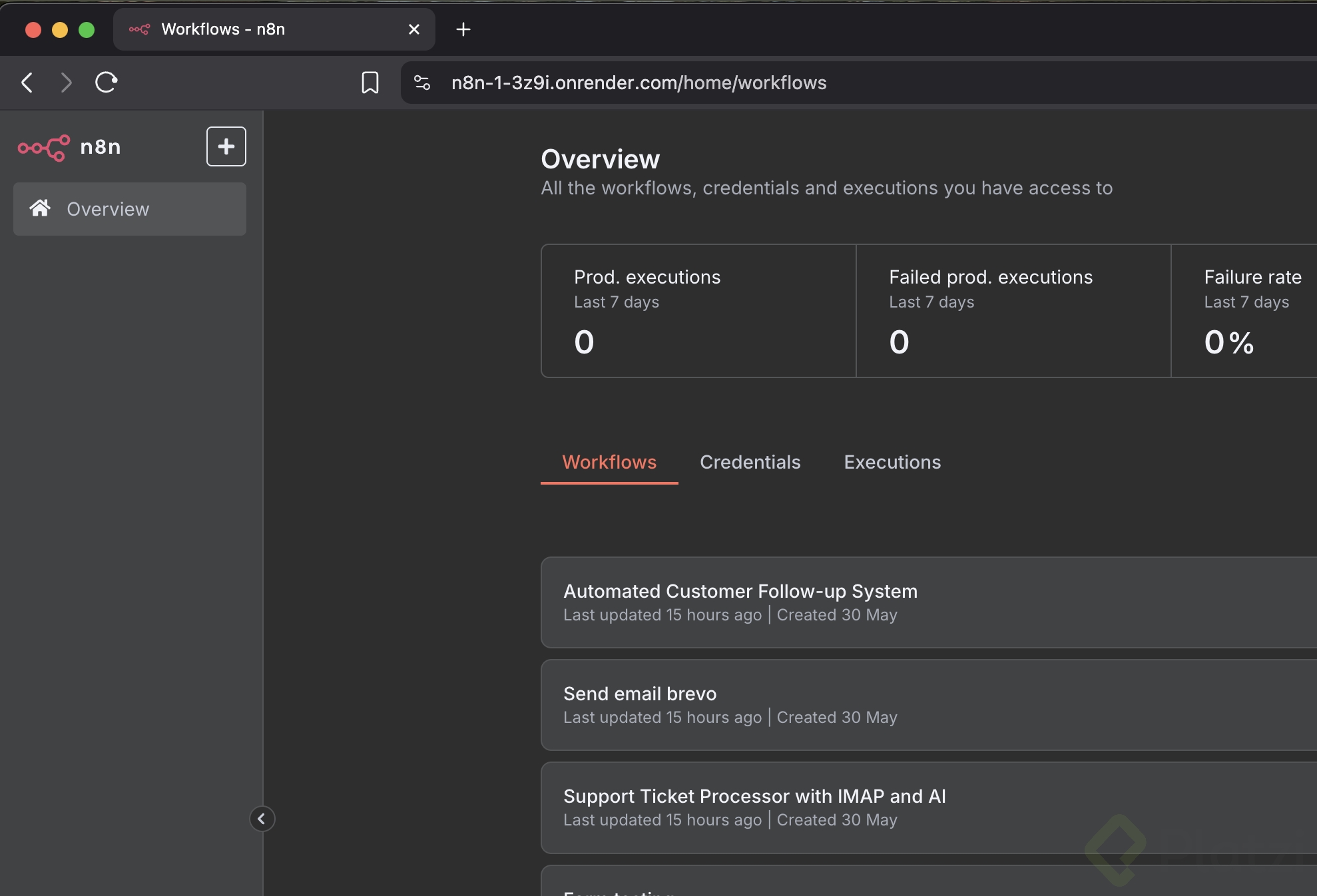
On the left sidebar you will find several sections worth knowing:
- Overview, a general summary of all the workflows you are creating.
- Credentials, where every API key and OAuth connection lives so you can reuse them across workflows.
- Templates, ready made flows shared by the community that you can clone and adapt.
- Admin panel, for managing your instance.
Two extra options, Variables for environment variables and Insights for workflow statistics, are only available on the paid plan. Good to know if you plan to scale or monitor performance later on.
You just shipped your first n8n workflow. Drop a screenshot in the comments section so we can see how yours turned out.