
Meta Ads Manager Three Levels Explained
Contenido del curso


Audiencias y targeting


Anuncios que si funcionan


Implementación inteligente


Métricas, optimización y escala


Aprovecha el sistema y vence


Meta Ads Manager Three Levels Explained
Resumen
Understanding the three levels of Meta Ads Manager is the first step to running campaigns that actually convert. If you are starting with paid media on Facebook or Instagram, you need to know where each decision happens: campaign, ad set, and ad. Each layer controls a different part of your strategy, and mixing them up is one of the most common mistakes among new advertisers.
What are the three levels of Meta Ads Manager?
Meta Ads Manager is built on a hierarchy with three layers, and each one answers a different question about your strategy.
- Campaign: defines the why. This is the full purpose of your campaign, the objective that everything else will optimize toward.
- Ad set: defines the who. Here you decide the audience, placements, budget logic, and the conversion event you want to push.
- Ad: defines the what. This is the creative layer, where the user finally sees your message.
What is the difference between a campaign and an ad set in Meta? The campaign sets the objective (like sales or leads), while the ad set defines who sees the ad, where it appears, and which conversion event it optimizes for.
How do I configure a campaign in Meta Ads Manager?
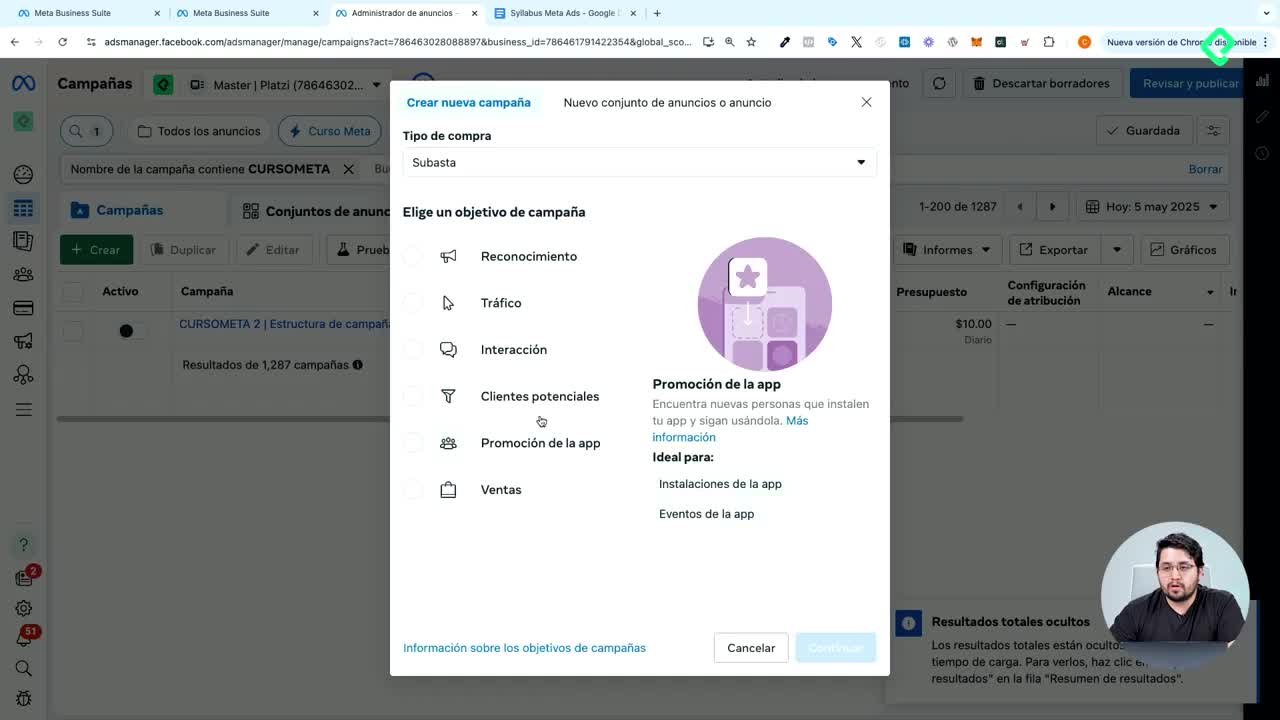
At the campaign level, you click Edit under your campaign name and you will find the core strategic decisions. The first one is the objective, which in the example used is sales. This objective will guide how the algorithm optimizes everything below.
You also decide whether the budget is managed at the campaign level or pushed down to the ad set, a choice that affects how Meta distributes spend across audiences. Then you set the bidding strategy and, if you want, you activate A/B tests to compare variants under controlled conditions.
Think of the campaign as the mission statement: it does not talk to the user directly, but it tells the algorithm what success looks like.
How does the ad set control audience and placements?
The ad set is where targeting and delivery logic live. You start by choosing the conversion destination, which can be your website, an app, both, messages, calls, or website plus calls. That single choice changes how leads or sales are tracked.
Next, you pick the performance goal: maximize the number of conversions or maximize the value of those conversions. You select the data set used to measure conversions and the specific conversion event the campaign will optimize for, like a purchase or a lead form submission.
But the most relevant piece of the ad set is the audience. This is where you decide exactly who will see your ads. You also choose placements, and here is a detail that confuses many beginners: placements are not geographic locations, they are surfaces inside the Meta environment.
- Reels on Instagram.
- Stories.
- Feed.
- And other native surfaces across Facebook and Instagram.
What are placements in Meta Ads? Placements are the spots inside Meta where your ad appears, such as Instagram Reels, Stories, or Feed. They are not countries or cities.
What goes inside the ad level?
The ad level is the only layer the user actually sees. Here you build the full communication piece, starting with your brand identity: the Facebook account and the Instagram account that will publish the ad.
You also define the ad format, the destination where the click sends the user, and the content itself, meaning copy, visuals, and calls to action. Pay close attention here, because targeting today is mostly done at the communication level. The creative is doing a lot of the segmentation work that audience filters used to do.
This level also controls tracking. You assign which pixel measures what happens after someone clicks or views your ad, and that decision is critical: if the wrong pixel is attached, your data will be unreliable and your optimization will suffer.
Why is creative now part of targeting?
Meta's algorithm increasingly uses signals from the ad itself, like who engages with the visual or copy, to find similar users. A clear hook, a defined audience persona inside the creative, and a strong call to action help the system route your ad to the right people, even when your ad set audience is broad.
Where do I make each decision in Ads Manager?
A quick way to remember the structure is to map each decision to its level before you start building:
- Campaign: objective, budget logic, bidding strategy, A/B tests.
- Ad set: conversion destination, performance goal, data set, conversion event, audience, placements.
- Ad: brand identity, format, destination URL, creative content, pixel and tracking.
If you do not recognize some of these terms yet, that is fine. What matters now is knowing where each decision lives, so when you learn concepts like pixel, conversion event, or bidding strategy, you already know which layer of Ads Manager to open.
With this map in mind, the next step is protecting your account from blocks and hacks before you spend a single dollar. Tell me in the comments: which level do you find most confusing right now, campaign, ad set, or ad?