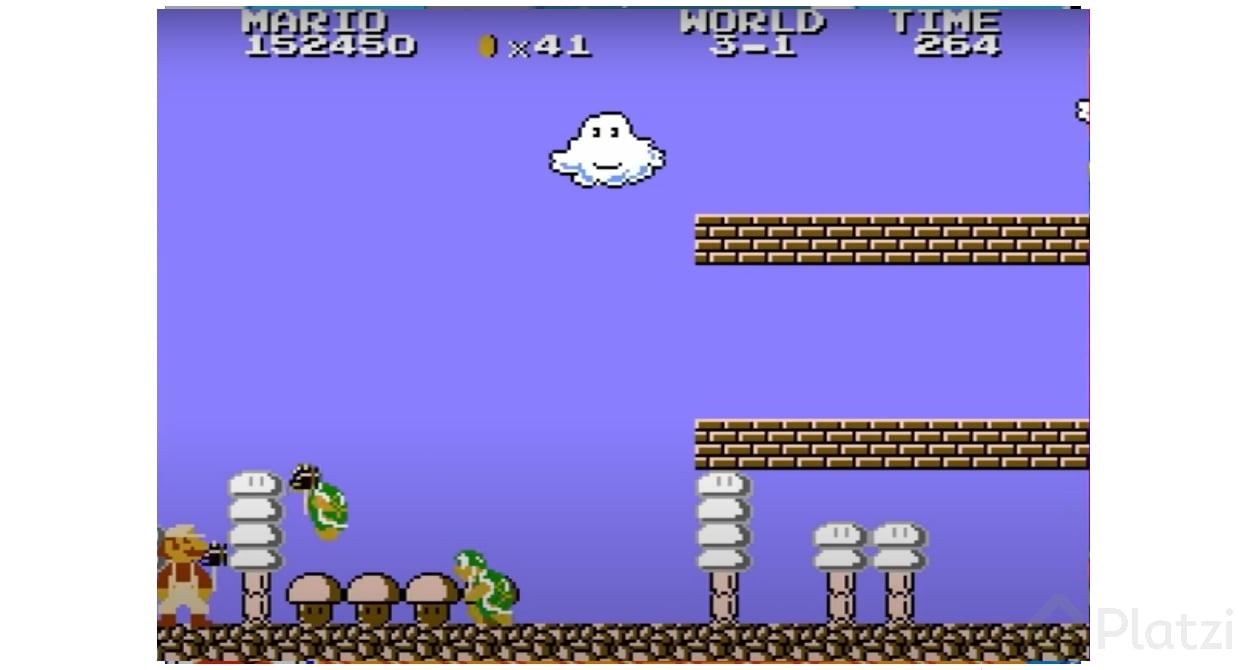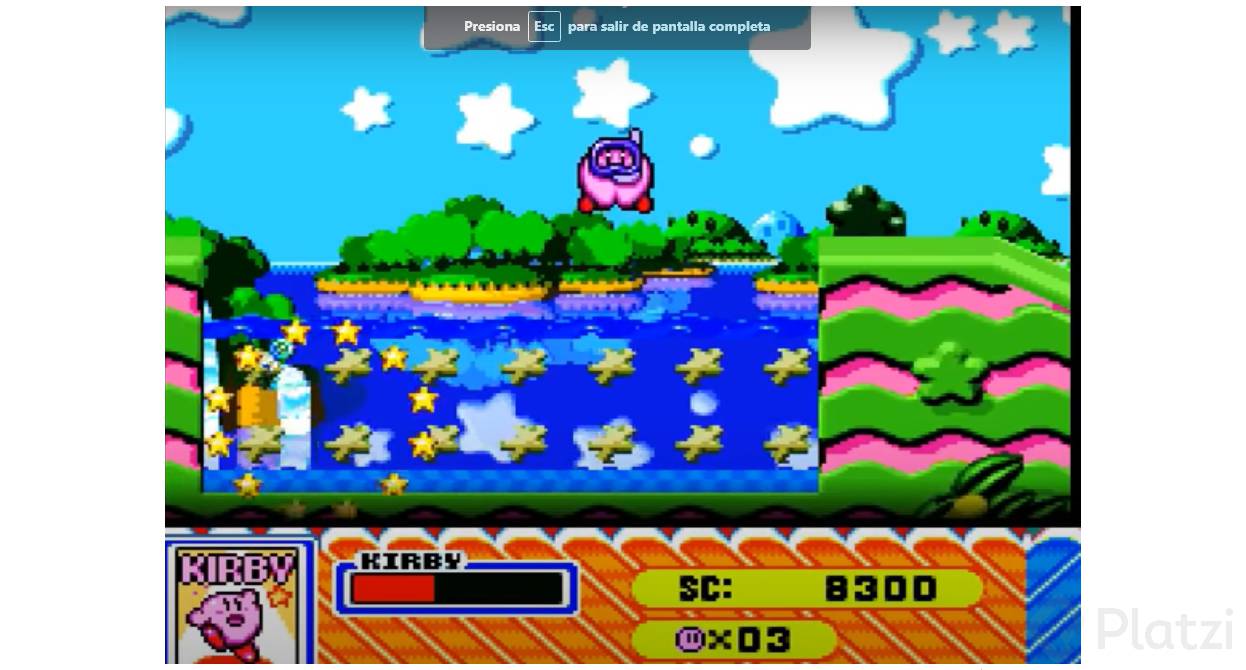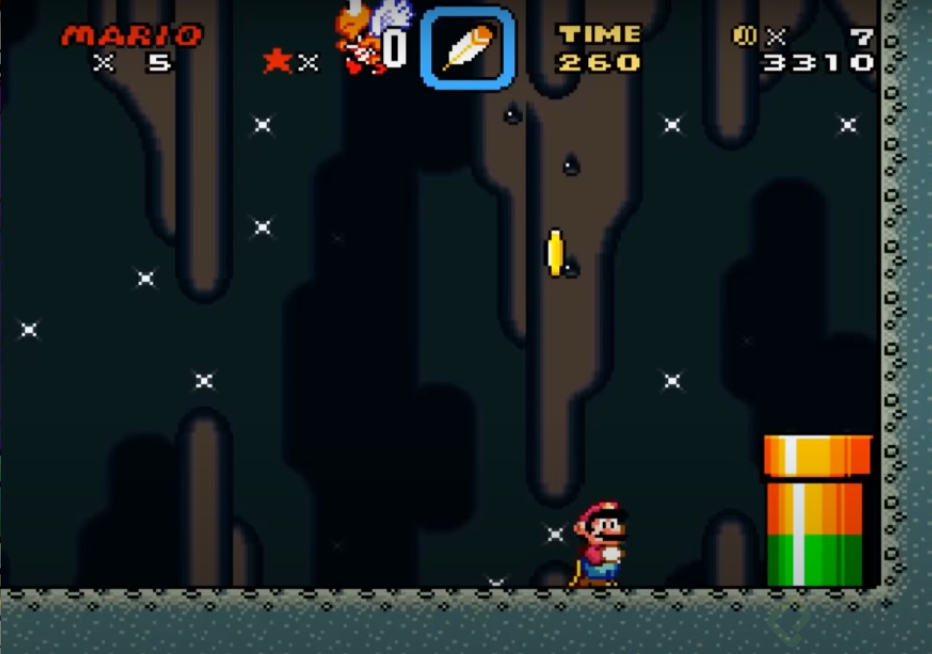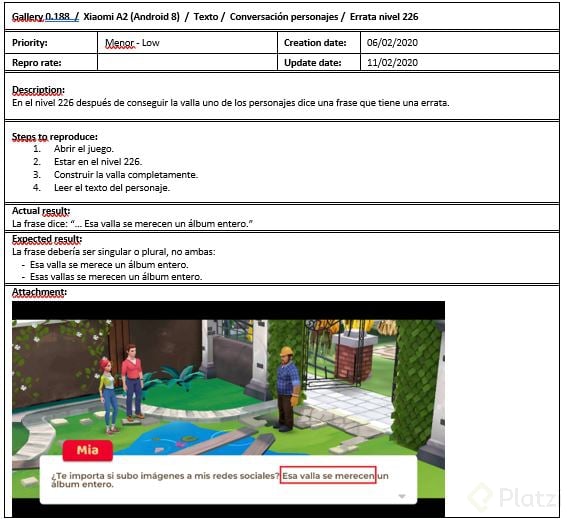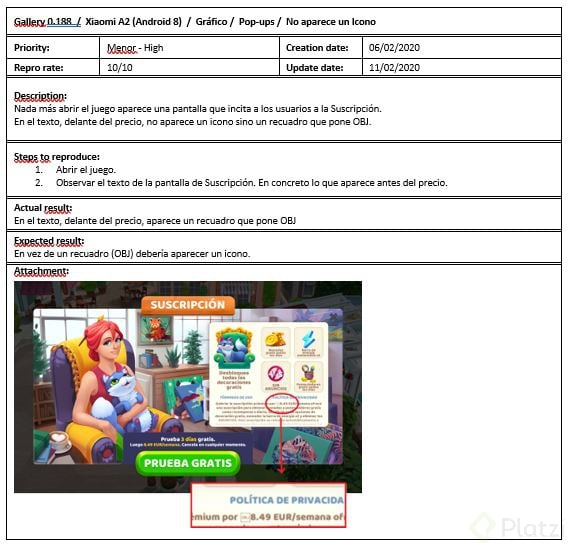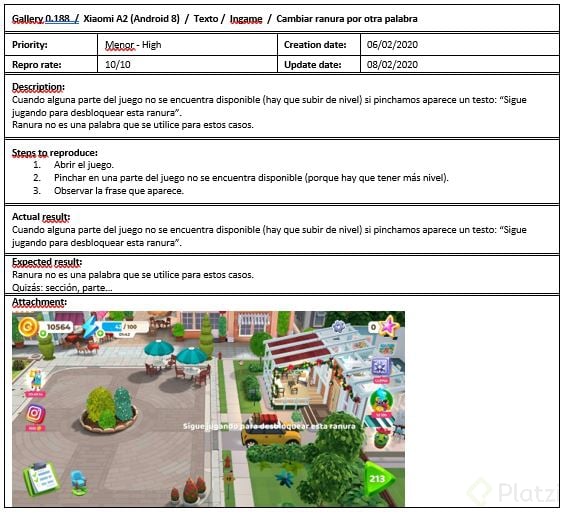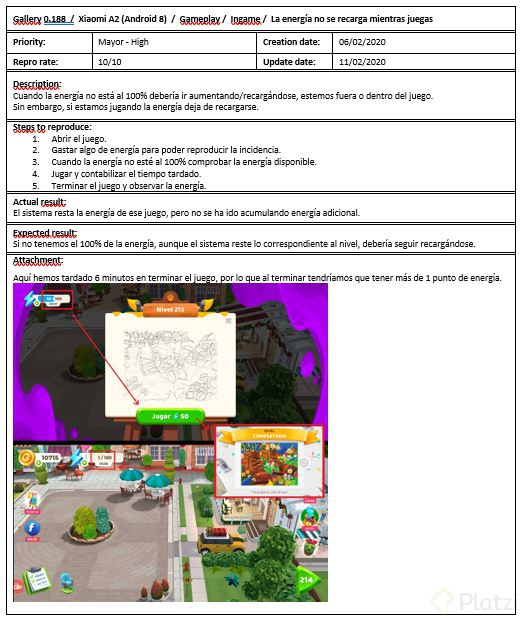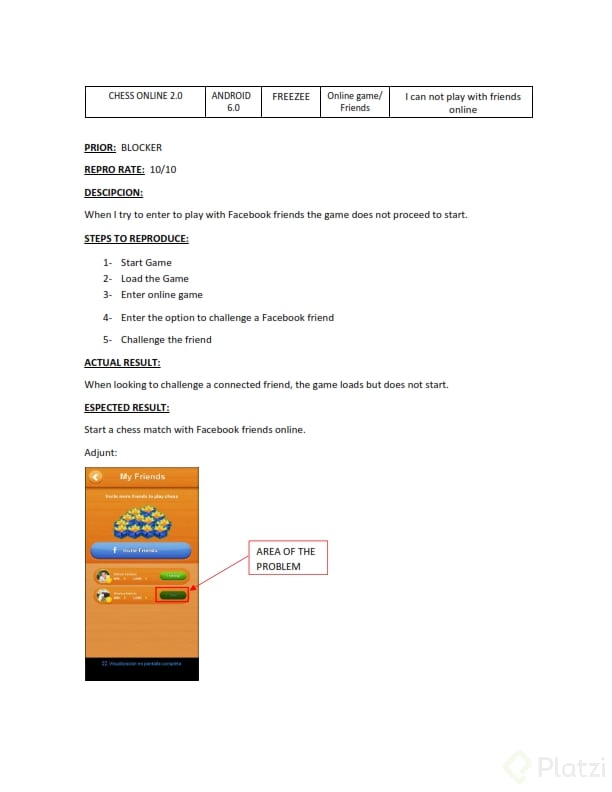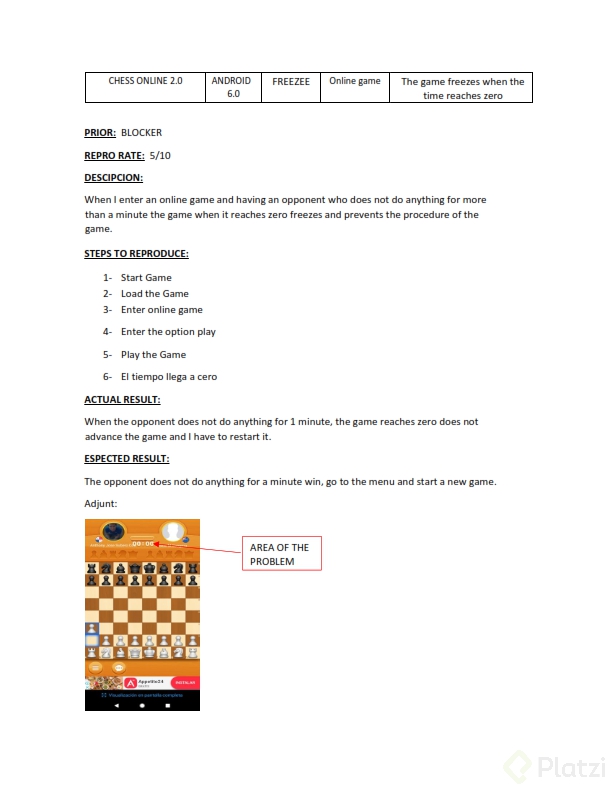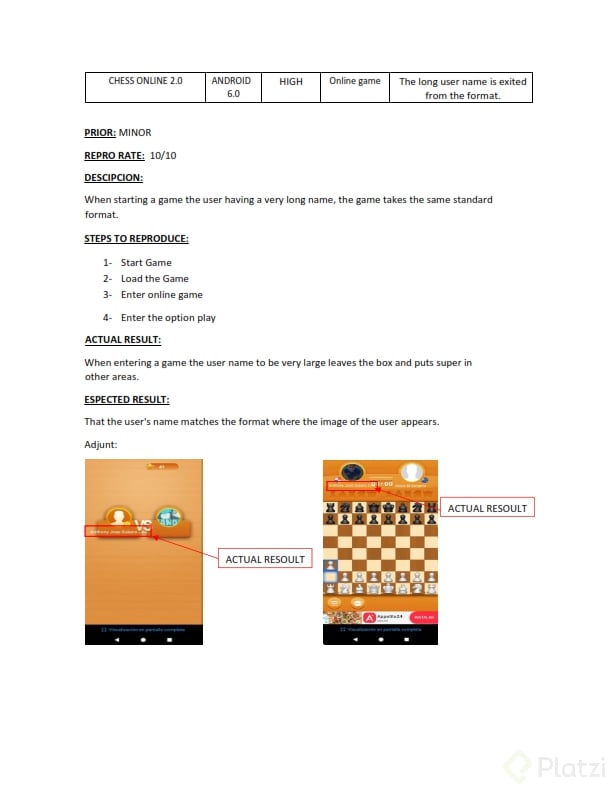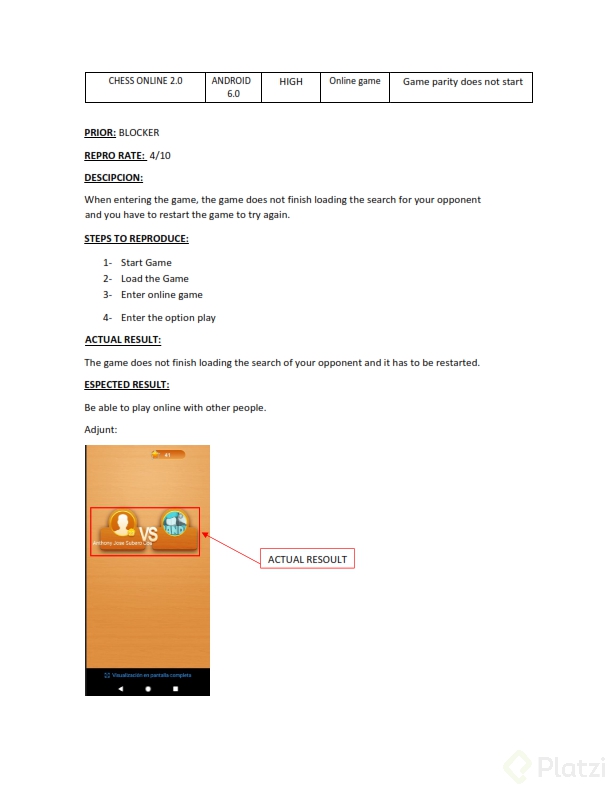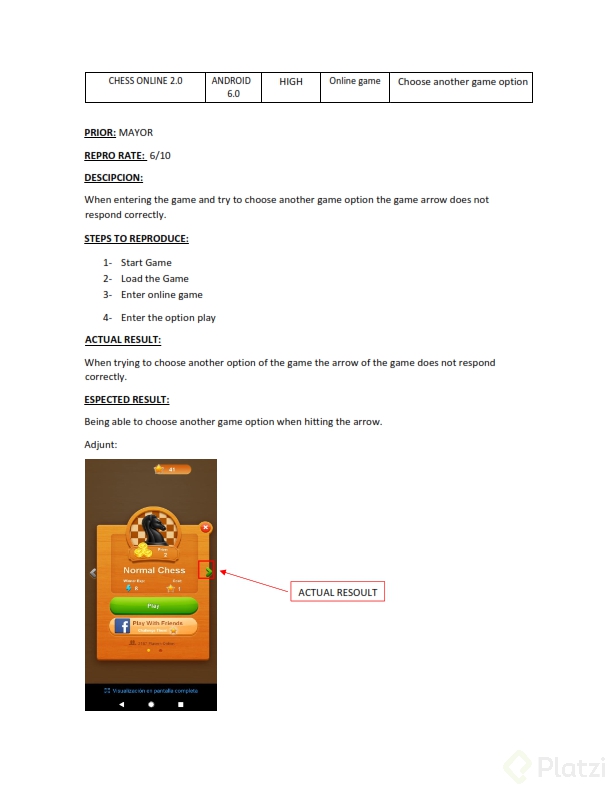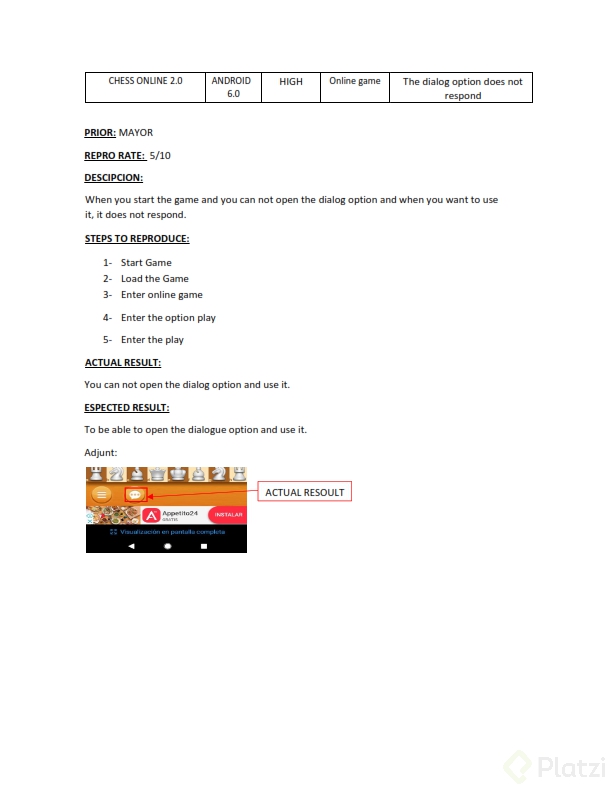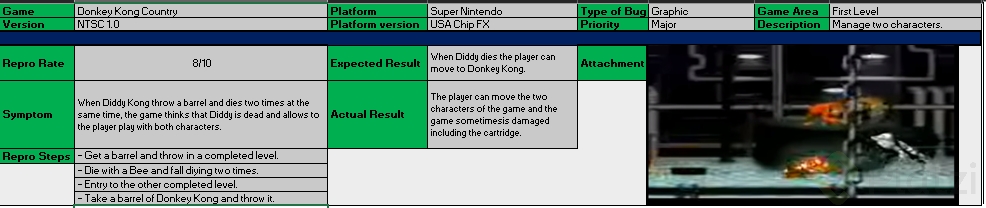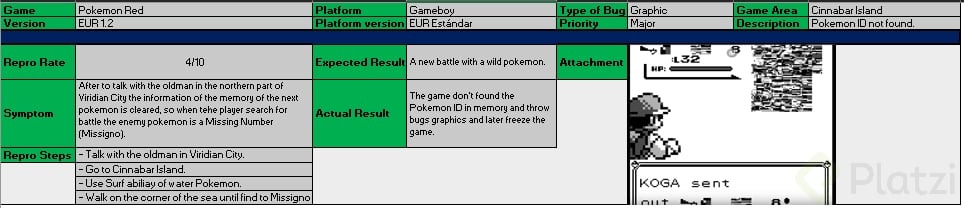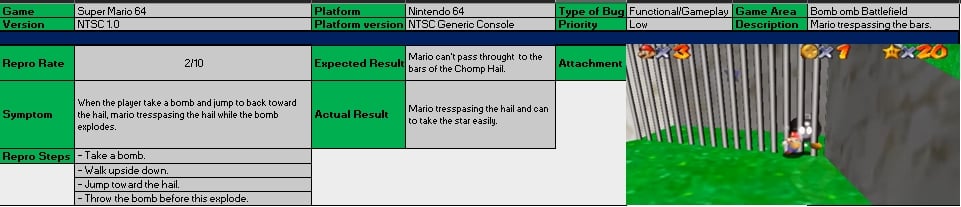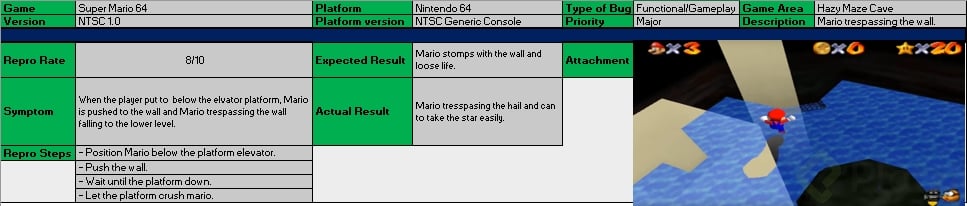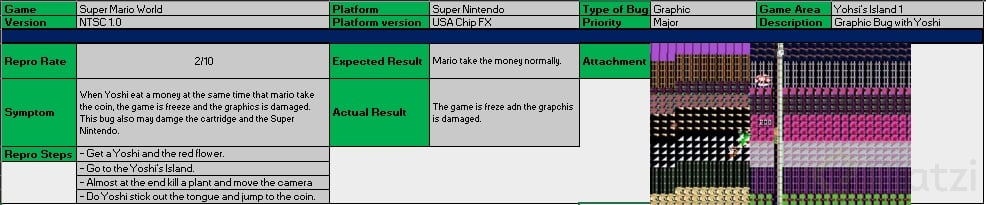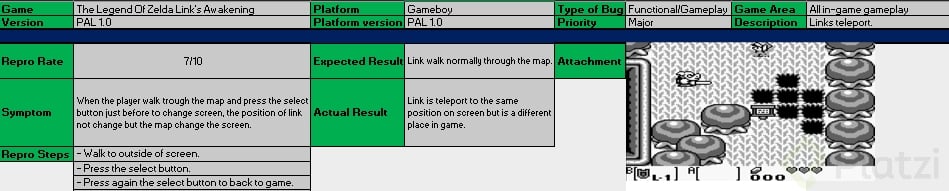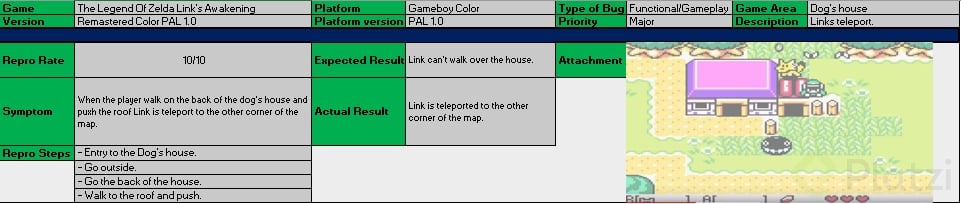
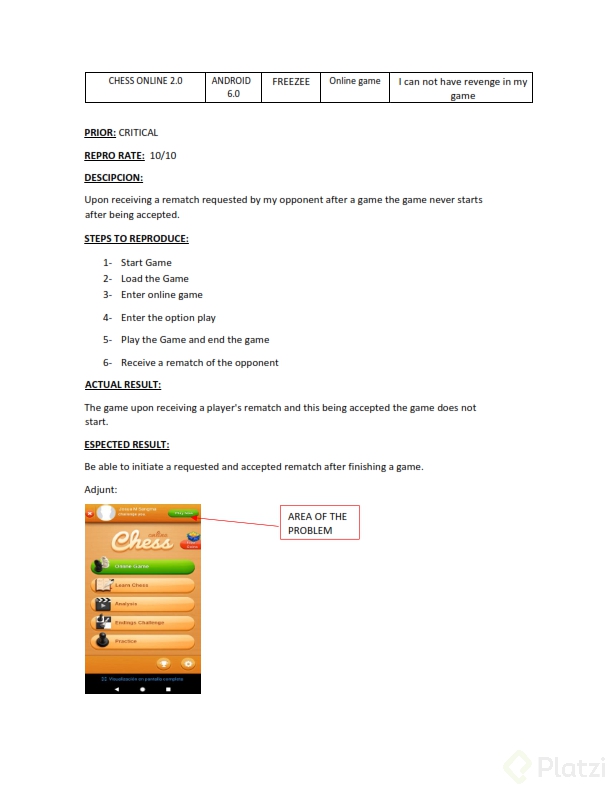
La importancia radica en la trazabilidad, tanto individual como en la del equipo. Ese reporte se convierte en la "biblia" para que el equipo trabaje en lo pendiente y no evitar duplicar trabajo.
Listado de bugs:
BUG 01
Madden NFL 26 | Version: 1.04.27 | Platform: PlayStation 5 – System Software 26.02 | Bug Type: Legal / Compliance | Area: Splash Screen – Startup Legal Notices | Brief Description: The ESRB rating notice is not displayed.
Description: The game transitions directly from the publisher logo to the Main Menu without displaying the required ESRB rating notice during startup.
Steps to Reproduce:
1. Install and launch the North American version of the game.
2. Wait for the publisher and developer logos to finish.
3. Observe the screens displayed before the Main Menu appears.
Severity: Major
Priority: High
Repro Rate: 5/5
Actual Result: The Main Menu appears without displaying the ESRB rating notice.
Expected Result: The applicable ESRB rating notice should be displayed before the player reaches the Main Menu.
BUG 02
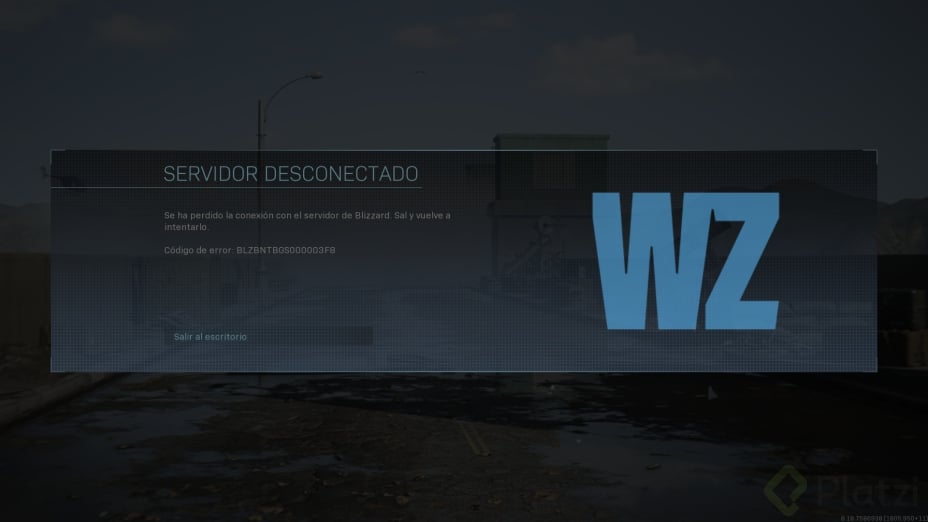
Call of Duty: Modern Warfare III | Version: 1.63.7 | Platform: PC – Windows 11 24H2 | Bug Type: Crash / Stability | Area: Main Menu – Zombies Mode Selection | Brief Description: The game crashes when Zombies mode is selected.
Description: Selecting Zombies from the Main Menu closes the game without an error message and returns the player to the desktop.
Steps to Reproduce:
1. Launch the game.
2. Wait until the Main Menu is fully loaded.
3. Select Zombies.
4. Confirm the mode selection.
5. Wait for the lobby to load.
Severity: Blocker
Priority: High
Repro Rate: 4/5
Actual Result: The game closes and returns the player to the desktop.
Expected Result: The Zombies lobby should load without closing the game.
BUG 03
God of War Ragnarök | Version: 6.1.2 | Platform: PC – Windows 11 24H2 | Bug Type: UI / Navigation | Area: World Map – Realm Selection Pop-up | Brief Description: The realm selection pop-up cannot be closed.
Description: After opening the Realm Selection pop-up on the World Map, the Back button stops responding and the player cannot return to the map.
Steps to Reproduce:
1. Load a saved game.
2. Open the World Map.
3. Select the Realm Selection icon.
4. Move between three different realms.
5. Press the Back button.
Severity: Major
Priority: High
Repro Rate: 3/5
Actual Result: The pop-up remains open and blocks all World Map controls.
Expected Result: Pressing the Back button should close the pop-up and return control to the World Map.
BUG 04
Cyberpunk 2077 | Version: 2.5.1 | Platform: Xbox Series X – OS 10.0.26100 | Bug Type: Audio | Area: Options Menu – Audio Settings | Brief Description: Music remains audible when its volume is set to zero.
Description: Setting Music Volume to 0 mutes some ambient tracks, but combat music continues playing during gameplay.
Steps to Reproduce:
1. Open the Options Menu.
2. Select Audio Settings.
3. Set Music Volume to 0.
4. Apply the changes.
5. Return to the game.
6. Enter combat with any enemy.
Severity: Minor
Priority: Low
Repro Rate: 5/5
Actual Result: Combat music remains audible at a low volume.
Expected Result: No music should be audible when Music Volume is set to 0.
BUG 05
Red Dead Redemption 2 | Version: 1.34.1 | Platform: PC – Windows 11 24H2 | Bug Type: Graphical / HUD | Area: HUD – Weapon Wheel | Brief Description: Weapon icons overlap the ammunition counter.
Description: When the HUD scale is set to Large, the weapon icons extend outside the Weapon Wheel and overlap the ammunition information.
Steps to Reproduce:
1. Open Settings.
2. Select Display.
3. Set HUD Scale to Large.
4. Return to Story Mode.
5. Hold the Weapon Wheel button.
6. Select a revolver.
Severity: Minor
Priority: Low
Repro Rate: 5/5
Actual Result: The revolver icon overlaps the ammunition counter and makes it difficult to read.
Expected Result: All Weapon Wheel elements should remain separated and readable at every HUD scale.
BUG 06
Grand Theft Auto V Enhanced | Version: 1.0.9 | Platform: Xbox Series X – OS 10.0.26100 | Bug Type: Gameplay / Collision | Area: In-Game – Los Santos Underground Parking Lot | Brief Description: The player can fall through the parking lot floor.
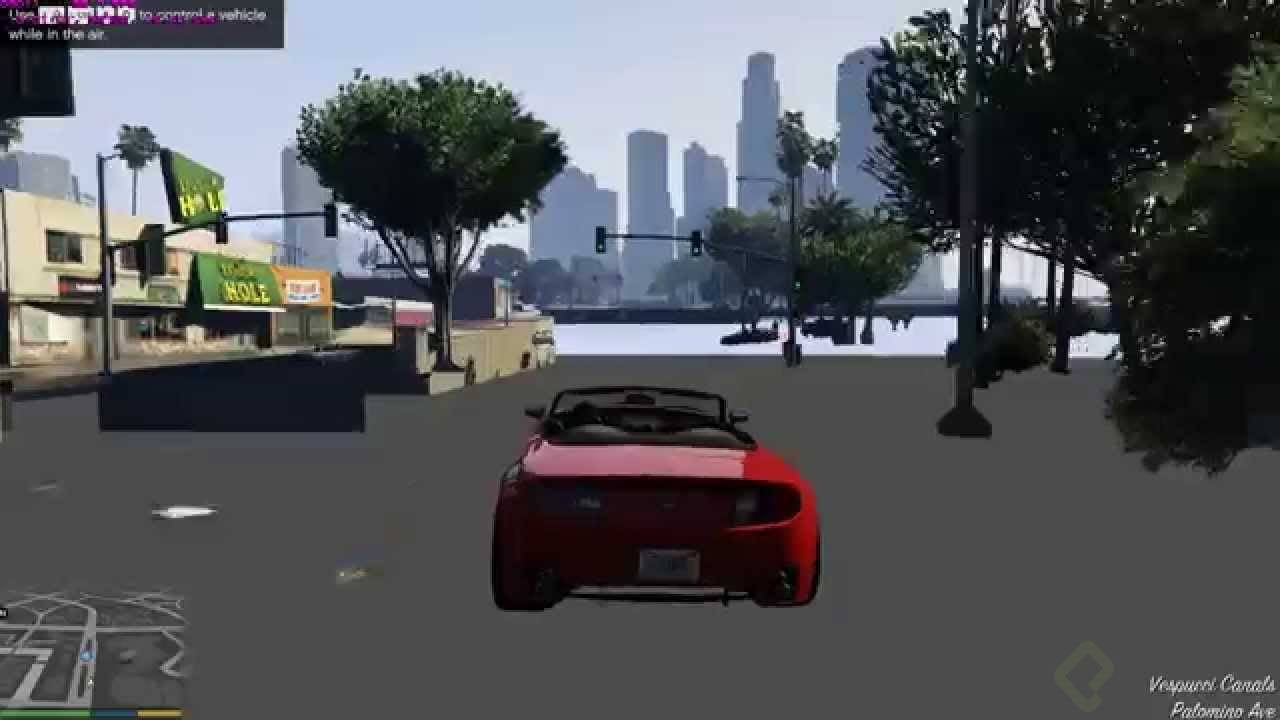
Description: Jumping out of a vehicle while it is touching the eastern wall causes the character to pass through the floor and fall below the map.
Steps to Reproduce:
1. Enter GTA Online.
2. Drive to the underground parking lot in Pillbox Hill.
3. Park a vehicle against the eastern wall.
4. Exit the vehicle while holding the movement stick toward the wall.
5. Observe the character’s position.
Severity: Critical
Priority: High
Repro Rate: 3/5
Actual Result: The character passes through the floor and falls below the playable map.
Expected Result: The floor and wall collision should keep the character inside the parking lot.
BUG 07
The Last of Us Part II Remastered | Version: 2.2.3 | Platform: PlayStation 5 – System Software 26.02 | Bug Type: Performance / Freeze | Area: Loading Screen – Chapter Restart | Brief Description: The game freezes while restarting a chapter.
Description: Restarting the hospital chapter after skipping its introductory cinematic causes the loading progress bar to stop at 82%.
Steps to Reproduce:
1. Load the Seattle Day 2 hospital chapter.
2. Skip the introductory cinematic.
3. Open the Pause Menu.
4. Select Restart Chapter.
5. Confirm the selection.
6. Observe the Loading Screen.
Severity: Blocker
Priority: High
Repro Rate: 2/5
Actual Result: The loading bar stops at 82%, and the application no longer responds.
Expected Result: The chapter should finish loading and restart normally.
BUG 08
Fortnite | Version: 40.20.6 | Platform: Nintendo Switch 2 – System Version 3.1.0 | Bug Type: Online / Network | Area: Online Lobby – Matchmaking | Brief Description: Matchmaking continues after the player cancels the search.
Description: Selecting Cancel Matchmaking changes the lobby button back to Ready, but the game continues searching and eventually places the player into a match.
Steps to Reproduce:
1. Enter the Battle Royale lobby.
2. Select Zero Build.
3. Press Ready.
4. Wait until the matchmaking status displays “Finding Match.”
5. Select Cancel.
6. Remain in the lobby for 30 seconds.
Severity: Major
Priority: High
Repro Rate: 4/5
Actual Result: Matchmaking continues in the background, and the player is placed into a match.
Expected Result: Cancelling matchmaking should immediately stop the search and keep the player in the lobby.
BUG 09
EA Sports FC 26 | Version: 1.1.3 | Platform: PlayStation 5 – System Software 26.02 | Bug Type: Text / Localization | Area: Pause Menu – Team Management | Brief Description: A Spanish instruction is displayed in English.
Description: When the language is set to Spanish, the substitution confirmation message in Team Management remains in English.
Steps to Reproduce:
1. Set the game language to Spanish.
2. Start a Career Mode match.
3. Pause the match.
4. Open Team Management.
5. Replace any player.
6. Confirm the substitution.
Severity: Minor
Priority: Low
Repro Rate: 5/5
Actual Result: The message “Changes will apply at the next stoppage” appears in English.
Expected Result: The confirmation message should be displayed in Spanish.
BUG 10
Minecraft | Version: 1.22.4 | Platform: Android 16 – Samsung Galaxy S25 | Bug Type: Functional / Save Data | Area: In-Game – Inventory | Brief Description: A crafted item disappears after autosave.
Description: An enchanted diamond pickaxe placed in the first inventory slot disappears after the world autosaves and the application is restarted.
Steps to Reproduce:
1. Load a Survival world.
2. Craft a diamond pickaxe.
3. Apply any enchantment to the pickaxe.
4. Place it in the first inventory slot.
5. Wait for the autosave icon to disappear.
6. Close and reopen the game.
7. Load the same world.
Severity: Critical
Priority: High
Repro Rate: 2/5
Actual Result: The enchanted pickaxe is missing, but the materials and experience points remain consumed.
Expected Result: The enchanted pickaxe should remain in the inventory after autosave and restart.
Un caso de un bug blocker que pase a major puede ser que al iniciar un juego, y al darle start, y yo seleccione cuál va a ser la memoria para guardar el juego, me diga que no la detecta y se salga de la pantalla, pero que si selecciono una memoria alterna y no la principal, luego de reiniciar 1 vez el juego, me deje guardar y continuar. En un primer momento, es blocker, pero si tiene "solución", por muy poco práctica que sea, puede pasar a major, pero de igual forma si o si se debe corregir.