Turning a raw sales spreadsheet into an executive report, a board deck and a risk plan used to take hours. With Copilot Cowork, you can do it in a single conversation, pulling data from your own files in OneDrive and generating polished Word, PowerPoint and Excel outputs ready to share.
This walkthrough shows you how to use Cowork for content creation, from uploading a sales database to refining a deck for your leadership committee, so you can replicate the workflow with your own files.
What can you build with Copilot Cowork from a single Excel file?
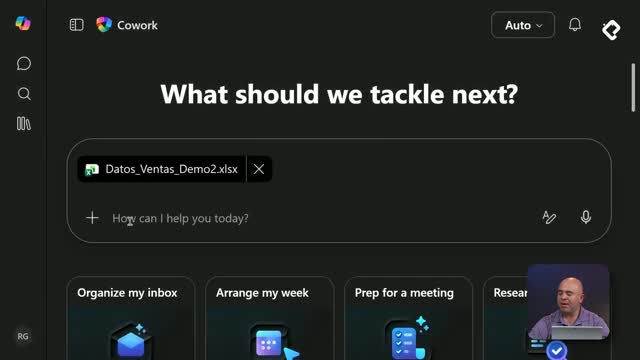
The starting point is a 2025 retail sales workbook with fields like date, month, region, channel, salesperson, products, categories and totals, plus catalogs of clients, sellers and product costs. Once you upload that file, Cowork treats it as a live reference inside your workspace and reads it continuously while it works.
From there, you can ask for very different deliverables without leaving the chat:
- An executive Word document with cover, regional sections and recommendations.
- A PowerPoint deck of 8 slides ready for the steering committee.
- Excel files, PDFs or even Python code, depending on the skill enabled.
- Inline insights such as best region, best category and underperformance alerts.
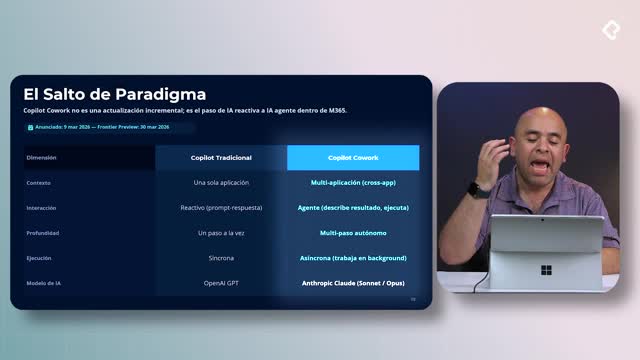
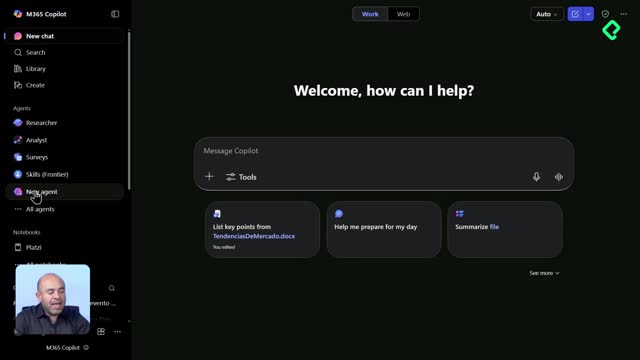
What is a Cowork skill? It is a specific capability that lets Copilot generate a particular output, like writing a Word file, building a PowerPoint or producing Python code. Each file type activates its own skill on demand.
How do you generate an executive Word report from sales data?
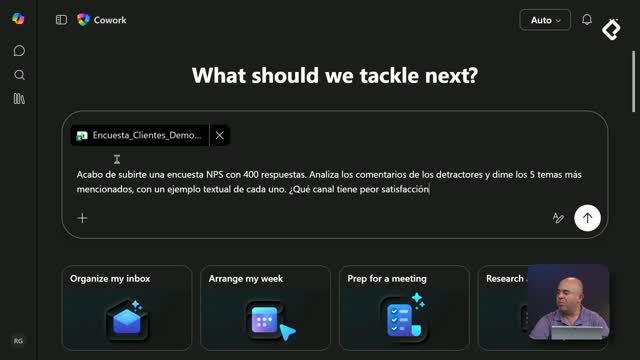
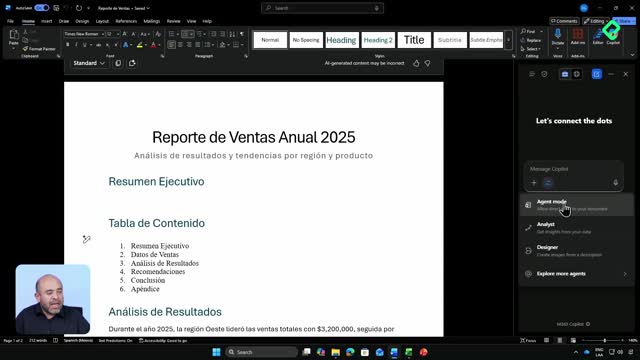
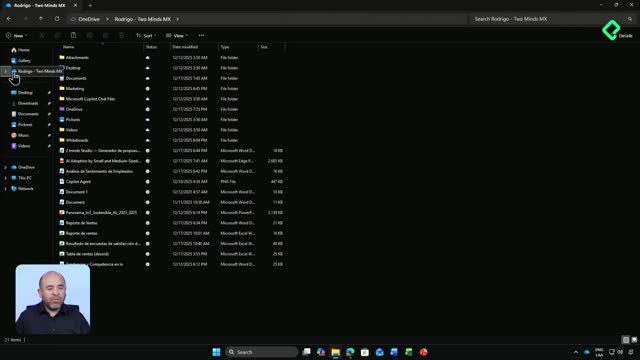
The first move is uploading the Excel file directly into Cowork, which stores it in your personal OneDrive. A useful prompt sounds like this: "I just uploaded the 2025 retail sales file. Give me the five most important findings, the best region, the best category, worst performance and any alerts you see, and be very specific with the numbers."
Cowork then shows its reasoning process in real time [02:22], identifying patterns like seasonality concentration, top and bottom months, and category leaders. With those insights on the table, you can escalate to a structured document with a prompt such as: "Based on this analysis, generate an executive Word document with a cover summary, one section per region, top three salespeople and three actionable recommendations for 2026."
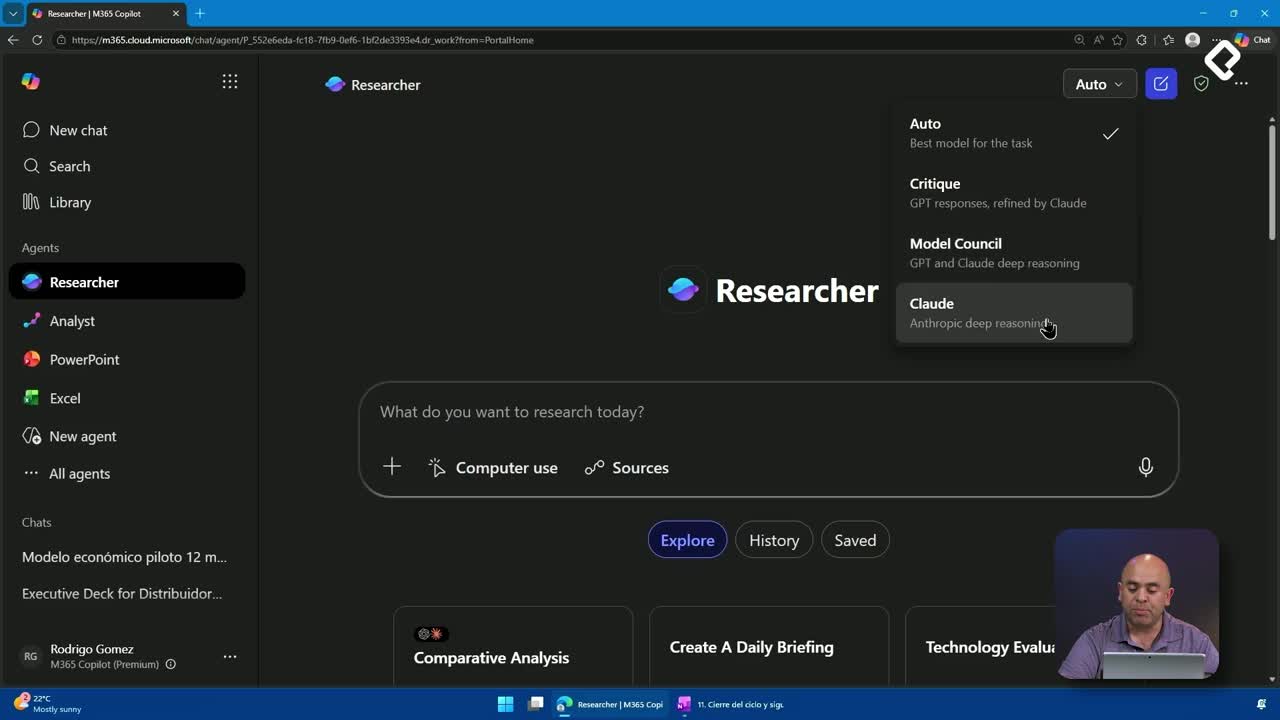
Here is where the two underlying Claude models pay off: one handles fast information capture, the other delivers deeper reasoning over the historical data you provided. The output appears in the output panel as a new Microsoft Word file, automatically saved to your OneDrive [05:13].
Why does saving to OneDrive matter for your reports?
Because the document lands in personal OneDrive, you keep full control of permissions. It is also tagged according to your organization's data loss prevention, encryption and security policies, so sensitive sales information stays compliant even when generated by AI.
You can open the report in Word Online or the installed Word app and you will see the same executive layout: cover, performance by region, category breakdown, top sellers, profiles, and 2026 action items, with charts linked back to the source file.
How complete is a Cowork-generated Word document? It typically delivers around 70% of the final report. It removes the blank page problem and gives you a structured draft you can refine, instead of writing from scratch.
How do you refine a Cowork document and turn it into a PowerPoint deck?
The real power shows up when you iterate. You can ask Cowork to update the same Word file with a new section, for example: "Add a section called Risks for the first quarter, with four risks and their mitigations." Cowork edits the existing document in OneDrive instead of creating a new one, so your report grows through conversation.
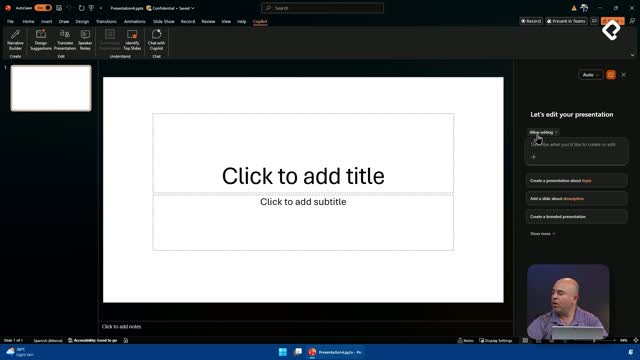
Then comes the deck. A clean prompt looks like: "Generate an 8-slide PowerPoint based on this same report, ready for the steering committee. Slide 1 is the cover, slide 8 is closing and next steps." That request activates the PowerPoint skill, which appears as a new capability in the interface [08:50].
Cowork plans the deck before building it: it defines themes, picks a visual style aligned with the content, sources relevant images, and assembles titles, subtitles and body text across slides. The final presentation, titled something like "2025 Sales Presentation", is saved to OneDrive and ready to open in PowerPoint web or desktop.
What sections does Cowork include in the executive deck?
From the same sales dataset, the generated deck typically covers:
- Executive summary of 2025 performance.
- Performance by region with supporting charts.
- Performance by category.
- Top salespeople and client profiles.
- Actionable recommendations for 2026.
- Risks for the first quarter of 2026.
- Recommended next steps.
You can edit any slide afterwards in PowerPoint to add depth, branding or extra context. The point is that Cowork removes the heaviest part of the work: structuring the narrative and producing a coherent first version.
Which file types can Copilot Cowork create for you?
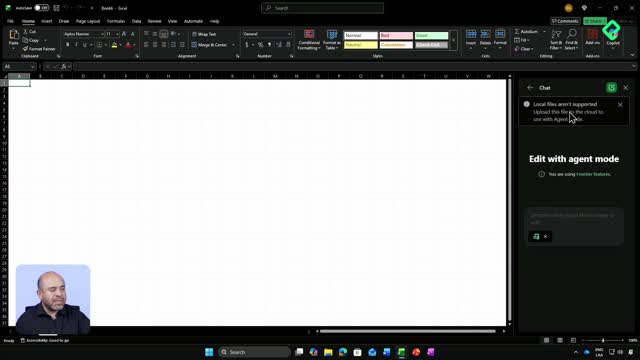
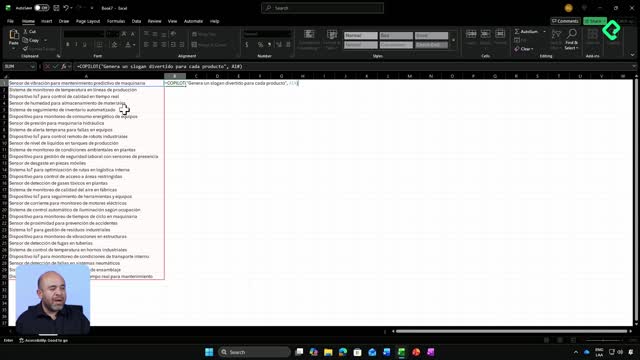
Beyond Word and PowerPoint, Cowork can generate Excel workbooks, PDFs, Python scripts and other code files, each through its dedicated skill. That makes it useful for repetitive, time-consuming tasks across roles, from finance closings to product reports and technical documentation.
Think about the activities that eat your week: monthly reports, board decks, risk matrices, client summaries. Most of them follow the same pattern of pulling data, structuring sections and formatting output, exactly what Cowork automates from a single uploaded file.
Which documents normally make you lose sleep, and which ones would you hand off to Cowork first? Share your automation ideas in the comments so others can learn from your workflow.