Building an onboarding flow in Lovable with Supabase lets you collect user information the moment someone creates an account, then route them straight to your dashboard. If you're an app builder using AI code editors, this walkthrough shows you how to design a multi-step form, save data to a database, and debug the routing issues that pop up along the way.
The goal is simple but powerful: take a new user from account creation, through a set of onboarding questions, and into a working dashboard, all while making sure they only see those questions once.
What is an onboarding flow and why does it matter?
An onboarding flow is the first experience a user has after signing up. Here, it's built as a multi-step form, meaning a form split across several screens in a slide-like design instead of one long page [00:36].
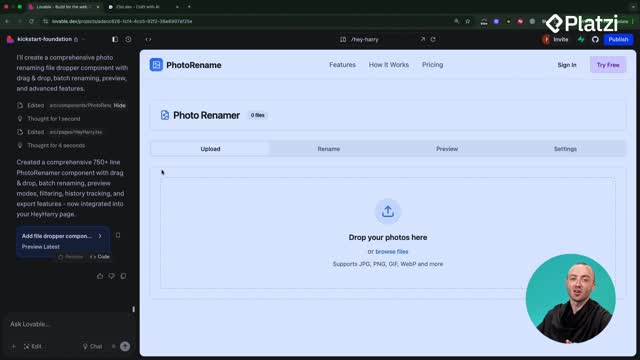
The whole thing starts with a clear prompt to Lovable: create an onboarding flow where a user, once logged in, is greeted with onboarding questions to collect their basic info, shown only once on account creation and never again after the data is captured [00:47].
What is a multi-step form? It's a form that splits questions across several screens instead of one long page. Users answer a few things at a time, which feels lighter and improves completion rates.
Before testing anything, the smart move is to sign out of your account so you can experience the flow as a brand new user would [00:41].
How does Lovable use Supabase to store onboarding data?
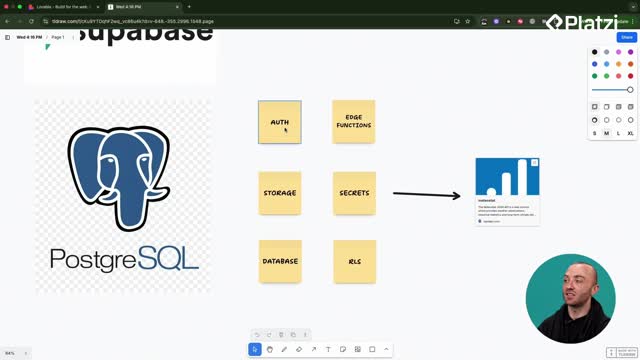
The key to remembering whether someone finished onboarding lives in the database. Two pieces make this work inside Supabase.
- A Boolean field called
onboarding_completed attached to the user's profile. If it's true, the app knows to send them to the dashboard [01:32].
- The actual onboarding data you want to collect, added as columns to the profiles table [02:33].
When onboarding_completed is true, the app skips onboarding and goes straight to the dashboard. That single true or false value is what prevents users from seeing the same questions twice.
How do you make onboarding show only once? Add a Boolean like onboarding_completed to the user's profile. Set it to true when they finish, then check that value on login to decide whether to show onboarding or the dashboard.
Lovable's chat mode scanned the existing setup and confirmed the profiles table already held onboarding_completed, and that authentication handled the sign-up logic. The only missing piece was building the onboarding components themselves [02:24].
What kind of questions can an onboarding flow collect?
Once implemented, testing means creating a completely new account rather than logging in with an existing one. A quick trick here is adding a few extra letters or numbers to your test email so it doesn't clash with an account already in the system [03:47].
The generated flow asked genuinely useful questions:
- Job title, like CEO of a company.
- Primary use case, such as business asset management.
- Email notification preferences.
- Photo sources.
And here's a neat detail: the final step included a small upsell. Some apps place their pricing right at the end of onboarding, offering users an upgrade to a paid account before they even start using the free version [05:15]. You can shape this last step however your business flow needs.
Why does the dashboard keep kicking users back to onboarding?
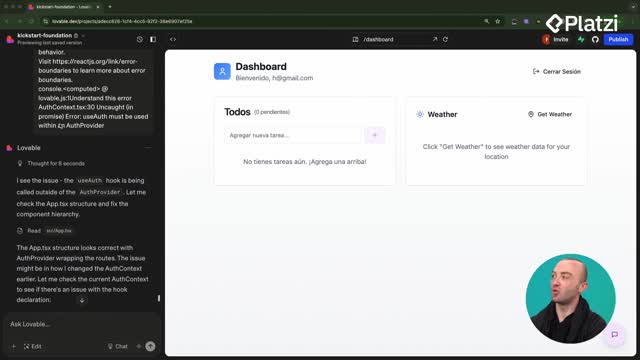
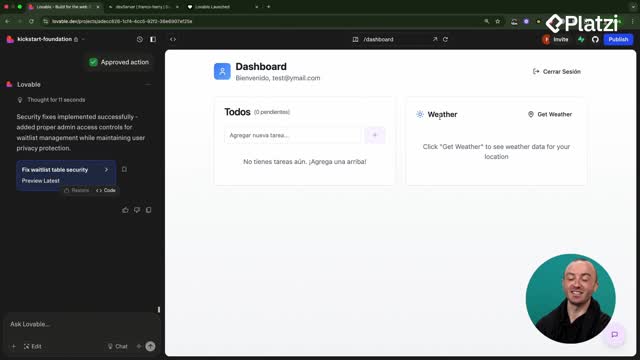
This is where real problem-solving with AI code editors kicks in. After completing onboarding, the info saved correctly and showed a success message, but the user got bounced back to the start instead of landing on the dashboard [06:04].
The fix came down to routing. When onboarding completes, navigation to the dashboard is triggered, but some state-based behavior meant the transition didn't actually stick [07:12].
Lovable offered two options, and the cleaner one won:
- Add a real-time subscription, so the moment onboarding updates in the database, the user is pushed through instantly [07:26].
- Force a full page refresh as a simpler fallback.
What is a real-time subscription in Supabase? It's a live connection that listens for database changes. When a value like onboarding_completed updates, your app reacts immediately without needing a manual page reload.
Even after choosing the real-time option, Lovable initially forgot to actually make the profiles table real-time, which meant more back-and-forth prompting [08:44]. That's the honest reality of building with AI: you describe what's broken, it attempts a fix, you test again.
How do you debug effectively when building with AI code editors?
The biggest lesson here is about context. The more detail you give Lovable, the better its solution. When reporting a bug, describe the steps you took, what you expected, and what actually happened [06:27].
A great example was this precise report: on the first run, onboarding always kicked users back to the first screen, but on a second attempt it correctly sent them to the dashboard [09:35]. That specificity let Lovable do real detective work, trace the problem to the routes, and make the right edit.
After that fight with Lovable, the flow finally worked end to end. A new account went from registration, through onboarding, to the dashboard, and stayed there.
Where does the collected user data actually end up?
The payoff is visible right inside Supabase. Heading to the table editor and opening the profiles table reveals every test account created during the process [11:03].
Looking at the account with numbers added to the email, scrolling across the row shows all the saved onboarding data:
- Company name.
- Use case.
- Job title.
- Completion timestamp.
- Photo sources.
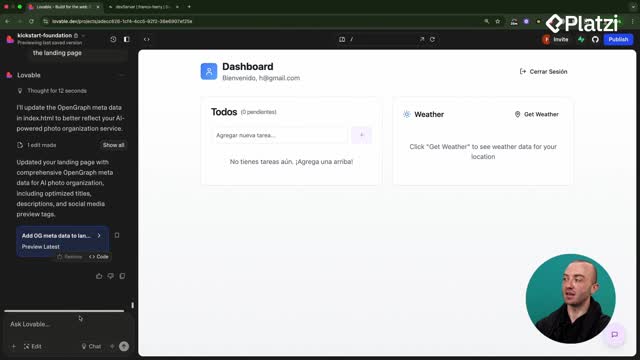
Going back to the home screen and clicking the dashboard again confirms it: no more onboarding questions, because that information is already stored in Supabase [10:49].
This wraps up the Supabase module, which covered CRUD, onboarding flows, and databases. The real skill you walk away with is connecting a polished front-end UI to a supercharged database so your application can do genuinely useful things.
Have you tried building your own onboarding flow yet? Share where you got stuck in the comments so we can work through it together.