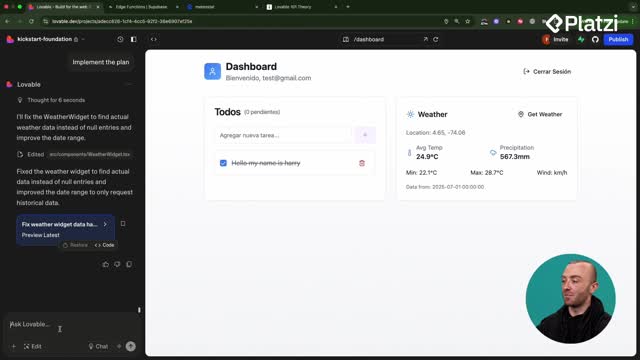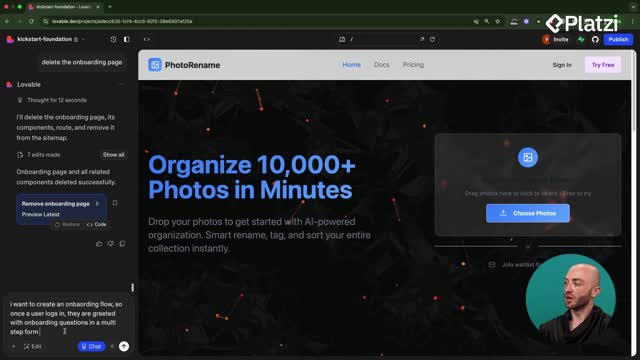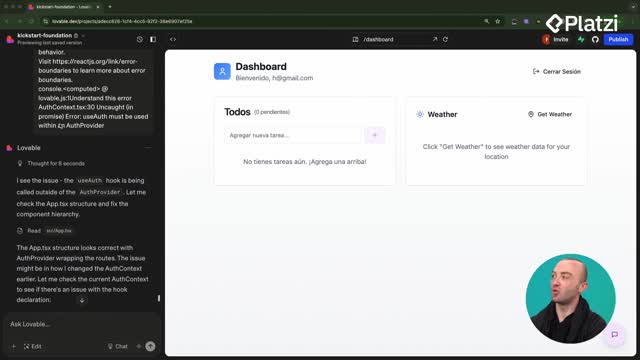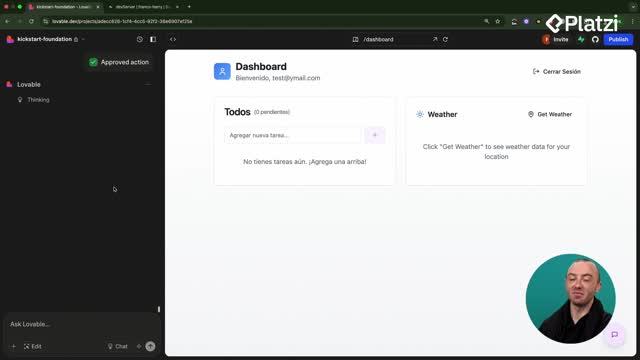
🧠📌🚑 Rapid diagnosis of broken projects in Lovable
🎯 OBJECTIVE
➡️ Detect and fix errors in a Lovable project
➡️ Reduce guesswork
➡️ Avoid working on a broken state
🧩🛠️ KEY TOOLS
Use these tools together:
✔️ Logs
✔️ Preview tab
✔️ Chrome DevTools
✔️ Lovable chat mode
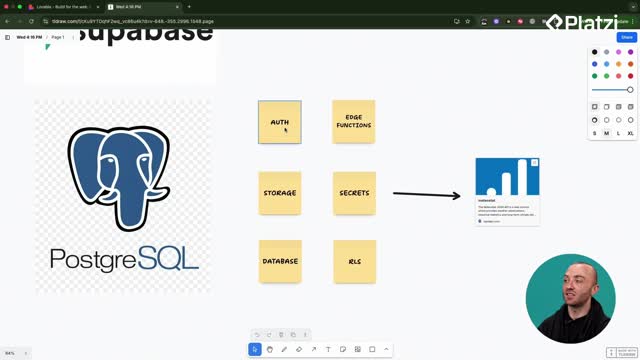
✔️ Edge functions (Supabase)
✔️ RLS policies
🚦 CORE PRINCIPLE
⚡ Speed + Evidence + Control
🔹 Speed matters
🔹 Don’t guess: use logs and real errors
🔹 Don’t edit without understanding the cause
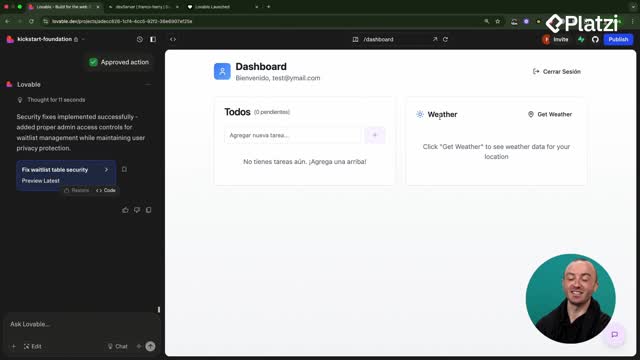
🔎 STEP 1: LOGS + SAFE RESTORE ♻️
❓ Why start here?
📍 Logs show what failed and where
📍 Restoring creates a clean, stable baseline
✅ Best practices
✔️ Check logs before touching code
✔️ If prompting stalls → restore
✔️ Avoid endless edit loops
✔️ Return to a stable state and fix with intention
📘 ESL/EFL Vocabulary
🟦 logs | prompting | restore | root cause | plan
👀 STEP 2: PREVIEW + CONSOLE 🧪
🧭 Quick flow
➡️ Open the preview
➡️ In Chrome:
- right click → inspect
- open the console
➡️ Look for red errors 🔴
💡 What’s visible is often the first real clue.
📋 STEP 3: CONSOLE ERRORS 📎
📌 Always copy
🔴 All red error messages
✍️ When pasting into Lovable, explain:
🟢 What you did
🟡 What you expected
🔴 What actually happened
🧭 Clarity = better diagnosis
💬 STEP 4: LOVABLE CHAT MODE 🤖
🧠 How it helps
✔️ Analyzes code and structure
✔️ Identifies the root cause
✔️ Proposes a plan before editing
🎯 Proper usage
🟢 Describe the problem
🟢 Paste real errors
🔴 Avoid “fix everything” without context
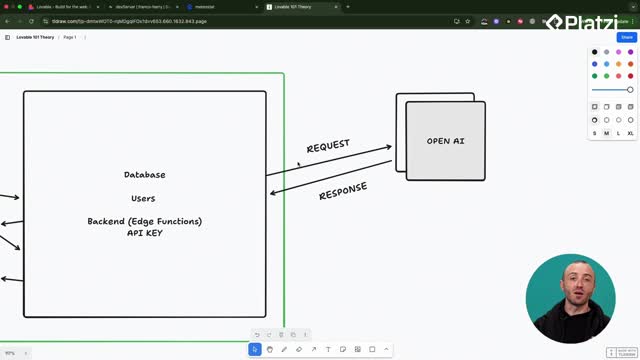
🌐 STEP 5: EDGE FUNCTIONS + SUPABASE ⚙️
❓ When to check here
🔹 API-related issues
🔹 Data not being returned
🔹 Database operation failures
⚠️ Very often the issue is:
- a broken function
- missing context
📜 STEP 6: EDGE FUNCTION LOGS 🧾
🧭 Supabase path
➡️ Left panel
➡️ Edge functions
➡️ Open the function (e.g.: get weather)
➡️ Click logs
🔍 What to look for
🔁 Repeated failures
⏱️ Timeouts
❌ Invalid inputs
📘 ESL/EFL Vocabulary
🟦 edge functions | filters | severity | output | calls
🔐 STEP 7: RLS POLICIES AND CRUD 🧱
❗ Why check RLS first
If these fail:
- ➕ create
- 👁️ read
- ✏️ update
- 🗑️ delete
👉 The front end may be fine
👉 Security rules may be blocking access
🧰 WHERE TO CHECK RLS
➡️ Open the table
➡️ Review policies for:
- insert
- select
- update
- delete
🔎 Watch for strange rules added “in a rush”
🚨 SIGNS OF RLS ISSUES
🚫 Rows can’t be created
🚫 Public data can’t be read
🚫 Updates or deletes fail despite valid input
📘 ESL/EFL Vocabulary
🟦 RLS | policies | CRUD | database | security