
Schedule weekly fine-tuning for your AI tutor
Contenido del curso

Set up your AI tutor
Practice the four skills
Keep improving with your tutor
Recursos
Resumen
Want an AI English tutor that gets smarter every week without paying a $25 monthly subscription? Setting up a self-improving AI tutor means your personal practice tool reviews your conversations, spots your weak points, and upgrades its own teaching, all on autopilot. This is for English learners who already built a custom AI project and want it to adapt to their needs.
Why should your AI tutor fine-tune itself automatically?
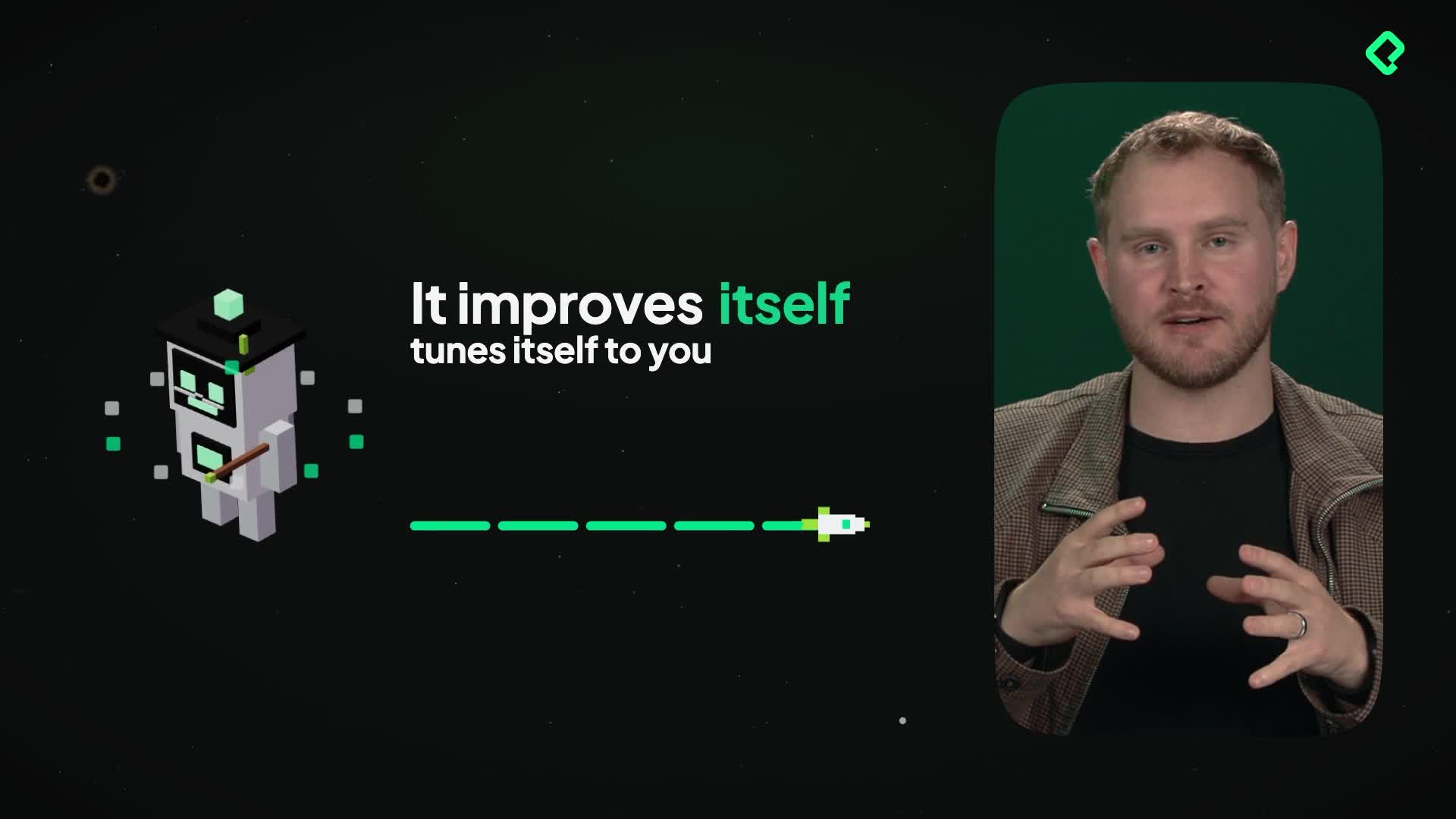
You've already done the hard part: the skills exist and the instructions are written. The next move is making the tutor evolve on its own so it keeps improving and tunes itself to how you actually learn.
The idea is simple but powerful. Instead of a static set of instructions, your tutor reviews everything you've practiced and rewrites its own structure based on where you struggle. That is fine-tuning: the process of adjusting a model's behavior using your real interactions so it performs better for your specific needs [0:55].
What is fine-tuning in an AI tutor? It's when the AI reviews your past conversations, identifies your weak points, and proposes improvements to its own instructions and skills so it teaches you better over time.
How do you schedule weekly fine-tuning in Claude?
Inside your project, you create a schedule with a clear instruction. The example given is direct: every week on Sunday night, go over all conversations in the project, identify weak points in the teaching structure based on where you are struggling, and propose improvements to its own instructions and skills [0:15].
The setup follows a few concrete settings:
- Frequency set to weekly.
- Timing set to Sunday at 6:00 PM.
- Approval set to automatic, so it runs without you confirming each time.
- Notifications turned on, with a push notification when the task finishes [0:38].
What happens next is the interesting part. Every Sunday, the tutor looks at everything you did inside the project file and makes itself better, improving based on your reactions over time [0:49].
Can you do the same fine-tuning in ChatGPT or Gemini?
Yes, and the method carries over to other large language models with small differences. The concept of a large language model (LLM) matters here: it's the AI system behind the tutor, and each one offers a scheduled feature you can point toward your project.
Here's how it compares across tools:
- ChatGPT has a scheduled section you can point to your project folder to create the fine-tuning [1:12].
- Gemini also has a scheduled section, so you can set up the exact same routine [1:20].
- Claude makes it easier because the scheduled option sits directly in the project file, so you don't have to specify the file [1:25].
The takeaway is practical. You can build this with your LLM of preference, and the result is a tutor tuned to you.
Why is a self-improving tutor better than a paid AI service? Because it adapts to your personal struggles instead of using generic lessons, and it does it for free instead of a recurring monthly fee of around $25.
That combination, a scheduled task inside a project file, is what turns a basic chatbot into something that feels custom-built for your learning. The tutor stops being a one-time setup and becomes a tool that grows with you.
Next, the plan is to connect all of this to practice English throughout your Platzi courses. Have you tried setting up a scheduled task in your favorite LLM yet? Share what instruction you'd give your tutor.