Classes and Objects in Python Explained

Resumen

Object-oriented programming in Python starts with one core idea: a class works like a cake mold that defines the structure, while each cake you bake from it becomes an object with its own values. If you want to learn how to create a class in Python, build a constructor and instantiate objects, the Library Project is the perfect playground.

What is a class in Python and why does it matter?

A class is a blueprint. From that blueprint you can spin up as many objects as you need, each one carrying its own data but sharing the same structure. Think of a Book class: every book you create will have a title and an author, but the values change from one instance to another.

This matters because most real software, from a library catalog to a streaming app, depends on reusable structures that scale without rewriting code.

What is a class in Python? It's a template that defines the attributes and behavior of an object. You write it once with the keyword class and reuse it to create multiple objects.

How do I set up a Python project with uv?

Before writing any class, you need a clean project. The video uses uv, a modern Python package manager, to bootstrap everything in seconds [00:38].

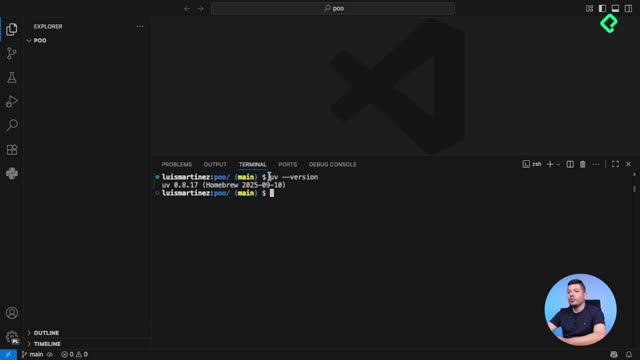
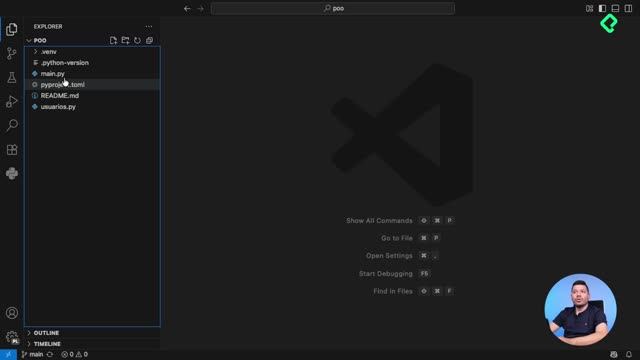
Start by checking the installation with uv version. If it returns a version number, you're ready. Then run uv init inside an empty folder and uv will generate four files automatically:

  • A file with the Python version locked for your project, so any teammate installs the same one.
  • A main.py file where your code lives and runs.
  • A project description file that lists dependencies. Rename the project here to proyecto biblioteca.
  • A README file to document instructions for your team or your future self.

This structure keeps your environment reproducible and your codebase organized from day one.

How do you define a class and a constructor in Python?

Inside main.py, clear the boilerplate and use the keyword class to declare your blueprint [02:14]. Python expects the class name to start with an uppercase letter, so you write class Libro: and you're done with the declaration.

If you stop there, the class is empty, like a plan with no instructions. To prove it compiles, you can drop a pass inside. But the real power shows up when you add a constructor method.

What is the init method and what does self do?

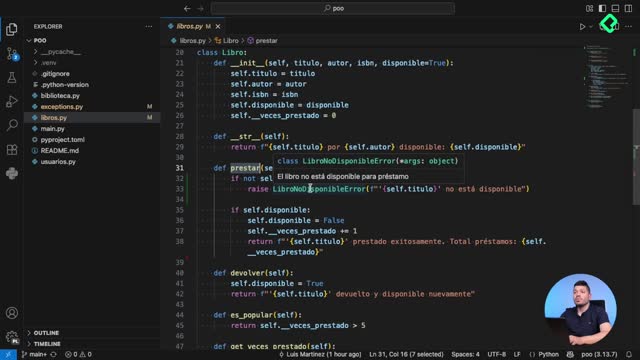
In object-oriented programming, functions inside a class are called methods. The constructor is a special method named __init__ that runs automatically every time you create a new object.

It receives a very particular first parameter: self. This parameter refers to the object itself, so when you write self.titulo = titulo, you're attaching that value to the specific book you're creating.

python class Libro: def init(self, titulo, autor): self.titulo = titulo self.autor = autor

Notice that __init__ doesn't return anything. Its only job is to initialize the attributes of the new object using self.

What does self mean in a Python class? It's a reference to the current object being created. Python passes it automatically, which is why you don't include it when you instantiate a class.

How do I create and print objects from a class?

Once the mold is ready, you can bake as many books as you want. Each instance is a new variable that uses the class name followed by parentheses with the required arguments [04:10].

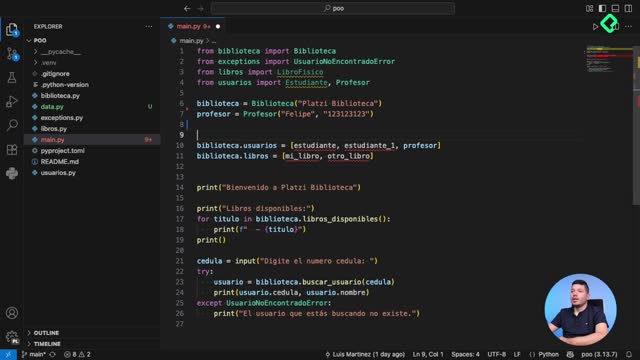
python mi_libro = Libro("Cien años de soledad", "Gabriel García") otro_libro = Libro("El principito", "Antoine de Saint-Exupéry")

print(mi_libro.titulo, mi_libro.autor) print(otro_libro.titulo, otro_libro.autor)

When you print mi_libro.titulo and mi_libro.autor, you confirm that each object holds its own data even though both came from the same class. That's the magic of self: it dynamically binds the values you pass to the specific instance you just created.

Why do I need a virtual environment to run the file?

If you run python main.py and the terminal complains that Python wasn't found, it's because no virtual environment exists yet [06:20]. A virtual environment isolates dependencies so your project doesn't collide with others on your machine.

With uv, the workflow is short:

  1. Run uv venv to create the environment.
  2. Activate it with the command shown in your terminal.
  3. Execute python main.py again and watch your books print correctly.

This habit avoids version conflicts and keeps your library project portable across operating systems like Windows and Mac.

Your challenge: extend the Libro class

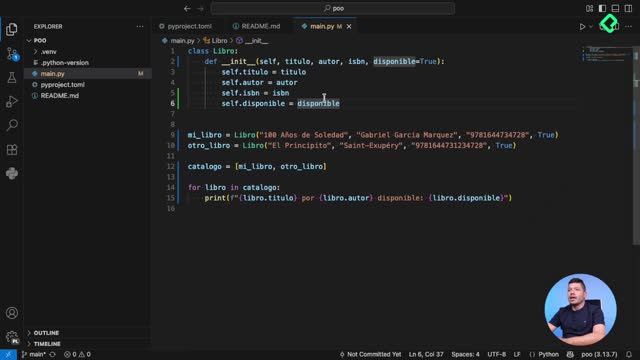
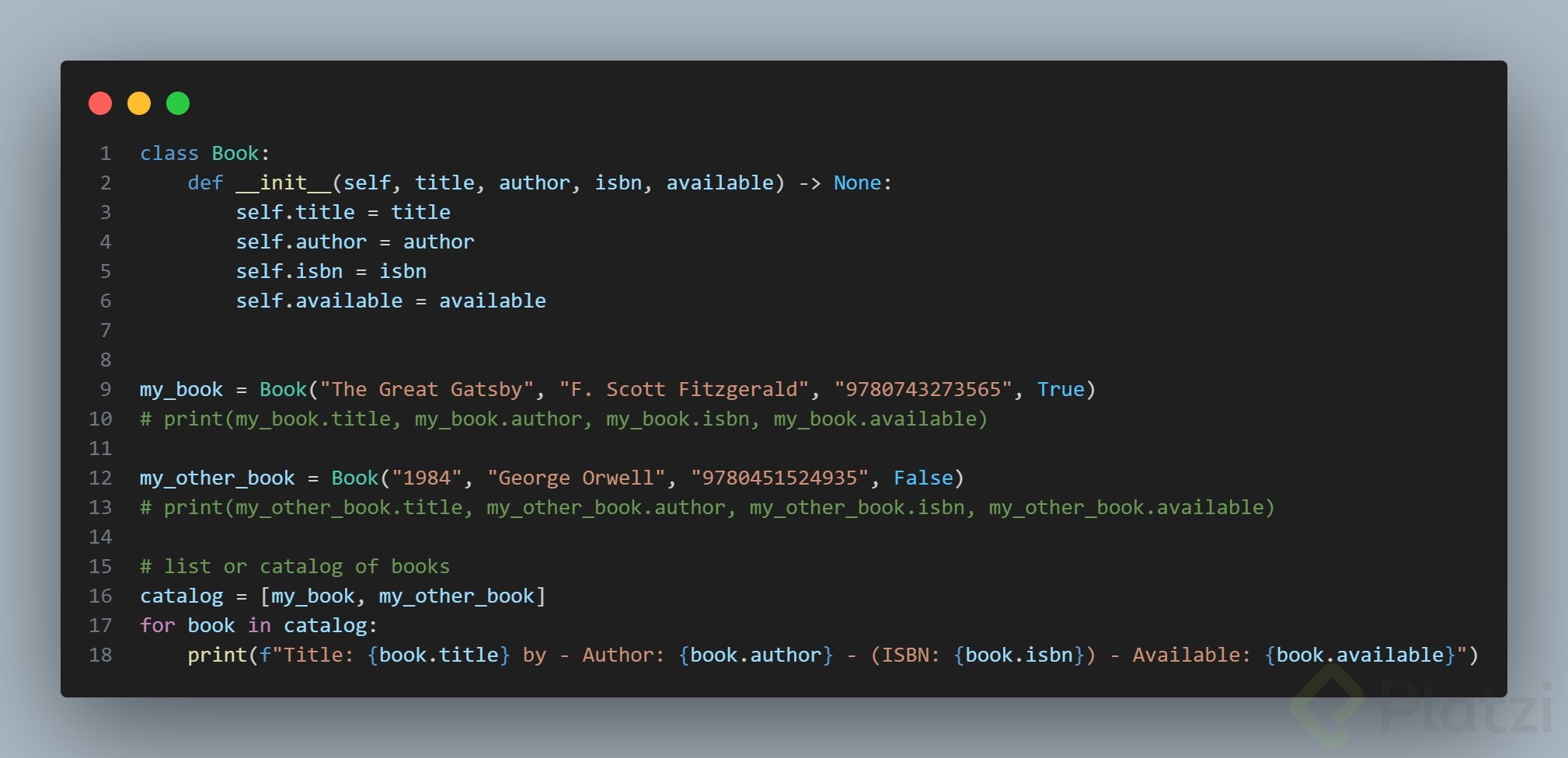
Now it's your turn to practice. Add two new parameters to the Libro class: isbn and disponible as a boolean. Then create a list called catalogo that stores several books and use a for loop to print every title, author and availability status.

Drop your solution in the comments and share how you handled the boolean field. What other attributes would you add to model a real library?