Organizing Python Projects Into Modules

Resumen

Splitting Python code into modules turns a chaotic single file project into a clean, professional structure where each file has one responsibility. You will learn how to refactor a library project into separate modules, apply Python's import system, and follow PEP 8 conventions to keep your codebase maintainable and ready to scale.

Why should you split your Python project into modules?

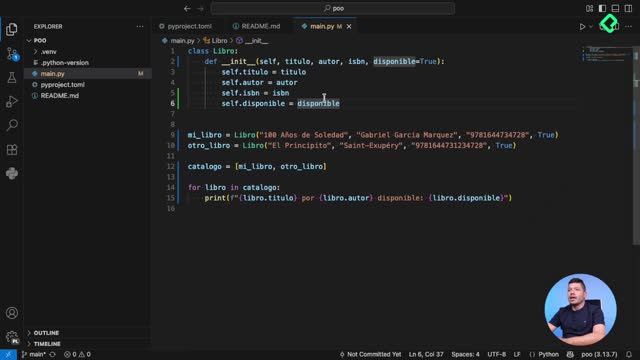
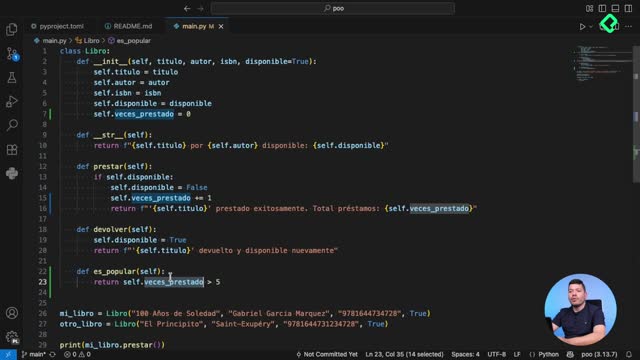
When a project grows, keeping every class inside main.py creates what we call spaghetti code: logic piled up without any relationship to the file name. Think of it as stacking every book in a library on a single table. It works with five books. It collapses with five hundred.

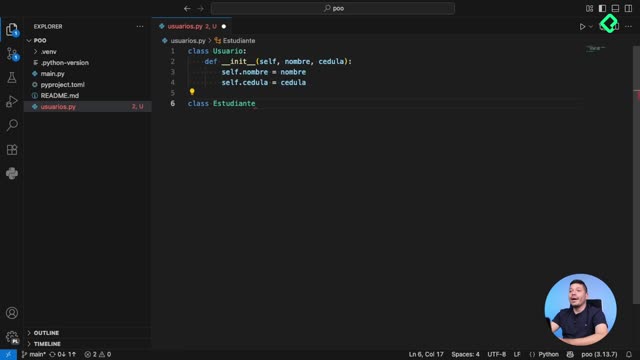
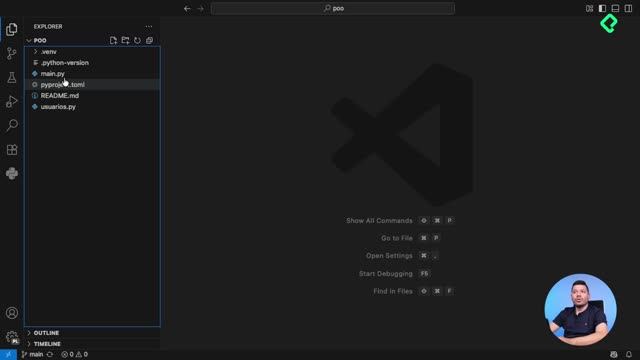
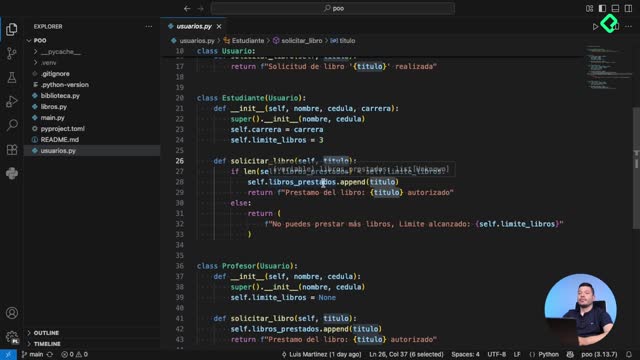
In the original project, two files carried all the weight: a main.py mixing unrelated logic and a usuarios.py that even executed code on import. That violates a core principle: one file should do one thing. Around [00:48], the refactor begins by identifying this technical debt and planning a cleaner architecture.

What is a Python module? A module is a .py file that groups related code, like classes or functions, so it can be imported and reused from other files.

How do you separate classes into their own files?

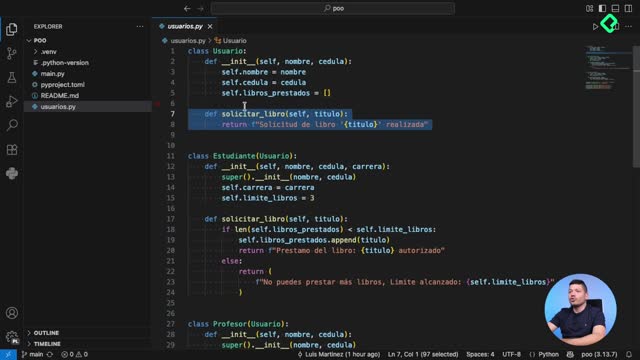
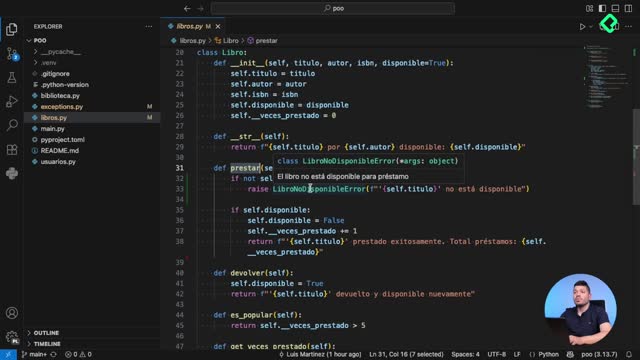
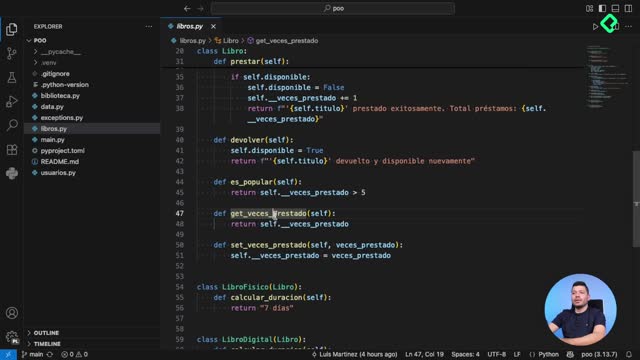
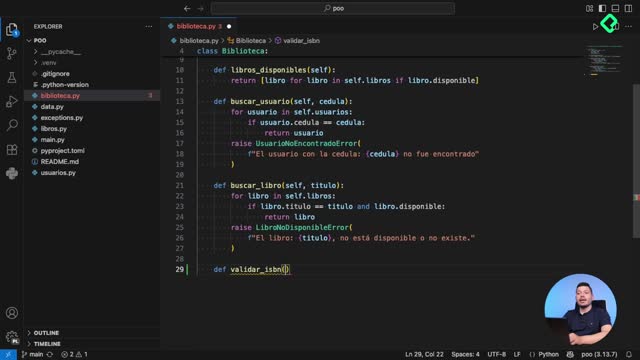
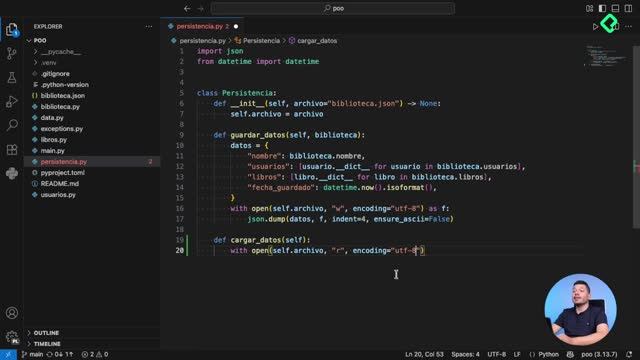
The first move is creating a dedicated libros.py file and cutting every book related class out of main.py. The same logic applies to the Biblioteca class, which goes into a new biblioteca.py. The usuarios.py file is also cleaned up, removing any execution code so it only defines classes and protocols.

This brings two practical wins:

  • Finding code is trivial. If you need the Libro class, you open libros.py and you are done.
  • Files become shorter, which matters when you feed context to an LLM. At [02:14], the instructor points out that passing eight lines instead of twenty directly reduces token costs when generating code with AI assistants.

A small but powerful convention: name your files in plural (libros.py, usuarios.py) when they hold multiple related classes. It signals that the file groups several definitions of the same domain.

What goes inside main.py after the refactor?

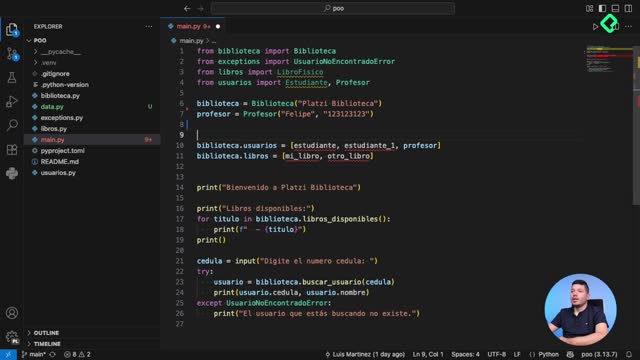
After moving classes out, main.py stops being a dumping ground and becomes the entry point. Its only job is to import the pieces and orchestrate them: create the library, instantiate students and professors, build the books, and connect everything together.

That separation of concerns is the heart of modular design. Each file defines. main.py connects.

How does the Python import system connect your modules?

Once classes live in different files, Python needs explicit imports to find them. The syntax from usuarios import Estudiante tells the interpreter where to look. When you need more than one class from the same module, you chain them with commas:

python from usuarios import Estudiante, Profesor, SolicitanteProtocol from libros import Libro, LibroFisico from biblioteca import Biblioteca

Repeating imports across files is fine and expected. Each module declares what it actually uses, so usuarios.py and libros.py can both import from typing without conflict.

Where should imports go in a Python file? At the top of the file, grouped in three blocks separated by a blank line: standard library first, third party packages second, your own application modules last. Inside each block, order them alphabetically.

This ordering follows PEP 8, the official Python style guide. Tools like Ruff automate it: every time you save, imports get sorted and unused ones are removed. In the demo, the Libro import disappeared on its own once it was no longer referenced.

What is the difference between a module and a package?

A module is a single .py file. A package is a folder containing multiple modules, usually with an __init__.py to mark it as importable. The library project uses modules. As it grows, grouping usuarios.py, libros.py, and biblioteca.py under a package would be the next step.

How do you verify the refactor works?

With the structure in place, main.py reads top to bottom like a script: create the Biblioteca, create the users, create the books, attach the books to the library, and print the result. Running python main.py from the terminal confirms everything still works, this time with clear responsibilities per file.

A few takeaways worth keeping close:

  1. One file, one responsibility. Classes in their own modules, execution in main.py.
  2. Plural file names for modules holding several related classes.
  3. Imports at the top, sorted by PEP 8, ideally automated with Ruff.
  4. main.py as the entry point that wires everything together.

The next step is making this modular code more robust with exception handling, so the upcoming loan system can deal with real world errors without breaking. If you have refactored a messy project recently, share what your before and after looked like in the comments.