Contenido del curso
Encapsulación y Comportamiento de Objetos

Implementar Protocolos con Métodos Especiales

Relaciones entre Clases y Polimorfismo
- 12
Book Search and Lending Flow in Python OOP
08:57 min - 13
Clases abstractas en Python con ABC y @abstractmethod
04:31 min - 14
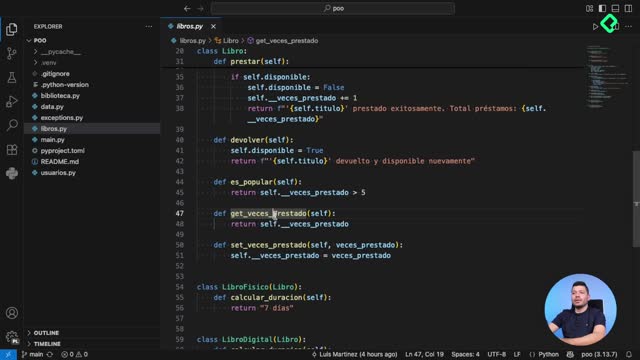
Decoradores property en Python para atributos con validación
06:22 min - 15
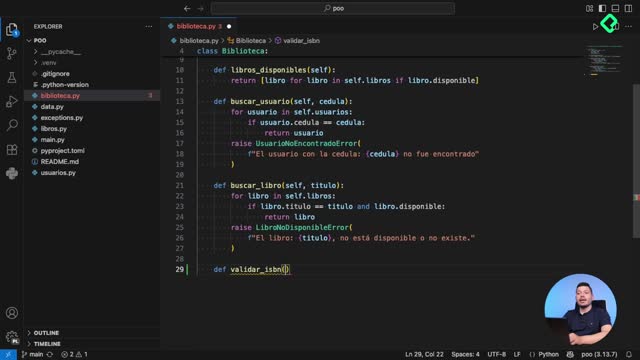
Decoradores @staticmethod y @classmethod en Python
07:18 min - 16
Serialización de objetos Python a JSON para persistencia de datos
07:47 min
Diseño Avanzado y Patrones de Software
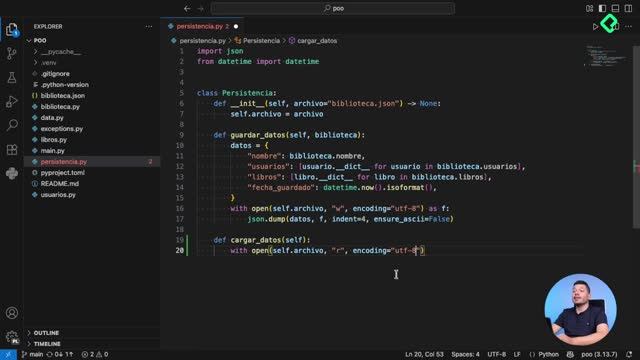
Custom Exceptions That Make Python Errors Clear

Resumen
Errors in programming are inevitable, and the difference between amateur and professional code lies in how you handle them. Python exception handling with try, except, and raise lets you catch errors, respond gracefully, and keep your program running, while custom exceptions make your code expressive and self documenting.
This walkthrough builds on a small library system where students request books, and shows how to evolve fragile validation into robust error management you would actually ship.
Why does my Python program authorize invalid data?
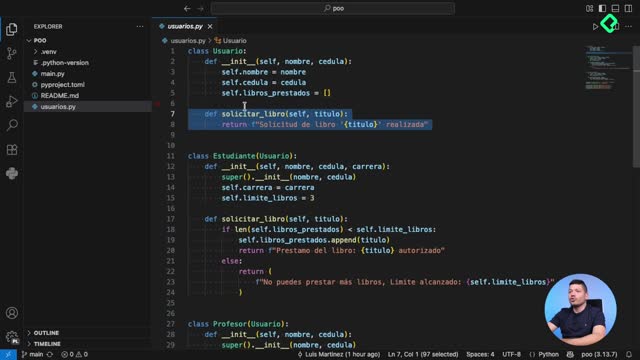
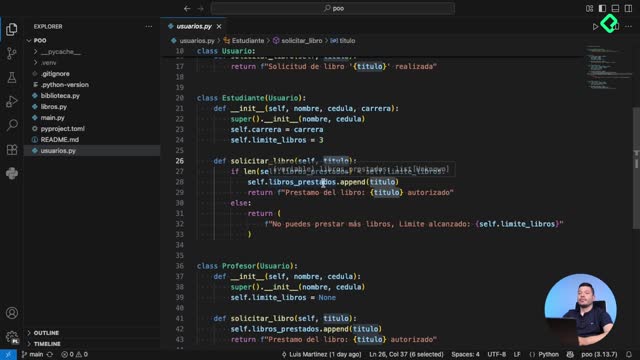
Imagine you have a solicitar_libro method inside an Estudiante class that adds a title to libros_prestados after some validations. If you call it from main.py passing None as the title, you would expect a rejection. Instead, the program happily prints that the empty book was authorized. That is a silent bug, the kind that breaks production systems quietly.
The fix starts by validating the input inside the method. If the title exists, continue. If not, you need to actively signal that something went wrong instead of returning a misleading success.
What does raise do in Python?
raiseinterrupts execution and sends an error up to whoever called the function. Once raised, no further lines in that function run.
How do I use raise to signal errors explicitly?
Inside solicitar_libro, when the title is missing you use raise ValueError(f"El libro con el título {titulo} no es válido"). Now running the script no longer authorizes a None book. Instead you get a traceback showing the executed lines and a clear message pointing to the real problem.
The catch is that raise cancels everything below it. If your main.py tries to request a valid book like El Principito right after the failing call, that second request never executes, and the final print is also skipped. The program simply stops.
How do I keep the program running after an error?
This is where try and except come in. You wrap the risky call in a try block, and if the exception fires, the except block handles it without killing the script.
python try: resultado = estudiante.solicitar_libro(None) print(resultado) except: print("Error, no se pudo solicitar el libro")
With this structure, the failed request prints a friendly message, and the next request for El Principito runs normally. Execution continues.
Why is using except alone considered bad practice?
Python itself warns you against bare except clauses. A naked except catches every possible error, including ones you never anticipated, and hides them behind your generic message. If something fails for a reason unrelated to your validation, you would never know.
The professional solution is to define custom exception classes that describe your domain precisely.
What is a custom exception in Python? It is a class that inherits from
Exceptionand represents a specific error in your application. It lets you catch only the errors you care about and ignore the rest.
How do I create custom exceptions for my application?
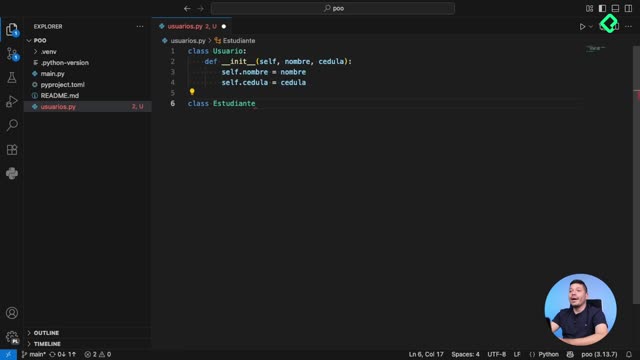
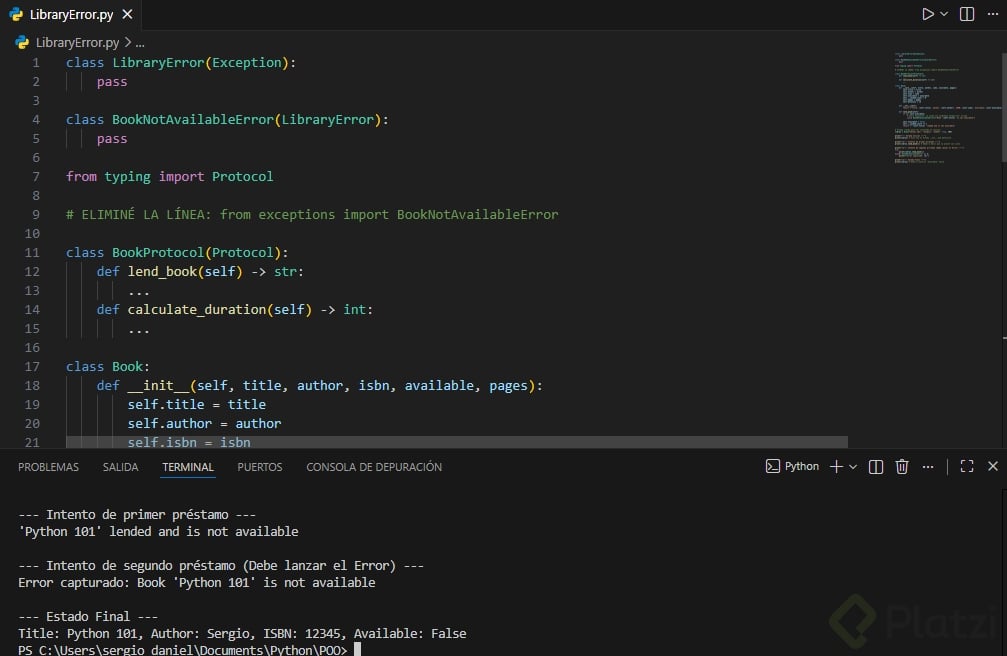
Create a new file called exceptions.py and define a base class for your domain:
python class BibliotecaError(Exception): pass
class TituloInvalidoError(BibliotecaError): pass
The pass keyword means you are not modifying the default Exception behavior, just renaming it for clarity. TituloInvalidoError inherits from BibliotecaError, so you can catch the parent and automatically capture every child error too.
In usuarios.py you import the specific exception and raise it instead of the generic ValueError:
python from exceptions import TituloInvalidoError raise TituloInvalidoError(f"El libro con el título {titulo} no es válido")
In main.py you only need to import and catch BibliotecaError. Because of inheritance, TituloInvalidoError is caught by the same block.
How do I inspect which specific error was raised?
Use the as keyword to bind the exception instance to a variable. Then you can read its message and even check its type to branch logic based on the concrete error.
python except BibliotecaError as e: print(f"{e}, tipo: {type(e)}")
When you run it, the output shows the message plus <class 'exceptions.TituloInvalidoError'>. That tells you exactly which subclass fired, which is gold when you want different recovery actions per error type.
This pattern delivers three concrete benefits:
- Expressive code: exception names communicate the problem directly.
- Robust behavior: every error case is handled deliberately.
- Professional standards: you follow Python best practices around exception hierarchies.
Concepts and skills covered in the lesson
The class introduces several practical building blocks for exception handling in Python.
raiseto actively signal an error and stop execution at that point [03:20].ValueErroras a built in exception used before migrating to custom classes [04:10].- Traceback reading to identify which lines executed before the failure [04:45].
tryandexceptto capture errors and continue running the program [06:00].- Why bare
exceptis discouraged and hides unrelated bugs [07:15]. - Creating custom exceptions by inheriting from
Exceptionin a dedicatedexceptions.pyfile [08:00]. - Exception hierarchies with a base
BibliotecaErrorand specific children likeTituloInvalidoError[09:30]. - The
as esyntax to access the exception instance and itstypefor branching logic [10:50].
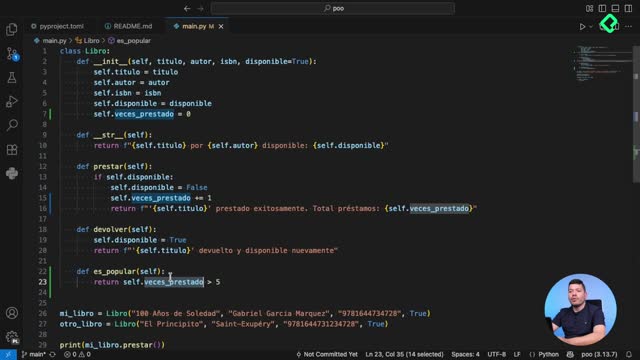
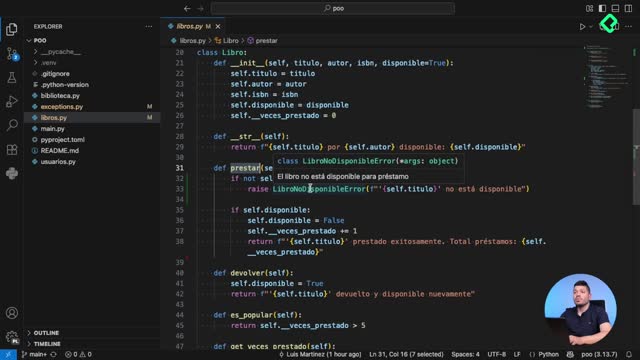
As a challenge, modify the prestar method on the Libro class so it raises a new LibroNoDisponibleError when the book is not available. Import the exception, raise it from the method, and handle it from main.py. Share your implementation in the comments.