Contenido del curso



Operaciones con Vectores y Matrices


Multiplicación de Matrices



Construcción de un Modelo de Regresión Lineal




NumPy Arrays and Matplotlib Visualized
Resumen
Machine learning models only understand numbers organized in efficient structures, and that is exactly where NumPy and Matplotlib come in. If you are starting in AI with Python, learning how to create arrays, check their shape and visualize them is the first real step toward training a model. Here you will see, with concrete code, how both libraries work together inside a Colab notebook.
Why is NumPy the foundation of machine learning in Python?
Python lists are convenient, but they get slow when math scales up. NumPy fixes that by giving you a data structure called array, which behaves like a list yet is optimized for heavy mathematical computation [0:18].
Think of NumPy as the floor on top of which the rest of the AI ecosystem is built. Libraries like Pandas, Scikit-Learn and TensorFlow all depend on it, so anything you learn here pays off later [0:30].
What is a NumPy array? It is a list-like structure designed for fast numerical operations. Unlike a regular Python list, it stores data in a way that lets you run math on millions of values efficiently.
How do you import NumPy in Colab?
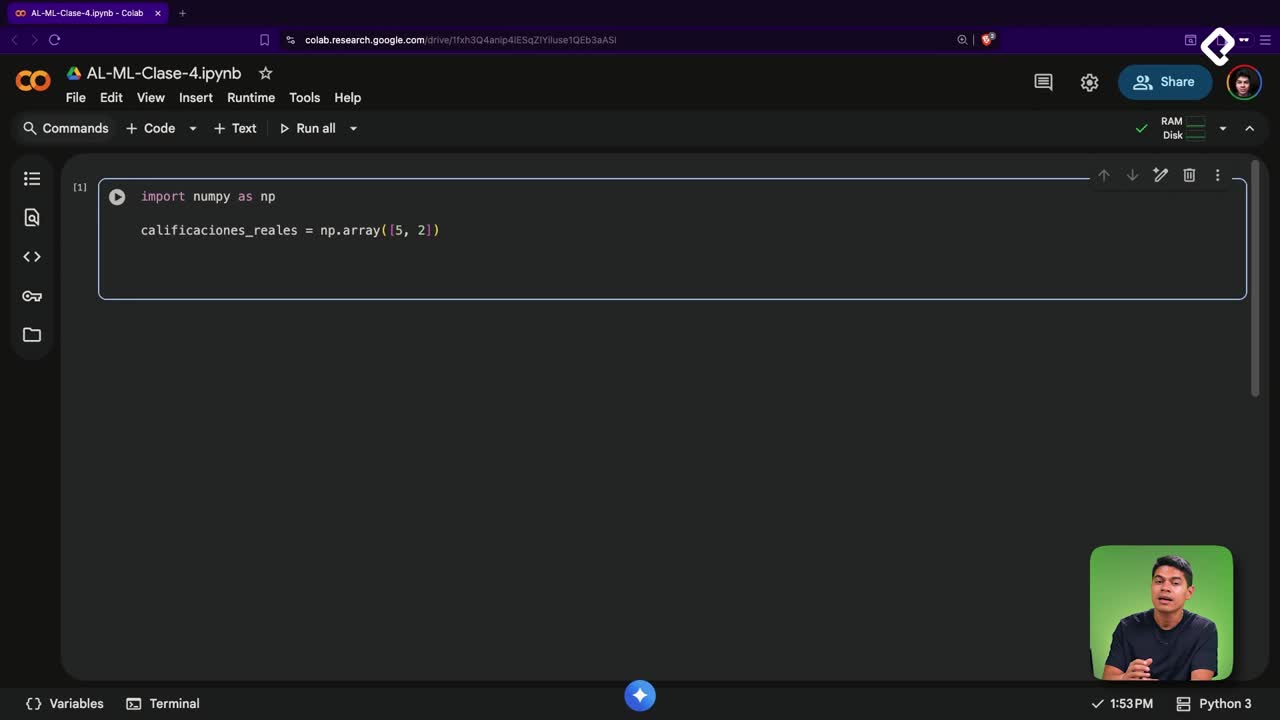
You do not need to install it. Colab and local Jupyter Notebooks already include NumPy by default, so you only import it [1:25]. The community convention is to use the alias np:
python import numpy as np
Using this alias keeps your code short and readable, and matches what you will see in almost every tutorial or production codebase.
How do you create your first array and check its shape?
You create an array with np.array() and pass a list of numbers inside. Then you inspect it with the attribute shape, which tells you how your data is organized [1:55].
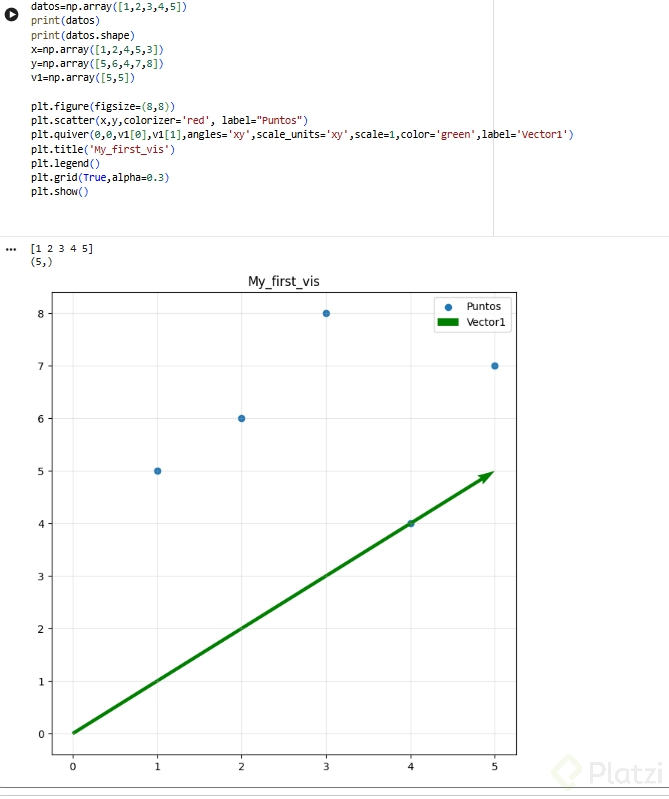
python datos = np.array([1, 2, 3, 4, 5]) print(datos) print(datos.shape)
The output (5,) means you have a vector with five elements. That tuple is your first contact with the idea of shape, and it matters because machine learning models expect inputs with a specific shape. If your data does not match, the model will not train [2:45].
How do you visualize NumPy data with Matplotlib?
A list of numbers rarely tells a story on its own. We are visual beings, and we need to see data to spot patterns, detect errors and communicate results. Matplotlib is the go to library for plotting in Python [3:25].
Start by creating two arrays for your coordinates and one small vector with two components:
python x = np.array([1, 2, 3, 4, 5]) y = np.array([2, 4, 1, 3, 5]) v1 = np.array([3, 4])
Then import the plotting module with its standard alias plt [4:25]:
python import matplotlib.pyplot as plt
How do you build a scatter plot and a vector arrow?
First you set up a canvas with plt.figure(figsize=(6,6)), which creates a six by six inches space for your chart [4:50]. Then you add a scatter plot with plt.scatter, passing the x and y coordinates plus a label so the legend makes sense [5:20].
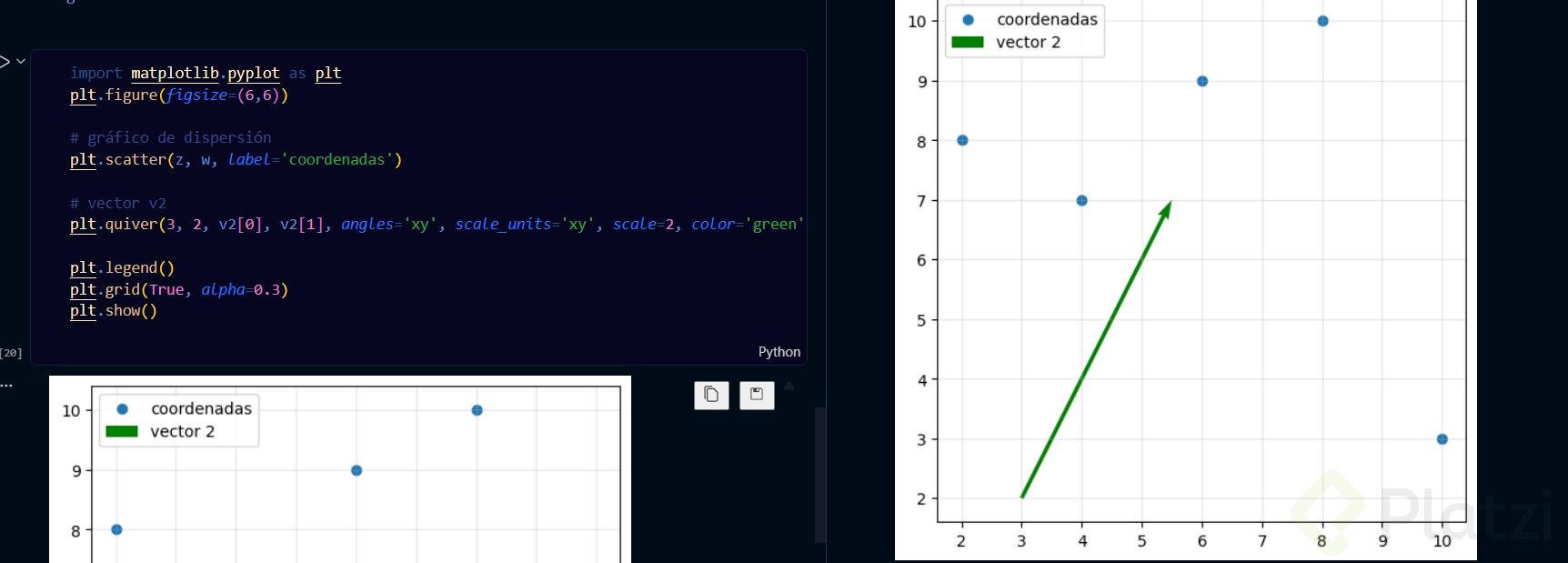
For the vector, you use plt.quiver, which draws an arrow. You pass the origin (0,0), then the x and y components of the vector, and a few parameters that keep the arrow proportional to the cartesian plane [6:00]:
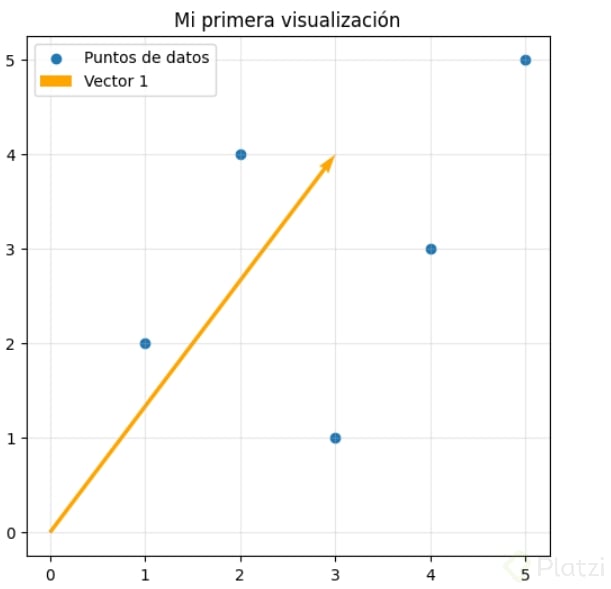
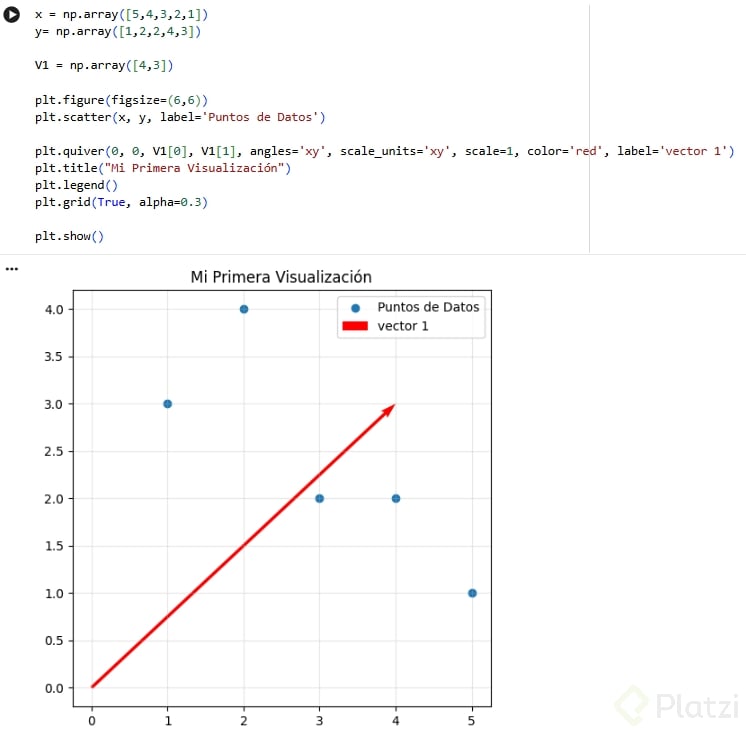
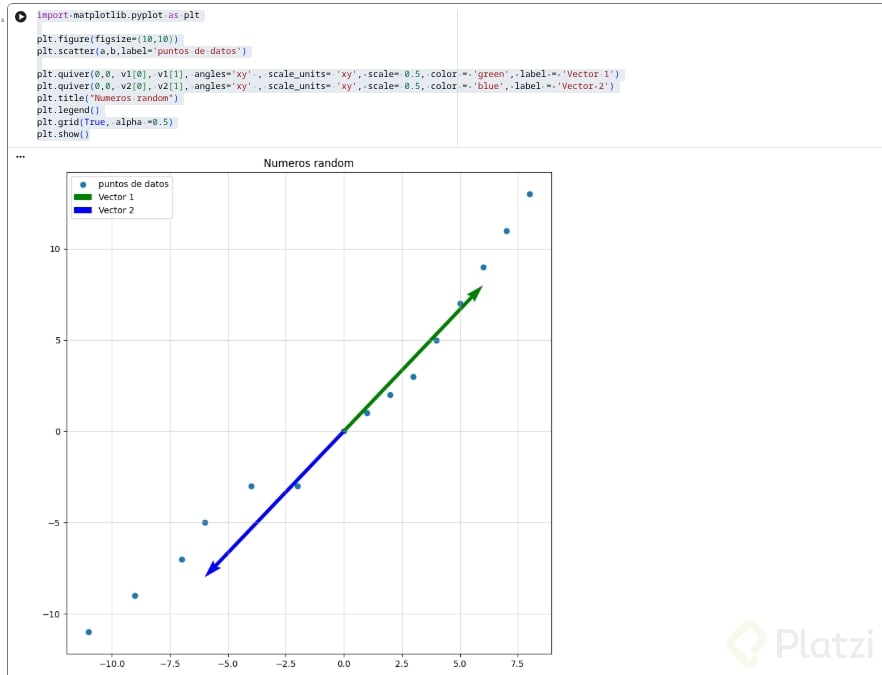
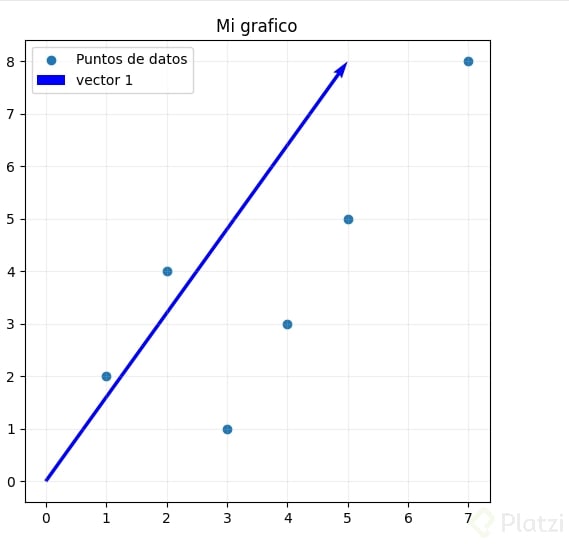
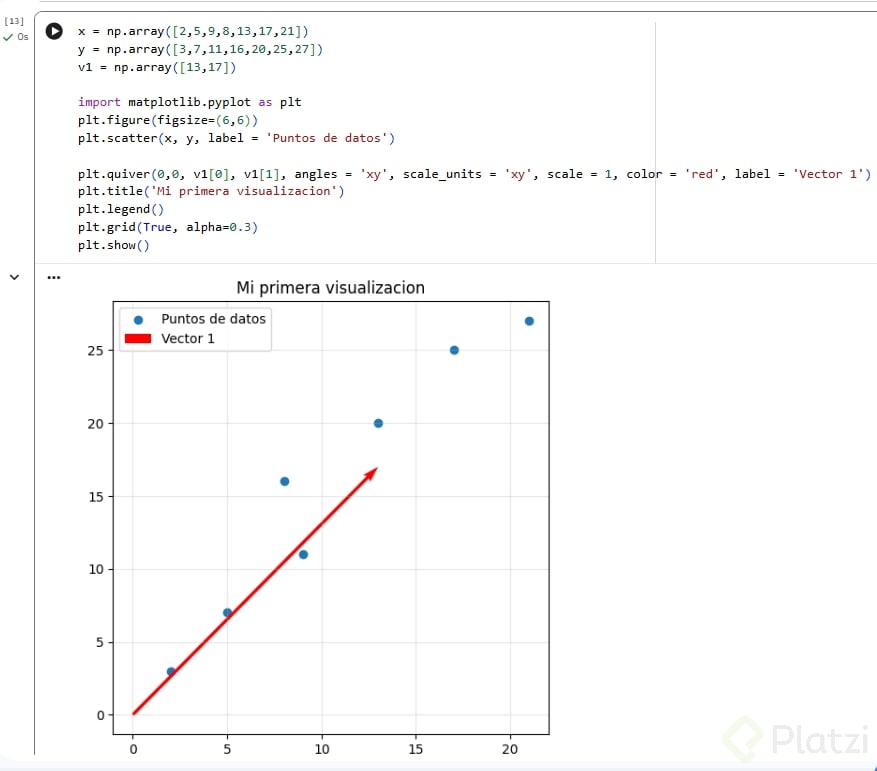
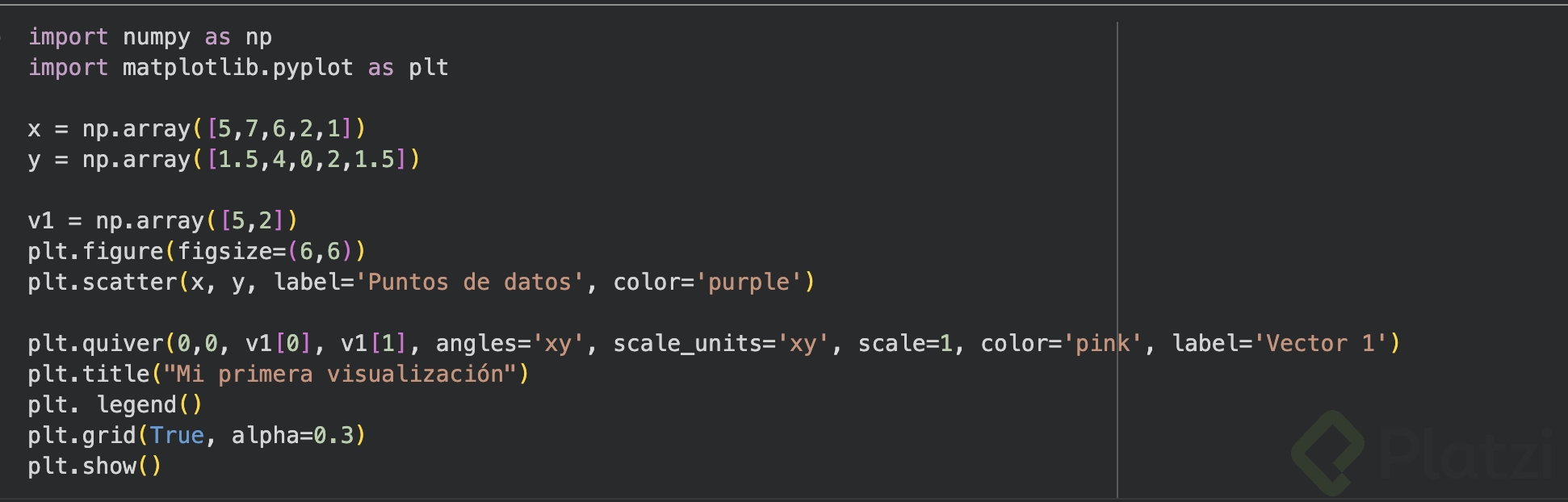
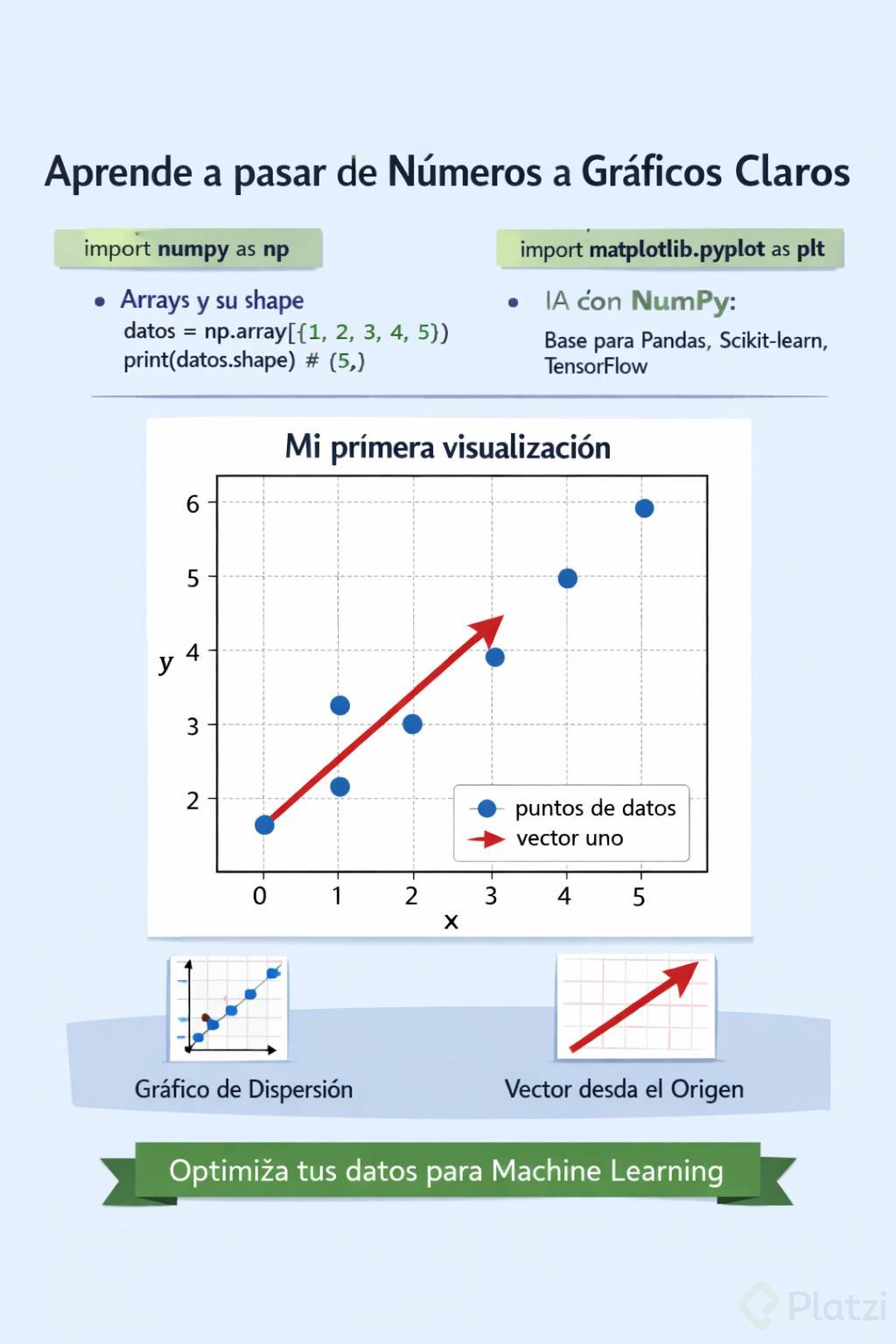
python plt.figure(figsize=(6,6)) plt.scatter(x, y, label="puntos de datos") plt.quiver(0, 0, v1[0], v1[1], angles="xy", scale_units="xy", scale=1, color="red", label="vector uno") plt.title("Mi primera visualización") plt.legend() plt.grid(True, alpha=0.3) plt.show()
The parameters angles="xy" and scale_units="xy" tell Matplotlib to respect the cartesian plane you learned in school, so the arrow points exactly where the math says it should [6:35].
What does plt.quiver do? It draws a vector as an arrow on a plot. You give it an origin, an x component and a y component, and it renders the direction and magnitude visually.
What do you actually see on screen?
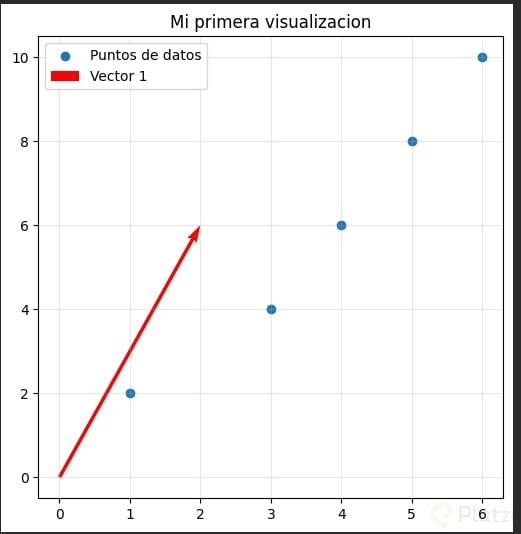
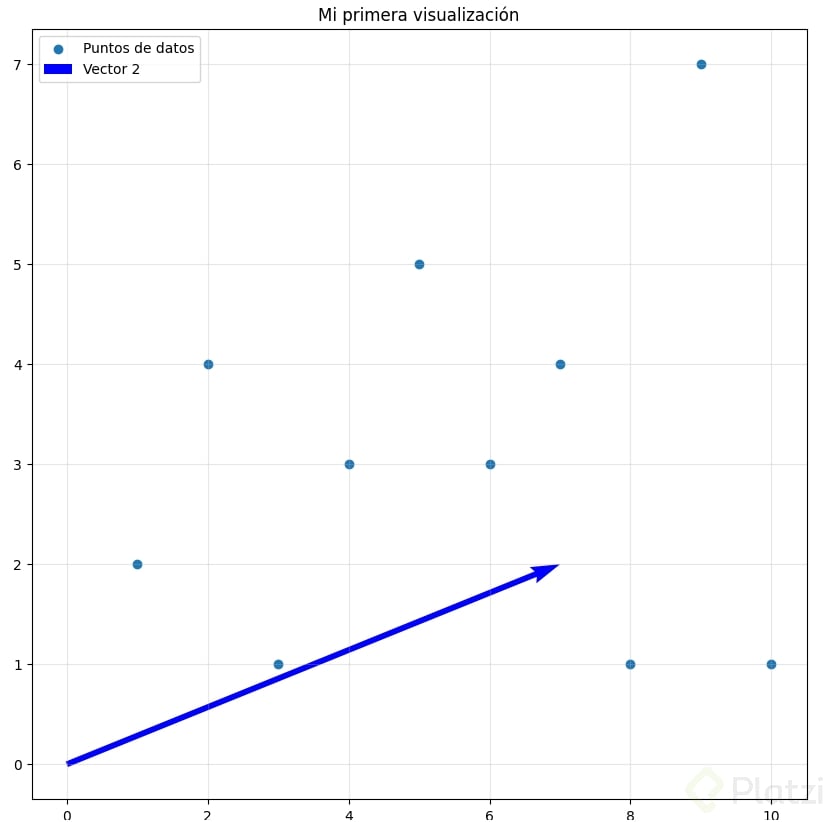
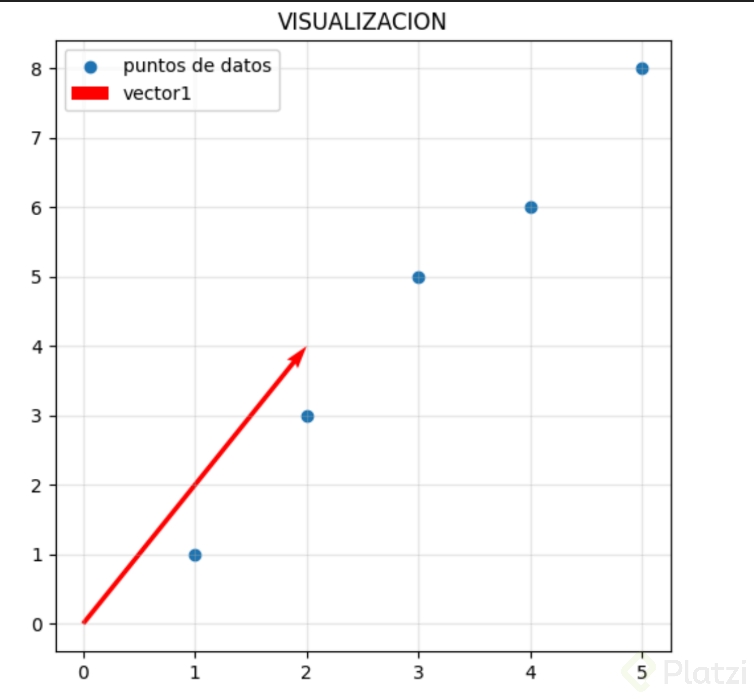
When you run the cell with control enter, Matplotlib renders a chart titled Mi primera visualización with five blue dots scattered across the plane and a red arrow starting at the origin and pointing to the coordinates (3, 4) [7:30]. The blue dots come from your x and y arrays, the red arrow comes from v1, and the grid in the back, controlled by plt.grid(True, alpha=0.3), gives you a soft reference to read the coordinates.
Why is shape so important in machine learning? Because models are picky. They expect inputs with exact dimensions, and a mismatch in shape is one of the most common errors when training. Checking shape early saves hours of debugging.
What can you practice right now with vectors in Python?
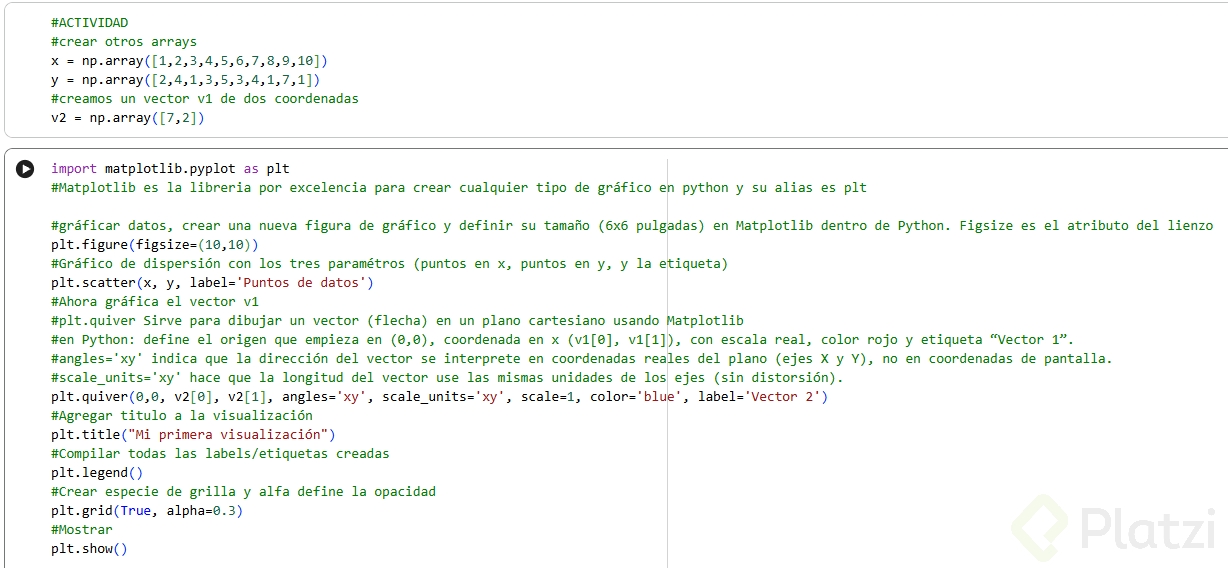
The best way to lock in these ideas is to break them on purpose. Open the notebook, change the values of x, y and v1, and run the code again [8:10].
- Add more points to
xandyand see how the scatter spreads. - Use negative numbers in
v1and watch the arrow flip direction. - Try a longer vector like
[6, 2]and see how the scale adapts.
Share your resulting chart and your code in the comments. What numbers did you pick, and what surprised you about the plot?