Fixing Real Type Errors With MyPy

Resumen

MyPy is the industry standard tool for static type validation in Python, letting you catch type errors before running your code and dramatically improving the quality and maintainability of your projects. You will learn how to configure MyPy in real projects, run a type analysis, and fix the errors it reports so your codebase becomes more robust. This guide is for Python developers who want production grade code without surprises at runtime.

How do you install and run MyPy in a Python project?

The setup is quick and integrates naturally with modern Python tooling like uv. The idea is to add MyPy as a development dependency, point it at your source folder, and read the output carefully.

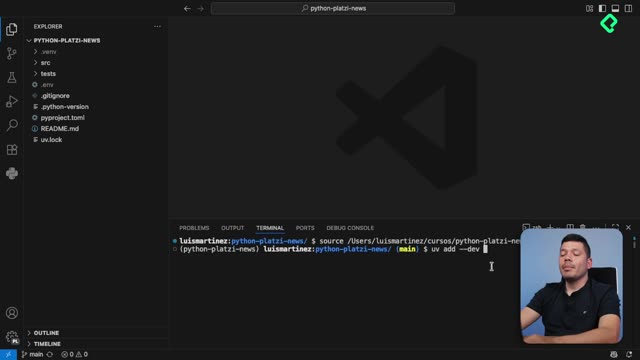
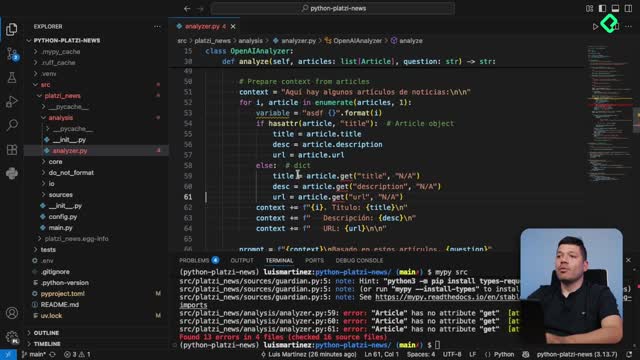
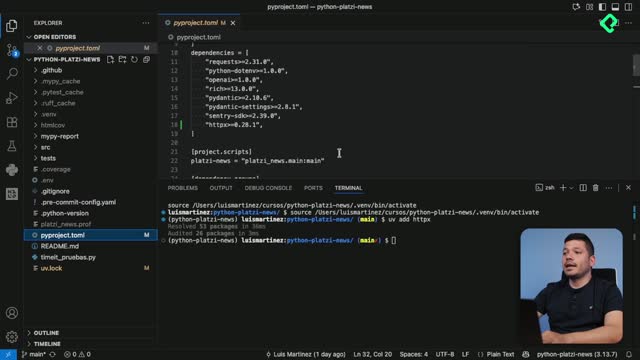
To install it in the Platzi News project, run uv add --dev mypy. That command adds the package only to the development dependency list, which keeps your production environment clean. To execute the analysis, run mypy src and MyPy will return every type error it finds inside that path.

What does mypy src do? It runs static type checking on every Python file inside the src folder, returning the file name, line number, and a description of each typing issue without executing the code.

Why does MyPy report stub library errors?

Some libraries like requests do not ship with type information by default. When MyPy cannot find the types, it raises an error saying the stubs library is not installed.

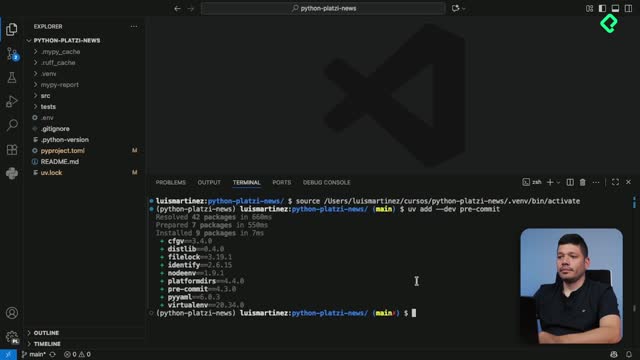
The fix is to install the companion typing package. Running uv add --dev types-requests adds those stubs and removes the warning instantly. After installing, clear the terminal and run mypy src again to confirm the error is gone.

How do you fix incompatible argument types in MyPy?

Reading the error message is the most important skill. MyPy tells you the file, the line, the argument that fails, and the type it expected versus the type you provided.

In the guardian.py file, the params argument passed to requests.get was incompatible because the dictionary contained a value that could be None. The expected type was a mapping of strings to strings or integers. To solve it, the variable was typed explicitly as a dictionary with string keys and values that could be either string or integer.

The traditional way uses Union from the typing module:

python from typing import Union

params: dict[str, Union[str, int]] = {...}

In modern Python you can replace Union with the pipe operator, which is cleaner and more readable:

python params: dict[str, str | int] = {...}

The first str types the keys, and str | int allows either type as the value. If you remove int and one of the values is actually an integer like max_articles, MyPy immediately underlines the line and reports that the value is not assignable.

What is the pipe operator in Python typing? It is the modern syntax to declare union types, replacing Union[A, B] with A | B. It works natively in recent Python versions and improves readability.

When should you ignore a MyPy error on purpose?

Sometimes a line is intentionally written to be validated at runtime, not at type checking time. A clear example is calling Settings() without arguments because the parameters come from a .env file.

For those specific cases, MyPy lets you silence a single line with an inline comment that names the exact rule to ignore. The format is # type: ignore[call-arg], where call-arg is the error code MyPy printed in the report. This works because MyPy is not executing the code, only matching it against rules, so the comment tells the checker to skip that match.

Use this with caution. The recommendation is to be completely sure of what you are doing before silencing a rule, because hiding errors can mask real bugs.

How do you fix list typing errors with join?

A frequent mistake is passing a list of mixed types to str.join, which only accepts an iterable of strings. The error reads that a list of integers or strings cannot be assigned to the iterable parameter of type str.

The clean solution is to convert each element inside the list comprehension or generator into a string by wrapping it with str(...). After that change, even numeric values are coerced into strings and the join call accepts the iterable without complaint.

Once every error is solved, running mypy src returns the desired message: Success, no issues found in 16 source files.

How do you generate an HTML report with MyPy?

Sharing typing coverage with your team is easier when the output is visual. MyPy can produce an HTML report that lists every file and the precision of its type annotations.

  • Install the required dependency with uv add --dev lxml.
  • Run mypy src --html-report mypy_report to generate the folder.
  • Open the index.html file inside that folder with your browser to explore each file line by line.

This report is useful when you want to track typing adoption across a large codebase or onboard new developers into your standards.

What are the alternatives to MyPy in 2024?

MyPy is not the only player. Two alternatives stand out depending on your editor and project size.

  • Pyright from Microsoft: integrates natively with Visual Studio Code and powers the inline type hints you see when hovering over errors.
  • Ty from Astral: promises to be even faster than MyPy, but is currently in pre-alpha and not production ready. The team estimates around a year before stable release.

The key is choosing the tool that fits your workflow and the size of your project. Static typing is not mandatory in Python, but it pays off during development by catching errors that would otherwise reach production.

As a challenge, configure MyPy with the rules that match your team standards, just like you would configure Ruff. Share in the comments which rules you find most useful in your daily work.