Ruff Linter: Catch Python Bugs Before Runtime

Resumen

Static code analysis catches bugs before they ever run, and that is exactly the gap Ruff fills in modern Python projects. You will learn how to configure Ruff, the ultra fast linter written in Rust, to detect errors, enforce style, and keep your codebase clean without executing a single line.

Why does Ruff replace Pylint and Flake8?

For years, Python developers relied on two main tools for static analysis, and each had its trade offs.

  • Pylint was powerful but slow, with complex configurations.
  • Flake8 was faster, but offered fewer rules.
  • Ruff combines the rules of both (and more) and processes thousands of files in seconds.

Because Ruff was written in Rust, it bundles the logic of Pylint, Flake8, PyFlakes, pycodestyle, pyupgrade and isort into one binary. That means one tool, one config, and a massive speed boost [01:00].

What is static code analysis? It is the process of inspecting source code to find bugs, style issues, and security risks without running the program. It saves time and improves software quality.

What is the difference between a formatter and a linter in Ruff?

Ruff plays two roles inside your workflow, and knowing which is which helps you use it well.

The formatter rewrites your code so it follows PEP 8 style rules. You run it with ruff format. The linter, on the other hand, scans your source code to detect syntax errors, unused imports, and potential bugs without executing it. You run it with ruff check [02:30].

When you run ruff check on a project, Ruff prints each issue with a clear pointer to the file and line. In the demo, it flagged unused imports the formatter could not catch, and reported something like Found 10 errors, 8 fixable.

How do I auto fix issues with Ruff?

Add the --fix flag and Ruff will repair what it safely can.

bash ruff check --fix

This command removes unused imports, reorders import blocks, and applies safe rewrites. The errors it leaves untouched are the ones that could change your program's behavior, like an unused_var that is assigned but never read. Ruff prefers to let you decide on those [04:30].

How do I configure Ruff rules in pyproject.toml?

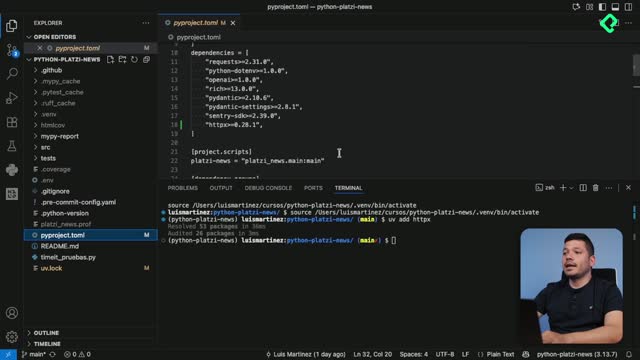
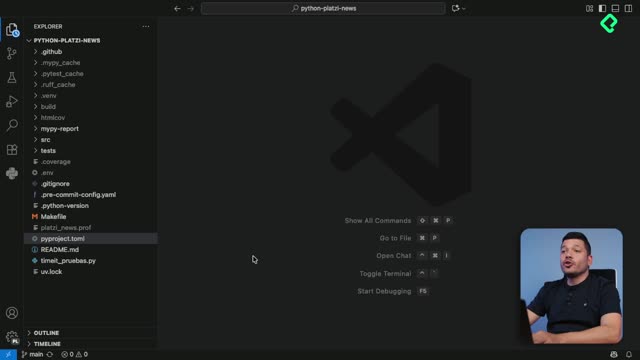
All Ruff settings live in pyproject.toml, the same file you already use for project metadata.

By default, Ruff enables a small, conservative rule set. You can expand it by selecting rule families inside the [tool.ruff.lint] section. To see everything Ruff can catch, run:

bash ruff check --select ALL

In the class demo, that command surfaced 266 errors in the same project that previously showed only a handful. The lesson is clear: Ruff is highly configurable, but its defaults are intentionally minimal [06:30].

Which rule set should you start with?

The official documentation recommends a balanced starter pack, and it is a great default for most teams.

  • E and W from pycodestyle for PEP 8 style.
  • F from pyflakes for logical errors like unused imports.
  • UP from pyupgrade to modernize syntax automatically.
  • I from isort to keep imports tidy and grouped.

The isort rule is especially useful. It enforces the canonical import order: standard library first, third party libraries next, and local modules last, each block separated by a blank line, with two blank lines before your code starts.

What does pyupgrade do in Ruff? It rewrites old syntax to match your Python version. For example, it converts a .format() call into an f string when it is safer and more readable.

How do I keep line length under control with PEP 8?

One of the recurring warnings in the demo was line length. PEP 8 recommends a maximum of 88 characters per line, and Ruff flags any line that goes over.

When a line hits 94 or 95 characters, you cannot always break it anywhere. Some Python statements must stay intact to keep working, so you choose the split point carefully, usually at a comma or after an operator. This is a manual fix, but Ruff points you straight to the offending line so you do not have to hunt for it.

What are good practices for static analysis with Ruff?

Three habits make the difference between a tool that nags you and one that actively protects your codebase.

  1. Configure Ruff from day one of the project to keep style and quality consistent across the team.
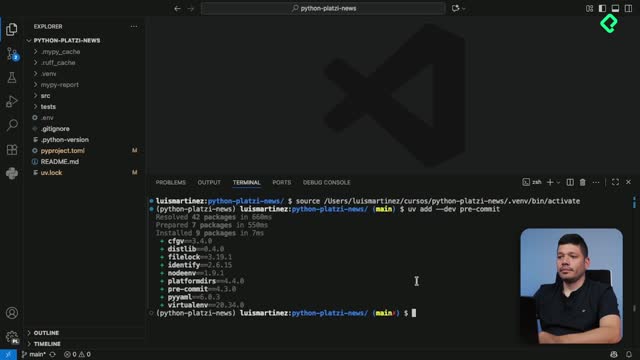
  2. Run ruff check regularly, ideally on every commit, using a tool like pre commit to automate it.
  3. Combine Ruff with MyPy for type checking and PyTest for tests, building a complete code quality suite.

With this setup, you catch bugs before they reach production, you onboard new contributors faster, and your reviews focus on logic instead of formatting nitpicks. Have you already added Ruff to your pyproject.toml? Share in the comments which rule set works best for your team.