Python That Lasts in Production

Resumen

Writing Python that simply runs on your laptop is not the same as writing Python that survives in production. Professional Python development stands on three pillars: code quality, automation and asynchronous programming. If you want to move from hobbyist scripts to engineering work that scales, this is where the shift happens.

What separates an amateur from a professional Python developer?

The gap is not about syntax. It is about discipline, shared rules and tooling that protects the team from chaos.

Picture five people editing the same file without conventions. It feels like everyone is speaking a different language. Speaking the same language in Python means following the rules that the community already agreed on, and using tools that enforce them so nobody has to police anyone.

What is PEP 8? It is the official style guide for Python code. It defines how to format your code so any developer on the team can read it without friction.

Three non negotiables show up early in any serious codebase:

  • PEP 8 as the style baseline.
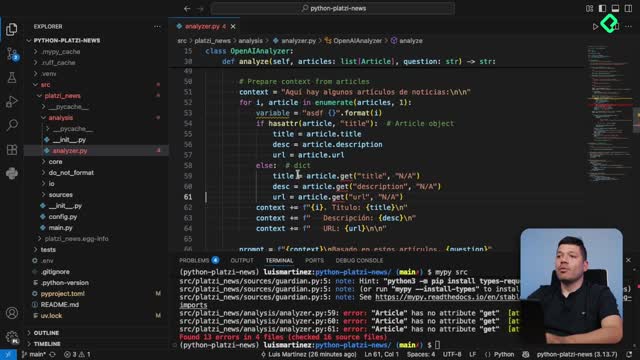
  • Type annotations to make intent explicit.
  • Unit tests to lock behavior in place.

These are not decoration. They are the contract that lets multiple people touch the same repository without breaking each other's work.

Why should you automate code quality in Python?

Your development time is expensive, and repetitive checks do not add value to the business. The smart move is to push that work to tools that run on their own.

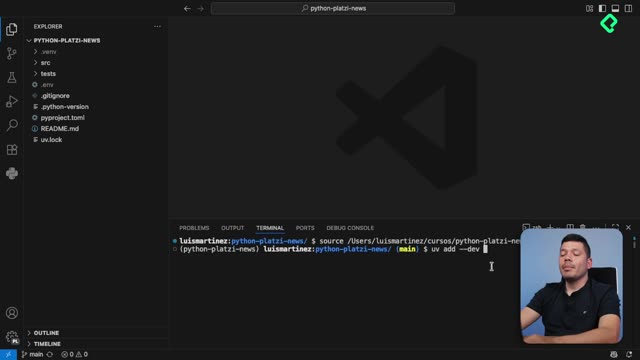
The automation stack you will build looks like this:

  • Formatters and linters that guarantee readability and consistency across the codebase.
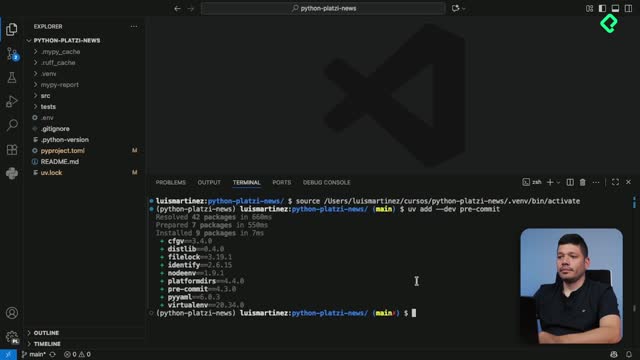
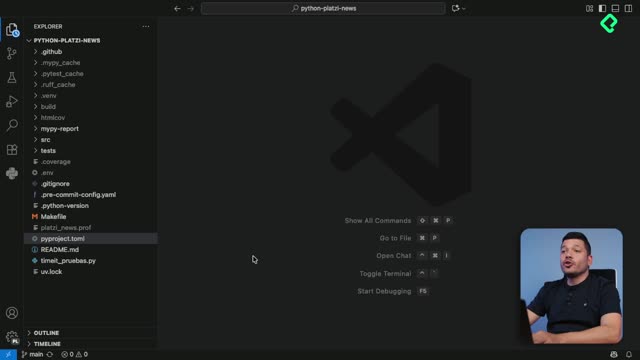
  • Pre-commit hooks that validate every change before it reaches the repository.
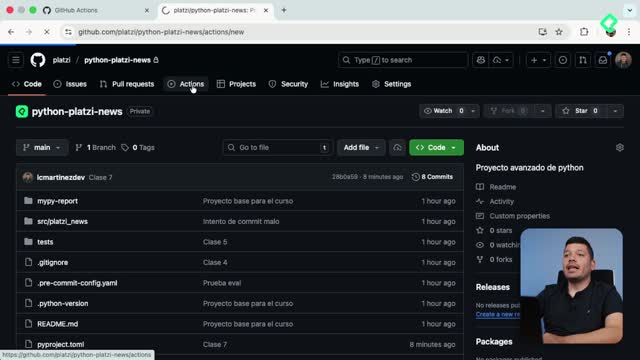
  • GitHub Actions that run all your quality tools on every push.
  • Task runners like Make that hide long commands behind short, memorable ones.

The point is simple. If a rule matters, a machine should enforce it. Humans forget, get tired, or skip steps when deadlines hit. Pipelines do not.

What is a pre-commit hook? It is a script that runs automatically before Git accepts a commit. If your code fails formatting, linting or tests, the commit is blocked until you fix it.

How does asynchronous programming improve Python performance?

Quality keeps your code clean. Asynchrony keeps it fast, especially when your program spends most of its time waiting.

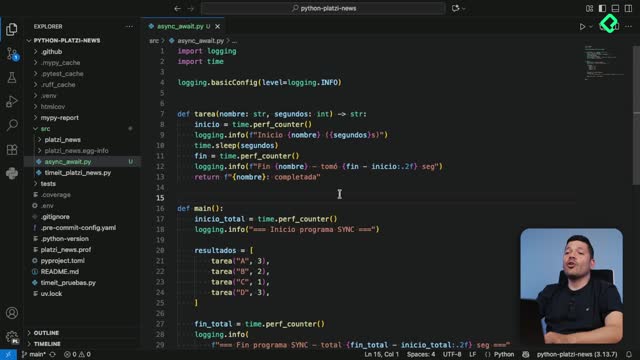
Most real applications do not struggle with CPU work. They struggle with input and output: calls to APIs, queries to databases, reads and writes to disk. While the program waits for a response, synchronous code just sits there. Asynchronous code uses that waiting time to handle other tasks, and the throughput jumps.

Refactoring synchronous code into asynchronous code is one of the highest leverage skills you can develop in Python today. It directly translates into faster APIs, snappier services and lower infrastructure cost.

What skills will you walk away with?

By the end of the journey, three concrete abilities will be part of your toolkit:

  1. Automate your development rules: you will configure a full pipeline that validates code quality without manual intervention.
  2. Master asynchronous programming: you will refactor synchronous code into async, drastically improving performance on I/O bound applications.
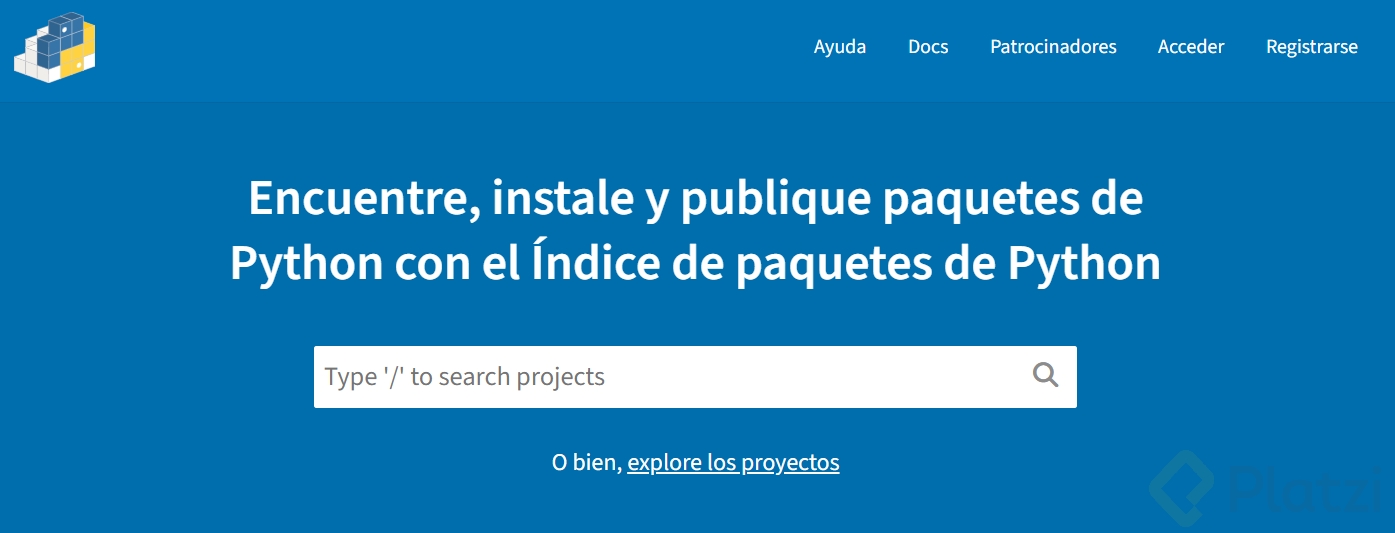
  3. Publish to the community: you will make your first contribution to the Python open source ecosystem by sharing your project on PyPI.

What is PyPI? It is the Python Package Index, the official repository where developers publish and install Python packages. Shipping a project there means the global Python community can install it with a single command.

Are you ready to write Python that lasts?

Professional Python is not improvised. You build it with discipline, the right tools and real practice on real projects. The three pillars, quality, automation and asynchrony, are the foundation that turns working scripts into software that a team can trust.

If you are about to take this step, drop a comment with the part that feels most uncertain right now: setting up the pipeline, moving to async, or publishing your first package.