Ruff: Auto-Format Python Code Easily

Resumen

Keeping a Python codebase consistent is one of those quiet habits that separates a smooth team from a chaotic one. With Ruff, you can format your Python code automatically, replace tools like Black and Isort, and stick to PEP 8 without thinking about it. If you write Python and care about clean diffs, this workflow is for you.

Why use Ruff as your Python formatter?

Ruff is a modern formatter and linter that acts as a drop in replacement for Black, the tool that used to handle PEP 8 formatting in most Python projects. The advantage is speed and a single configuration source: everything lives in your pyproject.toml.

What is Ruff in Python? Ruff is an automatic formatter and linter for Python that follows PEP 8 by default and replaces Black and Isort with a single, faster tool.

The goal is simple. You stop arguing about quotes, blank lines, or import order, and you let the tool enforce a shared style across the whole team.

How do I install Ruff with uv in a Python project?

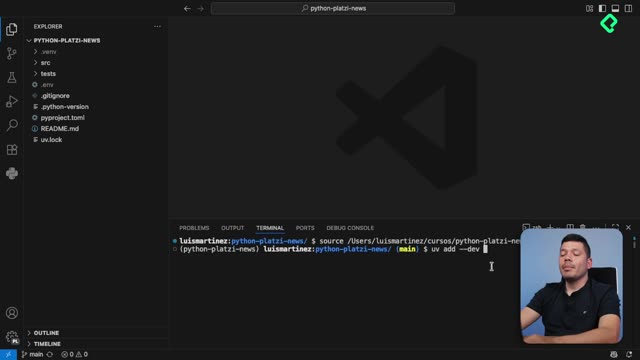
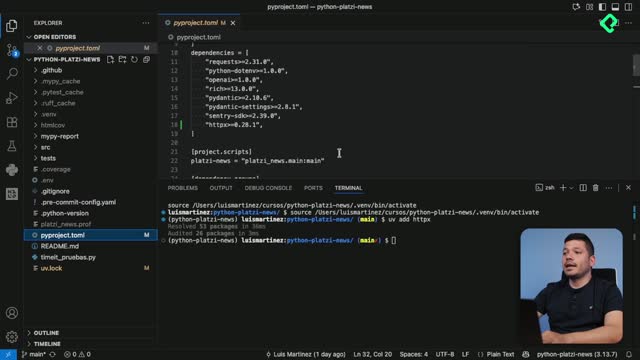
The installation runs from the terminal, inside your project folder. The command uses uv add, which adds packages to a project, with the --dev flag so the dependency only lives in your development environment [00:32].

bash uv add --dev ruff

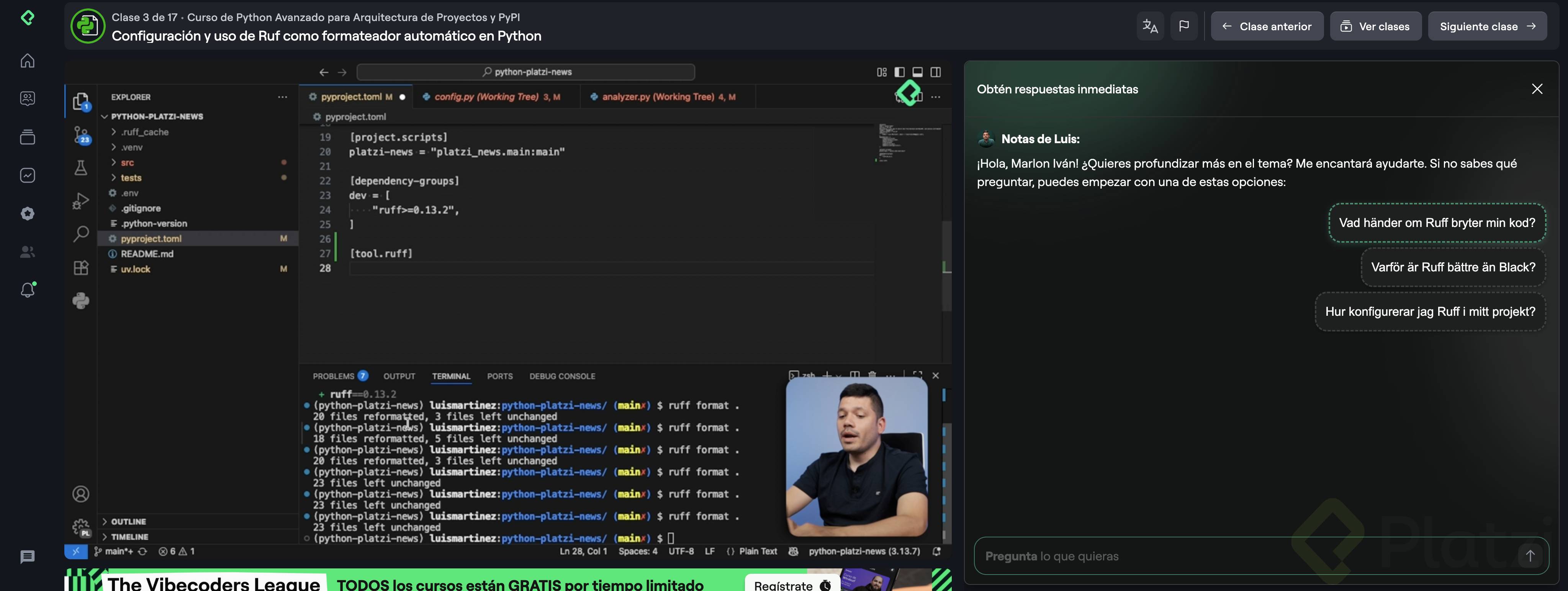
After pressing enter, Ruff appears as a new dependency with its version. If you open pyproject.toml, you will see it listed inside the dev group, which means it gets installed only when you pull development dependencies.

Once installed, run the formatter from the project root:

bash ruff format .

The dot points to the current path. In the example from the lesson, the output reported 20 files reformatted and 3 files unchanged [01:30]. The diffs showed extra blank lines added in some places and single quotes converted to double quotes, all aligned with PEP 8.

What does ruff format actually change in your code?

By default, Ruff applies PEP 8 rules across every Python file it touches. Typical changes include:

  • Converting single quotes to double quotes.
  • Adding or removing blank lines to match style rules.
  • Normalizing spacing inside expressions and function definitions.
  • Standardizing formatting across all files in the project.

After the list, the key idea is that Ruff is opinionated on purpose. You get a predictable style without writing a style guide from scratch.

How do I configure Ruff with pyproject.toml?

Some projects do not follow PEP 8 strictly, and that is fine. Ruff has a configuration system that lives inside pyproject.toml, the file Python projects now use by default for their configuration [02:15].

For example, if your team prefers single quotes, you can add a block like this:

toml [tool.ruff.format] quote-style = "single"

When you run ruff format again, the previous double quotes will switch back to single quotes, because the quote-style option is now set to single [02:55]. If you remove that setting, Ruff goes back to its PEP 8 defaults and uses double quotes again.

Should I follow PEP 8 or my project's own style? Always follow a single, consistent standard. If your project already breaks from PEP 8, stick to the project's rules and enforce them through pyproject.toml.

The principle is consistency. Whether you go with PEP 8 or a custom style, every file should look like it was written by the same person.

How do I exclude files from Ruff formatting?

Sometimes you work with code generated automatically by a framework, and you do not want your editor or formatter touching it. Ruff handles this with the extend-exclude option inside the [tool.ruff] section of pyproject.toml [03:45].

toml [tool.ruff] extend-exclude = ["do_not_format"]

In the lesson, a folder called do_not_format was created inside the Platzi News project, with a .py file using single quotes. After adding the relative path to extend-exclude and running ruff format, that file stayed untouched [04:20]. Anything inside the excluded path is ignored by the formatter.

This is useful for migrations, vendored code, or auto generated files that should keep their original shape.

What are the best practices for automatic formatting in Python?

Three habits make automatic formatting actually pay off in real projects:

  1. Configure Ruff from the very start of the project to avoid format conflicts later.
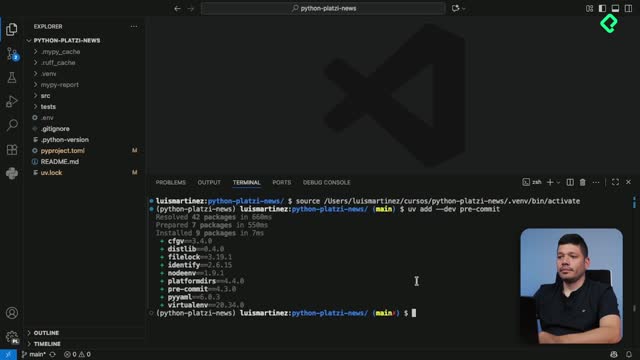
  2. Integrate ruff format into your precommit hooks so no unformatted code reaches the repository.
  3. Define consistent rules for the whole team using pyproject.toml as the single source of truth.

After setting these in motion, your pull requests stop showing noisy formatting diffs and start showing the actual logic changes, which is what code review should be about.

Now it is your turn. Configure Ruff in one of your personal projects and share how many files were modified the first time you ran ruff format. Drop your number in the comments and compare with the rest of the community.