Before your podcast lands on Spotify, Amazon Music, or Apple, it needs a home, and that home is the hosting platform. Picking the right podcast hosting service shapes how your audio reaches listeners, what metrics you see, and which monetization doors open for your project.
Think of hosting as the warehouse that stores your audio files, cover art, episode index, show notes, and every visual asset you built in earlier lessons. Without it, distribution platforms have nothing to pull from.
Why does choosing a podcast hosting platform matter so much?
Each platform offers a different mix of features, and none is universally better than the rest. The smart move is matching the tool to your project's real needs.
Three variables tend to drive the decision:
- Monetization options available to creators.
- Interface style, from highly professional to plug and play.
- Metrics depth and reporting flexibility.
There is another reason to think this through early: migration. If you start on one host and switch later, the process works but it can get tedious, and a careless step can cost you content. Better to study your options before you sign up.
What is podcast hosting? It is the platform that stores your audio files, cover art, episode list, and show notes, and then distributes them through an RSS feed to apps like Spotify, Apple, or Amazon Music.
Which podcast hosting platforms should you explore first?
Three options consistently stand out for content creators working in podcast format: Spotify for Podcasters (formerly Anchor), Buzzsprout, and Podbean. Each one fits a different stage and ambition level.
How does Spotify for Podcasters work for beginners?
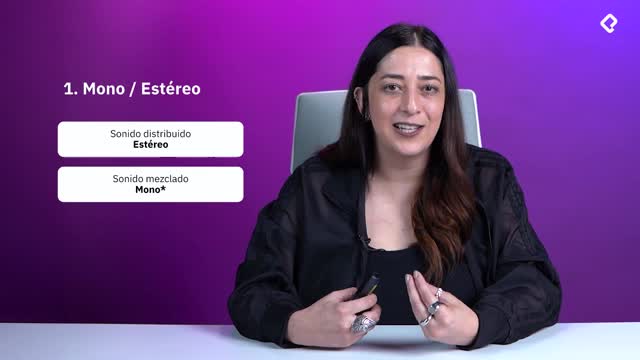
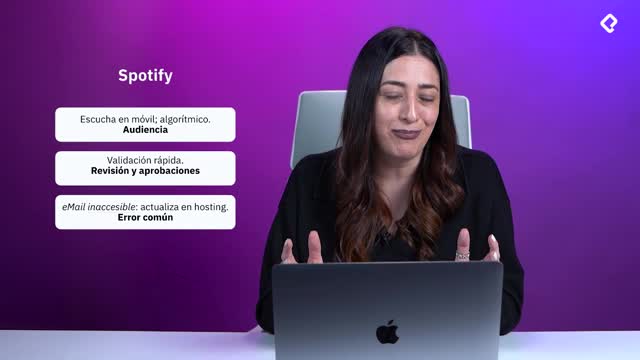
Spotify's hosting service is fully free and built around an extremely intuitive interface, the same design logic Spotify uses across its creator tools. You log in, upload, and you are basically running.
It is limited in scope and offers only basic metrics, but for launching a project it does the job well. Where it falls short is on advanced monetization and ad campaign features, so creators chasing those revenue paths often outgrow it.
What makes Buzzsprout different?
Buzzsprout runs on a freemium model plus paid tiers. The free plan unlocks basic functionality, and you pay to access advanced features, or you can subscribe directly for full access.
Its interface is intuitive, though not as frictionless as Spotify's. Where it shines is in metrics: it offers one of the widest sets of variables to measure podcast performance, which is why it is among the most used platforms globally.
Watch the limits on the free plan, though. Buzzsprout caps free uploads at around two hours of audio, and episodes may only stay live for 90 days. Read the fine print before you commit.
Why is Podbean popular in Latin America?
Podbean is free with a paid upgrade path, similar in spirit to Buzzsprout, but the feature split between free and paid is sharper. The interface is simple yet asks for a bit more practice before it feels second nature.
It is one of the most popular hosts across Latin America, and a strong pick if you are willing to invest time learning the platform in exchange for deeper control.
Which podcast host is best for beginners? Spotify for Podcasters is the easiest free entry point. Buzzsprout offers richer metrics, and Podbean rewards creators who want more control once they learn the interface.
How do you migrate your podcast to a new hosting platform?
If you already signed up somewhere and now want to switch, you will go through a migration process. It is doable, but precision matters because a sloppy migration can wipe out content.
The core steps look like this on almost every platform:
- Create a new account on the destination host.
- Re-establish your RSS profile so all content is registered there.
- Confirm the redirect from the old feed to the new one.
- Verify the new feed is live and pulling correctly.
Every platform publishes its own migration manual, so you will not be guessing. One key recommendation: keep both accounts active for a couple of weeks while you confirm the new host is working perfectly. Do not delete the old one too soon.
What happens if I lose my RSS feed during migration? You can lose subscribers and listening history. Keeping both hosts live during the transition and confirming the redirect prevents this.
Why should you always back up your podcast files?
Even with a verified new host running smoothly, keep a backup. From personal experience, this rule has saved more than one project.
Store your masters in WAV format on an external hard drive, ideally in a safe place at home. That way, if something fails during migration or any future technical hiccup, your content is protected and you can rebuild without panic.
With this overview, you have enough to start comparing platforms against your project's real needs. Tell me in the comments which host you are leaning toward and why.