Empathy Maps: Team Tool vs User Interview
Contenido del curso

Análisis competitivo
Investigación del usuario
Trabajo colaborativo
Tendencias y valor
Implementación y crecimiento
Empathy Maps: Team Tool vs User Interview
Resumen
Want to design products that truly connect? The empathy map is the tool that helps you decode what your user feels, thinks, and desires, then translate that into business decisions. It's especially useful when emotional insight needs to drive your strategy.
What is an empathy map and why does it matter?
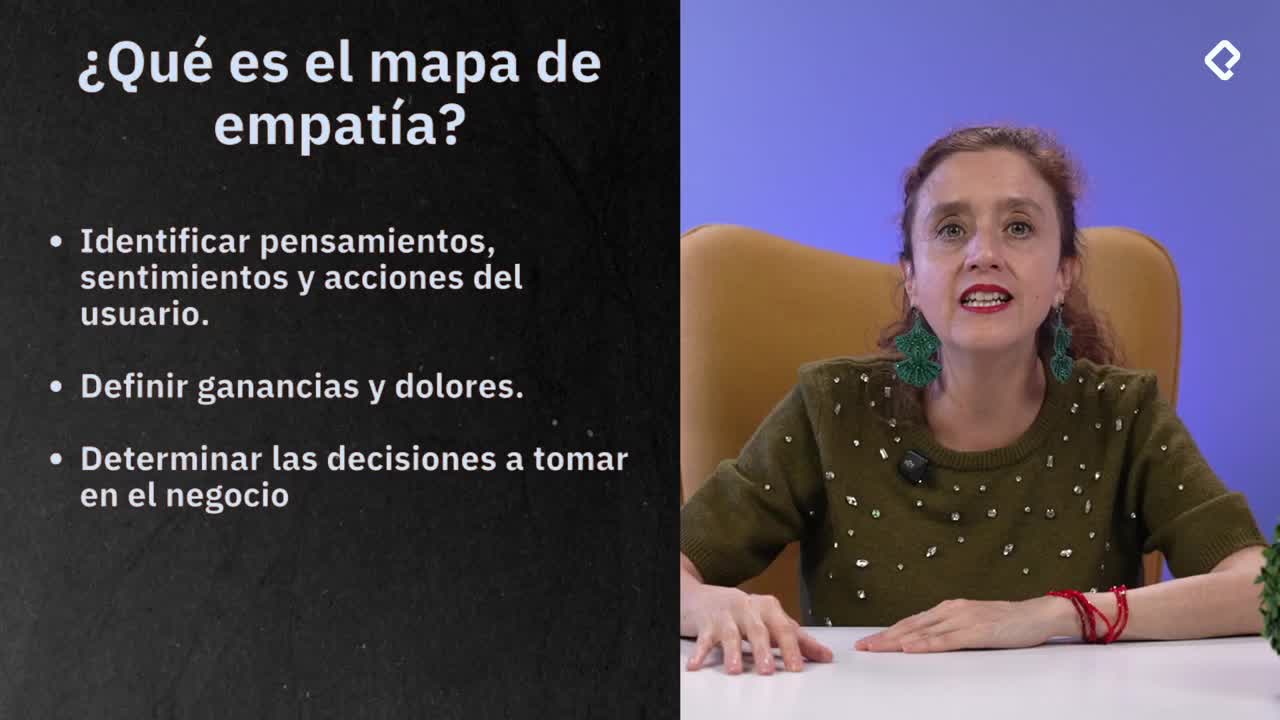
An empathy map is a diagnostic tool that links your user's emotional landscape with the actions your business should take. It helps you spot gains, pains, and next steps with clarity.
Think of it as a bridge: on one side, the feelings and reactions of your user; on the other, the strategic moves your brand can make to respond. It lets you identify what to amplify, what to fix, and what to build next.
What does an empathy map reveal? It uncovers user gains (opportunities to act on), pains (gaps your strategy isn't covering), and the steps your brand should take based on that emotional diagnosis.
How do you use the traditional empathy map format?
The traditional version is built for internal team alignment. You and your team fill it out after doing user research, so the answers reflect real data, not assumptions.
This format guides you through eight reflection points, each tied to a sense or behavior:
- Who are we empathizing with? Define the person, their situation, and their role.
- What do they need to do? Identify tasks, decisions, and what success looks like for them.
- What do they see? Map their visual and media environment, including what others around them say and do.
- What do they say? Capture real quotes from research or imagine plausible ones.
- What do they do today? Document observed and inferred behaviors.
- What do they hear? Note what reaches them from friends, coworkers, and secondhand sources.
- What do they think and feel? Split into pains (fears, frustrations, anxieties) and gains (desires, needs, hopes, dreams).
- What other thoughts or feelings drive their behavior?
Each question connects to a specific sense, which is why the visual layout of the map matters. It's a structured way to consolidate everything you already discovered in your research phase.
How do you run an empathy map directly with users?
The second version flips the dynamic: instead of filling it out as a team, you use it as a conversation guide with your actual user. The questions are designed to surface raw, emotional feedback in real time.
Here's the structure you can apply:
- Describe who you are in one sentence.
- Describe your consumption moment, including the pros and cons.
- Name three brands you know in this same category.
- Tell me what you like and dislike about each one.
- If you wrote a review of our product or service, what would you say?
- What emotions and feelings does this product or service trigger?
- How does it fit into your lifestyle and daily habits?
- What prior knowledge did you have about it, and where did you get that information?
- What's missing (pains)? What would you wish for (gains)?
What's the difference between both empathy map formats? The traditional one aligns your internal team using prior research. The user-facing version gathers direct emotional feedback from the person you're designing for.
Why does this user-facing version work so well?
Because it forces introspection. When you ask someone what emotions a product stirs in them, or how it integrates into their routine, you get insight that surveys rarely capture. You also get an organic benchmarking exercise when they mention competing brands, plus honest feedback on your offer.
This approach gives you a fuller picture of where your brand sits in the user's daily life and what periphery (word of mouth, media, prior exposure) shaped their perception.
How do pains and gains shape your next move?
Pains and gains are the action layer of the empathy map. Pains tell you what your strategy isn't solving yet, and gains point to opportunities you can lean into.
When a user says what they wish your product had, that's a direct roadmap. When they describe what frustrates them, that's a priority list for your next iteration. The empathy map turns emotional data into a checklist you can actually work with.
How do I act on the empathy map results? Use pains to fix gaps in your offer and gains to design new features, messaging, or experiences that match what the user already desires.
Try both formats with your own users and share what you discovered in the comments. Next up, we'll explore how to co-create with your user.