



Deja mucho que desear... vamos Platzi a estas alturas necesitamos algo de calidad!
Recursos
Resumen
Keeping context in MCP agents is what separates a simple chatbot from a truly intelligent agent, and in this walkthrough you learn to build a root context in Python that stores every user message dynamically. This is for developers exploring the Model Context Protocol who want more accurate answers from their language models.
Think about it: if you ask an agent about Superman and then switch to Batman, a context aware agent might reply, "Did you know Superman and Batman are good friends?" That reference to what you asked before is the abismal difference that modern artificial intelligence brought to the table. And the good news is you can build this same capability into your MCP with very little code.
Why does context matter in an AI agent?
Context is the memory thread that ties a conversation together. Without it, every message starts from zero and the agent sounds forgetful. With it, the model understands the full history of what you have shared and responds with more veracity.
What is context in an AI agent? It is the stored information from earlier in the conversation that the agent uses to interpret new messages. It lets the agent connect a question about Batman to an earlier question about Superman.
The practical payoff is simple: a richer context produces better and more accurate responses from your language model. That is why maintaining it is so deeply important in advanced language models.
How do you build a root context server in Python?
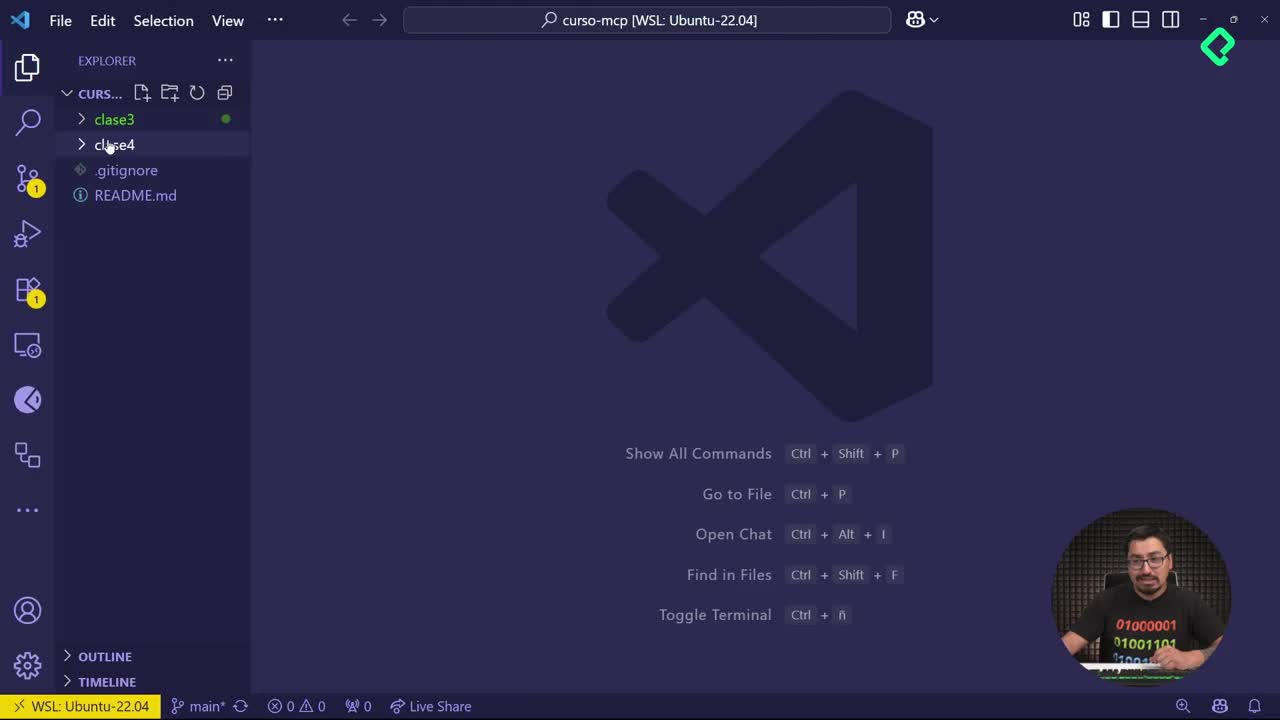
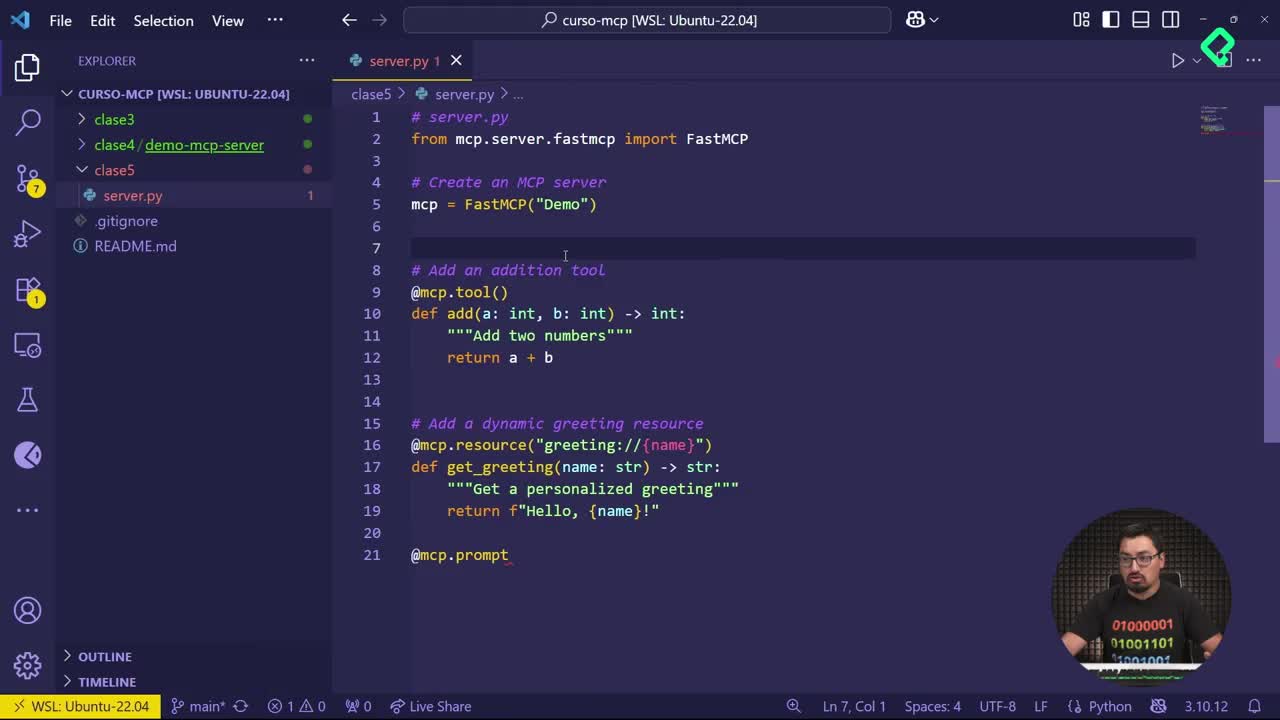
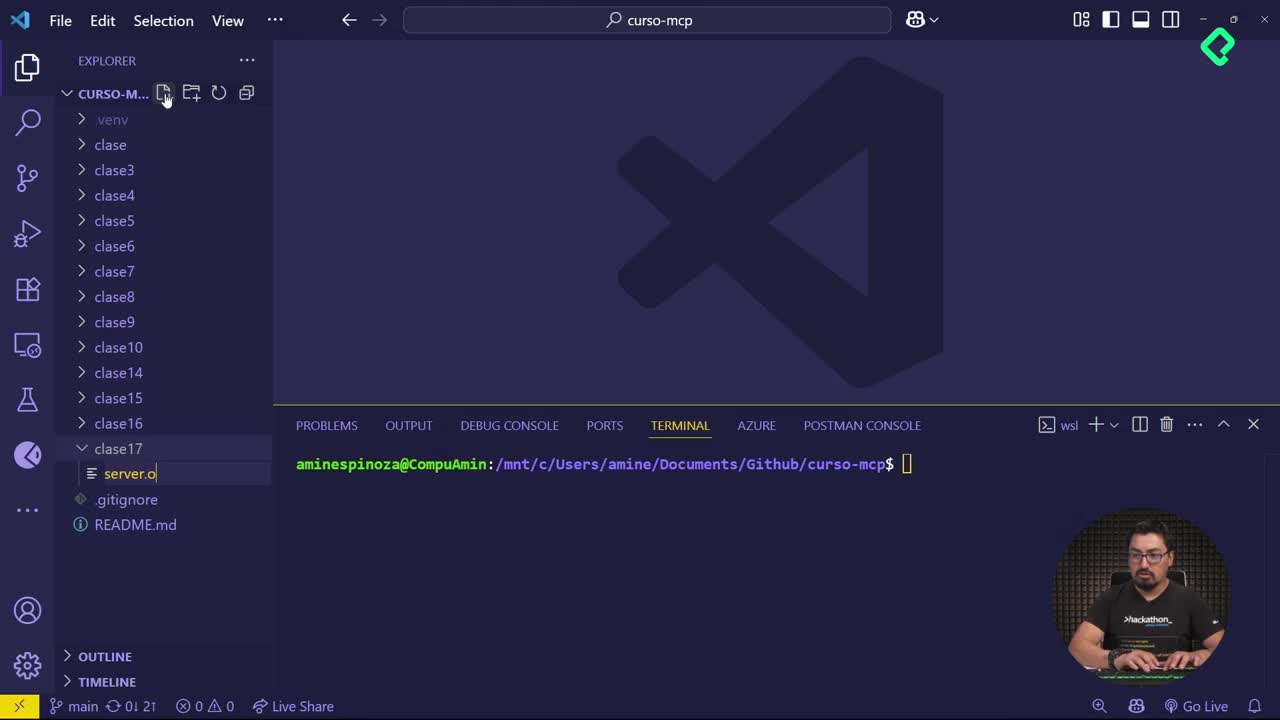
The setup starts clean. Create a folder named clase dieciseis without spaces, then add a new server file with the Python extension [00:48]. From there you import the core module and spin up the server.
- Write
mcp.server.fastmcpand import everything from it [01:03]. - Create your server instance from that import.
- Initialize a root context that already holds a welcome message [01:12].
The key shift here is that root context. Instead of a one off reply, the server opens with a welcome message and keeps a space ready to accumulate more information as the user interacts.
What is a root context in MCP? It is a data dictionary that stores and accumulates conversation information over time, starting from a welcome message and growing with each new input the user provides.
How does the Update Context tool work?
The first tool you build is called Update Context, and its job is to add more pebbles to the pile [01:35]. Every time the user writes something, that input gets stored inside the root context dynamically.
To confirm what is being saved, you add a second method a few lines down to retrieve the root context [01:55]. Since the storage is a data dictionary, you can inspect exactly what lives inside it at any moment.
Finally, you add the closing block that lets you deploy the server so you can watch everything happen in real time [02:12].
How do you test context storage with the MCP Inspector?
Deployment runs through the terminal. Open a new terminal, move into the folder with cd clase dieciseis, and launch the inspector with its command [02:22]. The browser opens the inspector interface, where you connect to your server and head to the Tools section.
Here is how the test plays out:
- Select actualizar context and enter a user ID, for example Amin Espinosa [02:55].
- Add a message like "Tengo mucha hambre" and run the tool. The result marks successful and shows the welcome message plus the stored user data [03:10].
- Add another entry, like Miranda Espinosa with "Ve a desayunar mucho," run it again, and watch user data accumulate every message [03:28].
And here is the interesting part: when you run the second method to get the root context, you see the same accumulated result as the update step [03:38]. That is intentional. The update already returns the growing context so you can track it on every call.
Why combine the root context with an LLM?
The whole point of accumulating this information is to feed it into a language model. As the root context keeps collecting messages, it hands the LLM a much larger prompt packed with conversation history [03:55].
That bigger prompt gives the model far more veracity about what is happening during the exchange. The user ID in the example, Amin Espinosa, is not technically a proper user ID, since a real one should be a unique identifier, but it works fine for demonstrating the flow.
- The root context stores every user message.
- The accumulated data travels to the LLM as a richer prompt.
- The model returns more accurate and relevant answers.
This is a small, efficient addition you can drop into any MCP implementation. Have you tried keeping context in your own agents yet? Share how it changed your results in the comments.