Obtén respuestas inmediatas¿Dudas?Profundiza lo que acabas de ver
Recursos
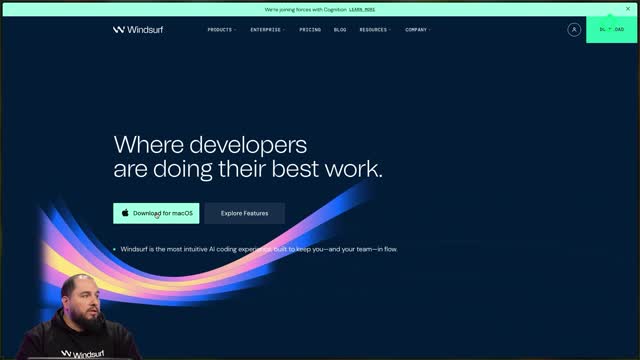
Imagine describing a website out loud and watching the code appear in seconds. With Windsurf, an AI-powered IDE, you can do exactly that: speak or type a prompt, and the editor translates your idea into structure, files, and styles without ever leaving your workspace. This is for developers and designers who want to ship faster while staying in control of every line.
What makes Windsurf different from a regular code editor?
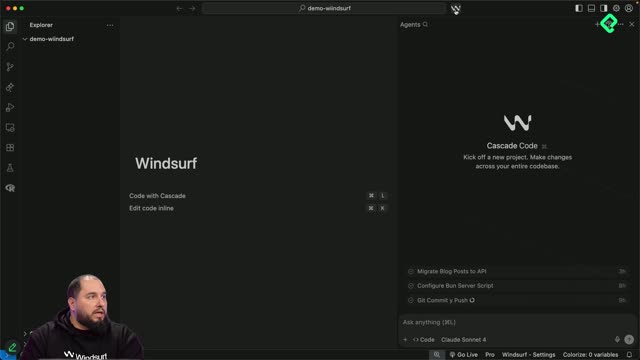
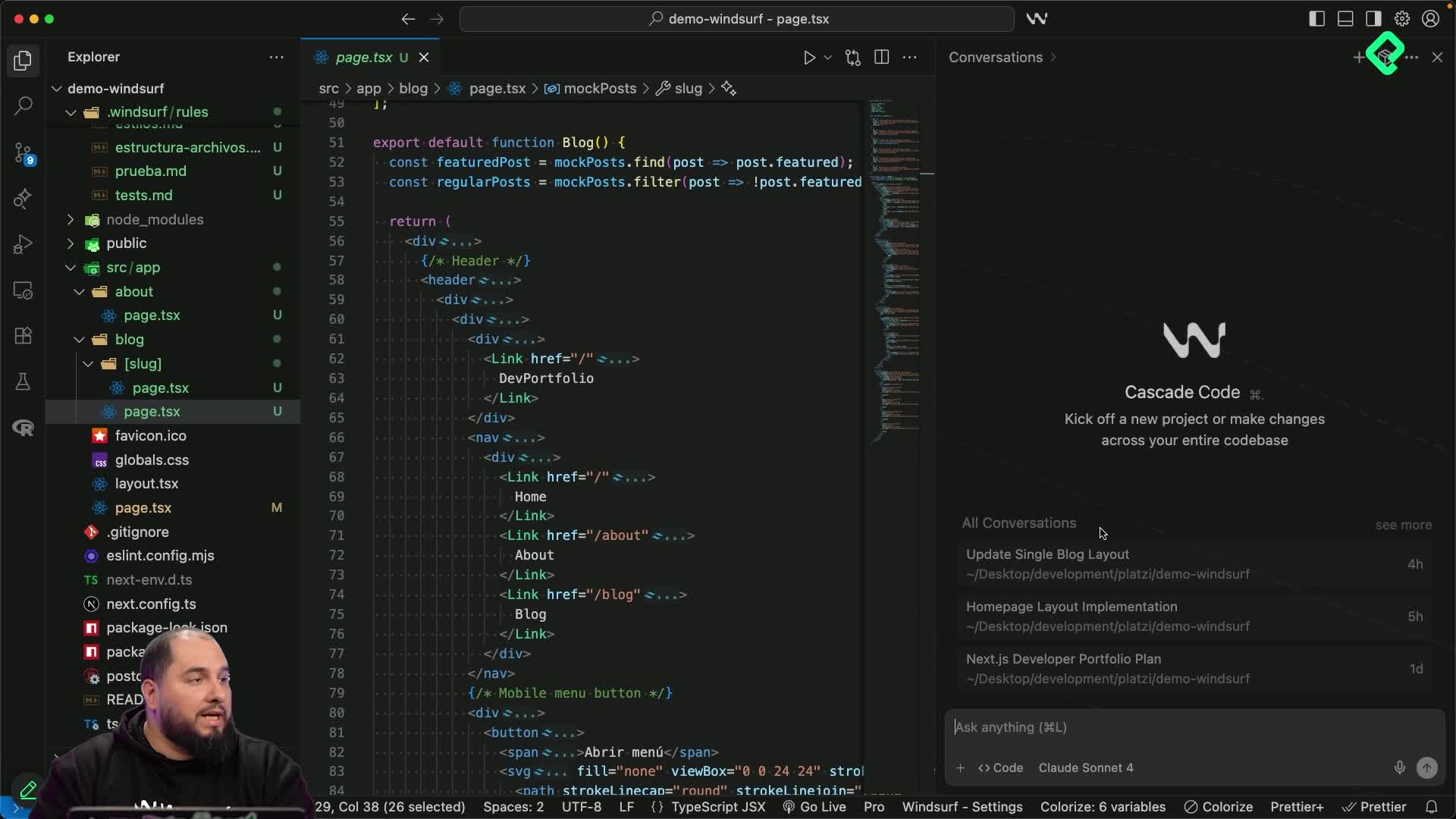
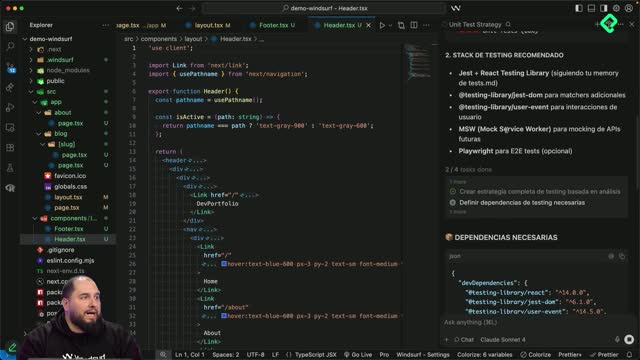
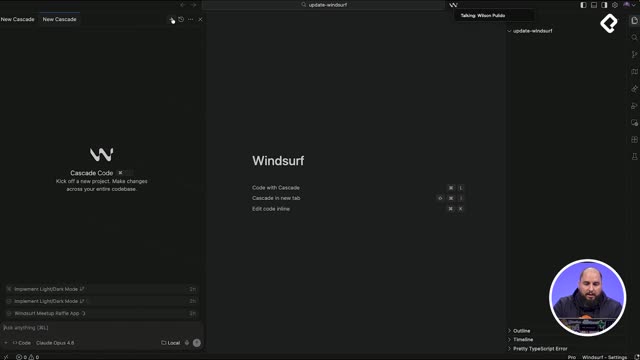
Windsurf ships with Cascade, an agent that reads your entire project before suggesting anything. It knows which files you touched, which commands you ran, and how your application is organized, so its output fits the codebase instead of fighting it.
That awareness changes how you collaborate with AI. Cascade refactors, creates components, and follows rules you define to keep the project consistent. You decide what to accept; the agent does the heavy lifting.
What is Cascade in Windsurf? It is the built-in AI agent that understands your full project context, including file history, executed commands, and architecture, so it can write code that matches your app.
How does voice-to-code work inside the editor?
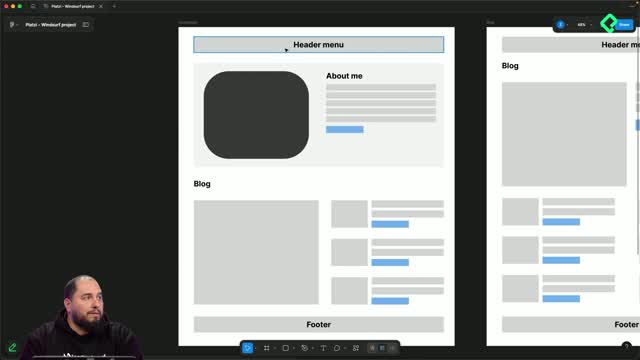
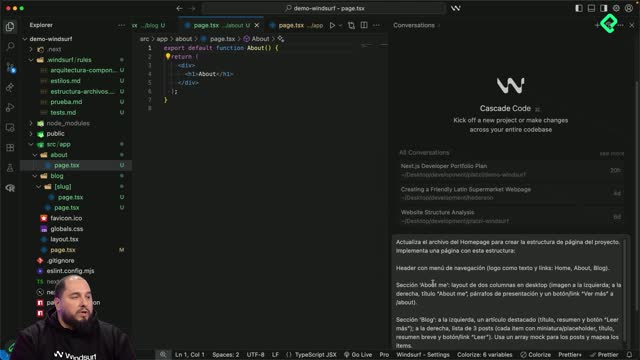
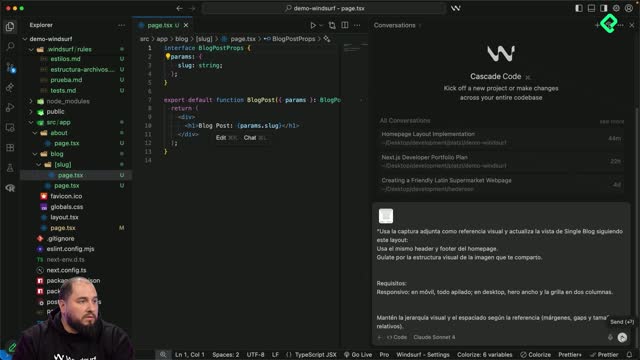
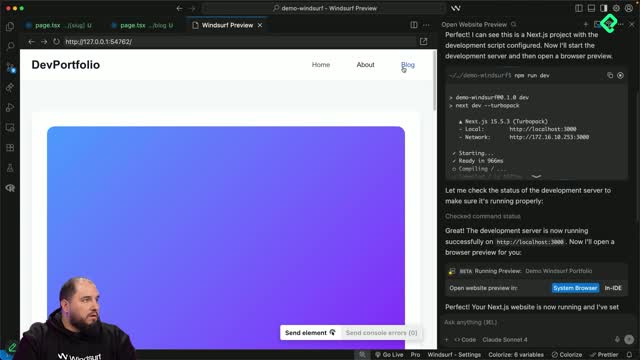
You can dictate a feature, paste a wireframe, or drop a reference image, and Windsurf will turn that input into working code. Need a landing page? Describe it. Want to tweak a button? Talk to it. The preview updates so you can review changes on the spot and request adjustments on specific elements.
This multimodal flow combines three inputs:
Text prompts for precise instructions.
Voice commands for hands-free iteration.
Images and wireframes as visual references.
The result is a faster loop between idea and interface, without juggling extra tools.
Can I generate a landing page from a wireframe? Yes. Upload the wireframe, describe the intent, and Windsurf produces the layout, files, and styles, which you can refine by voice or text.
What will you build in this Next.js portfolio course?
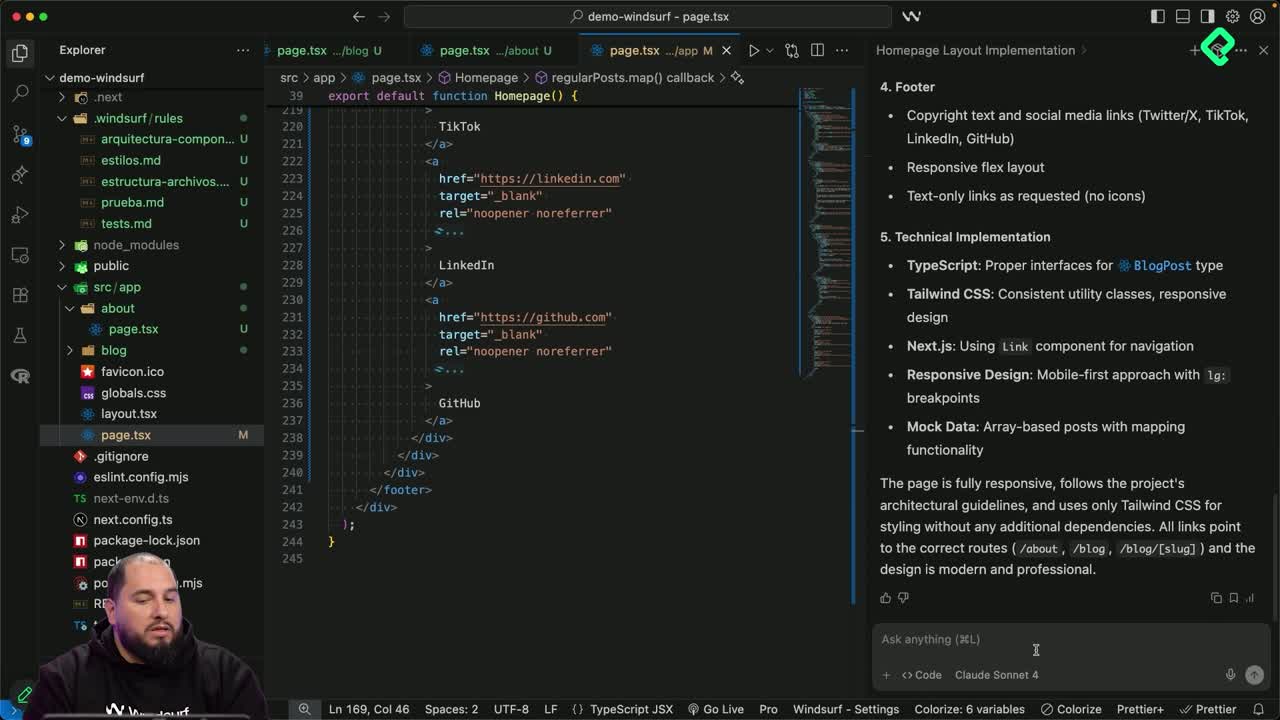
You will create a complete portfolio in Next.js that includes a homepage, a blog with posts, and an about page. The build mixes prompts, voice, and visual references so you experience every input mode Windsurf offers.
Along the way, you will practice the workflows that make the editor productive:
Planning features with chat mode before writing code.
Generating implementations with code mode.
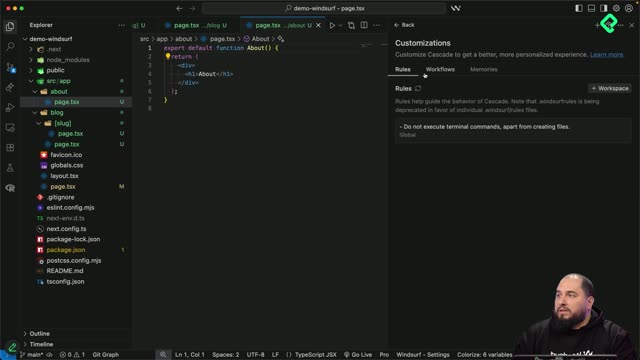
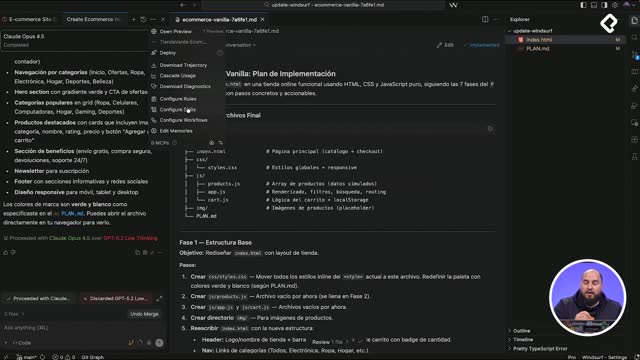
Setting rules to keep style and architecture consistent.
Refactoring components and replacing mocks with a simple API.
Which Windsurf features will you actually use?
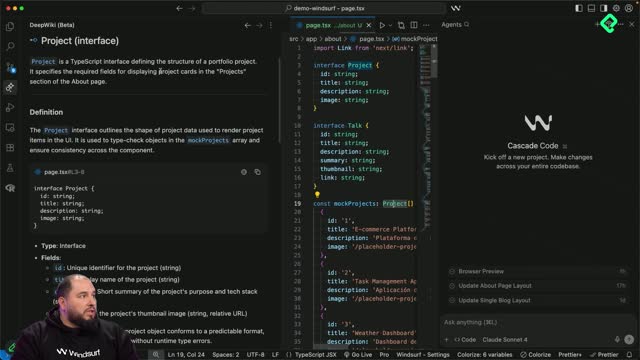
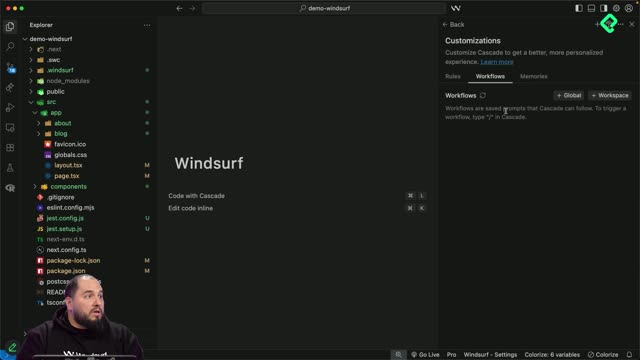
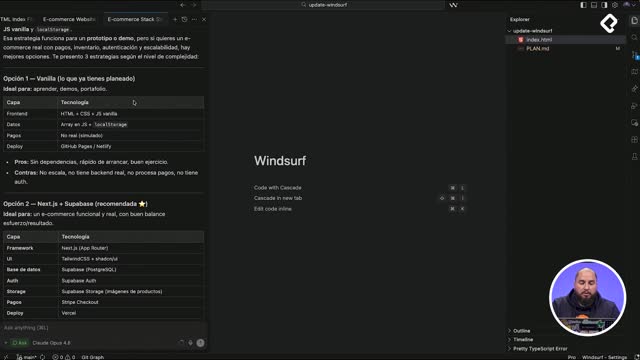
Three tools carry most of the workflow. The integrated preview lets you see the app while you build it. Deep Wiki auto documents functions so you do not lose track of what each piece does. Workflows automate repetitive tasks like commit and push, keeping your focus on the product instead of the terminal.
Put together, these pieces turn the editor into a single space where planning, coding, reviewing, and shipping happen side by side. Ready to start building? Drop a comment with the first project you want to ship in Windsurf.