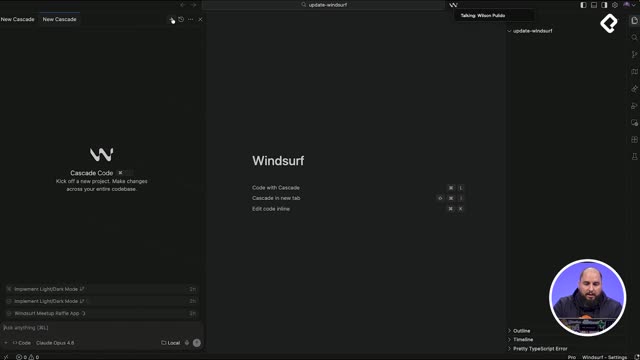
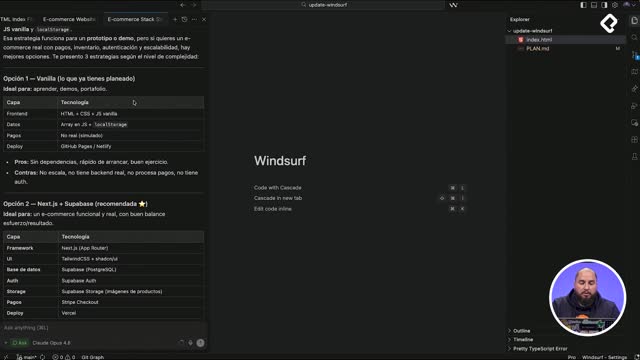
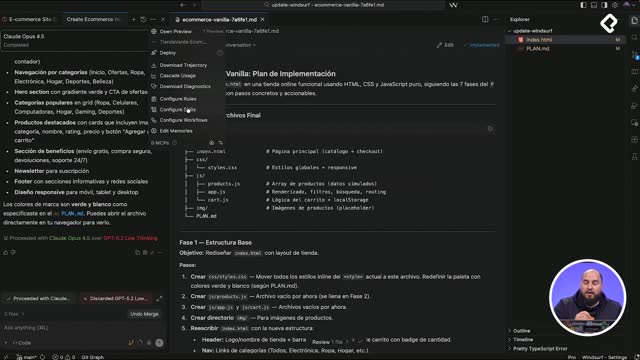
Generating unit tests with AI inside Windsurf becomes much faster when you combine Cascade chat mode with the @ symbol to inject local context. You will learn how to plan a testing strategy, install the right libraries, and create tests for components and pages without copy pasting code into your prompts.
Why ask Cascade for a unit testing strategy first?
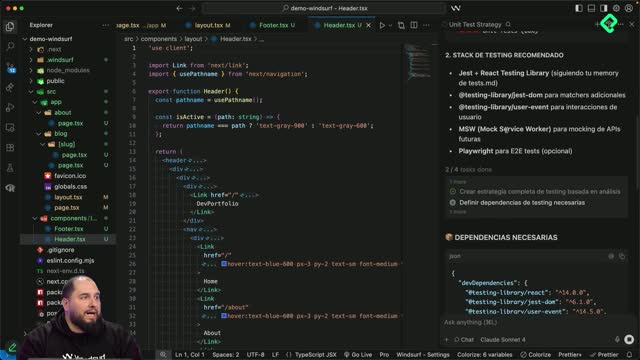
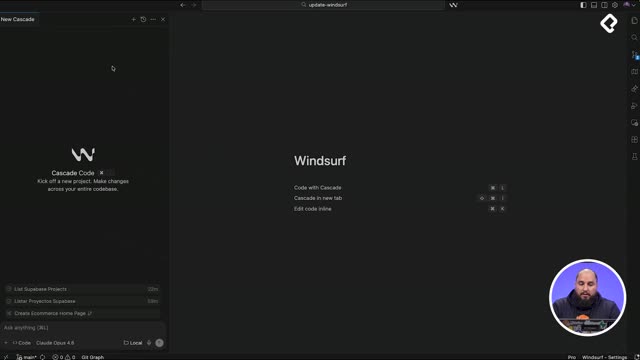
Before writing a single test, it helps to ask the model for a plan. In chat mode, a simple prompt like dime la mejor estrategia para crear unit test para este proyecto y crea el plan para hacerlo triggers Cascade to read the package.json, the header, the footer and the rest of TypeScript and TSX files to propose a tailored approach.
The recommendation that came back followed a testing pyramid with these tools:
Jest as the test runner.
React Testing Library for rendering components.
Jest DOM for DOM matchers.
User Event for simulating user interactions.
Mock Service Worker, which we skipped because the project already has its own mock layer.
What is the testing pyramid? It is a strategy where you write many small unit tests at the base, fewer integration tests in the middle, and very few end to end tests at the top. It keeps your suite fast and reliable.
Cascade also returned a phased plan: phase one for base configuration (one to two hours), phase two for layout component tests like header and footer, and phase three for page tests and helpers. Each phase came with estimated time, suggested coverage thresholds above 70%, and the exact changes needed in package.json and jest.config.
How do I run the plan in code mode?
Once the plan looked solid, the trick is to switch from chat mode to code mode and ask only for what you need. In this case, the request was to execute phase one in full and just one component test from phase two, instead of generating tests for both header and footer.
Cascade modified the package.json, created the Jest configuration files, added testing utilities that were not requested but considered useful, and finally produced the header.test.tsx file. The expected coverage for that single test landed between 90% and 95%.
Why does npm install fail and how do I fix it?
After the new dependencies were added, running npm install threw a peer dependency error caused by version mismatches between React and the testing libraries. The fix is straightforward.
How do I solve peer dependency errors with React testing libraries? Run npm install --legacy-peer-deps. This flag tells npm to ignore strict peer dependency checks and install the versions anyway.
With the flag applied, the red folders in the file tree turned green, which signals that modules resolved correctly. Then npm run test header.test.tsx executed the suite.
What does a failing test inside a describe block mean?
Each green check inside a describe represents one passing test. In the header suite, all checks passed except shows mobile menu button on mobile, because the test environment was rendering in desktop mode. For the sake of moving forward, that test was marked with skip, the suite was rerun, and the output confirmed all tests passing with one skipped.
How do I use the @ feature to add context without copy pasting?
Here is where Windsurf shines. Typing @ inside the prompt opens a menu that lets you attach local context: web pages, code snippets, files, directories or documentation. Instead of pasting full file contents, you reference them directly.
The second test was created with a prompt as short as crea un test para @single-blog-page usando como referencia @header.test.tsx. Cascade read both files, understood the structure of the existing test, and generated a new test file inside the [slug] folder that Next.js uses for dynamic blog routes.
The generated suite covered three scenarios:
When the post exists, it validates rendering of title and metadata.
When the post does not exist, it shows an error message.
Accessibility checks for the rendered page.
What should I do when generated tests fail?
Running npm run test to execute the full suite revealed two failures. The first was inside a test-utils folder that Cascade created without being asked. Since the project did not need those utilities, deleting the folder removed the failure.
The second failure was in blog post page, when posts exist, has correct links to related posts. The list items were rendering with empty names, which pointed to a partial mock problem with the related posts data. For the class, that test was also skipped to keep the suite green.
Why does my mock return empty values in a Next.js test? Usually because the mock is registered after the component imports the data, or because the dynamic route parameters are not being passed to the mocked function. Check the import order and the shape of the mocked return value.
After skipping that single case, both the header and the slug page tests passed, leaving two unit tests skipped that you can later ask Cascade to fix. Always review the code the model generates, because it tends to add files or logic you never requested. Try the @ feature on your own project and tell me in the comments which files you referenced and what results you got.