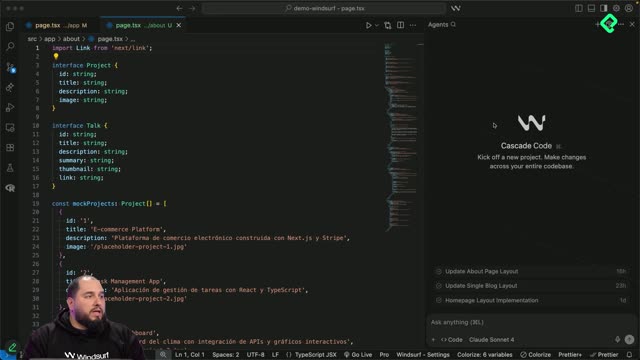
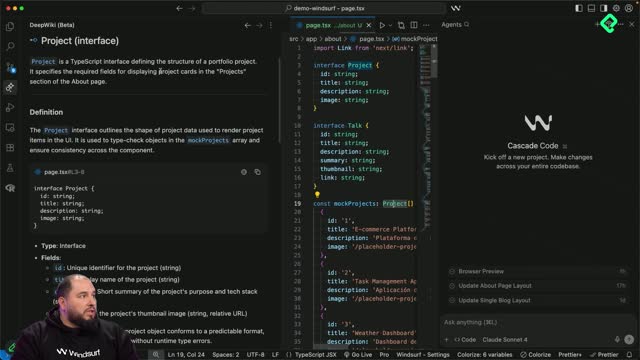
Building an About page with Cascade in Windsurf shows you how a single, well structured prompt can scaffold an entire route in your project. You will learn how to combine layout rules, mock data and responsive design into one instruction, so the AI returns a page that matches what you imagined.
This walkthrough is useful if you are exploring AI assisted development and want to compare voice commands, image references and text prompts inside the same workflow.
What does the About page prompt include?
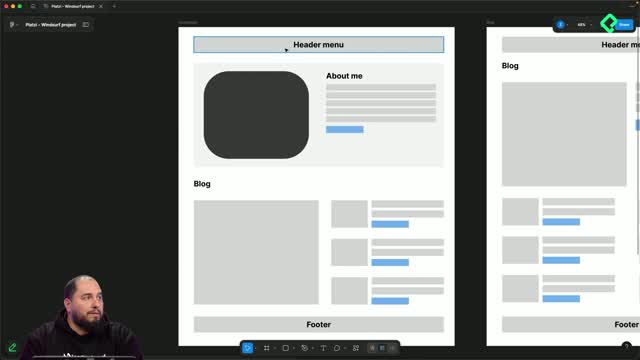
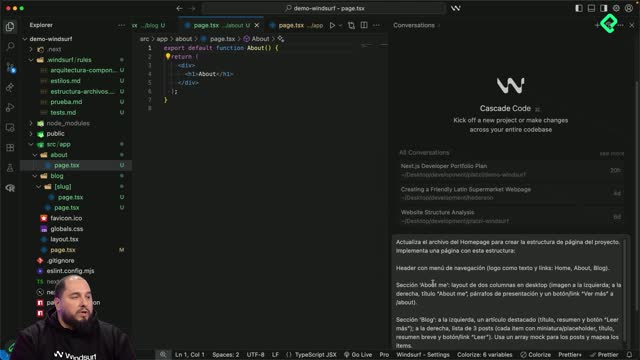
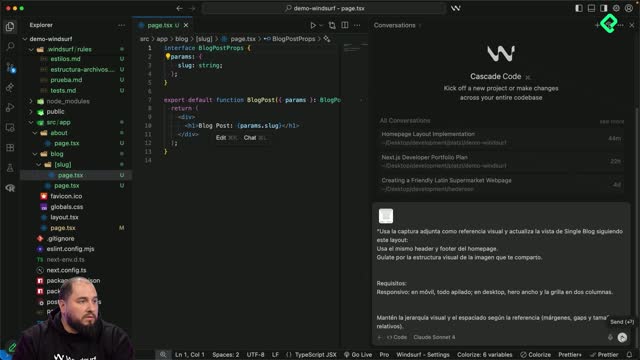
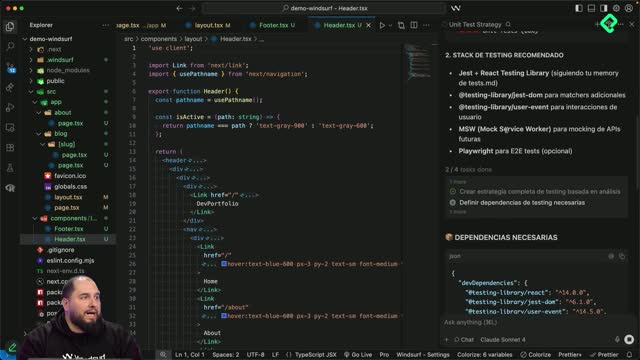
The goal here is to reuse the same header and footer from the homepage, then add three clear blocks: a personal intro, a projects grid and a talks section. Everything goes inside Cascade as a single text prompt.
The prompt I prepared describes the page like this:
An About me section inside a featured container, split into two columns on desktop.
A profile image on the left with rounded corners, a placeholder source and a descriptive alt attribute to improve SEO.
A title, three or four lines of bio and a contact button on the right.
A projects section rendered as a grid of four cards.
A talks section with a similar visual logic.
At the end of the prompt I add the technical details: use arrays as mocks, similar to what we did with blog posts, map them to render the cards, keep the layout responsive and maintain a simple visual hierarchy with consistent spacing between blocks.
What is a mock in this context? It is a hardcoded array that simulates real data, like a list of projects or talks, so you can render the UI before connecting a database.
How does Cascade execute the prompt step by step?
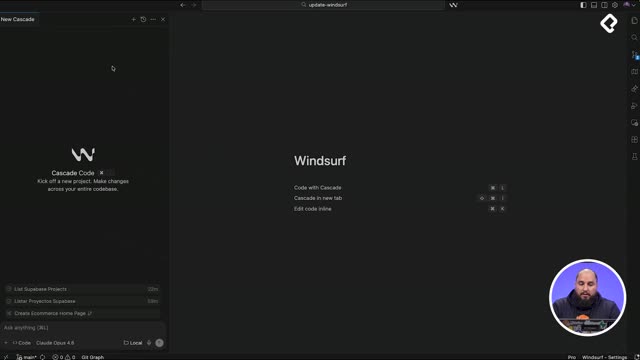
Once you hit send, Cascade does three things in order: it analyzes your prompt, reviews the project context and builds its own task list. Then it works through that list one item at a time.
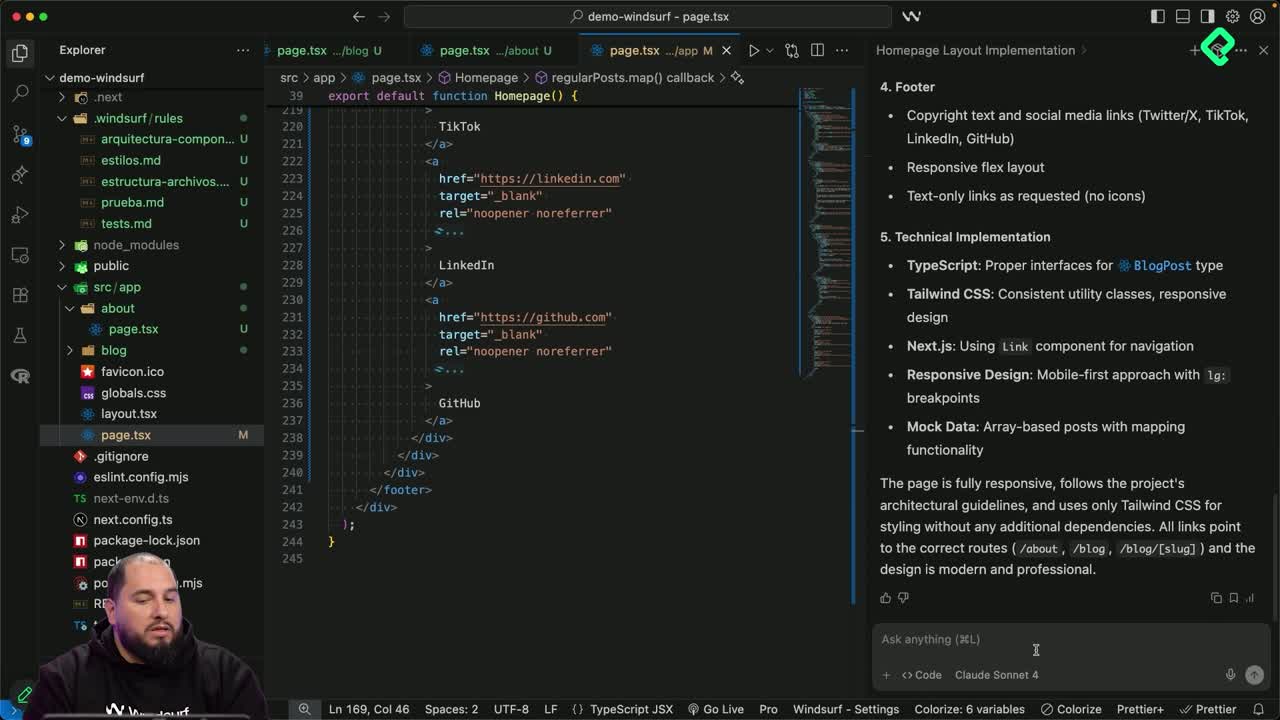
When it finishes, you get a summary that mirrors the bullet points from your original prompt. In this run, Cascade reported a new About file with 298 new lines and only one replaced line, which makes sense because the original file just contained the section title.
The summary explains what was built per block: the projects section, the talks section and the technical implementation with mocked arrays and mapping. From there you can open the file, review the diff and accept the changes if everything matches your intent [01:48].
How do I review what Cascade generated? Open the modified file, check the diff against the previous version and accept or reject the changes. If most lines are new and the structure looks right, accepting is safe.
Why use arrays and map to render projects and talks?
Using an array of objects plus a map function keeps the markup clean and scalable. Instead of writing four card components by hand, you define the data once and let the loop render each card with the same template.
This pattern also makes future edits easier. If you want to add a fifth project, you only touch the array, not the JSX.
How do I verify the result in the browser?
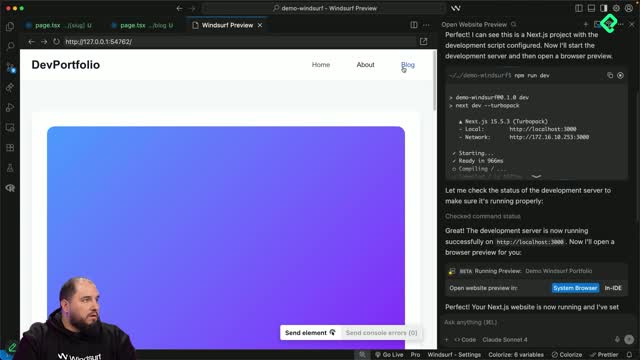
After accepting the changes, open the browser and check that each block renders as expected. In this case the page shows the main About area with the profile image and bio, a projects grid with four cards pulled from the mock, and a talks section laid out in two columns just as the prompt requested [02:35].
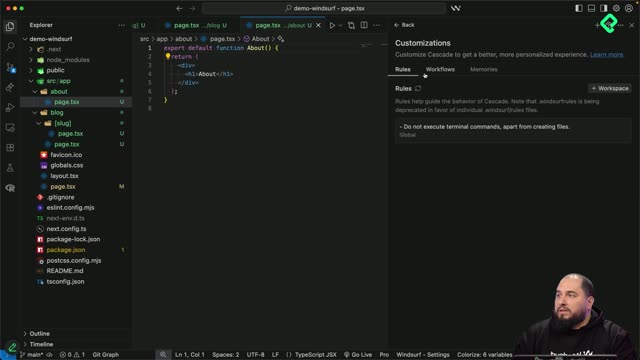
Cascade respected both the global rules set at the start of the project and the specific requirements of this prompt. That alignment is what makes the workflow predictable.
A few things worth checking on your own build:
Responsive behavior on mobile and desktop breakpoints.
Consistent spacing between sections.
Section titles and visual hierarchy.
Alt text on images for accessibility and SEO.
How do I refine the page after the first generation?
The first output is rarely the final version. Use small follow up prompts to adjust copy, font sizes and spacing until the view matches what you had in mind. Short, focused prompts work better than long rewrites.
You can also ask Cascade to edit what it just created, fix issues and improve the project structure. That iterative loop, generate then refine, is where prompt based development really pays off.
Share your screenshots and the prompts you wrote in the comments so we can compare approaches.