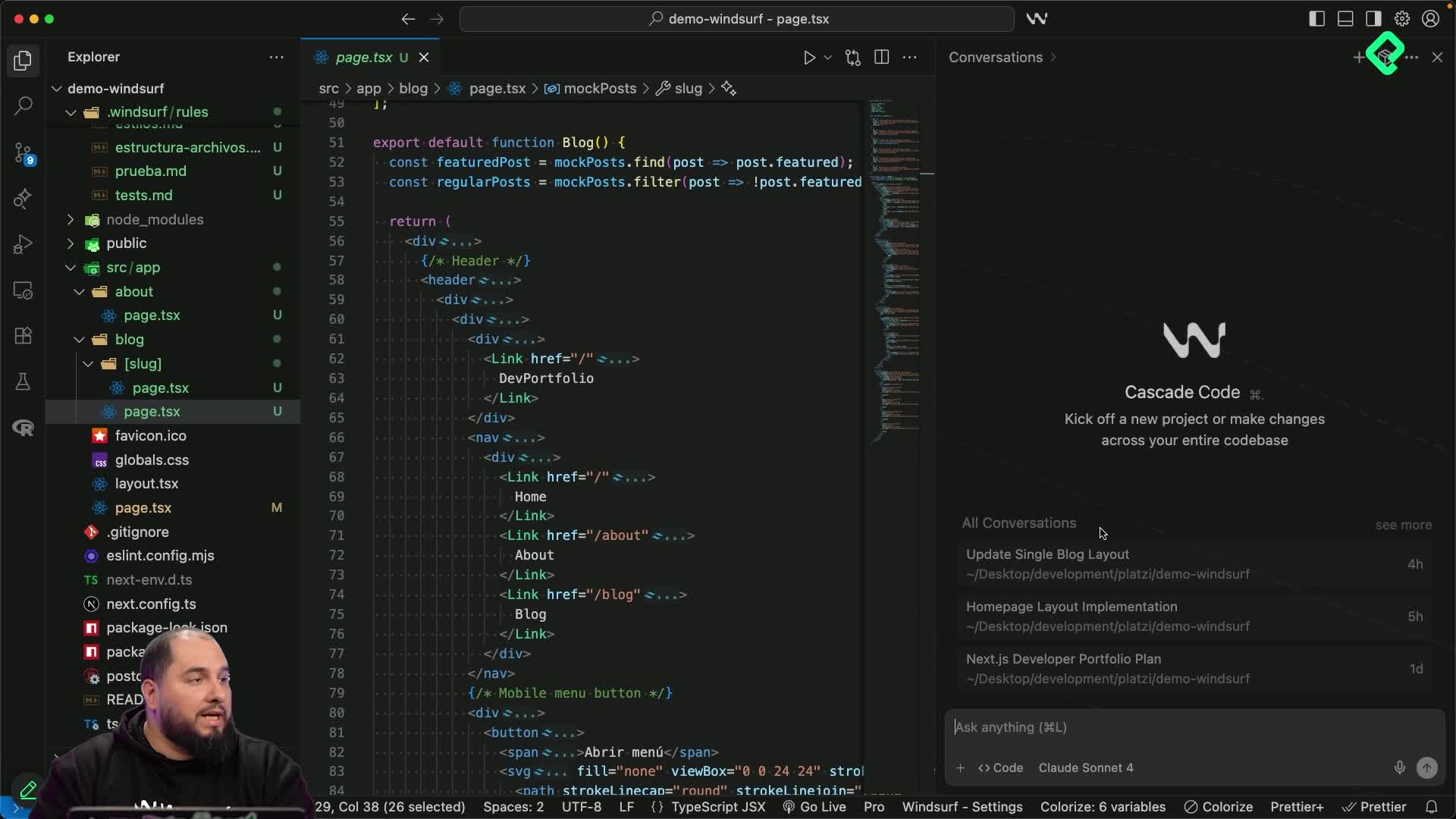
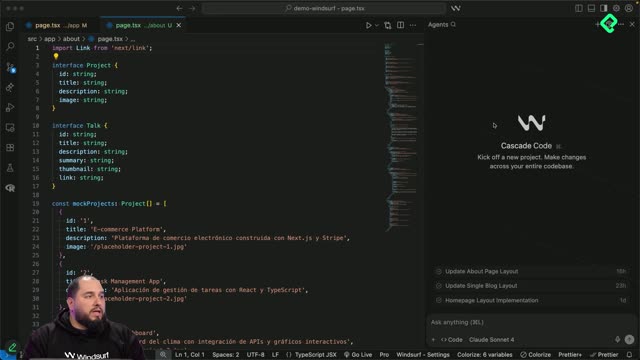
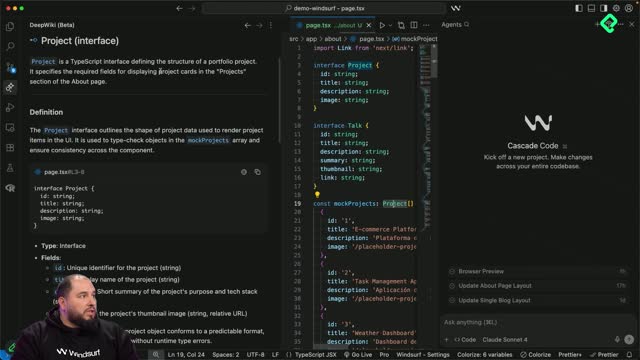
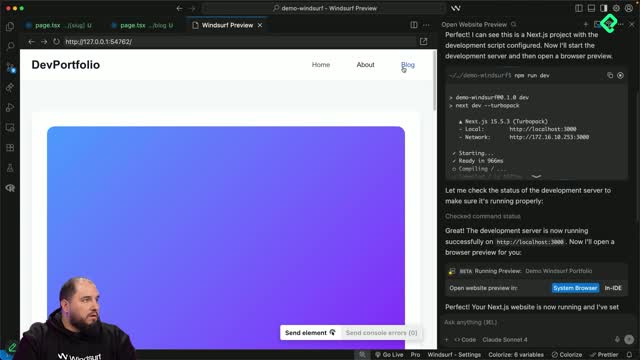
Cascade is Windsurf's AI assistant, and it's where you'll spend most of your time when building inside the editor. It follows you in real time, understands your context and lets you keep your creative flow without repeating yourself. If you're starting a new project and want a clear roadmap before writing a single line of code, Cascade chat mode in Windsurf is the place to begin.
What is Cascade and how does it work in Windsurf?
Cascade is the AI agent built into Windsurf. It has two modes that change the way you collaborate with it: chat and code. Each one is designed to support a different stage of your workflow.
Chat mode: useful for planning, asking questions or interpreting code without touching your files.
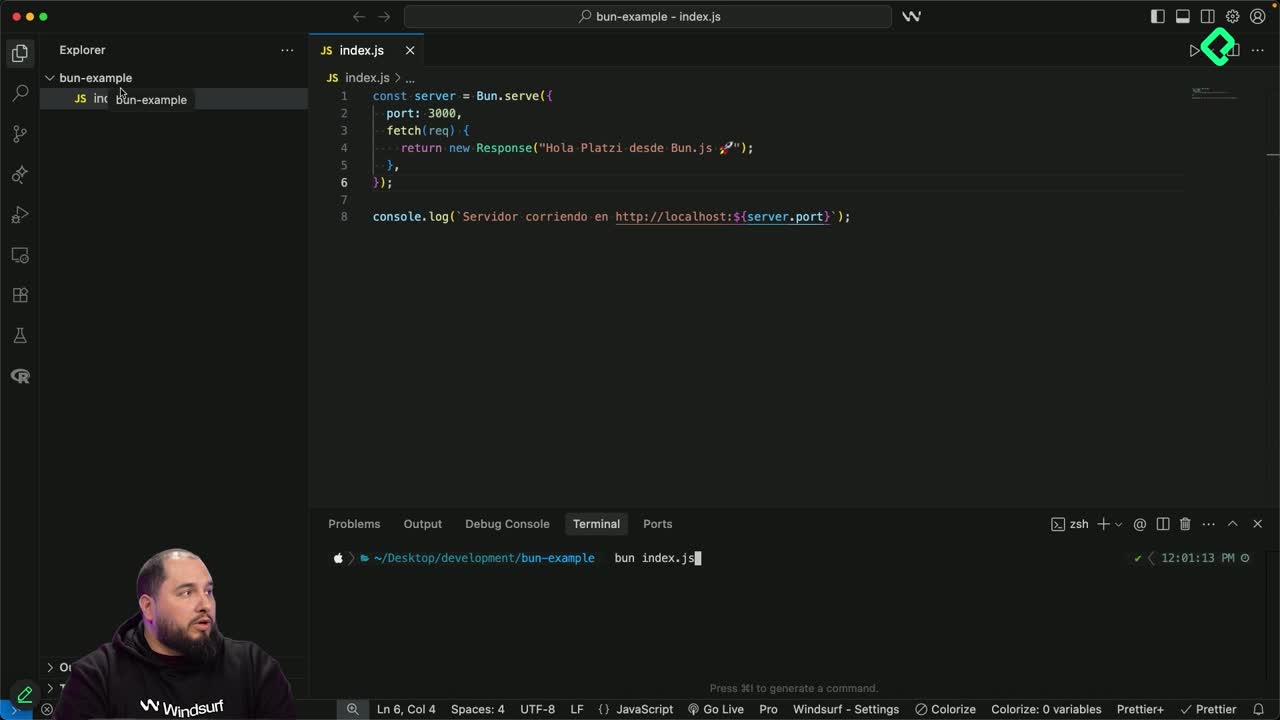
Code mode: used when you want Cascade to actually modify your project, save documentation or execute code.
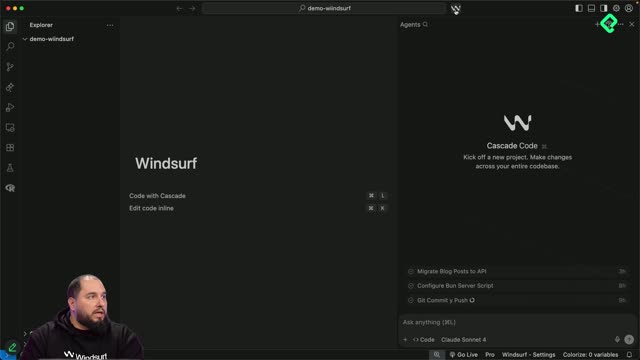
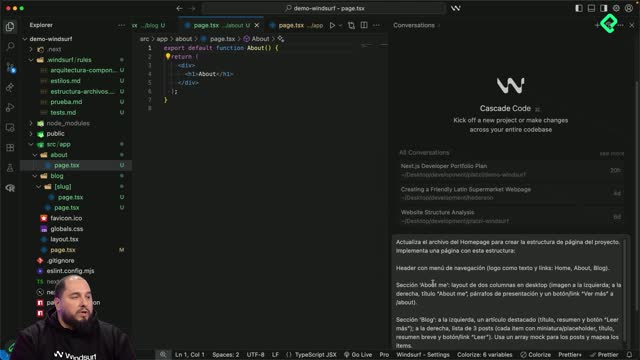
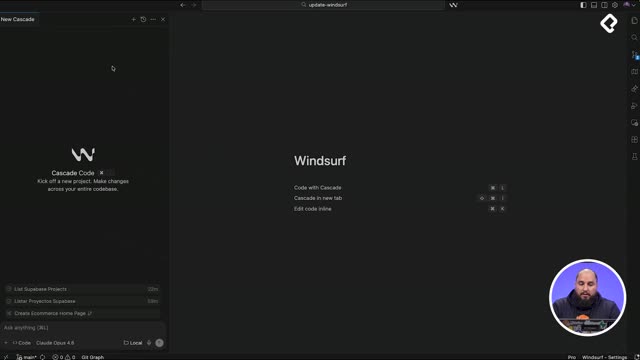
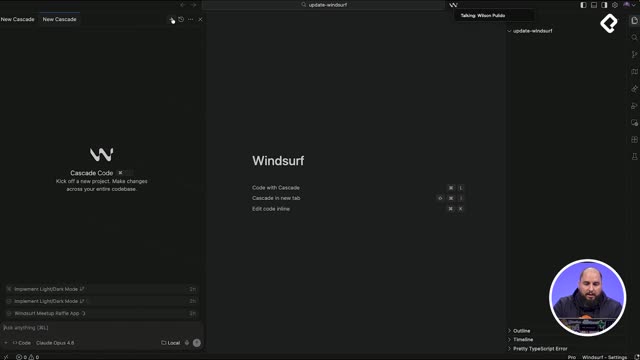
You open the Cascade panel by clicking the Windsurf logo at the top, next to the project name, and from there you switch between modes.
What does Cascade chat mode do? It lets you talk to Windsurf's AI agent without modifying your project. You use it to plan, ask questions or understand code before making changes.
How do I plan a Next.js project with Cascade chat mode?
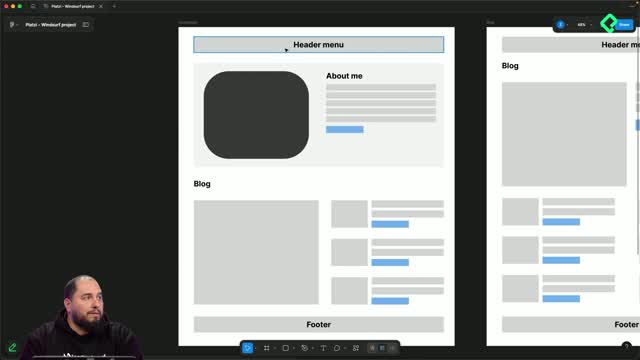
The quickest way to see chat mode in action is to give it a planning prompt. In this case, the goal is a developer portfolio built on a Next.js base, with sections for homepage, about and a blog page.
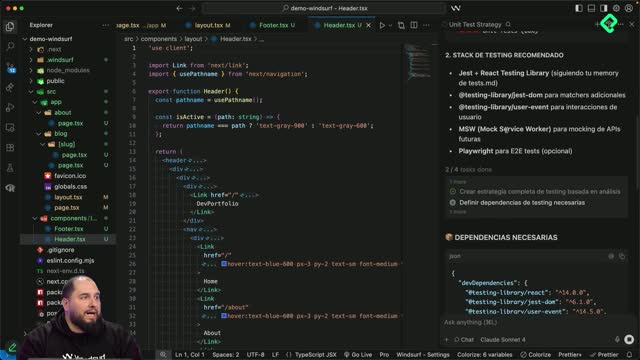
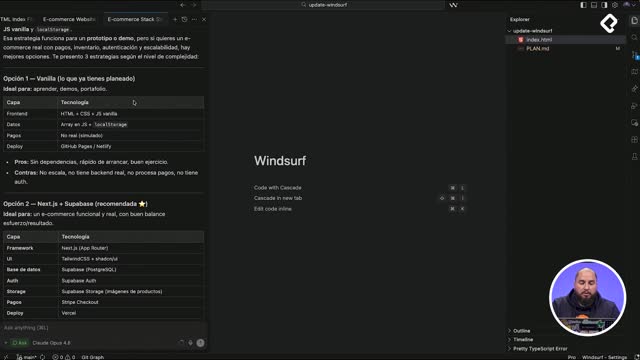
Once you send the prompt, Cascade goes through three steps: it understands the request, plans the response and then enters a loop driven by its to-do list. From there, it returns a structured plan that includes:
A project summary and recommended directory structure.
Architecture and feature recommendations, page by page.
A suggested tech stack with Next.js, App Router, Tailwind CSS and TypeScript.
Design system notes: colors, typography, components and responsive breakpoints for mobile, tablet and desktop.
SEO, performance and deployment strategy.
The answer is detailed on purpose. Some pieces, like form libraries or a CMS for blog content, may not apply to your project, and that's fine. You take what fits and ignore the rest.
Why does Cascade recommend a specific stack?
Because it builds its suggestions around modern best practices and the type of project you describe. It suggested Next 14, but you can override that and move to Next 15 with App Router. The plan adapts to your decisions in the next prompts.
How does Cascade memory keep your context in Windsurf?
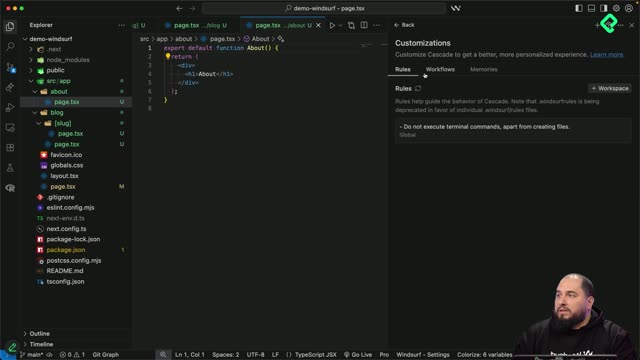
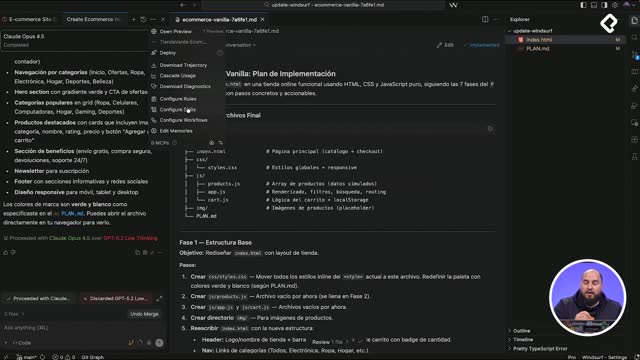
When you start in a fresh folder, Cascade saves the generated plan into its memory. You can review it by clicking manage in the Cascade panel. That memory is part of the context Windsurf uses on every prompt, so you don't have to repeat what your project is about.
In this example, Cascade already knows:
The project is built with Next.js.
It has specific sections: homepage, about and blog.
It will be built from scratch using modern development best practices.
It's a developer portfolio website.
With that stored, every future prompt is interpreted through this lens. If you ask for a component, Cascade won't suggest something outside Next.js, because your stack is already part of its working knowledge.
What is Cascade memory in Windsurf? It's the stored context Cascade keeps about your project, like stack, structure and goals, so each prompt is smarter and you don't repeat yourself.
Are there other types of memory beyond the project plan?
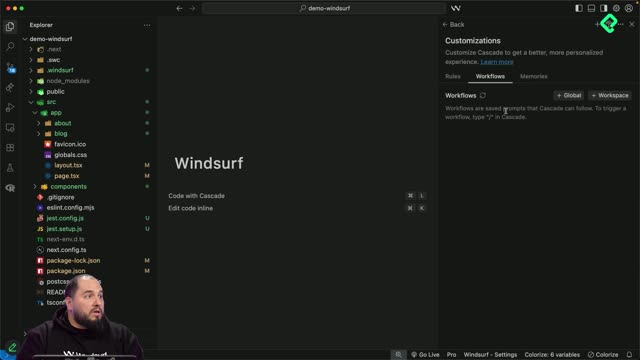
Yes. Besides this project memory, Windsurf also works with rules and workflows, which we'll cover later. For planning and recommendations inside chat mode, the project memory is the one doing the heavy lifting.
When should you use chat mode instead of code mode?
Chat mode shines whenever you don't want Cascade to touch your files. Think of it as your planning and reasoning space.
Good moments to stay in chat mode:
Planning a new project from scratch, like the Next.js portfolio above.
Asking very specific questions about a fragment of code.
Interpreting what's happening in a file you didn't write.
Exploring recommendations before committing to them.
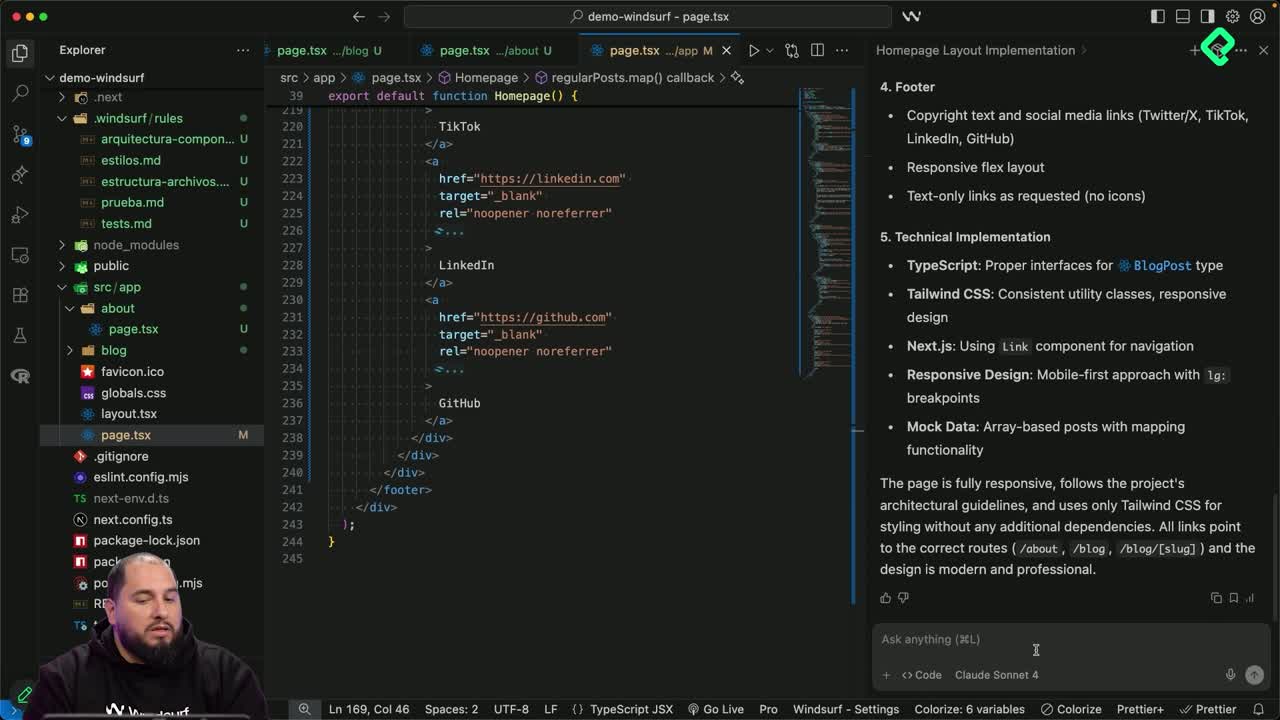
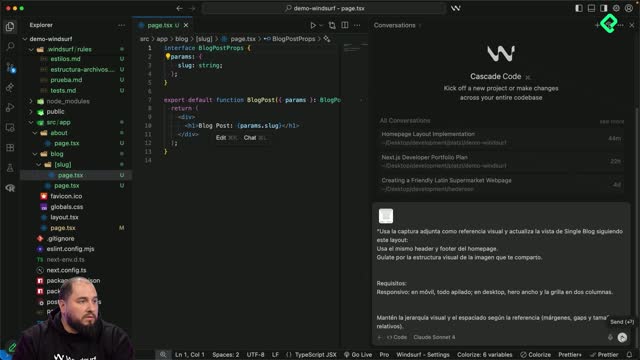
When you're ready to take any of those recommendations into your project, for example saving the plan as documentation or generating real code, you switch to code mode. That's the moment Cascade stops being a planner and starts being a builder.
When do I switch from chat to code mode in Windsurf? Switch to code mode when you want Cascade to modify files, save documentation or execute code. Stay in chat mode while you're still planning or asking questions.
Tell me in the comments what other uses you can imagine for Cascade chat mode in your own projects.