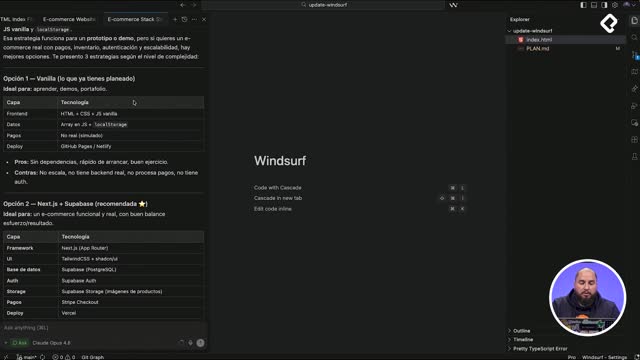
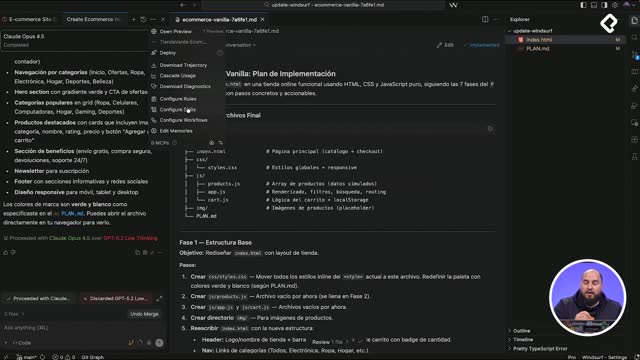
After nearly 20 years writing code and testing countless editors, I found in Windsurf a tool that actually understands context from simple prompts and helps me ship faster. If you are a developer looking for an AI code editor that fits into your daily workflow, here is why this one feels different and how to start exploring it.
What makes Windsurf different from other AI code editors?
The shortcut is simple: you describe what you need in plain language, and the editor reads the context of your project to help you build it. That is the core promise, and in practice it removes a lot of friction from the day to day.
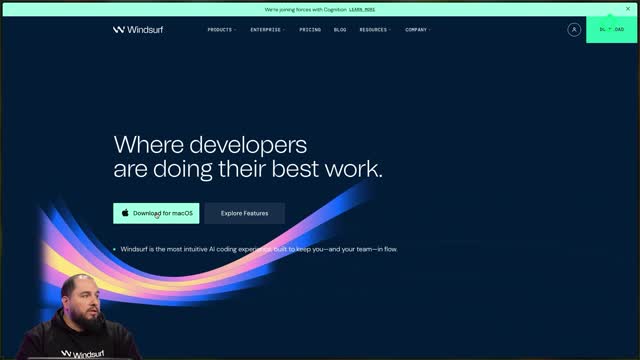
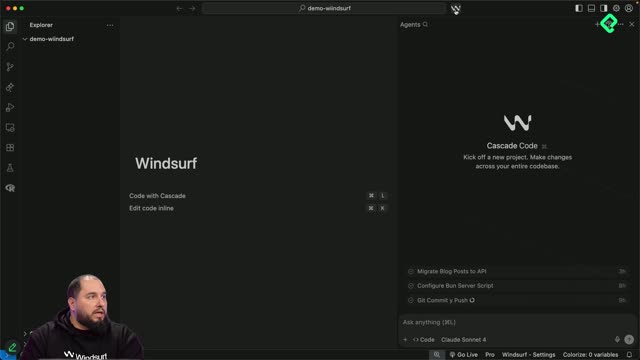
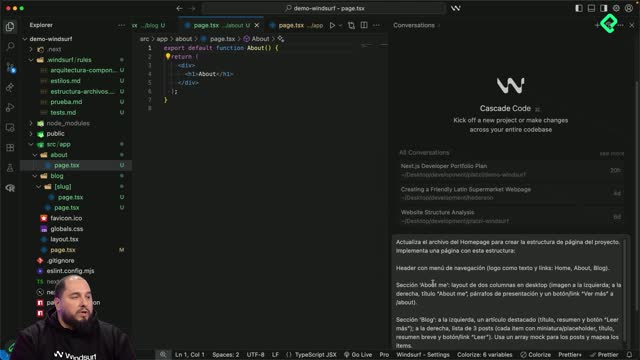
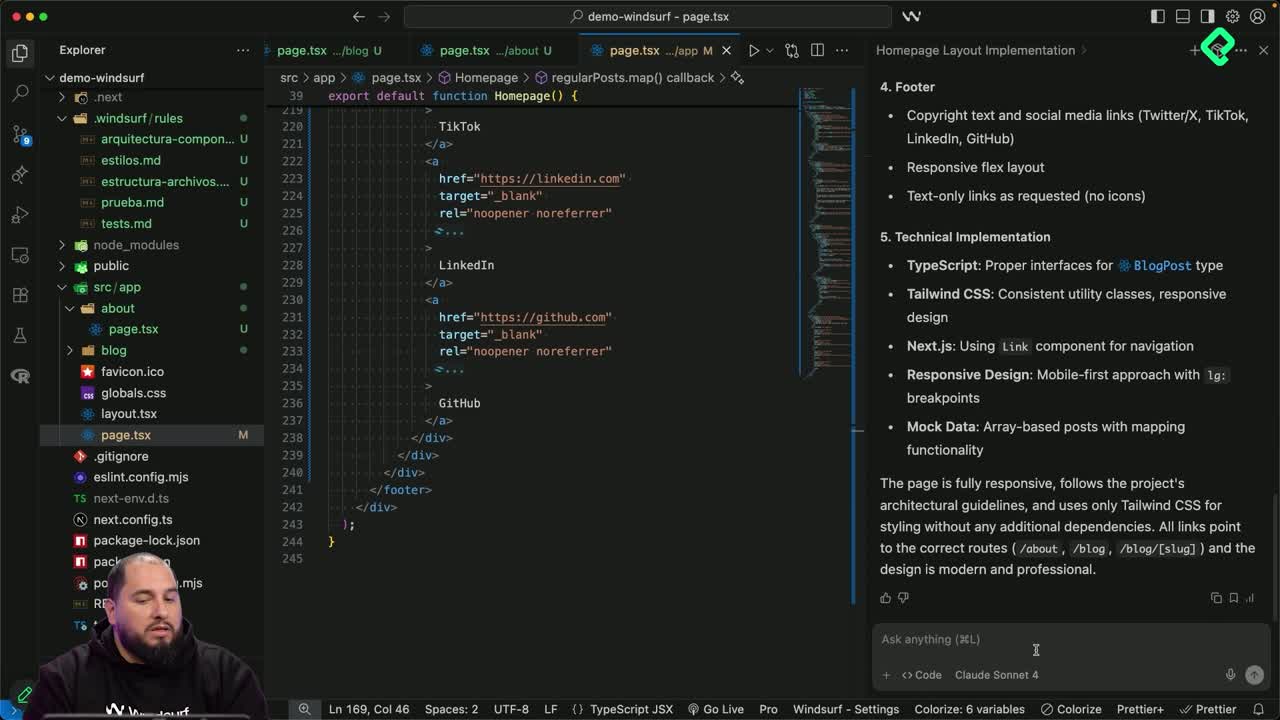
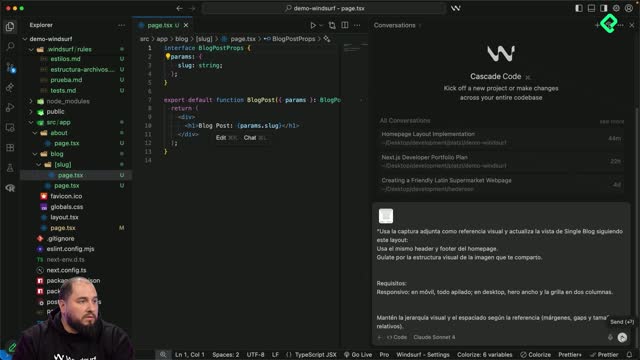
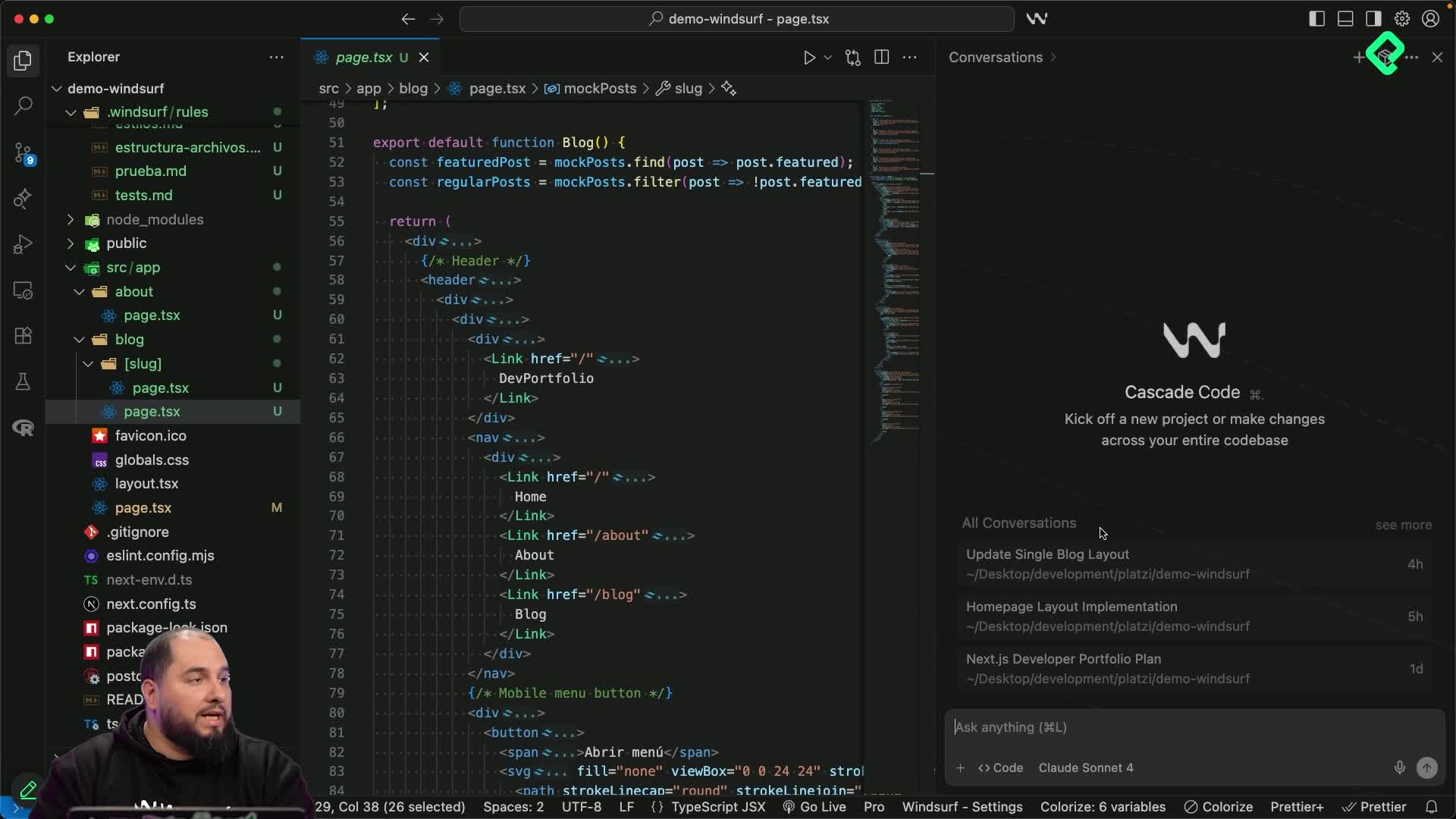
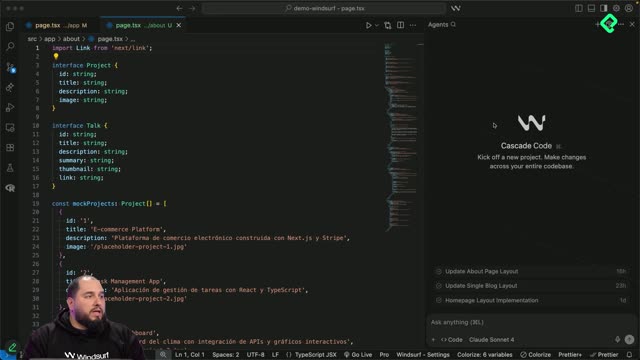
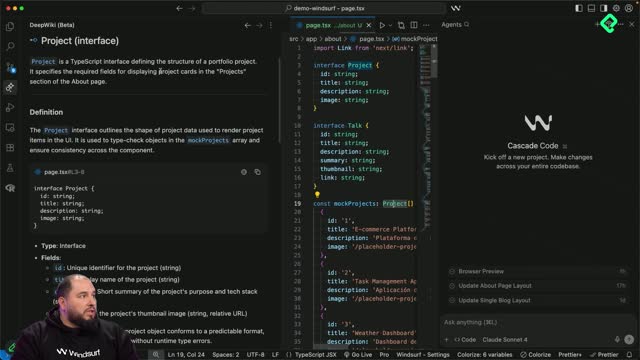
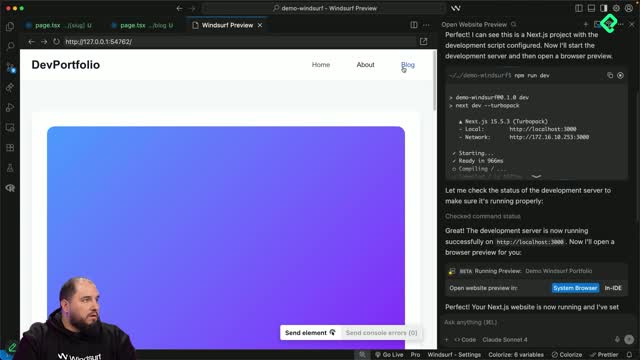
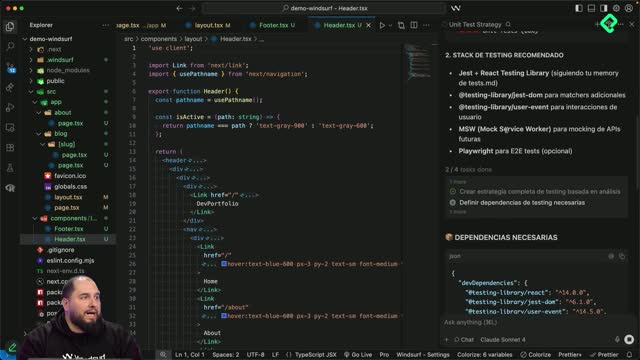
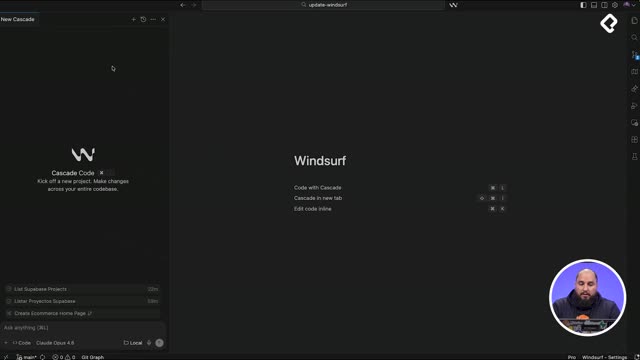
What is Windsurf? It is an AI powered code editor that uses Cascade to understand your project context and turn natural language prompts into working code. You can download it from windsurf.com.
The features I rely on every day are the ones I walked you through across this course, so you already have the full picture of how it fits into a real developer workflow.
How can I use Cascade outside the Windsurf editor?
One detail worth knowing: Cascade is also available as a plugin for other code editors. If you already have a setup you love, you do not have to abandon it to get the AI experience. You install the plugin and keep your environment.
On top of that, Windsurf gives you the option to connect to MCPs, which expands what the assistant can reach and act on inside your projects.
Can I use Windsurf with my current editor? Yes. Cascade ships as a plugin for other editors, so you can keep your tools and still get the AI assistant.
All of this lives on windsurf.com, and you will find the direct link in the resources section of this class.
Where do I check my usage, models and API keys?
Inside the website you can open your user profile and find a control center for your account. This is the place to go when you want to understand how you are spending your credits or plug in your own providers.
From your profile you can review:
Credit usage statistics broken down by category, so you see where your activity is going.
Information about the available models you can pick from.
A space to add third party API keys when you want to bring your own provider.
Where do I see my Windsurf credit usage? Open your user profile on windsurf.com. There you get usage stats by category, model details and the section to add third party APIs.
That profile view is small but powerful, because it lets you tune cost and model choice without leaving the ecosystem.
Is Windsurf worth trying as your daily editor?
I have used it since I discovered it and it has helped me a lot in my daily work as a developer. The combination of context aware prompts, Cascade as a plugin, MCP connections and a clear usage dashboard is what turns it into a tool you actually keep open all day.
My invitation is simple: try it, push it with your real projects, and see if it feels like it has superpowers, the way it does for me. If you test it, drop a comment with what you built and which feature surprised you the most. See you in the next course.