Working with Windsurf goes far beyond generating new features. One of its most practical uses is detecting and fixing design bugs, repeated code, and functionality issues across an existing project, all from the same editor. If you build with AI assistants and want cleaner, more maintainable code, this workflow shows you how to audit a website and refactor it without breaking it.
How can you spot visual bugs using the Windsurf preview?
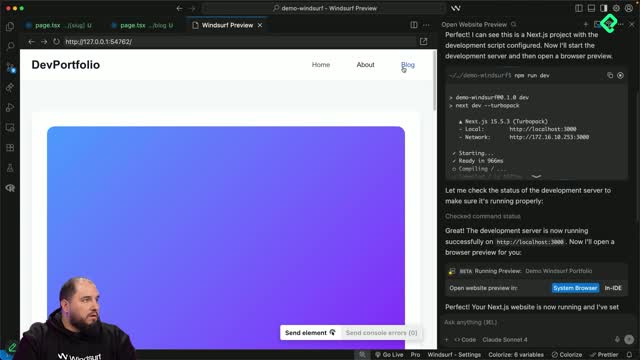
The built-in preview lets you launch a local server and open the browser inside the IDE, so you can navigate the site while keeping the code one click away.
Once the preview runs, you choose between Chrome or the IDE view. From there, you browse each section like a regular user. In this project, the audit surfaced several issues worth fixing:
Blog cards looked too tall, especially the image area.
The single blog page had light text over a light background, with poor contrast.
The tablet layout stacked elements that should sit side by side.
The home blog feature could move to the left to give space to the other three posts.
When you find a contrast problem, you can ask Cascade something like "this text has readability issues due to low contrast, fix it". Cascade analyzes whether to match by HTML tag or by text. Matching by tag updates every similar element, which is exactly what happened with the list item elements that became readable after the change.
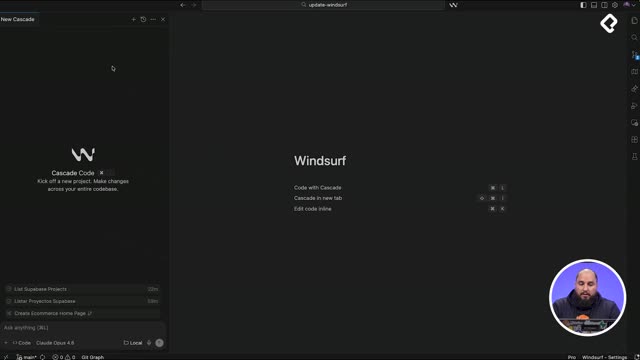
What is Cascade in Windsurf? It is the AI agent that reads your project, edits files, and runs commands. You can talk to it in Spanish or English and switch between Chat mode (analysis only) and Code mode (real edits).
How do you ask Windsurf to scan a project for design and code issues?
Fixing bugs one by one inside the preview takes hours. A faster path is using Chat mode to request a full audit before touching any file.
First, stop the preview so the dev server is no longer running. Then, in Chat mode, send instructions like:
Scan the project to identify possible design issues and code repetition, and deliver a plan to solve them.
Add possible functionality issues to the plan with how to solve them.
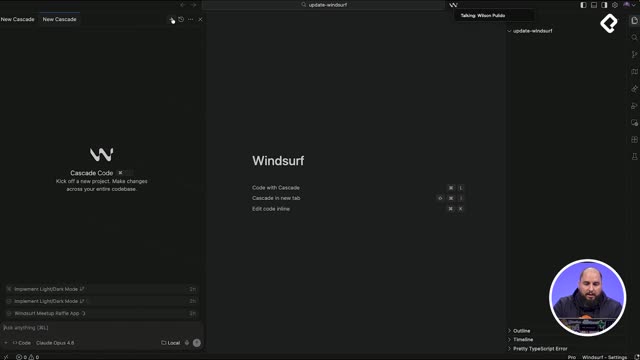
Windsurf now supports queued messages, so you can stack prompts without waiting for the first one to finish or canceling it. You can also reorder or delete them before execution.
The audit returned a detailed map of problems:
Critical architecture issues: duplicated header and footer, missing global layout shared with the App Router (a Next.js pattern).
Non functional mobile menu: the hamburger button had no behavior attached.
SEO and metadata recommendations.
Invisible images and assets with opacity zero, plus missing use of the Next.js image component.
Medium priority issues: unoptimized responsive breakpoints and inconsistent styles.
Why is duplicated header and footer code a problem? Every page repeats the same markup, so any change forces you to edit multiple files. Centralizing them in a layout reduces maintenance and bugs.
What does the final refactor plan include?
After processing the three queued prompts, Cascade merged everything into one comprehensive plan with concrete numbers:
Around 400 lines of duplicated code detected.
Seven critical design issue categories.
10 critical functionality problems.
A proposed folder structure with components, layout, UI, hooks, types, data, and libraries.
Duplicated types across files.
A key lesson here: during the whole course, most of Cascade's suggestions were accepted without pushback. That is why so many issues piled up. Be critical with every recommendation the AI makes, otherwise you inherit problems disguised as progress.
How do you apply a refactor in Windsurf without breaking the app?
Instead of running the entire plan at once, the smart move is to slice it. A short prompt asks Cascade to start with part of phase one: create a layout with header and footer, and replace their usage on every page to avoid repetition.
Switching from Chat to Code mode lets Cascade actually modify files. The result:
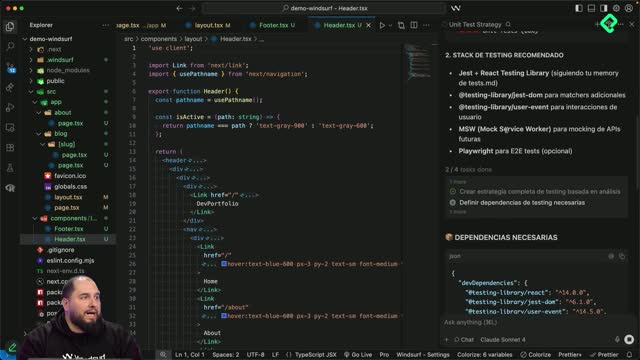
A new components folder holding header and footer.
A layout file that imports both and wraps the pages.
Header and footer removed from homepage, about, blog, and blog single.
A smart header with active navigation that detects the current page automatically.
The mobile menu button preserved with consistent behavior across pages.
During the edit, Cascade flagged some lint errors. React requires a single root element in the render, so removing the header temporarily broke the structure. Cascade cleaned those up on its own.
The diff covered seven files. Header and footer were new, so they only had additions. The existing layout gained 10 lines and lost four. Homepage, about, blog, and blog single each removed around 86 lines of duplicated markup, confirming the estimate of roughly 500 lines eliminated.
After accepting the changes, running the preview again shows the same header and footer rendering on every route. The visual output is identical, but the code base is dramatically lighter and easier to maintain.
Tell me in the comments how your own audit and refactor went. Your notes can help someone else in the community move faster.