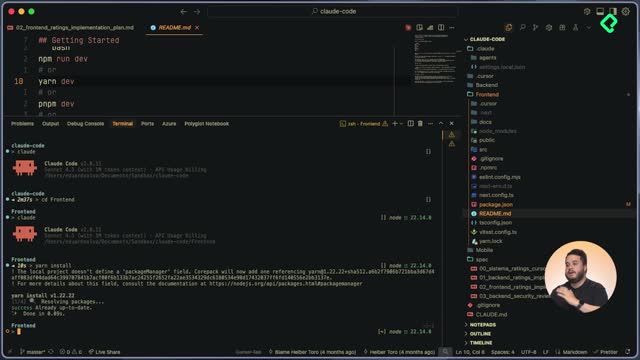
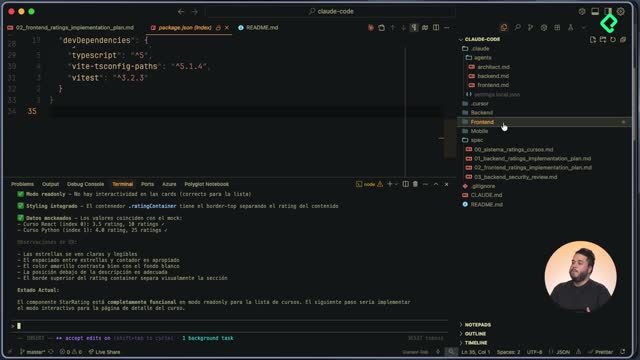
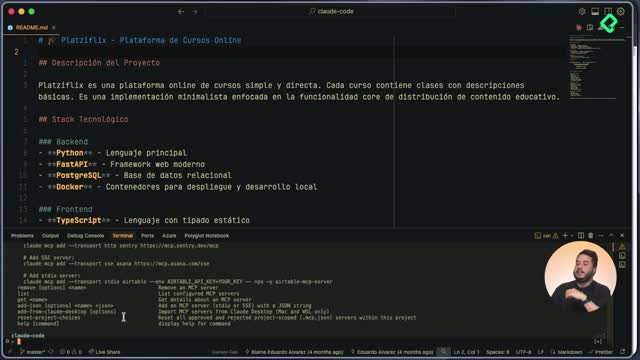
Running long autonomous sessions with Claude Code is possible, but it requires the right setup to keep your project safe. Using dangerously-skip-permissions in Claude Code lets you build features end to end without approving every command, as long as you work inside a sandboxed environment like a Docker container. Here you will see how to apply it to ship a ratings feature on Platzi Flix, run a security review and document the findings.
Why use dangerously skip permissions in Claude Code?
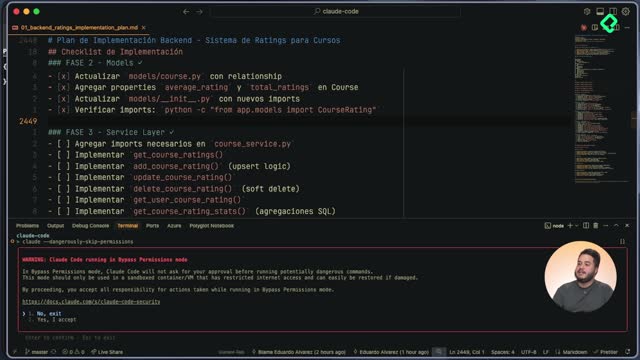
Claude Code 2 with Sonnet 4.5 can sustain sessions of more than 30 hours, but constant permission prompts break that flow. The --dangerously-skip-permissions flag tells Claude it can execute anything it considers necessary, no questions asked.
That power has a cost. Claude itself warns that this mode should only run inside virtual machines or containers with restricted internet access and the ability to be restored if something breaks. The Platzi Flix backend lives inside a Docker container with commands to recreate the database, reseed it and rerun tests, so the blast radius stays small.
When should I use dangerously skip permissions? Only inside disposable environments like Docker containers or VMs with limited network access, where you can rebuild state if the agent damages something.
How do I keep Claude Code inside the Docker container?
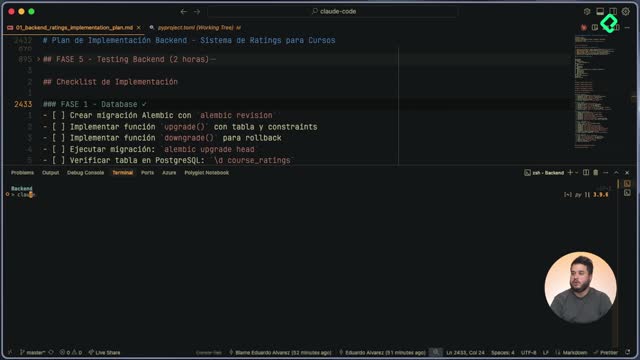
When the agent started executing phases 3 to 5 of the ratings backend plan, it tried to run the tests on the host instead of inside the API container. That mismatch would have produced false negatives and wasted context.
The fix is to teach Claude a permanent rule using the # command, which stores an instruction in memory. The instruction saved to project memory was clear: any backend command, test or migration must run inside the Docker container, the container must be verified as running first, and the existing Makefile should be the source of truth for commands.
- Use
# to persist instructions in user memory or project memory.
- Project memory travels with the repo, so every teammate inherits the same rule.
- Always point the agent to the
Makefile so it reuses existing commands instead of inventing new ones.
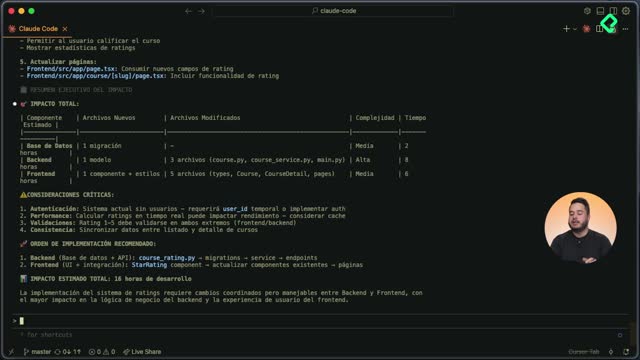
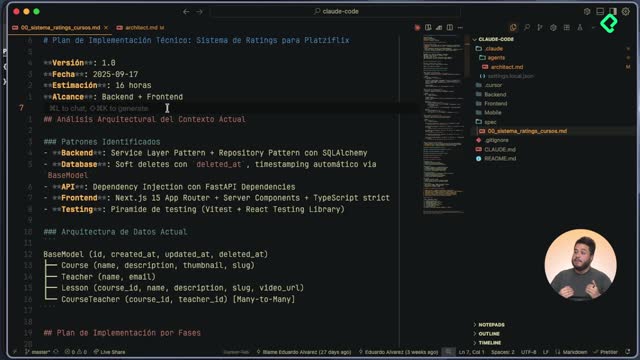
With that single instruction in place, Claude completed phase 3 in the service layer with seven methods, phase 4 with the endpoints and Pydantic schemas, and phase 5 with the tests: 39 passing and 1 skipped [04:30].
How do I review what Claude Code built without supervision?
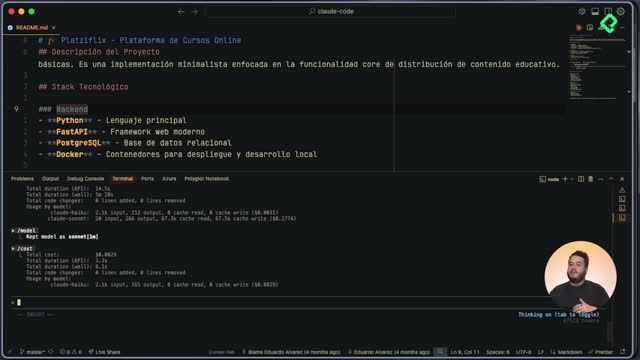
Skipping permissions means trusting the agent during execution, but you still need a checkpoint after the fact. The /context command shows how much of the 200,000 token window of Sonnet 4.5 you have consumed. In this session, the implementation used about 66% of available context, which is a useful signal before deciding whether to continue or reset [05:30].
The second checkpoint is /security-review, a built in Claude Code command that audits the changes on the current branch looking for vulnerabilities.
What does the security review command do in Claude Code? It analyzes the diff on your current branch, flags vulnerabilities and classifies them, often using standards like OWASP, so you can patch the code before merging.
In the Platzi Flix case, the review surfaced a broken access control issue that allowed bypassing authorization on rating operations, classified under OWASP with 95% confidence.
How do I manage context with compact and reset?
Long autonomous sessions eat tokens fast. When the window dropped to 9% remaining, Claude Code suggested running /compact to summarize the conversation and keep working.
You can use /compact in two ways:
- Run it alone and let Claude decide what to keep.
- Pass an instruction, for example asking it to preserve the security review findings, so the compacted summary protects the data you care about.
If you prefer a clean slate, /reset wipes the conversation entirely and starts fresh. Between both commands you choose between continuity and a blank canvas.
How do I save security findings for later?
Instead of losing the audit when the session ends, ask Claude to document the findings in a Markdown file that follows the format of your existing spec directory, for example naming it 03-...md to continue the numbering.
The generated file includes an executive summary, the list of vulnerabilities, severity and confidence levels. That document becomes the input for the next iteration: a new Claude Code session can read it and patch the broken access control issue without rediscovering the problem.
What did the ratings backend ship with this workflow?
The combined run produced a complete vertical slice for Platzi Flix ratings:
- Database migrations and tables for ratings.
- SQLAlchemy models tied to the schema.
- A service layer with seven methods covering the documented behavior.
- REST endpoints with Pydantic schemas matching the existing repository pattern.
- Unit tests with 39 passing and 1 skipped, executed inside the Docker container.
- A security report in Markdown with OWASP classified findings.
Now it is your turn. Use Claude Code together with the security analysis to fix the broken access control vulnerability on the ratings endpoints. Drop a comment with how you solved it and what trade offs you found while running with skipped permissions.