Creating a specialized subagent in Claude Code lets you delegate complex planning to a focused AI assistant with its own system prompt, tools, and model. You'll learn how to build an Architect subagent that turns previous conversation context into a phased implementation plan, useful for any developer working with agentic coding workflows.
What is a Claude Code subagent and why does it matter?
A subagent is a specialized assistant inside Claude Code with its own personality, tools, and model. It works on top of large language models but focuses on a single task, like architecting a feature or hunting a bug.
What is a Claude Code subagent? It's a configurable assistant defined in a markdown file inside the .claude/agents folder. It has a custom system prompt, tool permissions, and model choice so it behaves like a specialist rather than a generalist.
This matters because you can spin up as many subagents as you need, each tuned for a different job: architecture, debugging, refactoring, testing. The result is cleaner context windows and more accurate output.
How do you resume a previous conversation in Claude Code?
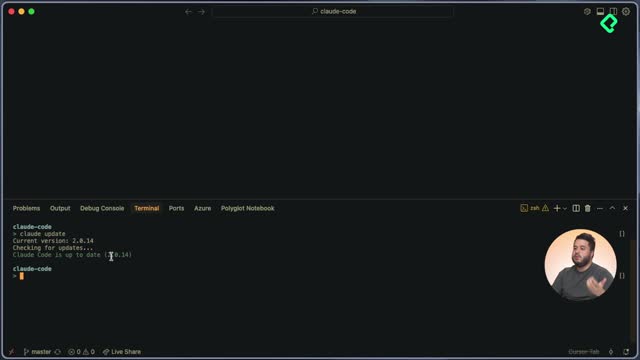
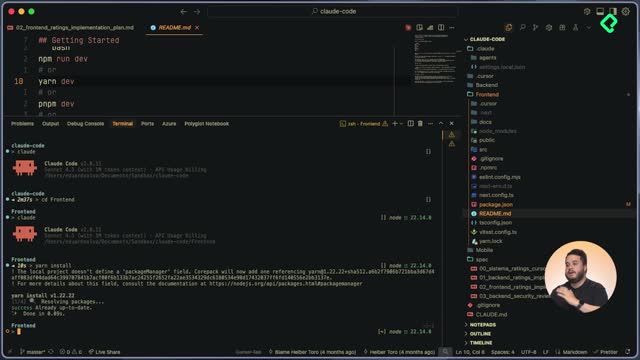
If you closed your terminal and lost the chat, you don't lose the context. Claude Code stores prior sessions and lets you pick them up.
Use the /resume command. You'll see a list of past conversations with timestamps and the branch they ran on. Pick the one you need and continue right where you left off.
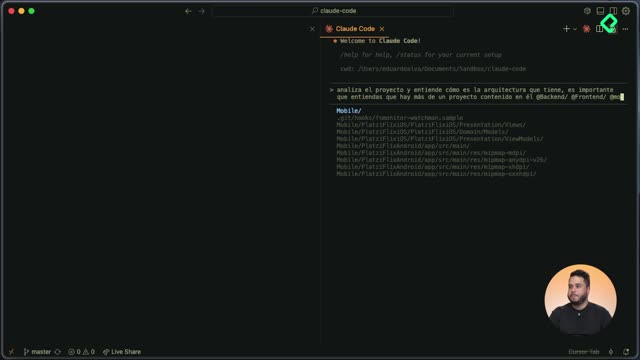
In the demo at [01:05], the previous session contained context built with Ultra Think, Think Deeply, and Think commands, used to analyze the modifications required for a ratings feature.
How do you create a custom subagent step by step?
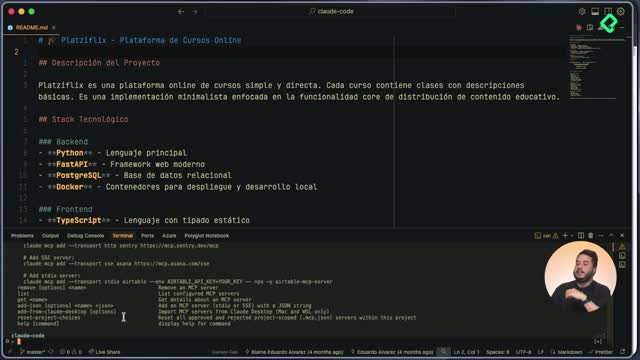
The creation flow uses the /agents command and walks you through every config option. Here's the path I followed at [01:45]:
- Run
/agents and select create new agent.
- Choose the scope: personal (all your projects) or project only. I picked project.
- Pick generation mode: let Claude generate it or configure manually. I chose manual.
- Give it a unique name. I called mine
Architect because it acts as a software architect defining implementation phases.
- Add an initial system prompt (placeholder is fine if you'll edit the file later).
- Define when Claude should invoke this agent. You can leave it empty and refine later.
- Select allowed tools. Read, edit, bash, grep, multi-edit. You can restrict to read-only if needed.
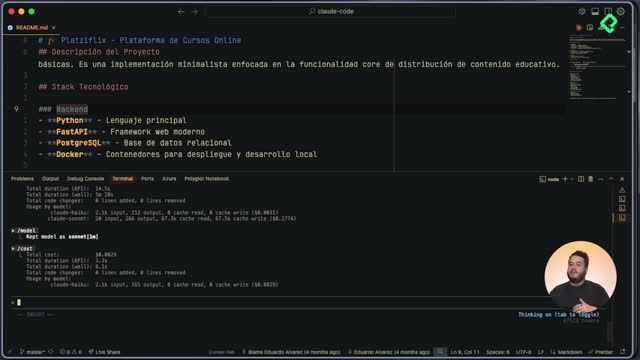
- Pick the model. Sonnet for most tasks, Opus for complex reasoning, Haiku for simple jobs, or inherit the parent conversation's model.
- Choose a color. I picked yellow so it's easy to spot when the agent runs.
Claude warned me that the system prompt was too short, which was intentional because I'd replace it manually.
Where does Claude Code store the subagent definition?
Every subagent lives as a markdown file inside .claude/agents in your project. The file has two parts:
- A YAML front matter with
name, description, model, and color.
- A system prompt written in markdown below the front matter.
The description field is critical. It tells Claude when this subagent should be used. A vague description means Claude won't invoke it correctly. Mine specifies that Architect is a specialist in software architecture, system design, and deep technical analysis.
What should the system prompt of an Architect subagent contain?
A strong system prompt has clear sections so the agent knows its job. Mine includes:
- Role definition as a software architect.
- Areas of specialization.
- Specific responsibilities.
- Project context so the agent knows the codebase.
- Analysis methodology.
- Work instructions.
- Output format, in this case a markdown report with technical analysis, identified problem, impact, proposed solution, and implementation plan.
Why is the output format important in a subagent prompt? Because it forces consistent, reusable artifacts. When every Architect run produces the same markdown structure, you can store it, version it, and feed it to the next subagent in the chain.
How do you invoke a subagent inside an existing conversation?
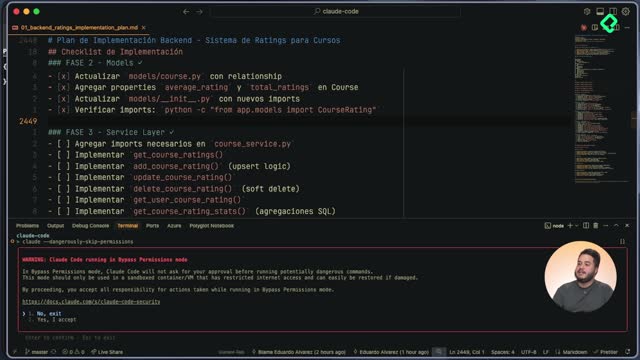
First, restart Claude Code so it picks up the new prompt. Then run /resume, select your conversation, and call the agent with @Architect. Press tab to lock it into context.
At [05:30], I asked Architect to use the existing conversation context for impact analysis and to build the implementation plan. The agent name turned yellow, signaling it was running inside its own context.
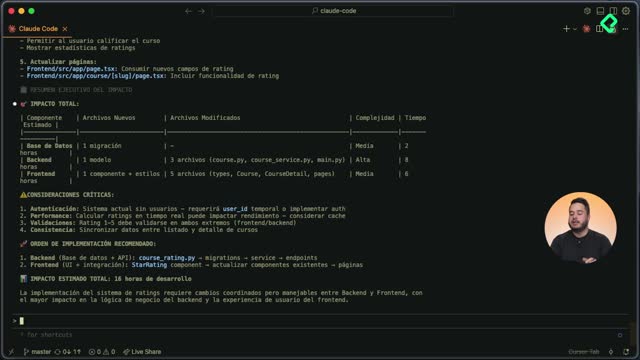
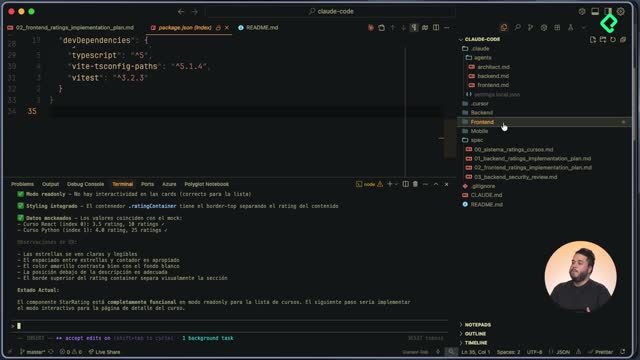
The Architect produced a phased plan for the ratings feature in Platzi Flix with these highlights:
- Solid architecture aligned with current data layer.
- Performance considerations including database indexes to avoid slow queries.
- Testing strategy.
- Scalability notes.
How do you persist the subagent's output inside the project?
A plan that lives only in chat history is fragile. You want it on disk, versioned with the code.
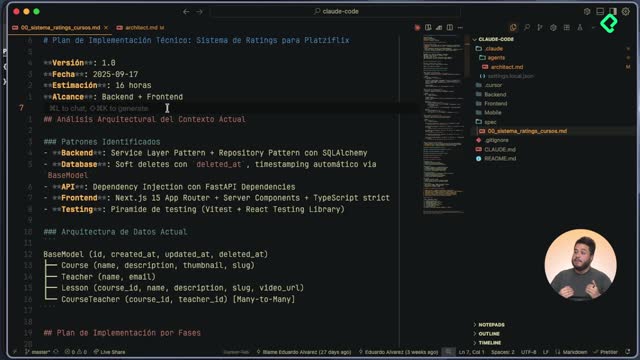
I asked Claude to save the result using Architect's required format inside a spec folder at the project root, with the naming convention 00_spec_name.markdown. The 00 is an incremental prefix so future specs sort naturally.
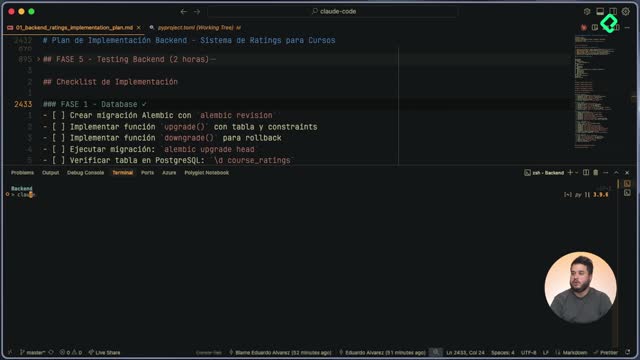
The saved file documents the patterns Architect identified, the current data architecture, and the phased implementation plan. Phase one is the database layer modification, marked as critical because it's the foundation. Each phase is sequential and incremental, not a big bang rewrite.
Can the same subagent be used for bug analysis?
Yes. The Architect subagent isn't limited to new features. You can point it at an existing module, describe a bug, and get the same structured analysis: problem, impact, proposed solution, and a phased fix plan.
Subagents become more powerful as you build a small library of them, each with a distinct personality and scope. Drop your ideas for other useful subagents in the comments.