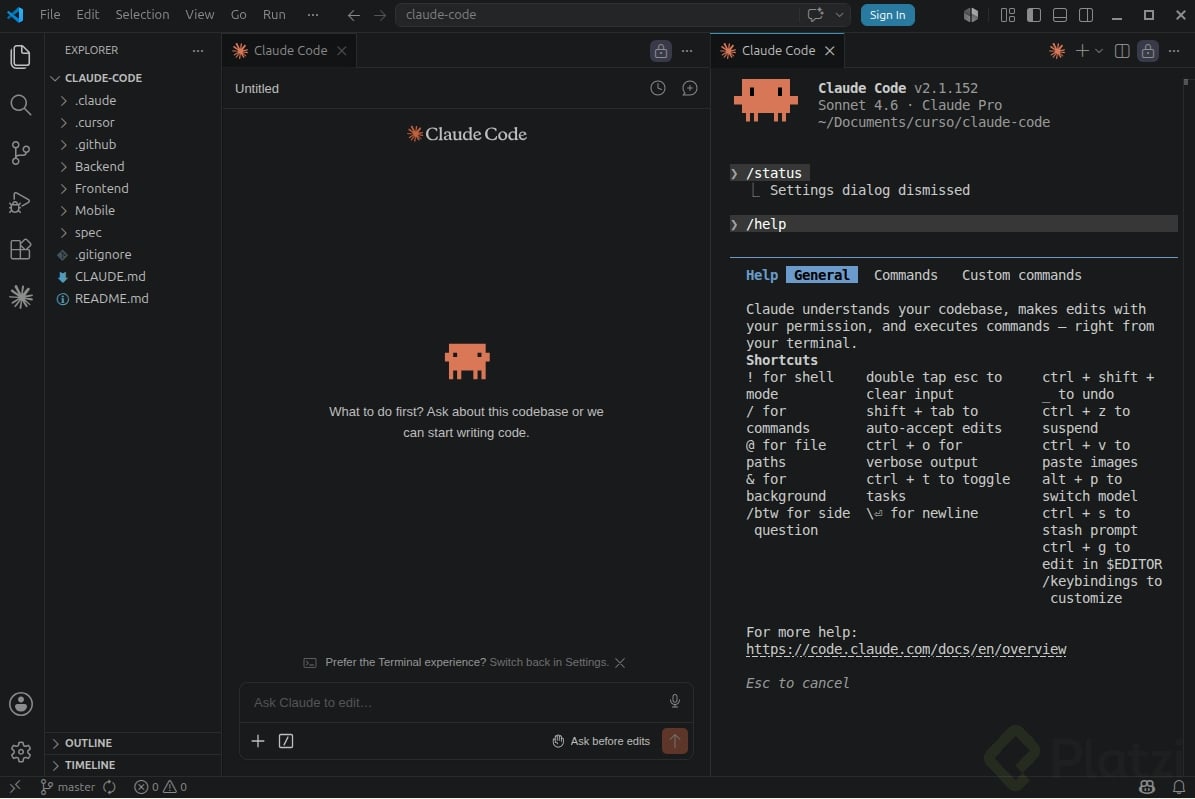
Installing Claude Code in your system takes only a few commands, but knowing the right setup makes the difference between fighting the tool and shipping faster. Here you will learn how to install Claude Code, log in, and connect it to your editor so you can start coding with AI assistance from minute one.
What do you need to install Claude Code on your machine?
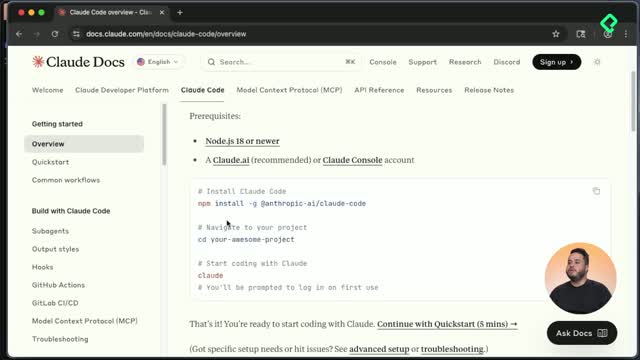
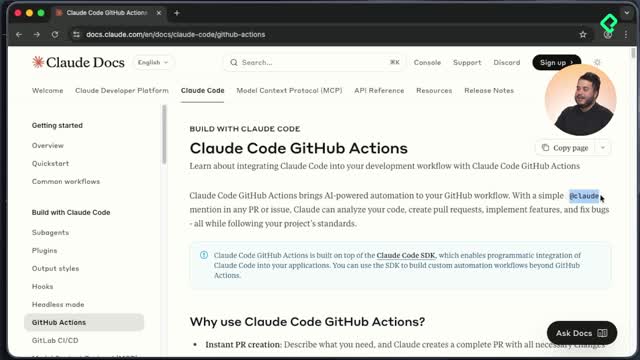
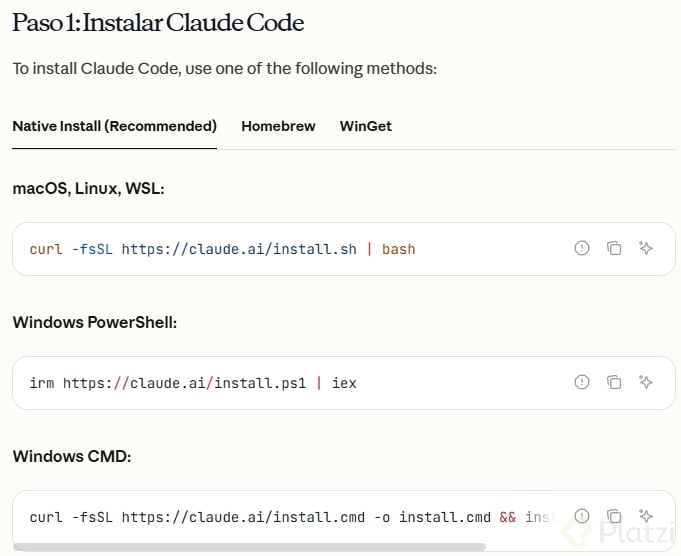
The official source of truth lives at docs.claude.com, inside the Claude Code section. That page hosts the install steps, the available features, and the tricks to get the most out of the tool.
The single requirement is NPM, the Node package manager. If you have not configured Node yet, the JavaScript fundamentals course covers that ground. Once NPM is ready, copy the install line from the docs and paste it into your terminal.
What is NPM and why does Claude Code need it? NPM is the package manager that ships with Node.js. Claude Code is distributed as a global NPM package, so installing it makes the claude command available everywhere in your system, not only inside one folder.
How do you run Claude Code for the first time?
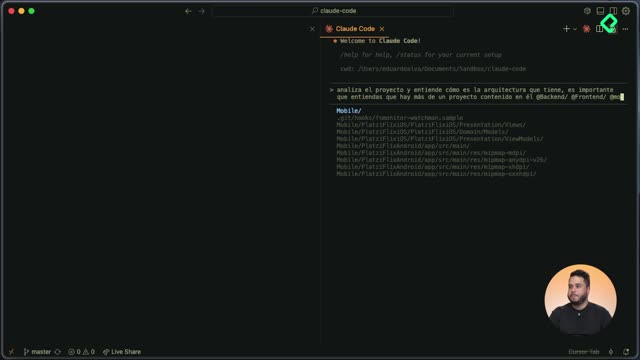
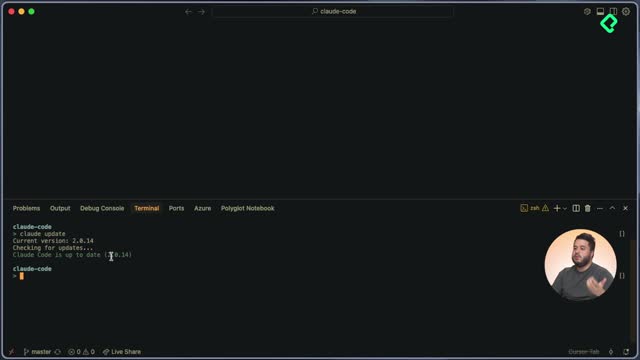
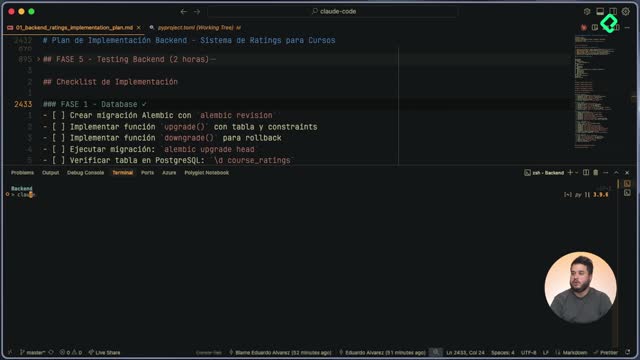
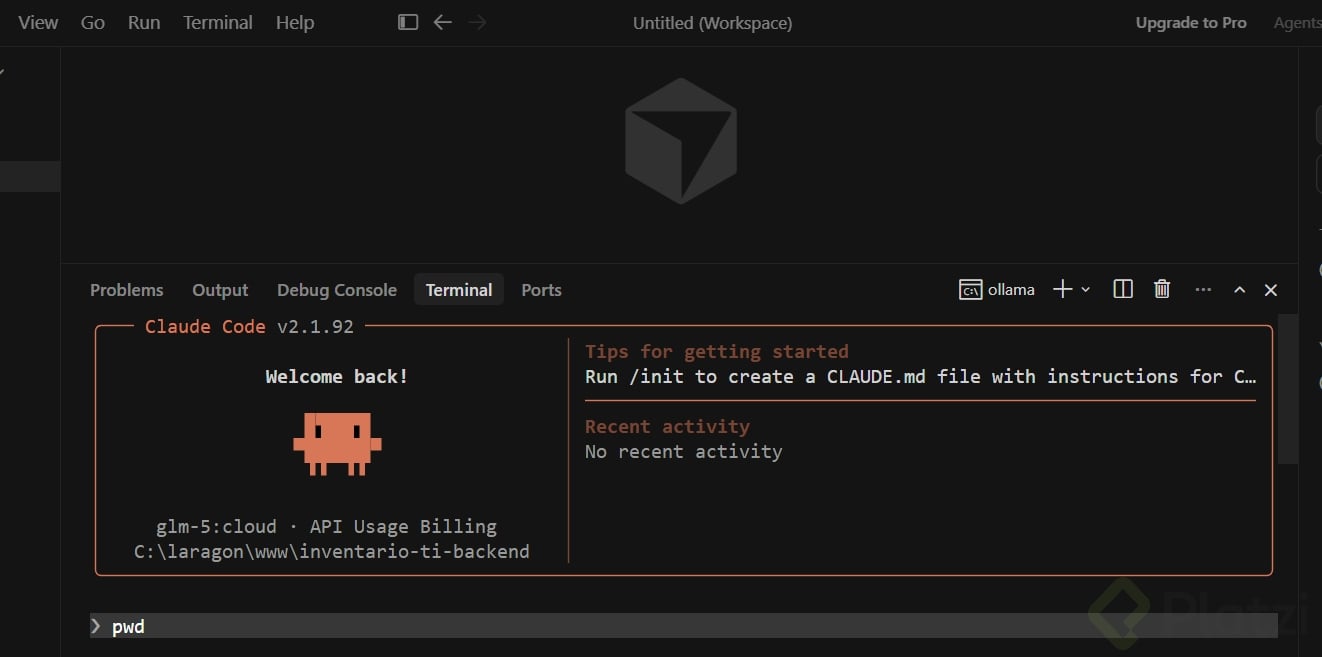
After the global install finishes, move into the project directory you want to work on and type claude. That opens a REPL, the interactive interface where you talk to the model.
The REPL greets you with two starter commands worth memorizing:
- help, which lists every command available in interactive mode and reminds you to always review Claude's responses.
- status, which shows the current setup of your Claude Code session.
How do you check if Claude Code is installed correctly?
The second command you should know is doctor. Running doctor inside the REPL verifies the install path, the binary being invoked, and whether the configuration is healthy.
If something fails later, doctor gives you the first clue about what is broken. Think of it as a quick health check before you blame your code.
What does the doctor command do in Claude Code? It inspects your Claude Code installation and prints where the tool lives, which binary is being called, and whether the settings are valid. It is the fastest way to debug a broken setup.
How do you log in to Claude Code?
The third essential command is login. Without it, you cannot reach the models or generate code. When you run login, Claude Code offers two paths:
- Anthropic subscription, which bundles the Claude desktop app with Claude Code access. The Pro plan is the cheapest entry point and gives you Sonnet plus a limited token budget. The Max plan unlocks Opus, the most advanced model, and raises the token cap.
- Anthropic Console, where you buy tokens directly. This is the route you usually pick when working inside a company that pays for its own quota.
The rule of thumb is simple. If you are a solo developer, the subscription works best. If you build for a company, use the organization's console tokens.
A browser tab opens asking you to authorize Claude Code to create API keys inside your organization. If the browser does not open, the terminal also prints a link you can paste manually into a session where you are already signed in to Anthropic. Authorize, copy the token, paste it back in the terminal, and you are in.
How do you integrate Claude Code with Cursor?
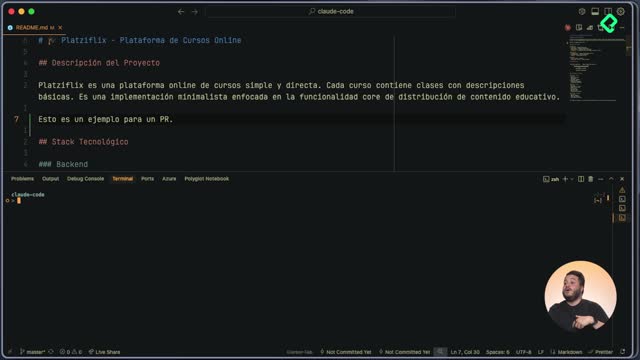
The terminal is fine, but Claude Code shines when it lives inside your editor. In this setup we use Cursor as the host editor.
Open the extensions panel in Cursor and search for Claude Code. You could call Claude Code from the editor's built in terminal, yet the plugin gives you better context passing and a smoother developer experience.
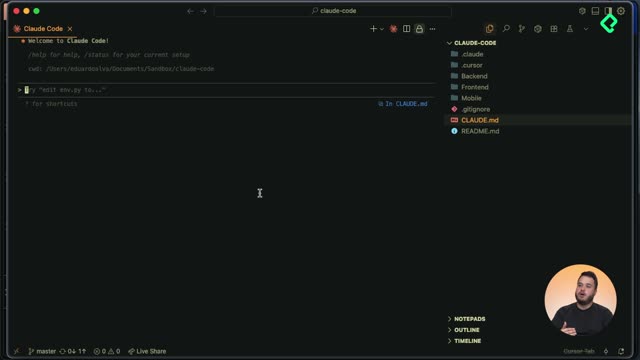
After installing the extension, the Claude logo appears in the editor's sidebar. Click it to open a new pane and try the same diagnostic flow:
- Run doctor to confirm the integration is healthy.
- Run status to verify your session, your email, and the active session ID.
If both return green, Claude Code is officially running inside your editor and ready to pair with you on real tasks. For a deeper dive into advanced features, the tips and tricks of AI course includes a class fully dedicated to Claude Code.
What part of your workflow do you want Claude Code to take over first? Drop it in the comments.