Building a star rating system on the frontend becomes much easier when you combine a clear implementation plan with an AI coding agent like Claude Code. Here you'll learn how to run the project, delegate tasks to a frontend subagent, and use screenshots as context to refine the UI, all useful if you're learning to ship features with AI pair programming.
How do you start the frontend server before implementing ratings?
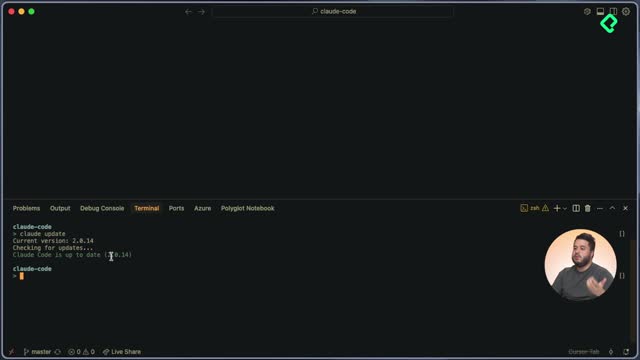
Before writing a single line of the rating component, you need the project running. The README.markdown file inside the frontend folder usually has the instructions, and when it doesn't, Claude Code can scan the codebase and tell you exactly how to launch it.
In this case, the steps are short and predictable:
- Enter the frontend folder from the terminal.
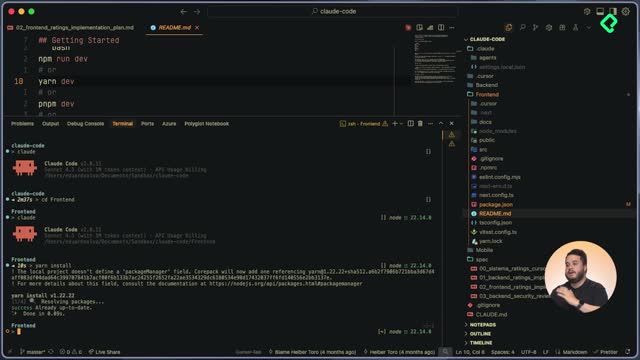
- Run yarn install to install dependencies.
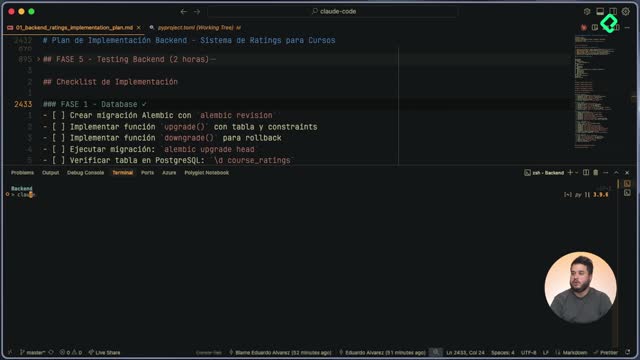
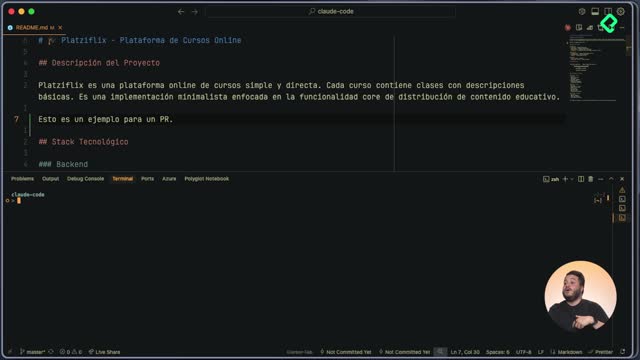
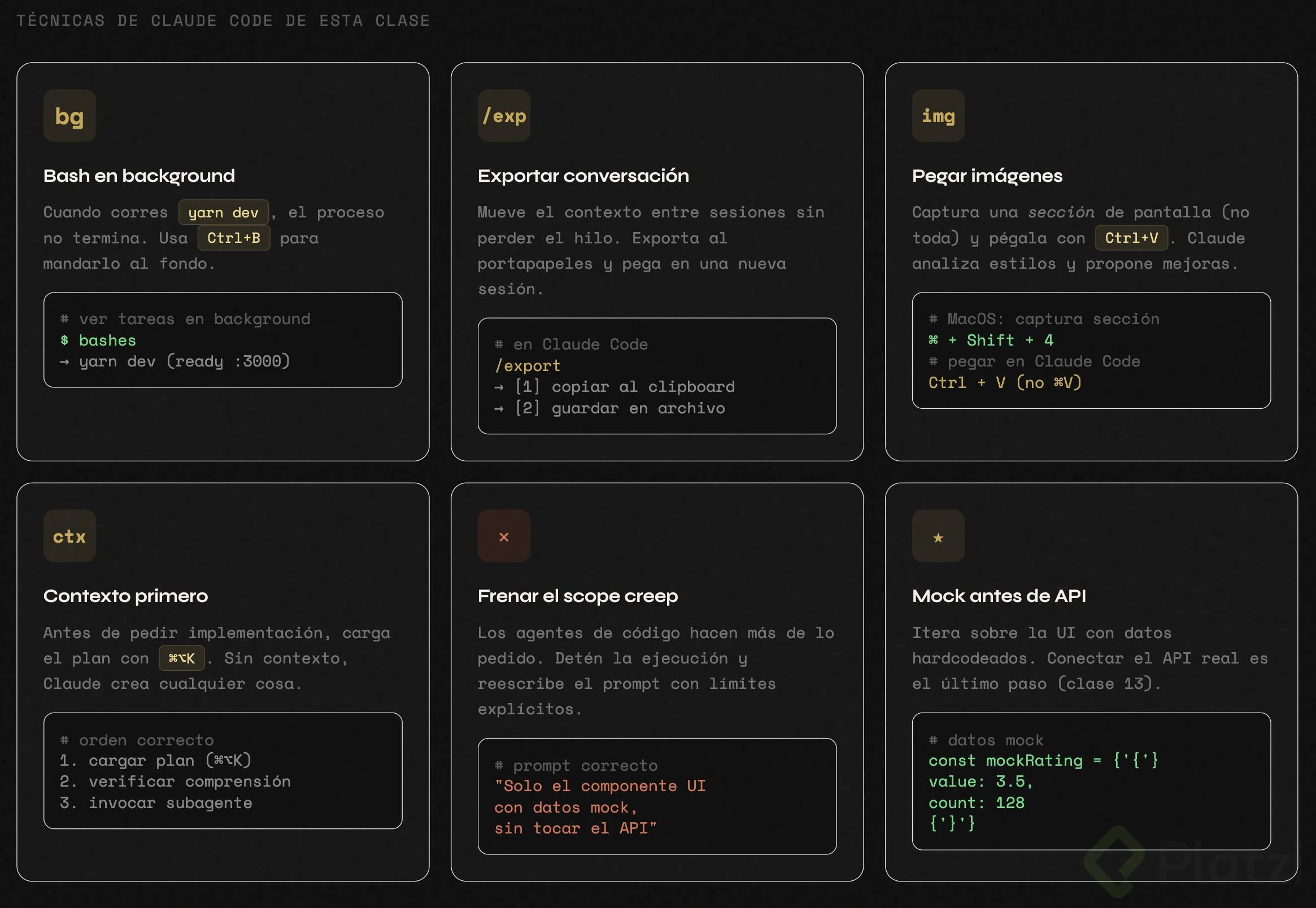
- Run yarn dev through Claude Code's Bash command so the agent keeps the server output as context.
- Send the process to the background with Control+B since yarn dev never finishes on its own.
When you check active processes with bashes, you'll see the frontend service running on localhost:3000. If the page shows an error, it's almost always because the backend isn't up. Go to the backend folder and run make start to launch the database and the API together [04:00].
What does yarn dev do in a frontend project? It starts the local development server so you can preview the app in the browser, usually on localhost:3000. It stays running until you stop it manually.
How do you delegate the rating component to a frontend subagent?
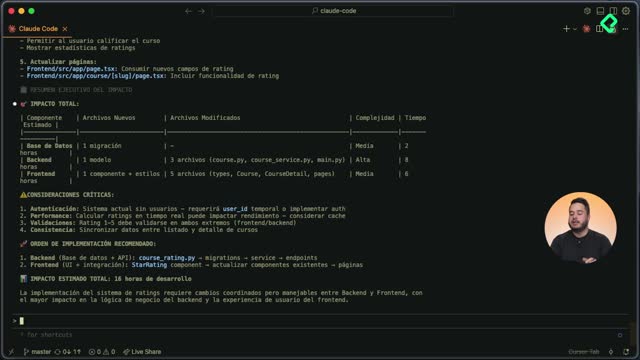
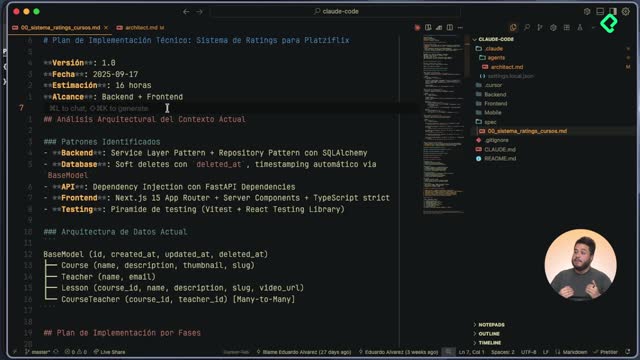
With both servers up, you can move into the implementation plan you already prepared. The plan defines six phases for the frontend, starting with rating types and interfaces, and your job is to make sure Claude Code understands the full context before touching any file.
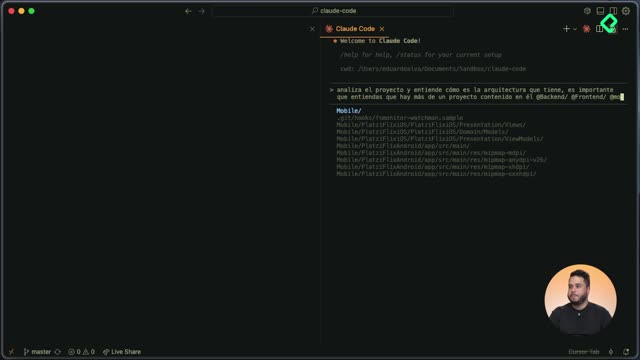
The flow that worked here has two clear moments. First, you ask Claude to read and summarize the plan. Once it confirms it understands that users will rate courses with stars from 1 to 5 and see aggregated statistics, you call the frontend subagent built in earlier classes to start coding.
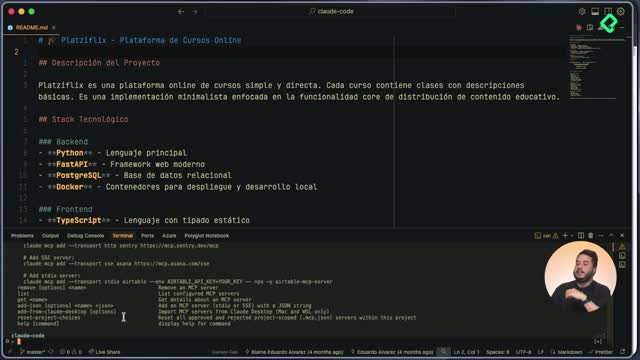
A useful trick when you want to reuse a conversation in a different folder is the Export command inside Claude Code. It copies the entire conversation to your clipboard or saves it to a file, so you can paste it into a new session and tell the agent: "This is a conversation I had with you, use it as context." When the pasted text is longer than 100 lines, Claude Code compresses it into a single reference, keeping the chat clean.
Why does the agent sometimes do more than you asked?
Claude Code, like most coding agents, tends to overreach. In this session it started inspecting backend definitions when the request was only to build the UI for the course list. The fix is to interrupt the run and rewrite the prompt with stricter scope: build the rating component in the course list, use mock data for now, and ignore the API until later [10:30].
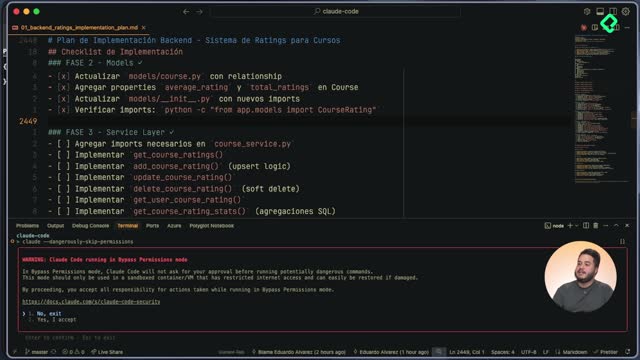
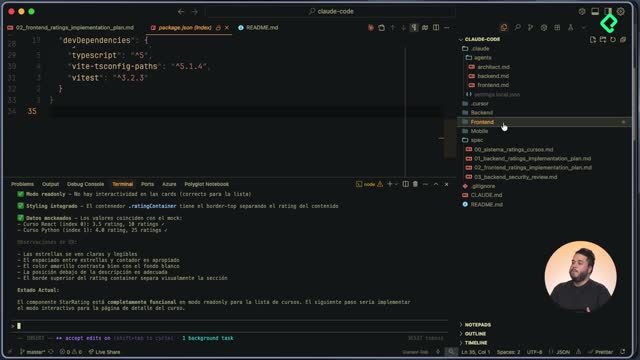
After the correction, the agent rebuilds its to-do list, implements the UI, and tries to launch yarn dev again. Since port 3000 is already in use, you stop the previous instance and let Claude Code start the server inside the new session so it owns the output.
How can screenshots improve the UI generated by Claude Code?
Once the component renders in the browser with stars, average rating, and review count using mock data, the styles still need polish. Instead of describing the problems in words, you can feed Claude Code an image.
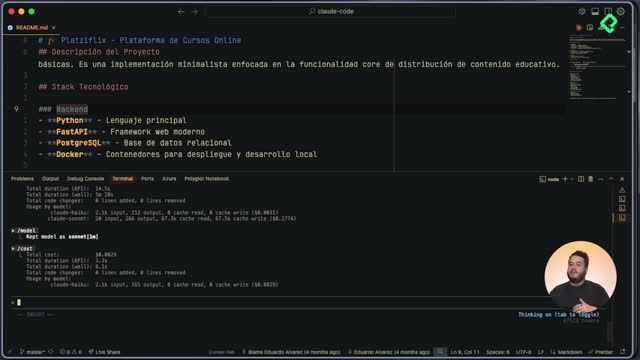
On macOS, a screenshot lands on your clipboard. To paste it into Claude Code you use Control+V, not Command+V. The agent doesn't preview the image, but it confirms that one was attached, and you can ask it to run a detailed analysis. Turning on extended thinking, or prompting with Ultra Think about the image I just sent you, pushes the model to describe what it sees with more depth.
In the analysis, Claude identified the React course card, the 3.5 average rating, the read-only mode of the stars, the counter, and the mock data driving each card. From there you can ask for specific style adjustments or even pass a reference image and say: "Use this interface as a guide and match these styles."
Can Claude Code understand images as context? Yes. You can paste screenshots of your own UI or reference designs, and the agent will analyze layout, components, and styles to guide the implementation.
Which concepts and tools matter most in this workflow?
A few ideas are worth keeping close while you practice:
- Implementation plan: a phased document that tells the agent what to build and in what order, avoiding scope creep [02:10].
- Subagents: specialized configurations like the frontend developer subagent that focus Claude Code on one role.
- Background bash processes: long-running commands like yarn dev sent to the background with Control+B and inspected with bashes [03:00].
- Conversation export: a way to carry context from one Claude Code session to another using the clipboard or a file [07:15].
- Mock data: temporary values that let you build and review the UI before the API integration is ready.
The rating component is now integrated into the course list with mock data. Your next move is to build the same component for the course detail and class views, and share in the comments which prompts, corrections, or screenshots helped you the most.