Creating specialized subagents in Claude Code lets you split complex features into focused execution units that run in parallel. You will learn how to set up frontend and backend subagents, invoke them implicitly, and orchestrate concurrent planning for a rating system in a real codebase.
What are specialized subagents in Claude Code?
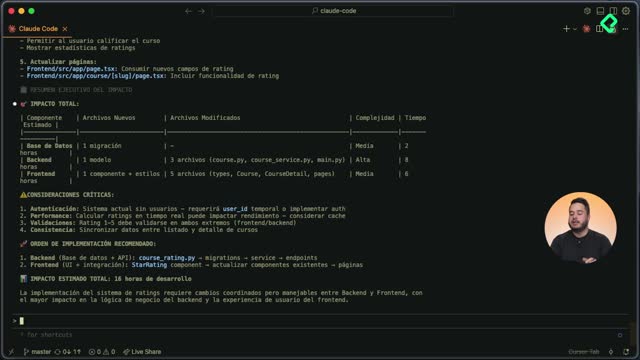
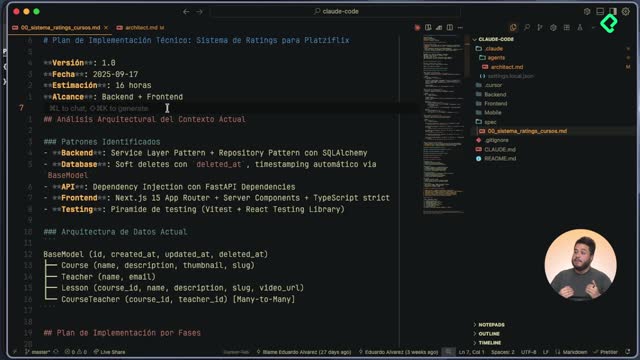
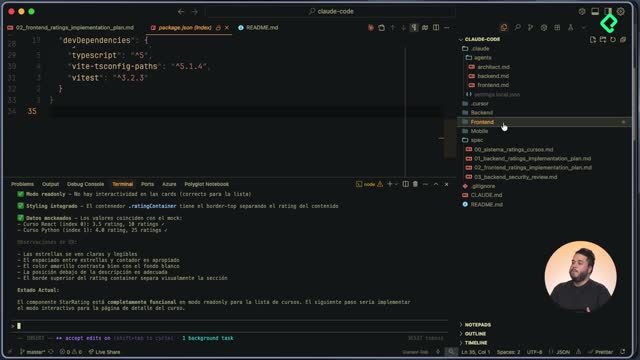
A subagent is a custom AI assistant defined inside the .claude/agents folder with a specific role, tech stack awareness, and scoped responsibilities. In our project, the architect subagent already produced a high level implementation plan for the rating feature in Platzi Flix, covering both backend and frontend scope.
Now we add two new specialists. Each one lives as a markdown file with its own prompt: backend.markdown and frontend.markdown. The frontend specialist knows the stack is Next, React and TypeScript, while the backend specialist works with FastAPI, Python and SQLAlchemy [02:01].
What is a subagent in Claude Code? It is an AI assistant with an isolated execution context, defined by a markdown prompt that describes its role, stack, and responsibilities for a specific project.
How do I structure the prompt for each subagent?
The logic behind each prompt goes from general to specific. You start with the technical state of the art, then narrow down to the exact responsibilities the subagent must own during execution.
- Define the role as a frontend or backend specialist.
- Describe the technical stack of the project.
- List the specific responsibilities inside this codebase.
- Add the project context so the agent makes informed decisions.
This structure keeps each agent focused and avoids the noise of trying to know everything about the project.
How do you invoke subagents implicitly or explicitly?
Claude Code supports two invocation modes, and choosing the right one changes how much control you keep over the orchestration.
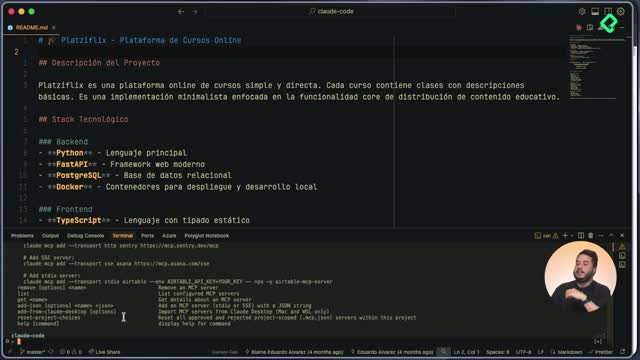
The explicit way uses @agent followed by the agent name. A list appears with all available agents: frontend, backend and architect. The implicit way is written directly in the prompt, letting Claude Code decide which subagents to call and when.
When should I use implicit invocation? Use it when you want Claude Code to orchestrate multiple subagents in parallel based on the task description, instead of calling each one manually.
How do I trigger parallel execution with a single prompt?
The goal is to take the architect's output, stored as 00-sistema-ratings-cursos, and ask Claude Code to build separate implementation plans for backend and frontend at the same time.
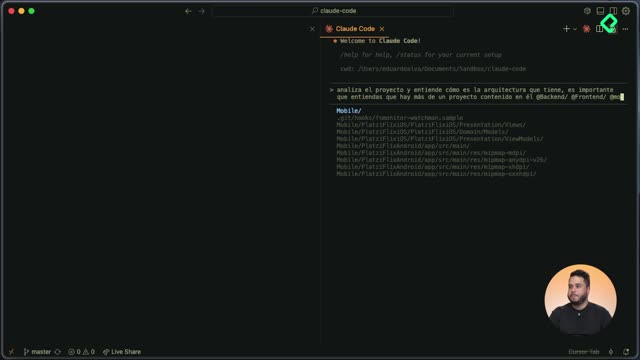
The prompt looks like this: analyze 00-sistema-ratings-cursos, which is the analysis your architect subagent produced, and use the backend and frontend subagents to create a specific implementation plan. Do not generate code, only the phases of the implementation [04:15].
Claude Code reads this and dispatches both subagents in parallel. It even writes its own internal prompt for each one, so you do not have to micromanage the handoff.
How do you track and review parallel subagent execution?
While both agents work, you can press Control + T to open the live to do list. Each subagent has its own checklist, and items get crossed out as they complete. You can hide it again and let the execution continue without interruption.
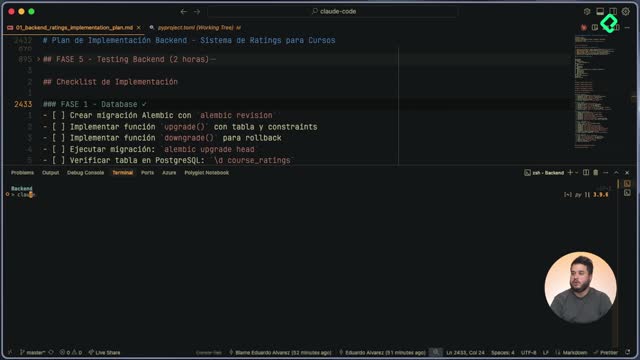
The frontend specialist returns a plan that starts with project context: current architecture, component structure and development patterns. Then it lists the implementation phases, beginning with the new interfaces and types needed to support ratings.
The backend specialist follows a parallel logic but adapted to its domain:
- Identifies patterns in the current code.
- Maps the existing directory structure.
- Starts the implementation phases with the database, since migrations are the foundation.
- Includes the exact commands to add migrations and the migration structure.
- Considers rollback scenarios using the downgrade command.
Both plans align with what the architect recommended: start with the most fundamental layer and build upward.
How is the context managed across multiple subagents?
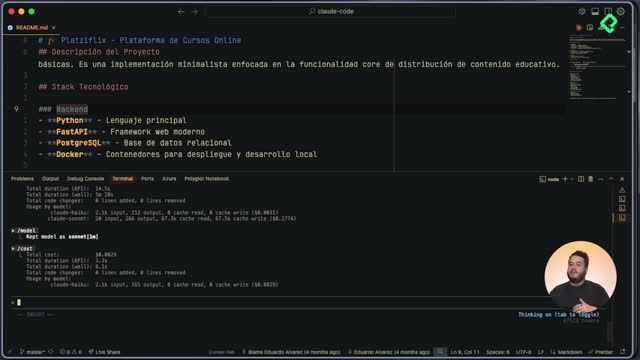
Each subagent runs with an isolated execution context, separate from the main conversation. You can verify this with the context command, which shows token usage across the system [07:45].
The breakdown reveals that the system prompt consumes around 2.2 thousand tokens, and every tool, MCP and custom agent adds its own slice. As executions stack up, total token usage for the conversation grows, so context isolation matters for keeping each agent efficient.
Why do subagents need isolated contexts? Because it prevents prompt pollution between specialists, keeps each execution focused, and lets you run several agents in parallel without them stepping on each other's reasoning.
The number of parallel subagents is not limited to two. You can spin up several at once, each with its own scope, and orchestrate them through a single prompt.
How do you organize the output of parallel planning?
Both implementation plans land inside the spec folder with descriptive names like backend-ratings and frontend-ratings. You can renumber them to reflect execution order, for example making frontend the spec number one and backend the spec number two.
Claude Code confirms that the plan is 100% implementable sequentially, that each phase runs independently, and that the document contains no code, only detailed specifications of what and how to implement.
With both plans ready, the preliminary analysis phase is done. The intensive review of the existing codebase and the planning of the execution are complete, and the next step is turning these specs into real code. Share in the comments which feature you would split across parallel subagents in your own project.