Claude Code 2.0 introduces checkpoints, a graphical plugin, and Sonnet 4.5 integration to streamline your AI coding workflow. If you already use Claude Code, this update changes how you debug, revert changes, and trigger thinking modes, so it matters whether you code from the terminal or directly inside Visual Studio Code.
What changed in the Claude Code 2.0 update?
The update touches both the CLI and the Visual Studio Code plugin, and you need to refresh both to get the full experience.
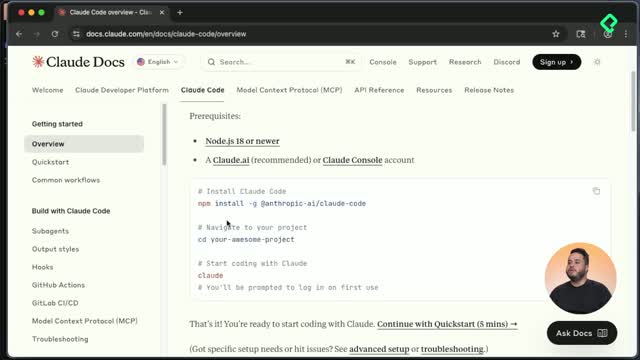
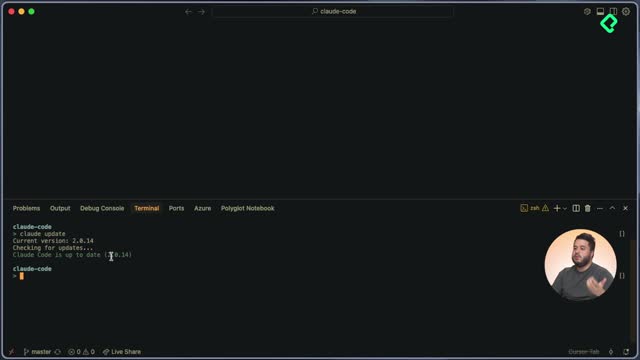
To update the CLI, run claude update. The tool checks the latest available version against your current one and pulls the most recent build automatically. For the plugin, open the extensions panel in Visual Studio Code, search for Claude, and click update. In the demo, both ended up on version 2.0.14.
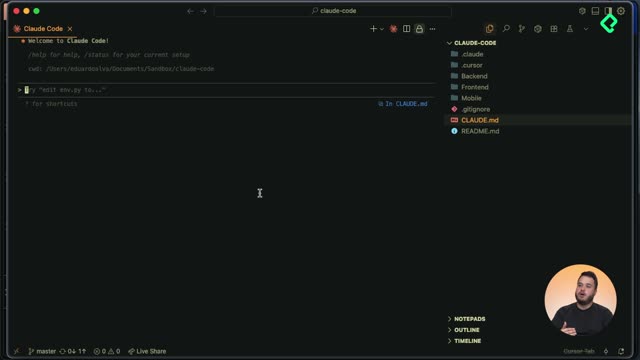
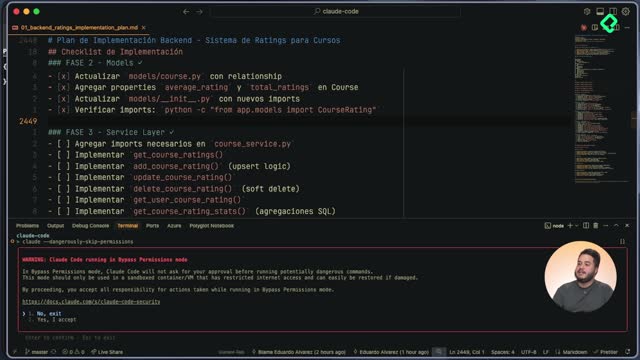
The most visible change is that the plugin is no longer a CLI running inside the editor. It is now a graphical interface that renders many more components than the previous version, and it ships with behavioral improvements under the hood. Even so, the CLI remains useful, because the way you interact with it also evolved.
What is Claude Code 2.0? It is the second major version of Anthropic's coding agent, with a graphical VS Code plugin, a checkpoint system to revert changes, and native support for Sonnet 4.5.
How do checkpoints work in Claude Code?
Checkpoints are the headline feature of this release. When Claude Code writes code you did not expect, you can stop the execution and roll back to the exact moment the agent started touching your files, without relying on Git commits or stages.
Here is how the flow looks in practice. You ask Claude Code to modify a file, for example: in the file 00 ratings system, add a section explaining how an LLM works as a short example. The agent reads the file, reasons about the change, and writes the appendix. If you want to inspect that reasoning, press Ctrl + O to expand the thinking panel and Ctrl + O again to close it.
To travel back, press Escape twice. You will see the previous instruction and the current one. Select the earlier prompt with the arrow key and press enter. Claude Code then offers three options:
- Restore both code and conversation.
- Restore only the conversation.
- Restore only the code.
Pick option one and the LLM section disappears from the file as if it had never been written. Your conversation also rewinds to that exact point.
What are Claude Code checkpoints? Built-in save points that let you revert code and conversation to a previous prompt without using Git, choosing whether to restore code, chat, or both.
How do I activate thinking modes in Claude Code 2.0?
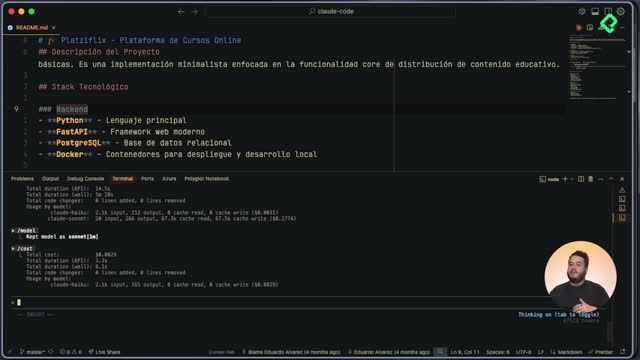
The trigger for extended reasoning changed. In earlier versions you typed think or think deeply to activate the thinking modes. In Claude Code 2.0 you press the Tab key instead, and the interface shows whether the thinking mode is on or off.
The ultra think feature is still there. When you toggle it, the prompt area lights up with distinct colors, signaling that Claude Code will push its extended reasoning much further before implementing your request. Same capability, simpler activation.
Why can Claude Code now run for 30 hours straight?
Claude Code can execute tasks for 30 consecutive hours without losing context. This is not only a result of better internal agent orchestration but also of the new Sonnet 4.5 model.
In Anthropic's blog post, the team shares benchmarks comparing Sonnet 4.5 against Opus 4.1, Sonnet 4, GPT-5 Codex, GPT-5, and Gemini 2.5 Pro. In a controlled test with a sample of 500 executions, Sonnet 4.5 performed substantially better than the rest. Anthropic also explains how the model sustains long-running tasks while keeping a stronger working memory, which is the capability that unlocks those 30-hour runs.
What new commands and shortcuts ship with the CLI?
Two additions stand out for daily use: the usage command and recursive prompt search.
Running usage displays key information about your current Claude Code session, how much of your limit you have consumed, and when it resets according to your time zone. This command is only available when you use Claude Code with an Anthropic subscription, not when you authenticate with console tokens, which is the typical setup when a company grants access to its team members.
The second addition is recursive search over your prompt history, triggered with Ctrl + R. A small search bar appears where you can type a hint of a previous prompt. If earlier you asked for an LLM example, typing un LLM surfaces that exact prompt. Press enter and the prompt runs again in the new conversation, or hit Escape to cancel.
claude update refreshes the CLI to the latest version.Tab toggles thinking mode and ultra think.Ctrl + O expands and collapses the reasoning panel.Escape twice opens the checkpoint navigator.Ctrl + R searches recursively in your prompt history.usage shows session limits and reset time.
Everything you learned about subagents and extended thinking in the previous lessons still applies, and it now compounds with Sonnet 4.5. The Claude Code 2.0 changelog is linked in the resources section so you can browse every additional feature shipped in this release. Which checkpoint workflow are you planning to try first?