
Finally Block and Python Exception Handling
Contenido del curso


Calidad y Profesionalismo del Código
Manejo de Datos y Recursos



Optimización y Pruebas

Creación de Aplicaciones de Consola
- 19

UV: Faster Python Dependency Management
07:17 min - 20

How Python Modules Keep Your Code Organized
07:14 min - 21
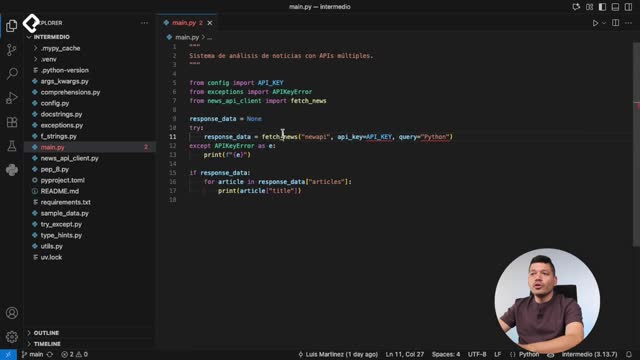
Organizing Python Code Into Packages
09:06 min - 22
Función enumerate en Python para indexar listas automáticamente
09:31 min - 23
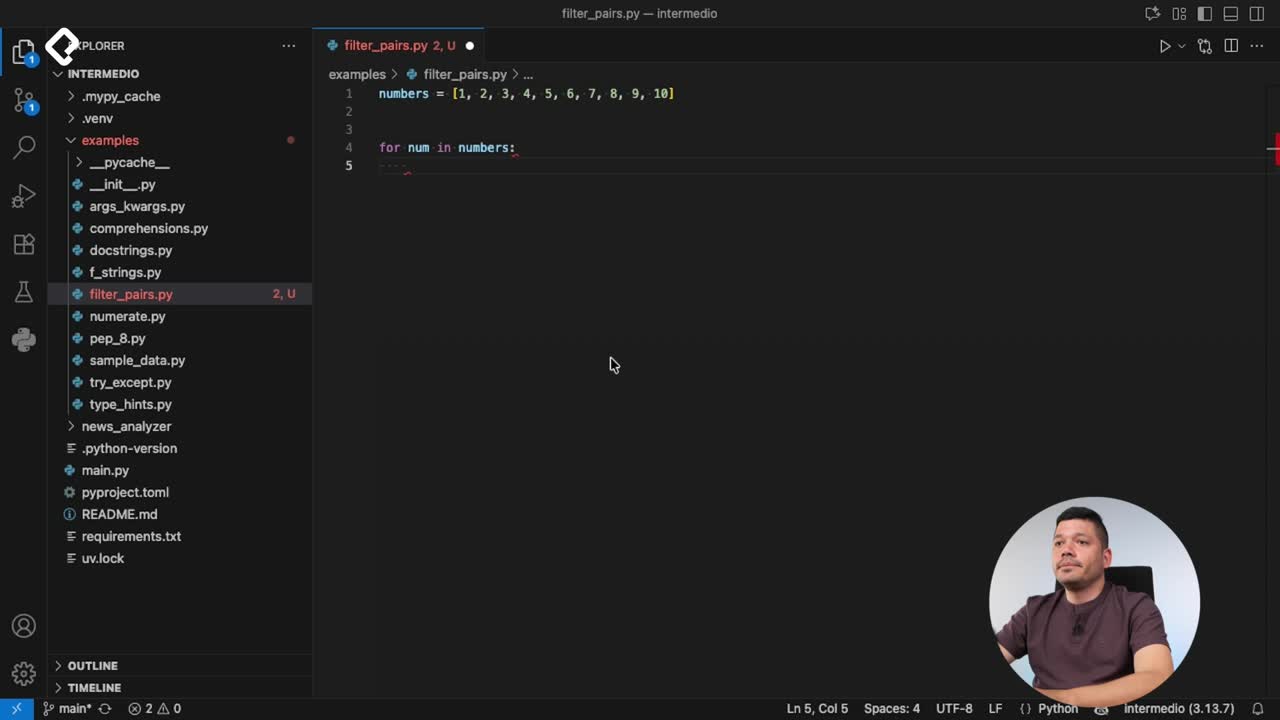
Filtrado de listas con filter en Python
11:44 min - 24
Función map para calcular tiempo de lectura en Python
08:59 min - 25
Conexión de OpenAI API con variables de entorno en Python
11:17 min
Finally Block and Python Exception Handling
Resumen
When your Python code breaks unexpectedly, you need a safety net that runs no matter what. That is exactly what the finally clause does, and pairing it with Python's built-in exception list lets you handle errors gracefully in any application, including a real news fetcher.
What does the finally clause do in Python?
The finally block runs every single time, whether your code succeeds, fails, or gets interrupted. It is the place where you release resources, close files, or disconnect from a server before the program shuts down.
This is different from writing a print after a try/except. If an unhandled exception bubbles up, that print never executes. The finally block does, and that is the whole point.
What is the difference between finally and a regular print after try/except? A print after the block only runs if no unhandled exception occurs. The
finallyblock runs always, even when the program is about to crash or the user cancels execution.
How do I write a finally block after except?
You place finally right after all your except clauses. Inside, you write whatever cleanup or message you need.
python try: number = int(input("Number: ")) result = 10 / number except ValueError: print("That is not a valid integer") except ZeroDivisionError: print("You cannot divide by zero") finally: print("Print from finally")
print("This is another print")
If you run this and press Ctrl+C to cancel, Python raises a KeyboardInterrupt. The second print never appears, but the one inside finally does. That is the guarantee you get.
Why should I explore Python's built-in exceptions?
Python ships with a long list of exceptions you can catch by name, and each one points to a specific failure mode. Reading the official docs gives you a map of what can go wrong before it actually does.
A few you will meet often:
ImportError, raised when a module cannot be imported.IndexError, raised when you access a list position that does not exist.KeyboardInterrupt, raised when the user presses Ctrl+C or Delete to stop execution.BaseException, the parent class you can extend to build your own custom errors.
The recommendation is simple: browse the list, pick the ones that match your app's risk surface, and wrap those operations in try/except.
What is KeyboardInterrupt in Python? It is the exception raised when the user interrupts execution, typically with Ctrl+C. If you do not catch it, your program stops immediately and any pending cleanup is skipped unless it lives inside
finally.
How do I handle an invalid API key in a news client?
In a Fetch News application, the most common silent failure is an invalid API key. To find the right exception, you can intentionally break the key, run the client, and read the traceback Python prints. That traceback tells you exactly which exception class to catch.
Once you know it, wrap the call and return something safe for whoever consumes the client.
python try: response = news_api_client.get_top_headlines() return response["articles"] except SomeAPIException: print("The API key is invalid") return [] finally: print("Closing connection")
Returning an empty list instead of letting the exception propagate means the rest of the app keeps working. The user sees a clean message like The API key is invalid instead of a cryptic stack trace, and once you fix the key, everything runs as expected.
When should I use finally to release resources?
Use it whenever your code holds something the operating system or a remote service cares about: open files, database connections, network sockets, or memory buffers.
If an unexpected error fires halfway through, the finally block is your only reliable chance to:
- Close open files so the OS releases the handle.
- Disconnect from a server so the session does not hang.
- Free memory you allocated for large objects.
- Log a final message so you know where execution stopped.
As a final challenge, add a finally clause to the Fetch News app. Think about which resource you want to release or which server connection you want to close when something unexpected happens, and drop your approach in the comments.