Integrating NewsAPI with Python requests
Contenido del curso


Calidad y Profesionalismo del Código
Manejo de Datos y Recursos



Optimización y Pruebas

Creación de Aplicaciones de Consola
- 19

UV: Faster Python Dependency Management
07:17 min - 20

How Python Modules Keep Your Code Organized
07:14 min - 21
Organizing Python Code Into Packages
09:06 min - 22
Función enumerate en Python para indexar listas automáticamente
09:31 min - 23
Filtrado de listas con filter en Python
11:44 min - 24
Función map para calcular tiempo de lectura en Python
08:59 min - 25
Conexión de OpenAI API con variables de entorno en Python
11:17 min
Integrating NewsAPI with Python requests
Resumen
Connecting a Python script to a real news service is the fastest way to understand how requests, query strings and JSON parsing work together. Here you will learn how to integrate the NewsAPI with Python, build a valid URL with dynamic parameters, send the request and parse the response into a usable dictionary. This guide is for developers who already know basic Python functions and want to consume external APIs.
How do you get an API key from NewsAPI?
Before writing a single line of code, you need credentials. Head to newsapi.org, click the button to register, fill the form and submit it. The platform returns your API key instantly.
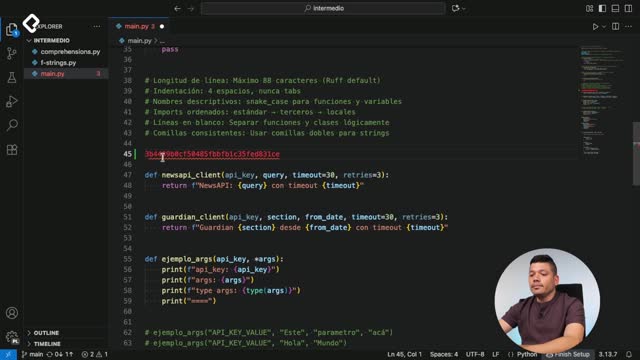
Copy that key and paste it in your editor as a constant for now. Treat it like a password: do not share it, do not push it to a public repository. Later you will manage it properly with environment variables, but during learning you can hardcode it to keep the focus on the integration [01:05].
What is an API key? It is a private access token that identifies your app when calling an external service. The server uses it to authorize and track your requests.
How do you build the request URL with urllib?
The NewsAPI documentation, under Searching for news articles, shows the base endpoint and the parameters you must attach. You always need at least two: the search query and the API key.
Python ships with urllib, a standard package that handles HTTP requests and URL formatting. From it you import two modules:
- urllib.request, which opens the connection and behaves like a browser.
- urllib.parse, which encodes parameters into a valid query string.
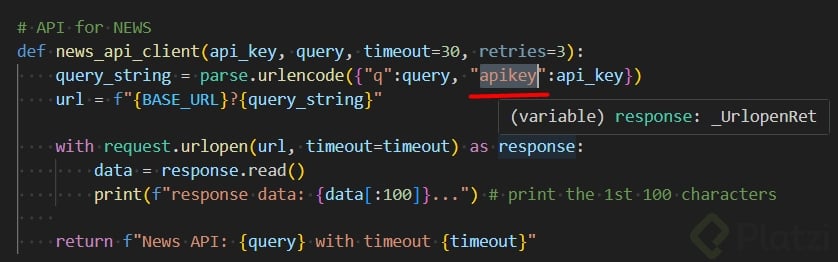
The encoding step matters. If you call urllib.parse.urlencode on a dictionary with your query and your API key, Python returns something like q=Python&apiKey=xxxx. That format, with the ampersand separating each key and value, is how servers receive GET parameters [05:30].
Then you concatenate the base URL with the encoded query string using an f-string. The result is the full URL the server expects. Doing it this way is safer than building the string by hand, because urlencode escapes special characters automatically.
Why use urlencode instead of concatenating strings? Because it escapes spaces, accents and symbols that would break the URL. Manual concatenation works until a user types a query with a space or a special character.
How do you send the request and parse the JSON response?
With the URL ready, you open the connection inside a with block. That structure is called a context manager and it guarantees the connection closes properly even if an error happens.
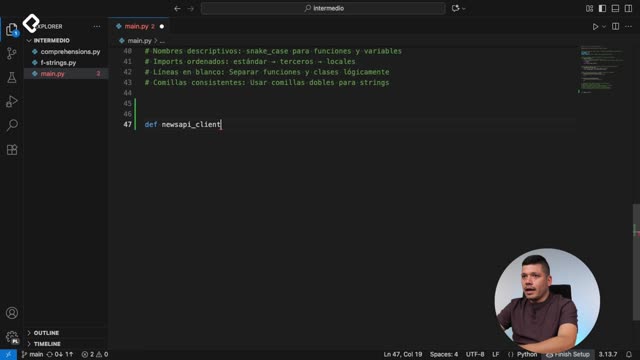
Inside the block you call urllib.request.urlopen, passing the URL and a timeout parameter that you receive dynamically from your function. The server replies with a response object, but reading it directly returns bytes, not text.
To turn those bytes into something usable, chain three steps:
- Call
.read()to get the raw content. - Apply
.decode("utf-8")to convert bytes into a readable string. - Pass that string to
json.loads()to parse it into a Python dictionary.
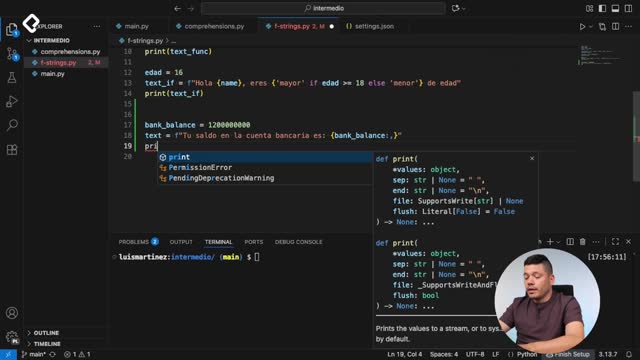
Remember to import the json module at the top of the file. The json.loads function only works if the input is a valid JSON string, which NewsAPI guarantees [07:45].
Once you return that dictionary from your function, the rest of your code can work with native Python data types instead of raw text.
How do you read the articles from the response dictionary?
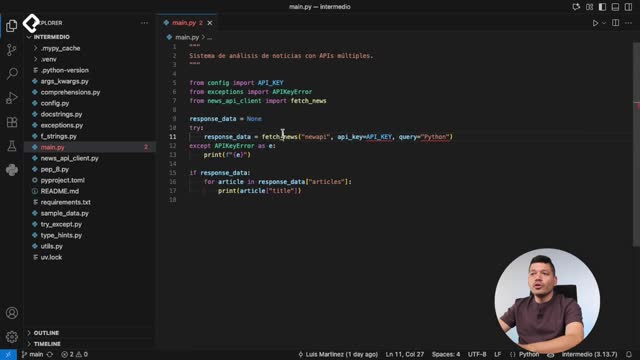
The dictionary returned by NewsAPI has a clear shape. If you print its keys you will see three: status, totalResults and articles. The interesting one is articles, which holds a list of objects, each with fields like title, description and url.
To display the headlines, store the response in a variable, access the articles key and iterate with a for loop:
python response_data = fetch_news(api_key=API_KEY, query="Python") for article in response_data["articles"]: print(article["title"])
That loop prints every headline returned by the search. You can extend it to show the source, the publication date or the link by accessing other keys in each article object [09:50].
What does json.loads return? A Python dictionary or list, depending on the JSON structure. After parsing, you access values with bracket notation just like any regular dictionary.
What concepts and skills should you take away?
The full implementation ties together several ideas worth naming explicitly.
- API key as an authentication mechanism that travels as a parameter in the URL.
- urllib.parse.urlencode to transform a dictionary into a properly formatted query string.
- urllib.request.urlopen to perform the HTTP call and receive the server response.
- Context manager with the
withstatement to handle resources safely. - Decoding from bytes to UTF-8 text before parsing.
- json.loads to convert a JSON string into a Python dictionary.
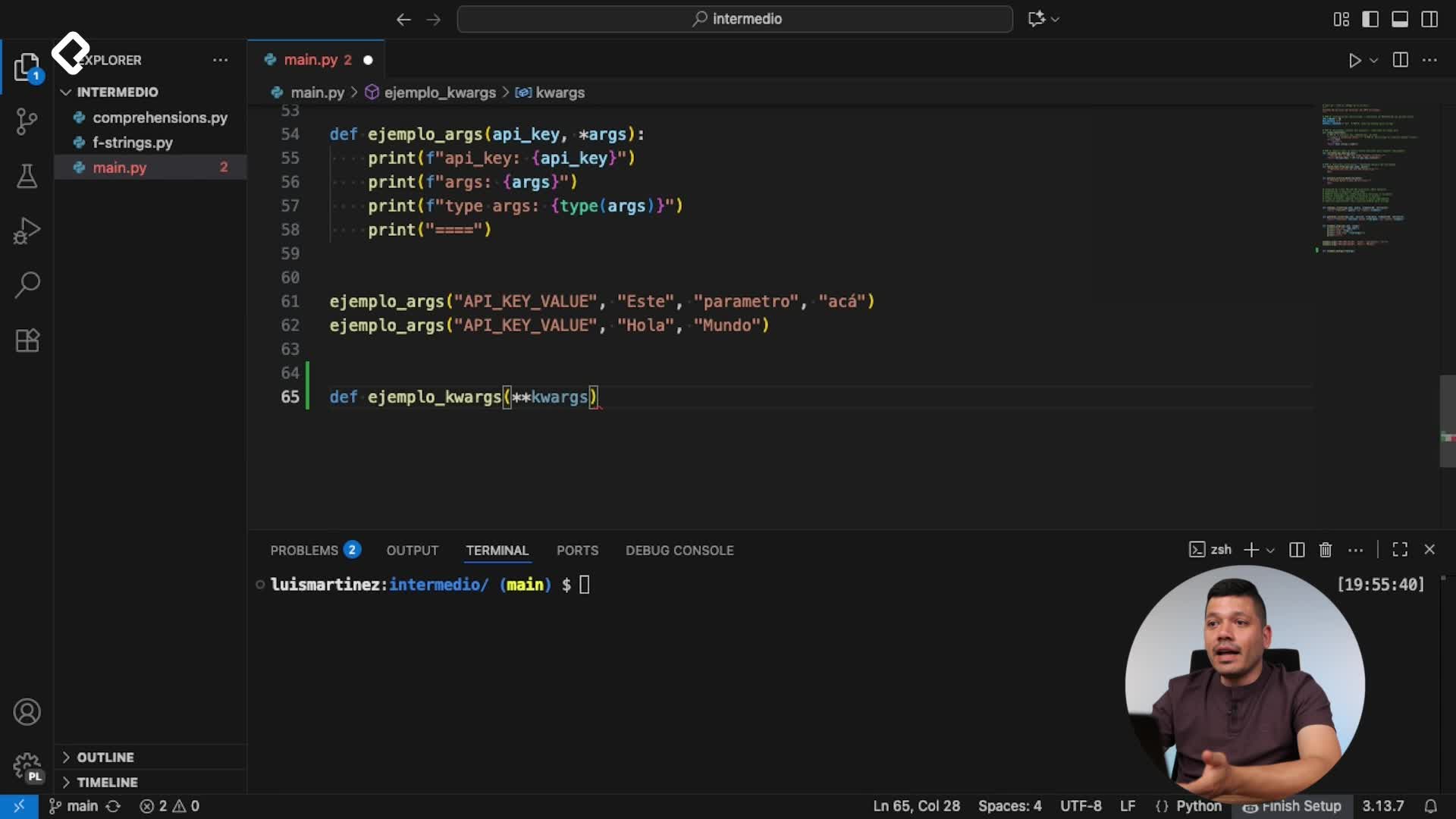
- Dynamic parameters passed into your function so the same code can query different topics or use different keys.
With this foundation you have a working integration that you can extend by adding filters like language, date range or sources, all documented in the official NewsAPI reference. Try modifying the query, inspect the new fields you receive and share in the comments which improvement you would build next.