Intermediate Python With AI and Real Projects
Contenido del curso

Calidad y Profesionalismo del Código
Manejo de Datos y Recursos
Optimización y Pruebas
Creación de Aplicaciones de Consola
- 19
UV: Faster Python Dependency Management
07:17 min - 20
How Python Modules Keep Your Code Organized
07:14 min - 21
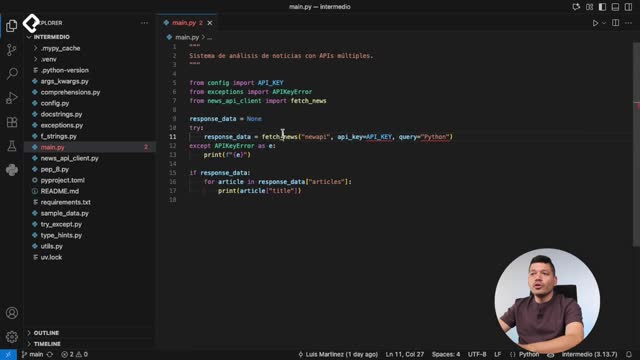
Organizing Python Code Into Packages
09:06 min - 22
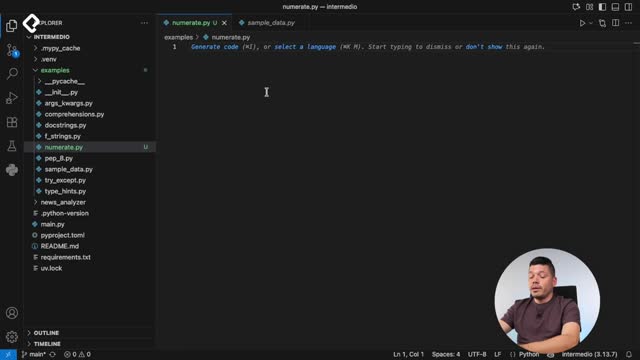
Función enumerate en Python para indexar listas automáticamente
09:31 min - 23
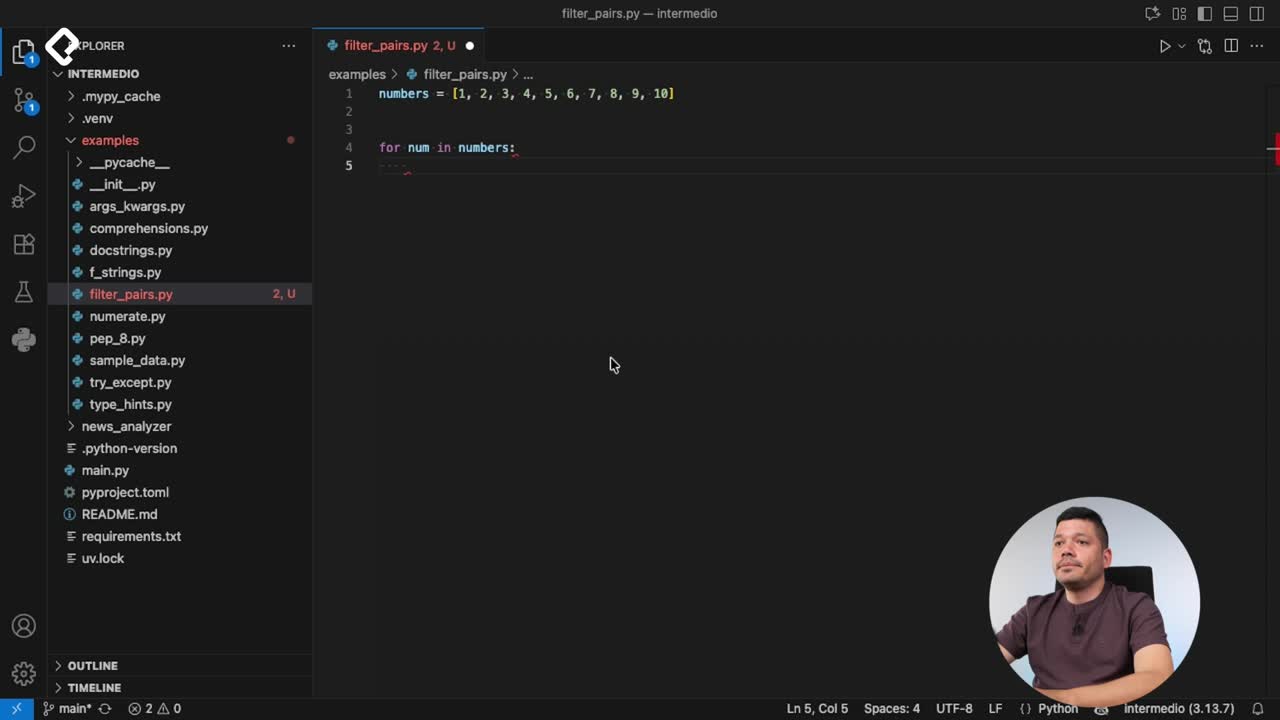
Filtrado de listas con filter en Python
11:44 min - 24
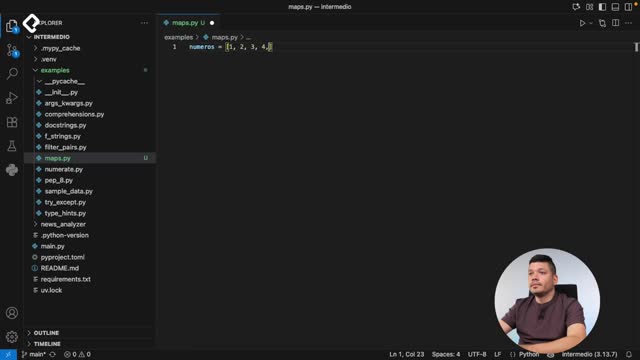
Función map para calcular tiempo de lectura en Python
08:59 min - 25
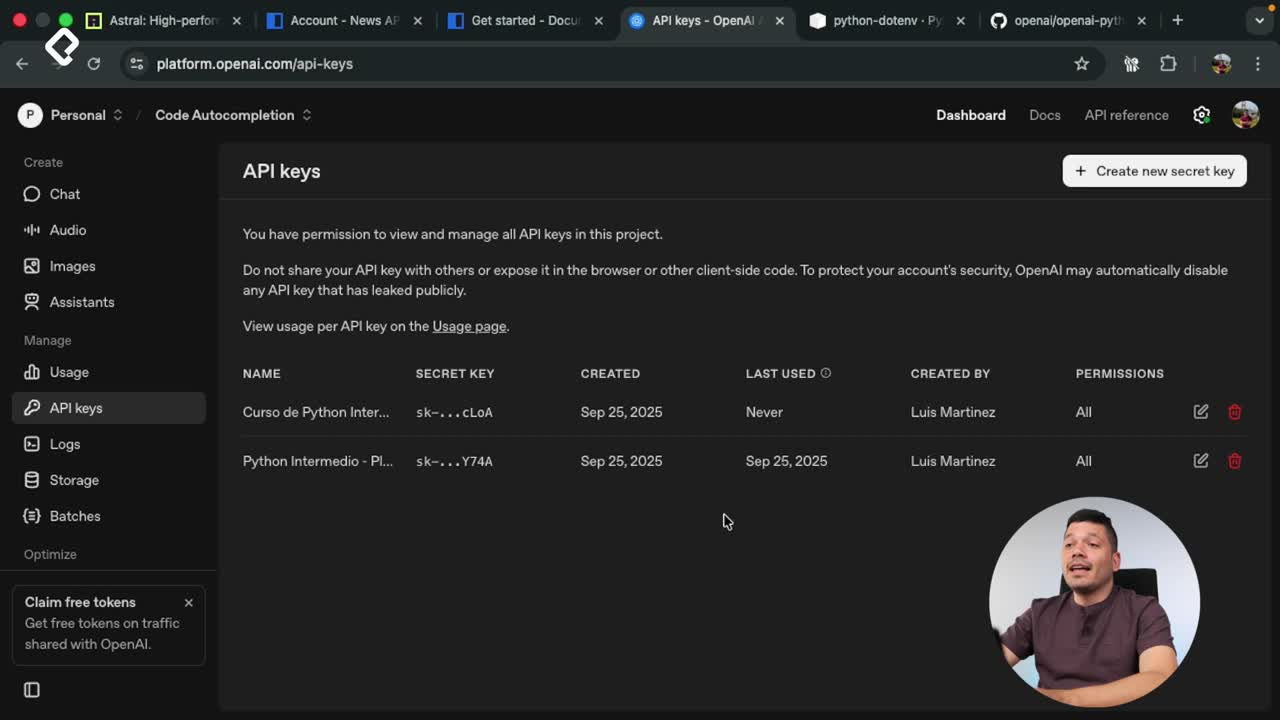
Conexión de OpenAI API con variables de entorno en Python
11:17 min
Intermediate Python With AI and Real Projects
Resumen
Moving from beginner to intermediate Python means learning how to solve real problems with clean, professional code. If you already know the basics, the next step is writing pythonic code that follows industry conventions, integrates AI, and ships actual projects. This path is for developers who want to stop practicing syntax and start building.
What does it mean to write pythonic code?
Writing pythonic code means producing software that is simple, direct, and readable. It is the difference between code that runs and code that a professional team would actually merge.
The jump from basic to intermediate Python is less about learning new syntax and more about adopting the mindset of someone who creates real solutions. That includes following the PEP 8 style guide, the official set of conventions that defines how Python code should look so any developer can read it without friction.
What is PEP 8? It is Python's official style guide. It defines naming, spacing, and formatting rules so your code stays consistent and readable across teams.
Why do virtual environments matter?
Virtual environments let you isolate the dependencies of each project. Instead of installing every library globally on your machine, you create a contained space where your project has exactly the versions it needs. This avoids conflicts when you work on multiple apps at the same time and is a non negotiable practice in professional Python development.
Which intermediate Python concepts will you use?
At the intermediate level, you stop writing isolated scripts and start combining tools that make your code shorter, safer, and easier to maintain. The concepts you will put into practice include:
- Comprehensions to build lists and other structures in a single readable line.
- Built-in functions that solve common tasks without reinventing the wheel.
- Literal strings (f-strings) to format text in a clean and direct way.
- Error handling and custom exceptions so your program reacts gracefully when something fails.
- Modularization to split your code into files and packages that scale.
- AI integration to add intelligent behavior to your projects.
Each one of these tools answers a real need you will hit when your programs grow beyond a single file.
What are custom exceptions? They are error classes you define yourself to describe failures specific to your app, making bugs easier to identify and handle.
How will you apply this in a real project?
You will build a command line application that connects to the News API, retrieves news articles, processes them, and analyzes them using artificial intelligence. This project ties every concept together so you see how the pieces fit in production style code.
Working with an external API forces you to handle responses, errors, and data transformations the way a professional would. Adding AI on top turns the app from a simple data fetcher into a tool that generates insight from the news it collects.
Who is this level of Python for?
This stage is for you if you already understand variables, loops, conditionals, and functions, and you want to start thinking like a developer who solves problems instead of completing exercises. If you feel stuck between knowing the syntax and shipping something useful, this is the bridge.
Tell me in the comments which intermediate concept you find most challenging right now.