Python venv Setup on Windows Step by Step
Contenido del curso


Calidad y Profesionalismo del Código
Manejo de Datos y Recursos

Optimización y Pruebas

Creación de Aplicaciones de Consola
- 19

UV: Faster Python Dependency Management
07:17 min - 20

How Python Modules Keep Your Code Organized
07:14 min - 21
Organizing Python Code Into Packages
09:06 min - 22
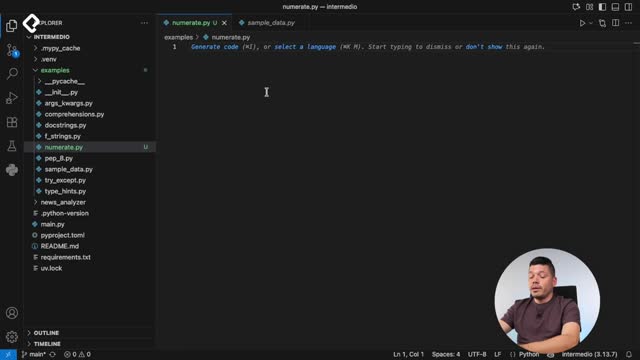
Función enumerate en Python para indexar listas automáticamente
09:31 min - 23
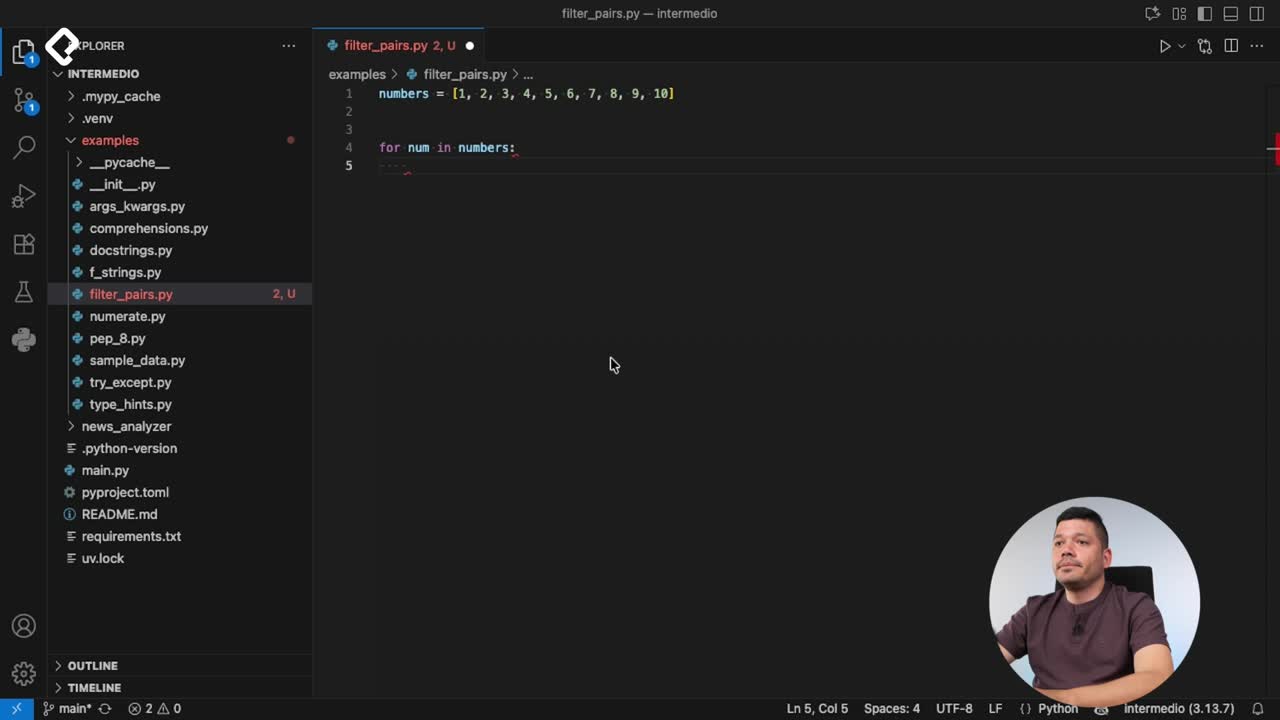
Filtrado de listas con filter en Python
11:44 min - 24
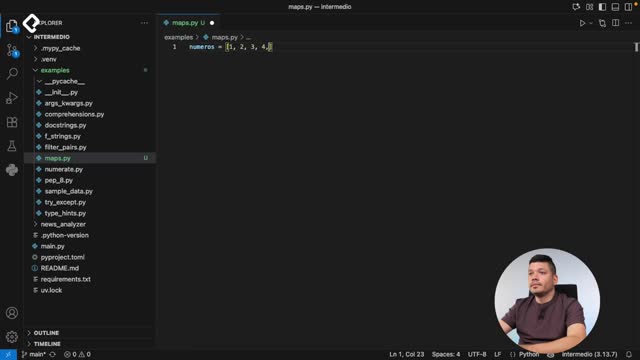
Función map para calcular tiempo de lectura en Python
08:59 min - 25
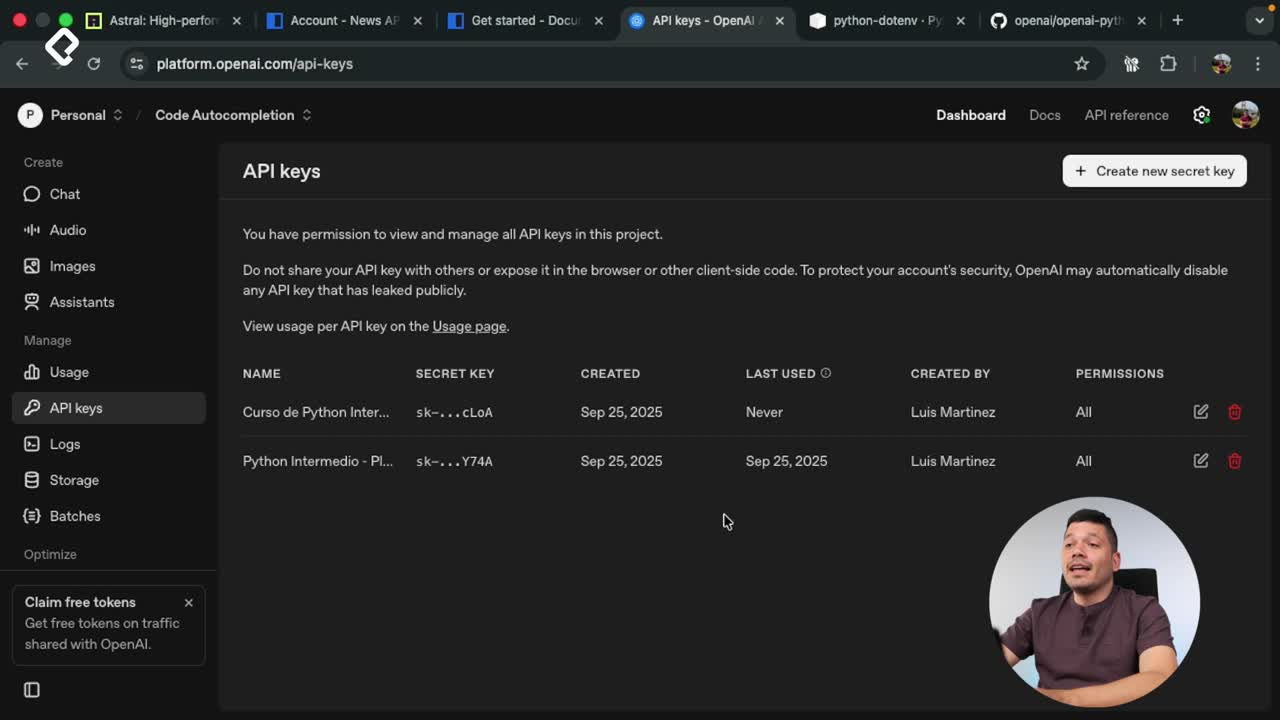
Conexión de OpenAI API con variables de entorno en Python
11:17 min
Python venv Setup on Windows Step by Step
Resumen
Managing dependencies across projects gets messy fast, and that is exactly why you need a Python virtual environment on Windows. With a few commands you can isolate libraries, avoid version conflicts, and keep every project clean from the start.
This walkthrough is for Python developers who work on Windows and want a reliable setup using venv, PowerShell, and requirements.txt.
How do you check if Python is installed on Windows?
Before creating any environment, confirm that Python is actually available on your machine. Open CMD and run python --version. If you see something like Python 3.13, you are ready to go.
To see where Python lives, run where python. You will likely see two paths: one from Microsoft Store and another from your manual install. Knowing this matters because the virtual environment will reference one of these executables as its base.
Where is Python installed on Windows? Run
where pythonin CMD. The command lists every Python executable in your PATH, in the order Windows uses them.
How do you create a virtual environment with venv?
Python ships with a built in module called venv that handles environment creation without extra installs. Open your project, launch a terminal, and run dir to confirm there is no environment folder yet.
Now create it with this command:
bash python -m venv newsenv
The -m flag tells Python to run a module, venv is the module, and newsenv is the folder name. Pick a short, descriptive name for each project.
What is inside the virtual environment folder?
Once created, the new folder contains everything your isolated Python needs:
- Scripts: holds
activate.bat,Activate.ps1,deactivate, and a custompython.exefor this environment. - pyvenv.cfg: stores configuration and paths so the environment knows which base Python to mirror.
- Lib: stores all packages installed inside this environment, starting completely empty.
That empty Lib folder is the whole point. Every environment begins clean, so nothing leaks between projects.
Why does PowerShell block the activation script?
When you try to run Activate.ps1 in PowerShell, you will probably hit an error saying script execution is disabled. This is a Windows security default, not a bug.
To fix it, open the official Python documentation, find the Windows section, and copy the execution policy command they provide. Paste it into PowerShell, run it, and try activating again. The terminal prompt will change to show the environment name in parentheses, confirming activation worked.
Why does PowerShell say running scripts is disabled? Windows blocks PowerShell scripts by default for security. You need to update the execution policy using the command from Python's official docs before activation works.
Once active, verify which Python you are using. Since where is a CMD command, run it through PowerShell like this: cmd /c where python. The first path listed should point to the python.exe inside your environment's Scripts folder.
How do you install packages from PyPI inside the environment?
PyPI is the public registry where the Python community shares libraries. Each package page gives you the exact pip install command to copy.
For example, to install Ruff, a popular code formatter, run:
bash pip install ruff
After installation, check what is inside your environment with pip list. You will see Ruff listed alongside its dependencies. If you run deactivate, your prompt returns to normal and pip list no longer shows Ruff, because the environment is no longer active.
How do you share dependencies with requirements.txt?
Isolated environments are great, but your team needs the same packages to run the same code. The standard solution is a requirements.txt file at the root of your project.
With the environment active, generate the file with:
bash pip freeze > requirements.txt
pip freeze lists every installed package pinned to its exact version, so teammates install identical builds.
To install everything from that file on a fresh environment, run:
bash pip install -r requirements.txt
Notice you never typed ruff again. Pip reads the file and reinstalls every dependency automatically.
What is requirements.txt in Python? It is a plain text file listing every package and version your project needs. Anyone can recreate your environment by running
pip install -r requirements.txt.
How does Visual Studio Code detect the environment?
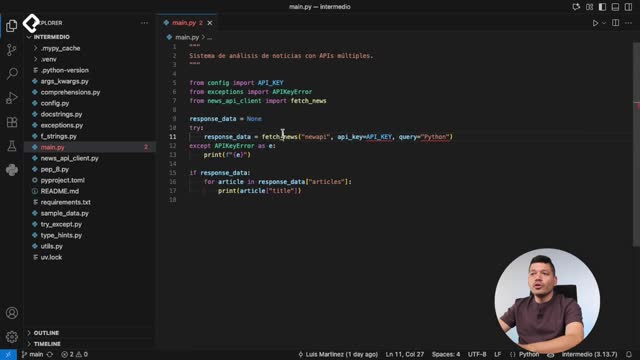
VS Code reads your project folder and shows the active interpreter in the bottom status bar whenever you open a Python file. This is useful when the terminal is closed and you want to confirm which environment is selected without typing a single command.
A small challenge to practice
Go to PyPI and search for the python-dotenv package. Install it inside your virtual environment and try loading variables from a .env file. This pattern keeps credentials and API keys out of your code and away from your repository, a habit every Python developer should build early.
Which virtual environment names do you use for your projects? Drop your convention in the comments.