
PEP 8 Rules Ruff Enforces Automatically
Contenido del curso


Calidad y Profesionalismo del Código
Manejo de Datos y Recursos



Optimización y Pruebas

Creación de Aplicaciones de Consola
- 19

UV: Faster Python Dependency Management
07:17 min - 20

How Python Modules Keep Your Code Organized
07:14 min - 21
Organizing Python Code Into Packages
09:06 min - 22
Función enumerate en Python para indexar listas automáticamente
09:31 min - 23
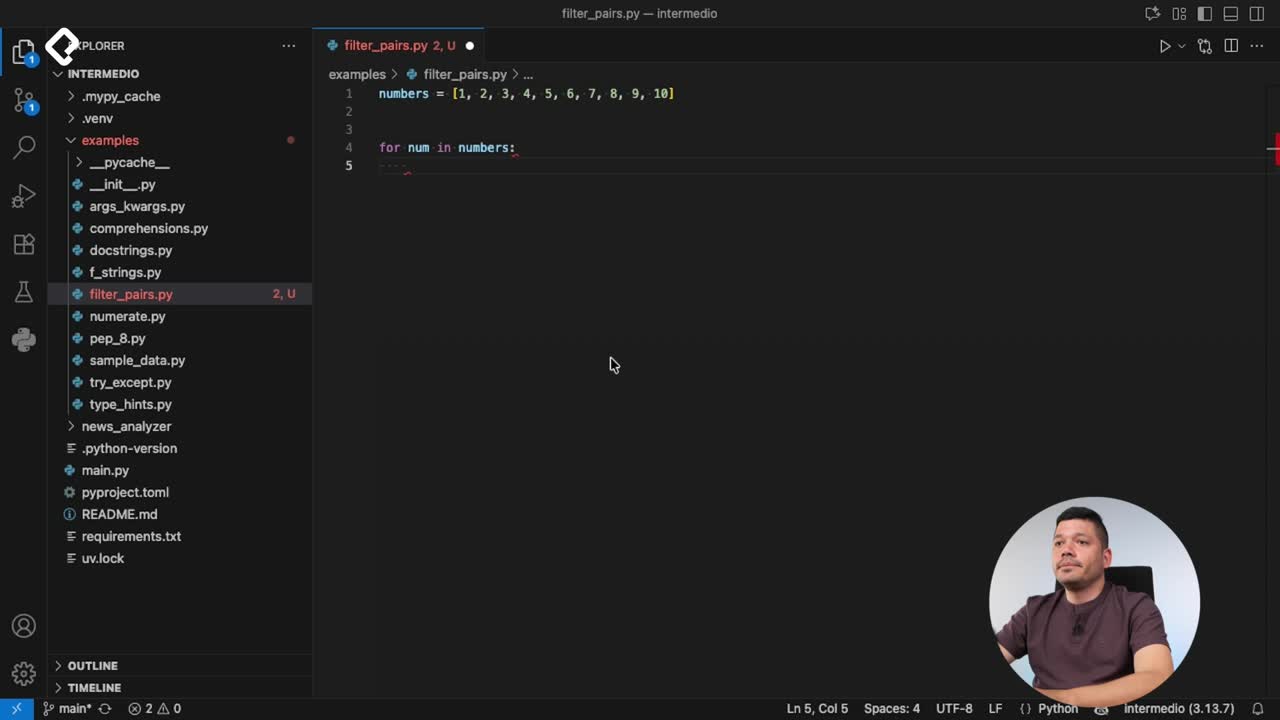
Filtrado de listas con filter en Python
11:44 min - 24
Función map para calcular tiempo de lectura en Python
08:59 min - 25
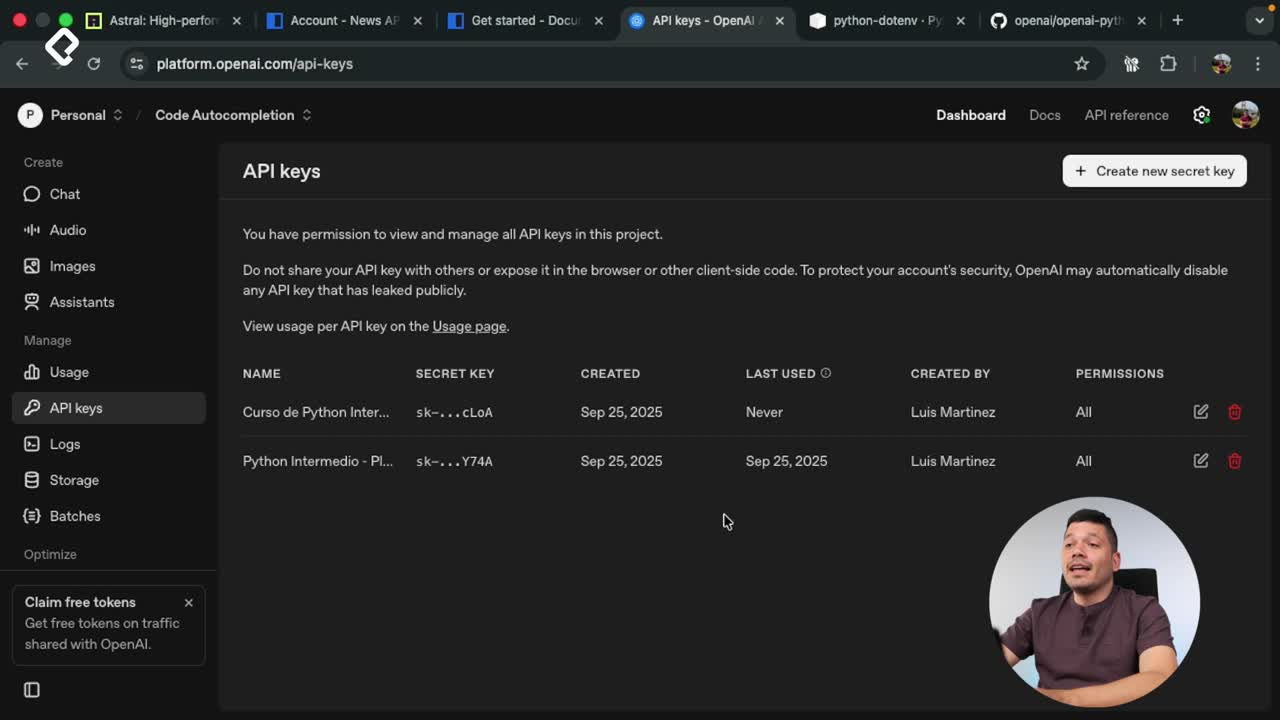
Conexión de OpenAI API con variables de entorno en Python
11:17 min
PEP 8 Rules Ruff Enforces Automatically
Resumen
Writing Python code that other developers can read isn't about taste, it's about following a shared standard. PEP 8 is the official style guide for Python, written by Guido van Rossum, and it defines the rules you need to follow to keep your projects consistent, readable, and professional from day one.
What is PEP 8 and why does it matter in Python?
PEP documents are proposals to improve Python, and PEP 8 is the one that gathers every convention about how your code should look. Following it makes your project easier to maintain, easier to review, and easier to scale when more people join.
What is PEP 8? It's the official Python style guide that defines naming, indentation, spacing, and import rules so every Python codebase looks consistent.
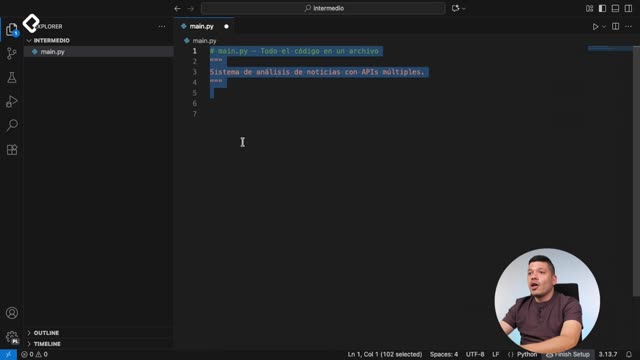
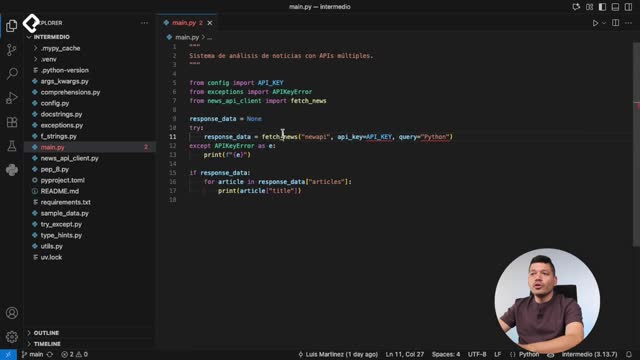
When you open a new project, the first habit is placing the file documentation at the very top, wrapped in triple quotes. Something like Sistema de análise de notícias com múltiplas APIs tells anyone reading what the file does before they scroll a single line [1:00].
How should you name variables, constants and functions?
Names carry meaning, so PEP 8 is strict about how you write them. The rules split by element type and they're easy to memorize once you apply them a few times.
- Constants go in uppercase with underscores between words, like
DEFAULT_LANGUAGE = "ES". The underscore makes long names readable at a glance. - Functions and variables use snake_case: lowercase letters with underscores separating words.
- Strings stick to one quote style across the whole project. Double quotes are the common recommendation, but the key is consistency.
For every function, you should write documentation explaining what it does, and use four spaces for indentation, never tabs [2:30]. A useful trick in Visual Studio Code is enabling editor.renderWhitespace set to all in your settings JSON, so you can actually see the spaces as dots while you code.
How do you organize functions and imports correctly?
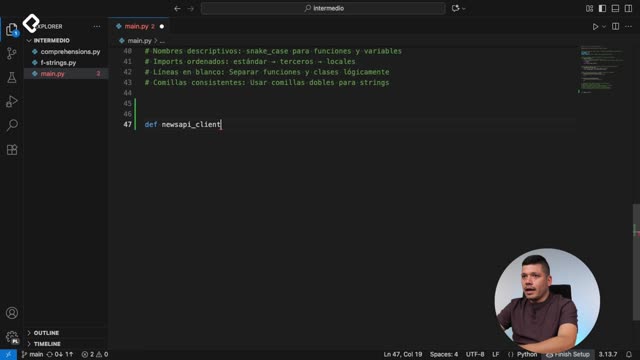
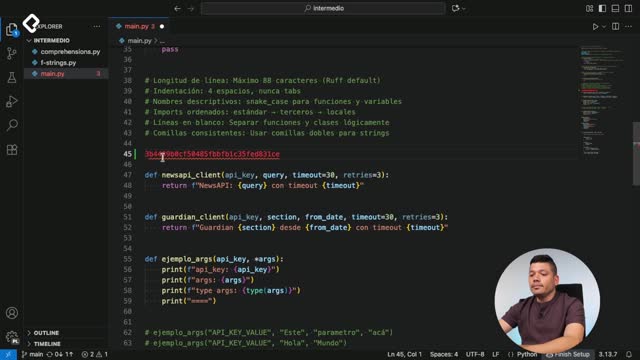
Logical separation matters as much as naming. PEP 8 asks for two blank lines between functions that aren't logically related, which gives the eye a natural pause when reading.
A clean structure usually looks like this:
- Utility functions first, like
clean_textfor formatting strings or a validator for anAPI_KEY. - Main functions after, the ones doing the real work of your project.
- Two blank lines between unrelated functions to separate them visually.
For functions you haven't built yet, drop a pass inside so the code stays valid while you keep designing the rest. Documentation should be written in the language your team speaks, but the code itself is conventionally written in English as a best practice.
What is Ruff and how does it format Python code?
Remembering every PEP 8 rule by heart is almost impossible. That's why most developers rely on a formatter, and the recommendation here is Ruff, a tool built by the Astral team using Rust that formats your Python files automatically [5:30].
What does Ruff do? Ruff formats Python code according to PEP 8 and includes a linter that flags unused variables or potential issues before you even run the code.
To use it in Visual Studio Code, open the extensions panel, search for Ruff and install it. After that, right click on your file and choose Format Document. If you wrote single quotes by mistake, Ruff will swap them to double quotes instantly, along with dozens of other fixes.
You can go further and automate this. In your settings.json, enable Format on Save so every save triggers Ruff. You can also configure it to organize imports automatically following the PEP 8 order:
- Standard library imports first, like
json, which come built into Python. - Third party imports next, the packages you installed with pip.
- Local imports last, the modules you created inside your own project.
If an import isn't being used anywhere, Ruff will remove it on save. That keeps your file clean without manual cleanup.
What are the key PEP 8 best practices to remember?
After applying the rules, your file should reflect a short checklist that summarizes everything you've done. Keep this in mind as your baseline for any Python project.
- Line length: maximum 88 characters, which Ruff sets by default.
- Indentation: four spaces, never mixed with tabs.
- Descriptive names for variables, constants and functions.
- Imports ordered: standard, third party, local.
- Blank lines between logically separated functions.
- Consistent quotes across the whole codebase.
Ruff also works from the terminal. Running ruff format followed by a file or a folder formats everything in one shot, and ruff format --help shows you every available option [8:15]. Beyond formatting, Ruff includes a linter that warns you about unused variables or risky patterns directly inside your editor, before you even hit run.
Now it's your turn: open the official PEP 8 documentation, pick the rule you find most useful and share it in the comments. Start a conversation with another classmate about why that rule changes how you write Python.