How Python Modules Keep Your Code Organized
Contenido del curso


Calidad y Profesionalismo del Código
Manejo de Datos y Recursos


Optimización y Pruebas

Creación de Aplicaciones de Consola
- 19

UV: Faster Python Dependency Management
07:17 min - 20

How Python Modules Keep Your Code Organized
Viendo ahora - 21
Organizing Python Code Into Packages
09:06 min - 22
Función enumerate en Python para indexar listas automáticamente
09:31 min - 23
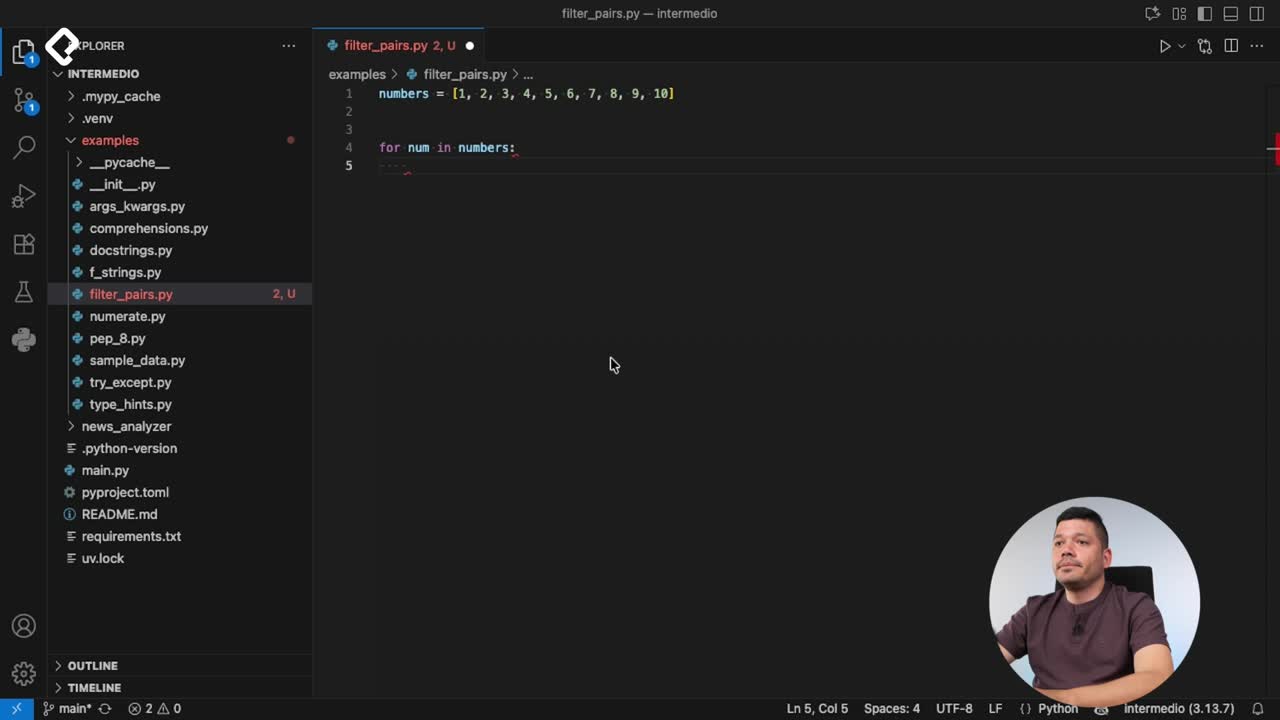
Filtrado de listas con filter en Python
11:44 min - 24
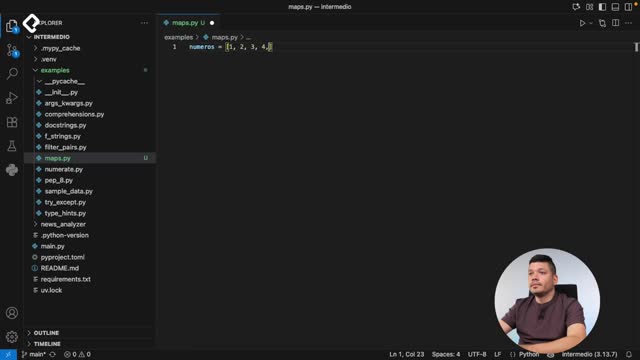
Función map para calcular tiempo de lectura en Python
08:59 min - 25
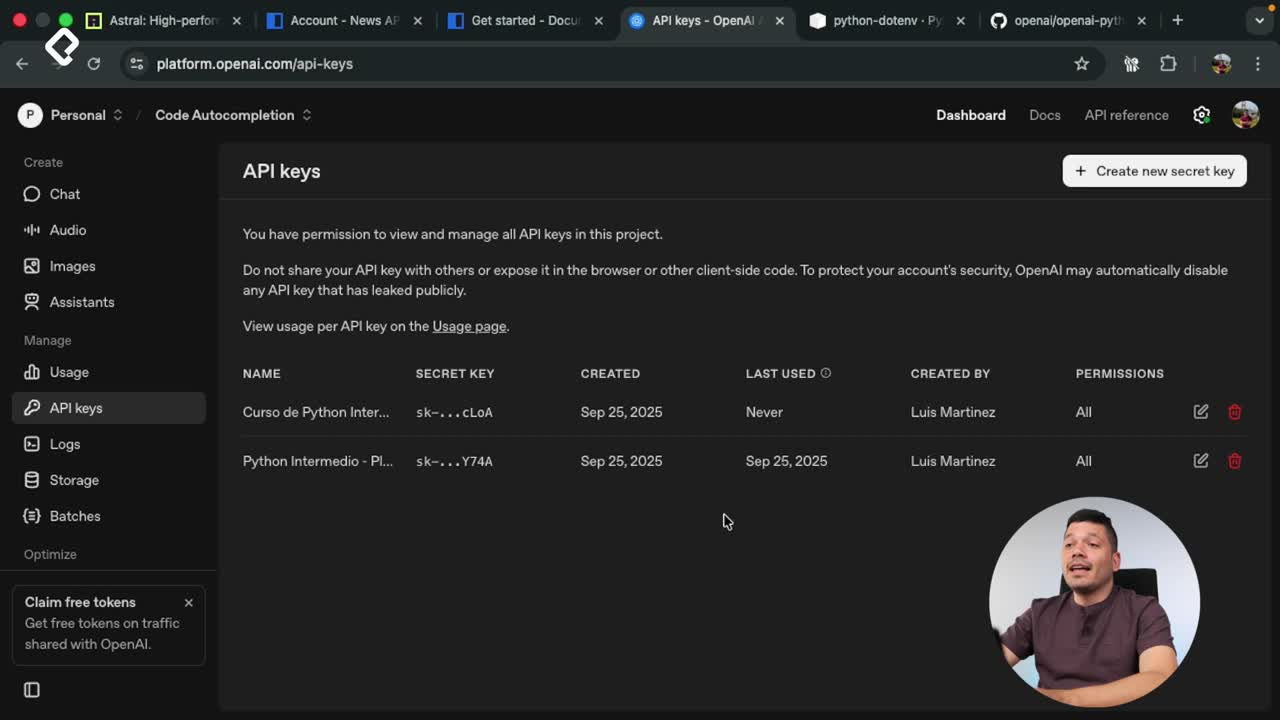
Conexión de OpenAI API con variables de entorno en Python
11:17 min
How Python Modules Keep Your Code Organized
Resumen
Learning how to organize Python code into modules is the difference between a project that grows with you and one that becomes unreadable after a few hundred lines. If your entire app lives in a single main.py, this guide shows you how to split it into focused, maintainable files following Python's own conventions.
Why should you modularize your Python project?
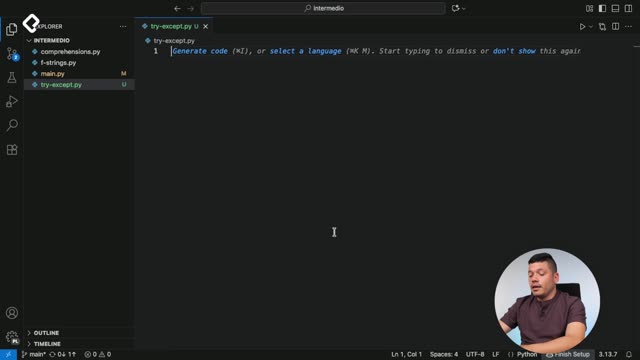
A module is just a Python file that groups related functions, classes, or configurations. The rule is simple: each file should hold only logic that belongs together. That way, when you need to review authentication or check a config value, you open one file, not a 1,000-line monster.
Think of it like a kitchen. You don't store knives next to cereal. You group things by purpose so you can find them fast.
What is a Python module? It's a
.pyfile containing related functions, classes, or variables that you can import into other files using theimportstatement.
What naming rules must Python modules follow?
Before you start splitting files, there are two naming rules you cannot skip.
- Use snake_case for module names. A file like
NewsAPIClient.pyis invalid as a module name; it should benews_api_client.py. - Never name a module the same as one already built into Python. If you create a file called
datetime.py, yourfrom datetime import ...will still resolve to Python's internal one, and your file gets ignored.
That second rule trips up a lot of beginners. Python first looks at its installed modules, so a name collision means your code never runs.
How do I import my own modules in Python?
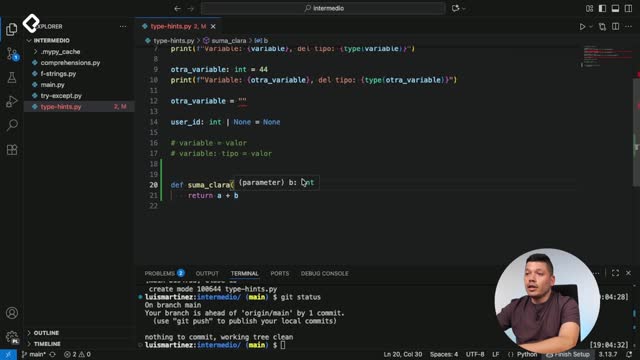
You import them by filename, without the .py extension. If you have a file called docstrings.py, you write:
python from docstrings import example_with_docstring
Your editor will autocomplete the available names and show the docstring documentation inline, which makes navigation much faster.
How do you split a single main.py into focused modules?
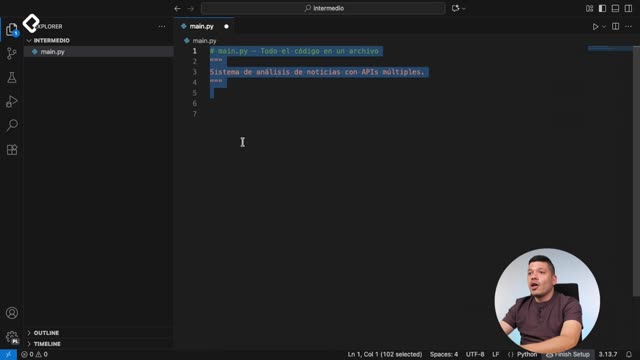
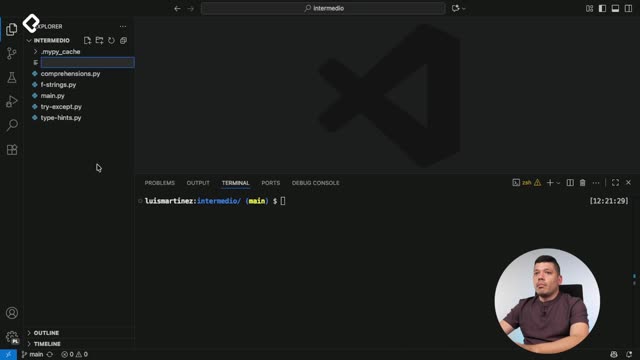
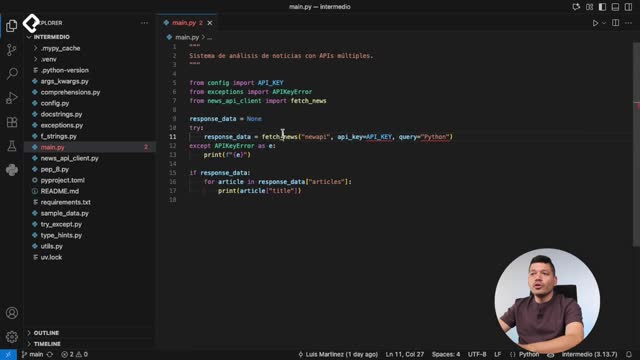
The practical move is to identify chunks of code that share a single responsibility and extract them. In a news API project, for example, the original main.py mixes API connection logic, examples, and error handling. Splitting looks like this:
- Move all teaching examples into
example.pyso they live separately from production code. - Create
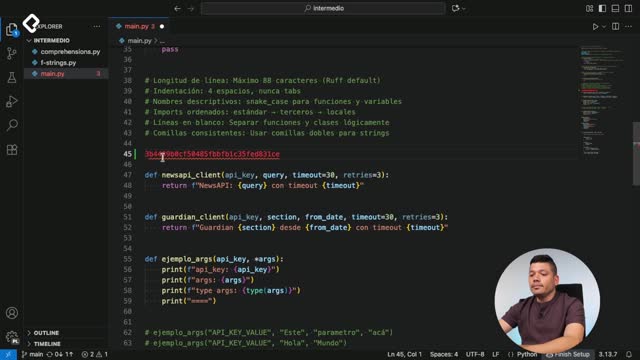
news_api_client.pyfor everything related to connecting to the API. - Use a
config.pymodule to hold configuration variables and environment settings.
When you extract code into a new module, you also move its imports. If news_api_client.py uses urllib and json, those imports go at the top of that new file. Most editors offer a quick fix action that adds the missing import automatically; just confirm it's pulling from the right library.
What is the single responsibility principle in modules? Each module should handle one job only. A config module holds configuration. A client module handles API calls. Mixing both in one file defeats the purpose.
How can I see what's inside a Python module?
Python ships with a built-in helper called dir() that lists every function, class, and attribute a module exposes. Open your terminal, launch Python, and run:
python import datetime dir(datetime)
You'll get the full inventory of what's available. It's the fastest way to explore an unfamiliar module without leaving the terminal.
What benefits do you get from modularizing your code?
Once your project is split into focused files, three things improve immediately.
- Maintenance gets lighter because you only open the file you need to change, not the entire codebase.
- Collaboration with LLM-based coding tools becomes more precise, since the model can load and edit only the relevant module instead of guessing across thousands of lines.
- Onboarding new developers gets faster, because the folder structure itself documents what the app does.
A good rule of thumb: if you can't describe a file's purpose in one sentence, it's doing too much. Split it.
Which part of your current project would benefit most from being its own module? Drop your structure in the comments and let's review it together.