UV: Faster Python Dependency Management
Contenido del curso


Calidad y Profesionalismo del Código
Manejo de Datos y Recursos


Optimización y Pruebas

Creación de Aplicaciones de Consola
- 19

UV: Faster Python Dependency Management
Viendo ahora - 20

How Python Modules Keep Your Code Organized
07:14 min - 21
Organizing Python Code Into Packages
09:06 min - 22
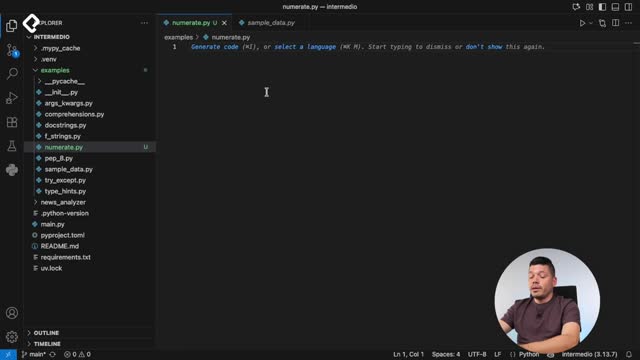
Función enumerate en Python para indexar listas automáticamente
09:31 min - 23
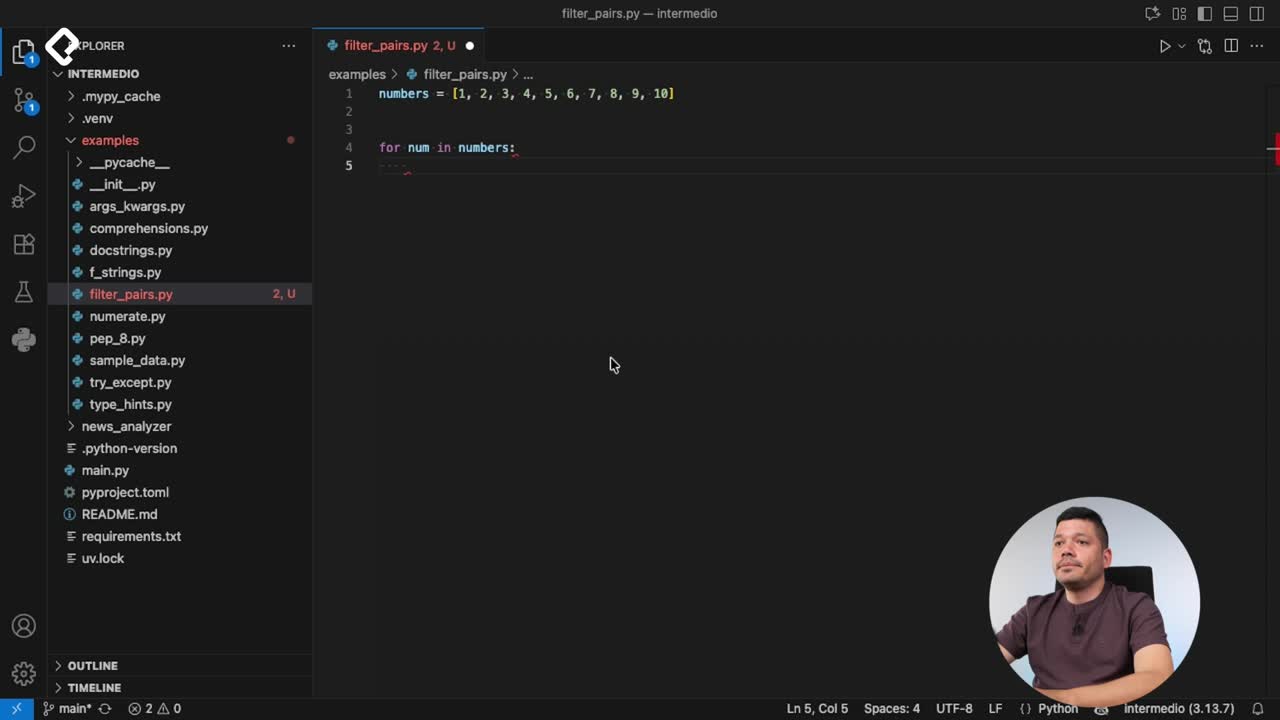
Filtrado de listas con filter en Python
11:44 min - 24
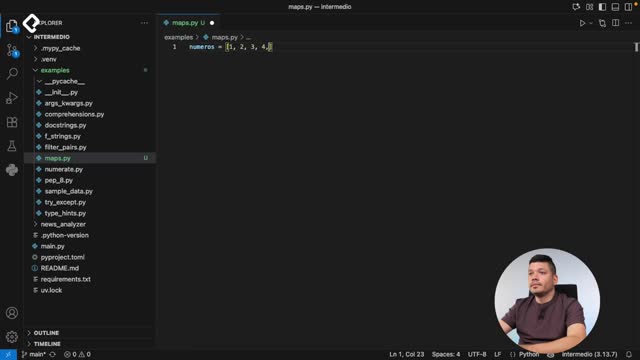
Función map para calcular tiempo de lectura en Python
08:59 min - 25
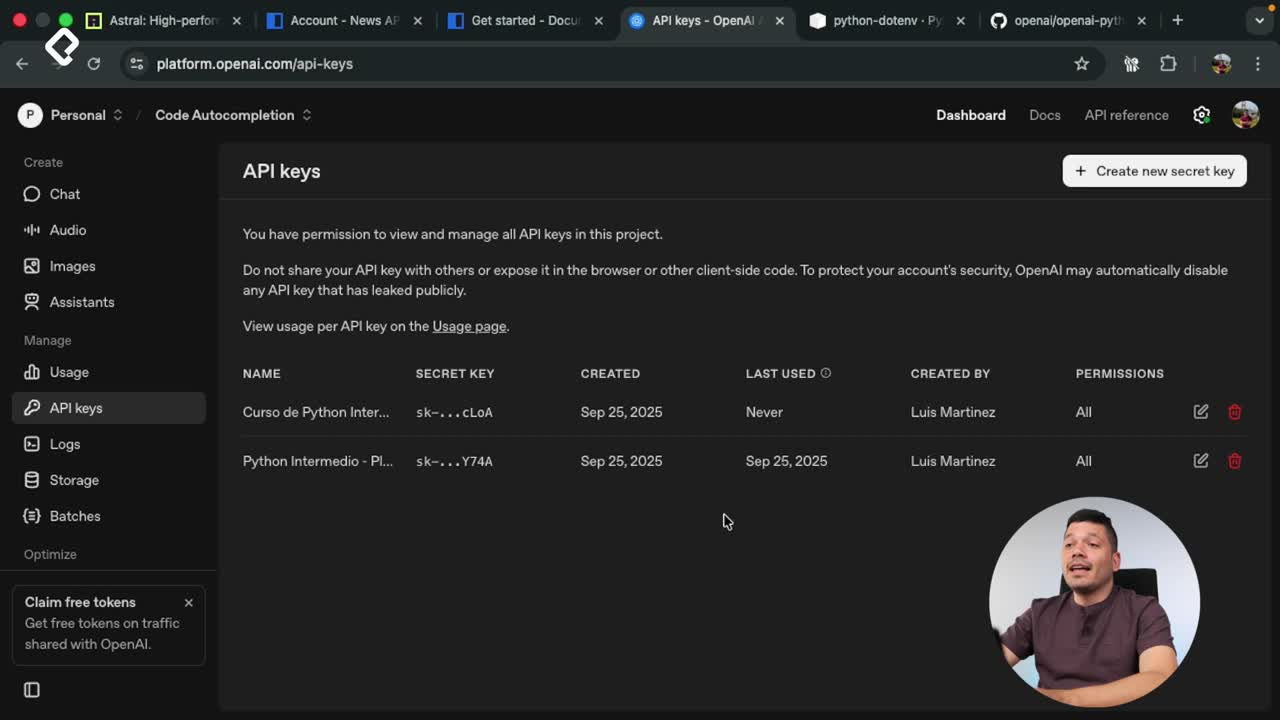
Conexión de OpenAI API con variables de entorno en Python
11:17 min
UV: Faster Python Dependency Management
Resumen
Managing dependencies in large Python projects can get messy fast. UV is a new tool built in Rust by the Astral team that installs Python, creates virtual environments, and manages dependencies through a unified pyproject.toml workflow, making setup faster and more consistent across operating systems. If you work with Python and care about performance and reproducibility, this is the workflow you want to learn.
Why use UV instead of traditional pip workflows?
UV centralizes everything you usually do with multiple tools into a single, fast command line. Because it runs on Rust under the hood, installing dozens of packages takes a fraction of the time compared to pip with a requirements.txt.
Astral, the same team behind Ruff (the PEP 8 formatter), built UV to be cross compatible with macOS and Windows. That means you and your teammates run the exact same commands no matter the operating system, which removes a huge source of friction in collaborative projects [00:54].
What is UV in Python? It is a Rust based tool that installs Python, creates virtual environments, and manages dependencies through a
pyproject.tomlfile, replacing the role of pip plus venv with better performance.
How do I install and initialize a UV project?
You install UV the same way you install any other Python package, pulling it from PyPI. Open your terminal inside your editor and run:
pip install uvto bring the tool into your environment [01:23].uv helpto list every available command.uv initto scaffold a new project without creating files manually [01:48].
After running uv init, three files appear automatically:
.python-version, where you pin the Python version your project uses. This is gold when sharing code with other developers because it prevents version mismatches.README.md, empty and ready for you to document the project.pyproject.toml, the file the Python community is adopting as the standard to declare dependencies and configuration [02:18].
What goes inside pyproject.toml?
Inside pyproject.toml you will find a dependencies list that starts empty. Every time you add a package, UV writes it there with the exact version it resolved. This keeps your project declarative: anyone reading the file knows exactly what your code needs.
How do I add, remove, and sync dependencies with UV?
Adding a package is straightforward. Run uv add ruff and several things happen at once: Ruff appears in pyproject.toml with its newest compatible version, and a uv.lock file gets created [02:48]. That lock file is critical because it pins the specific versions of your dependencies and their sub dependencies, so every developer on the team installs the exact same tree.
The first time you add a package you may see a warning saying the existing .env does not match the project. UV automatically creates a new virtual environment named .venv, which is the new community standard because most code editors detect it out of the box [03:30]. Delete any older virtual environment you had and stick with .venv.
What is the uv.lock file for? It locks the exact versions of every direct and transitive dependency, so all developers on the project install identical packages and avoid compatibility issues.
To remove a package, use uv remove requests [04:18]. UV deletes it from pyproject.toml and also cleans up any sub dependencies that are no longer needed, keeping your environment lean.
When should I use uv sync?
The uv sync command is the one your teammates will run after pulling your changes. It aligns the local virtual environment with whatever is declared in pyproject.toml and uv.lock [04:48]. If you removed Ruff, sync removes it locally. If you added it back and they run sync again, it gets installed. Every time you execute a UV command, the .venv environment activates automatically, so you do not need to remember activation scripts.
What are the performance and best practice gains of UV?
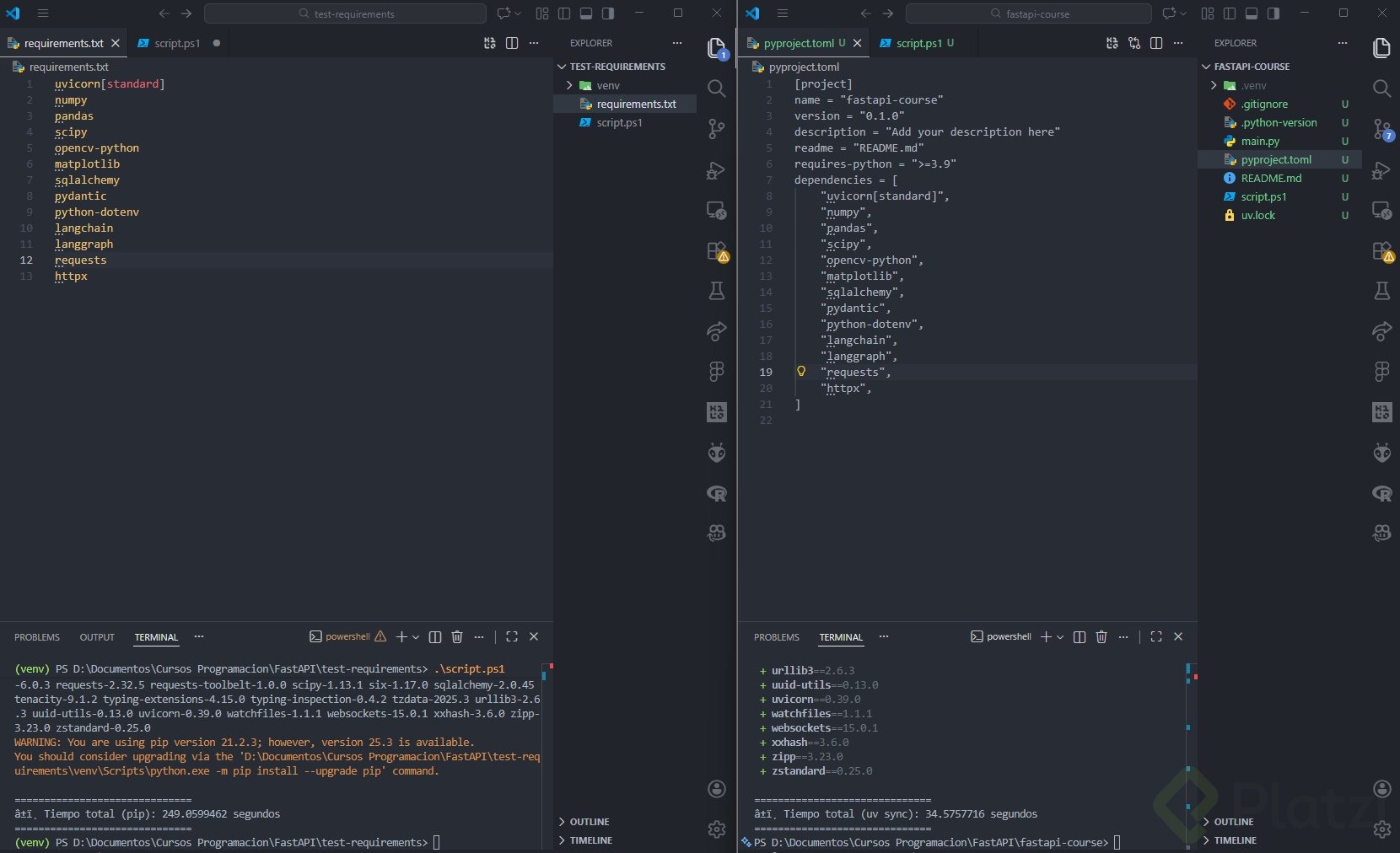
The main win is speed. Because UV is written in Rust, installing a long list of dependencies finishes dramatically faster than the equivalent pip install -r requirements.txt. A useful exercise: take a large requirements.txt, replicate it inside pyproject.toml, and time both installs. The difference is hard to ignore.
A few habits to keep your project clean:
- Never commit the
.venvfolder to your repository. It is machine specific and changes between operating systems. - Always commit
pyproject.tomlanduv.lockso collaborators can reproduce your setup. - Pin your Python version in
.python-versionto prevent runtime surprises. - Use the same UV commands on macOS and Windows to standardize your team workflow.
Have you tried UV in a real project yet? Drop your experience or your benchmark numbers in the comments and let us know how it compared to your previous setup.