
Confetti Animation With a Fake API Service
Contenido del curso

Módulo 2: Construcción de la Interfaz de Usuario
- 5
Using const, let, and Conditionals in JSX
10:35 min - 6
Reusable Components with Props in React Native
14:49 min - 7
Conditional Styles With StyleSheet in React Native
11:24 min - 8
Dark Mode Theming in React Native Apps
13:07 min - 9
Making React Native Dynamic with useState
12:12 min - 10
Adding Habits and Streaks With React Native State
13:24 min - 11
Pressable vs TouchableOpacity in React Native
09:36 min
Módulo 3: Interactividad y Manejo de Datos
- 12
ScrollView vs FlatList in a Habits Carousel
10:50 min - 13
Diferencias entre ScrollView y FlatList para listas grandes
09:47 min - 14
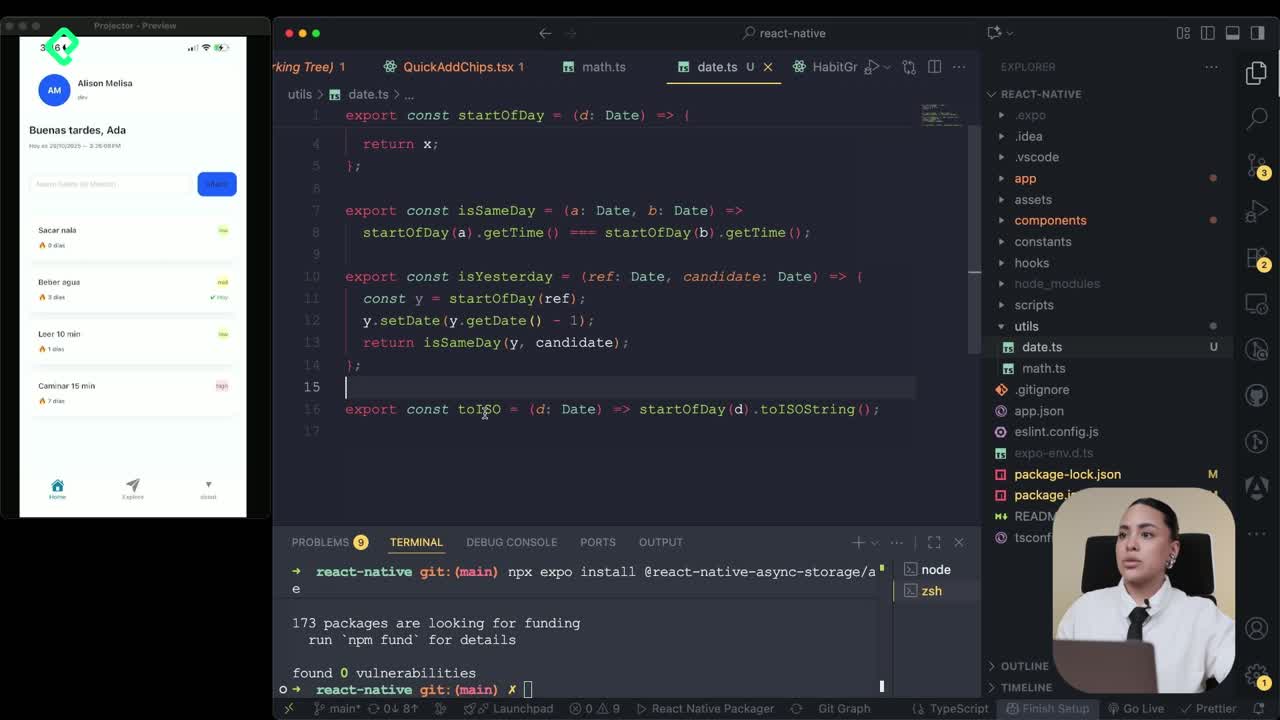
Instalación de Async Storage para persistencia de datos en React Native
14:54 min - 15
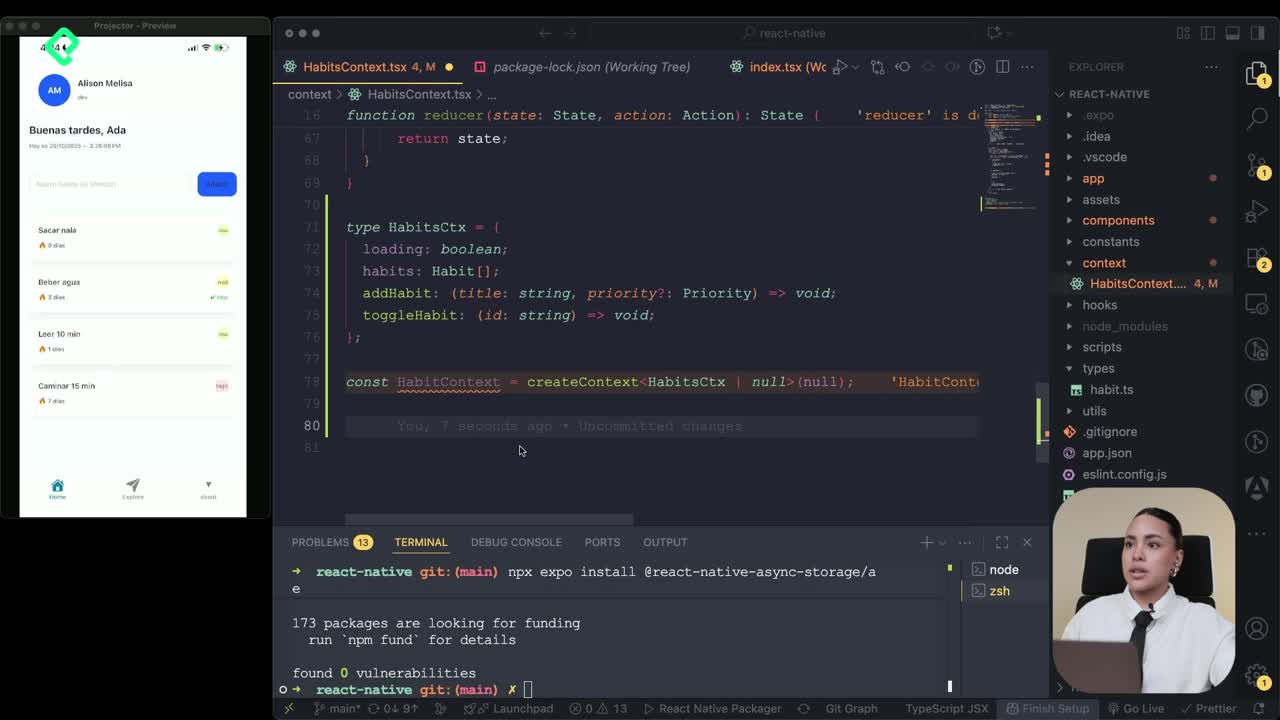
Persisting Habits with AsyncStorage Context
12:07 min - 16
Persisting Habits with AsyncStorage and Context
13:19 min - 17
Confetti Animation With a Fake API Service
Viendo ahora - 18
Cómo crear una ExploreCard específica para iOS y Android
09:47 min - 19
Explore Tab Carousel With FlatList
12:49 min - 20
AI Avatar Generator with AsyncStorage
12:32 min - 21
Camera and Gallery Access in React Native
16:01 min
Módulo 4: Visualización de Listas y Contenido
Recursos
Resumen
Adding micro animations to a React Native app turns a plain habit tracker into something that feels alive. With React Confetti, a custom provider, and a simulated service layer, you can trigger celebratory feedback every time a user completes a habit, and even pull a different motivational message on each tap. Here is how the pieces connect, step by step, so any front end developer learning context, services, and animation libraries can replicate the flow.
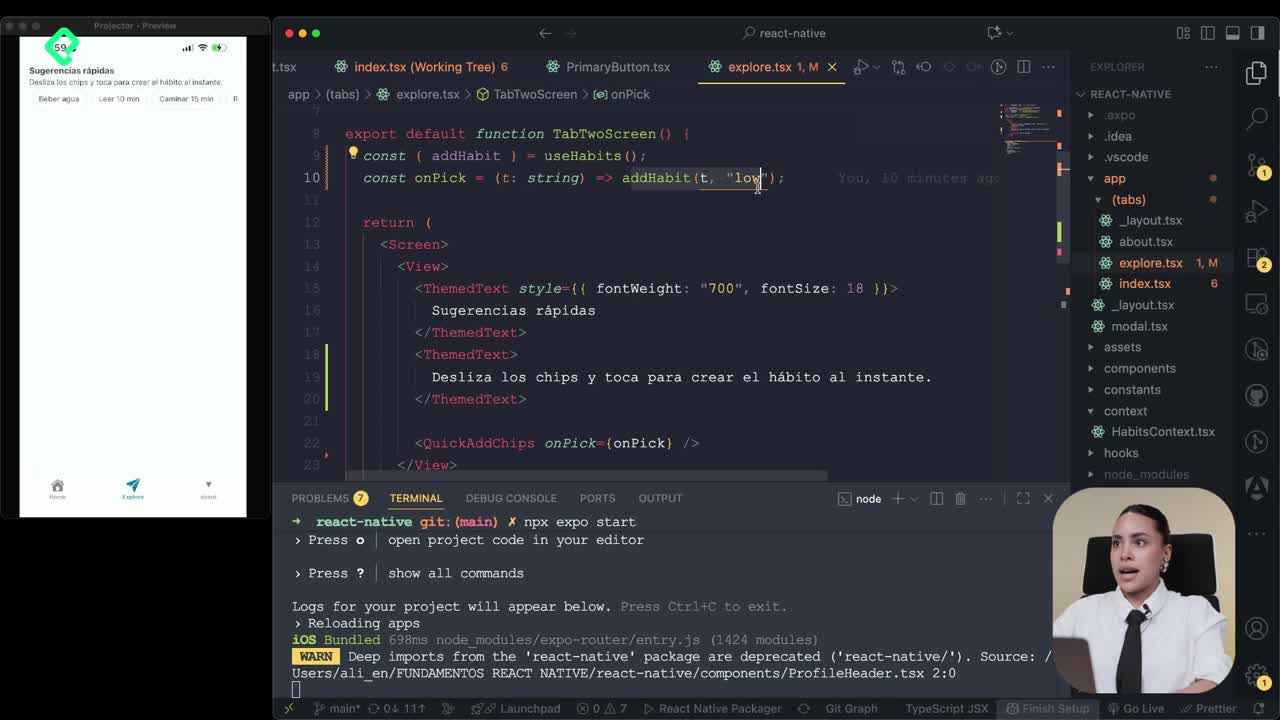
How do you connect a context provider to the Explorer screen?
The previous challenge was simple: stop adding habits directly through the Explorer's local addHabit and route everything through the existing context.
The fix is short. You import useHabit, destructure addHabit, and call it with the title and priority right where the pick already lives. Nothing else changes in the UI logic, but now whatever you select in Explorer shows up automatically on the Home screen, because both screens read from the same shared state.
What is a provider in React? It is a component that wraps part of your tree and shares state with every child through context, so you do not have to pass props down manually.
How do you set up React Confetti with a custom provider?
The animation lives in its own provider, which acts as the control center for the confetti effect.
Inside that provider you define several pieces of state:
- A boolean to toggle visibility of the confetti.
- A message string to show when a habit is completed.
- Animation values and a duration to control timing.
- Start and end flags so the animation does not overwrite itself.
You render two confetti instances, one anchored to the left and one to the right, so the burst surrounds the completed habit across the full screen. A bit of styling keeps everything aligned.
Where should the provider sit in your component tree?
It has to wrap the stack, which in this app means the tabs. The confetti provider becomes the parent of the Celebrate context, so any child screen can call its functions without prop drilling.
How do you simulate an API service in React Native?
To make the messages feel dynamic, the class introduces a fake service layer. The idea is to write the code as if you were hitting a real endpoint, even though the data lives locally for now.
You create a services folder and a motivation.ts file. Inside, you define a local mock array of motivational messages and a function that behaves like a real fetch.
The flow looks like this:
- Read the endpoint URL from
process.envso secrets stay out of the code. - Check if the URL exists with a conditional.
- Wrap the request in a
try catchblock. - Call
fetchwith aPOSTmethod, passing the habit name and title in the body. - Verify
res.ok. If it fails,throwan error labeled with the endpoint name. - Convert the response with
await res.json()and returndata.messageas a string. - On error, log a
warnto the console and return a random message from the local mock.
Why use try catch in fetch calls? Because network requests can fail. A try catch lets you handle the failure gracefully and fall back to local data instead of crashing the screen.
The function also slices the message between a minimum and maximum length, so the animation never breaks with text that is too long.
How do you trigger confetti when a habit is completed today?
Back in the index file, you pull the Celebrate provider into a constant and create a new async function that wraps the existing toggleHabit.
The logic checks whether the habit was completed today. You compare item.lastDoneAt with the current date:
- If the dates match, the habit is marked done today and the confetti fires.
- If they do not match, the value resets to
false.
Inside the same function you call toggleHabit from the context, passing item.id, and then trigger the motivational message from the service. The negated branch handles the toggle off case using a clean if statement.
How do you pass the right type to the render item?
In the listRenderItem, replace the generic any with the habit type from useHabit. Instead of passing a generic isComplete, pass doneToday, which reflects whether the habit was completed on the current date. Then bind the new confetti function to the toggle action, so each tap fires the celebration.
If the change does not appear, press R in the terminal to reload the bundler.
What does the final user experience look like?
Every time you tap a habit and mark it done today, three things happen at once:
- The confetti animation bursts on both sides of the screen.
- A motivational message appears, pulled from the simulated fetch.
- The streak updates and stays in sync across Home and Explorer.
Because the message comes from a randomized list, you see a different phrase on every tap, which keeps the interaction feeling fresh.
What motivational messages would you add to your own mock list? Share your ideas in the comments.