
Persisting Habits with AsyncStorage Context
Contenido del curso


Módulo 2: Construcción de la Interfaz de Usuario
- 5
Using const, let, and Conditionals in JSX
10:35 min - 6
Reusable Components with Props in React Native
14:49 min - 7
Conditional Styles With StyleSheet in React Native
11:24 min - 8
Dark Mode Theming in React Native Apps
13:07 min - 9
Making React Native Dynamic with useState
12:12 min - 10
Adding Habits and Streaks With React Native State
13:24 min - 11
Pressable vs TouchableOpacity in React Native
09:36 min
Módulo 3: Interactividad y Manejo de Datos
- 12
ScrollView vs FlatList in a Habits Carousel
10:50 min - 13
Diferencias entre ScrollView y FlatList para listas grandes
09:47 min - 14
Instalación de Async Storage para persistencia de datos en React Native
14:54 min - 15
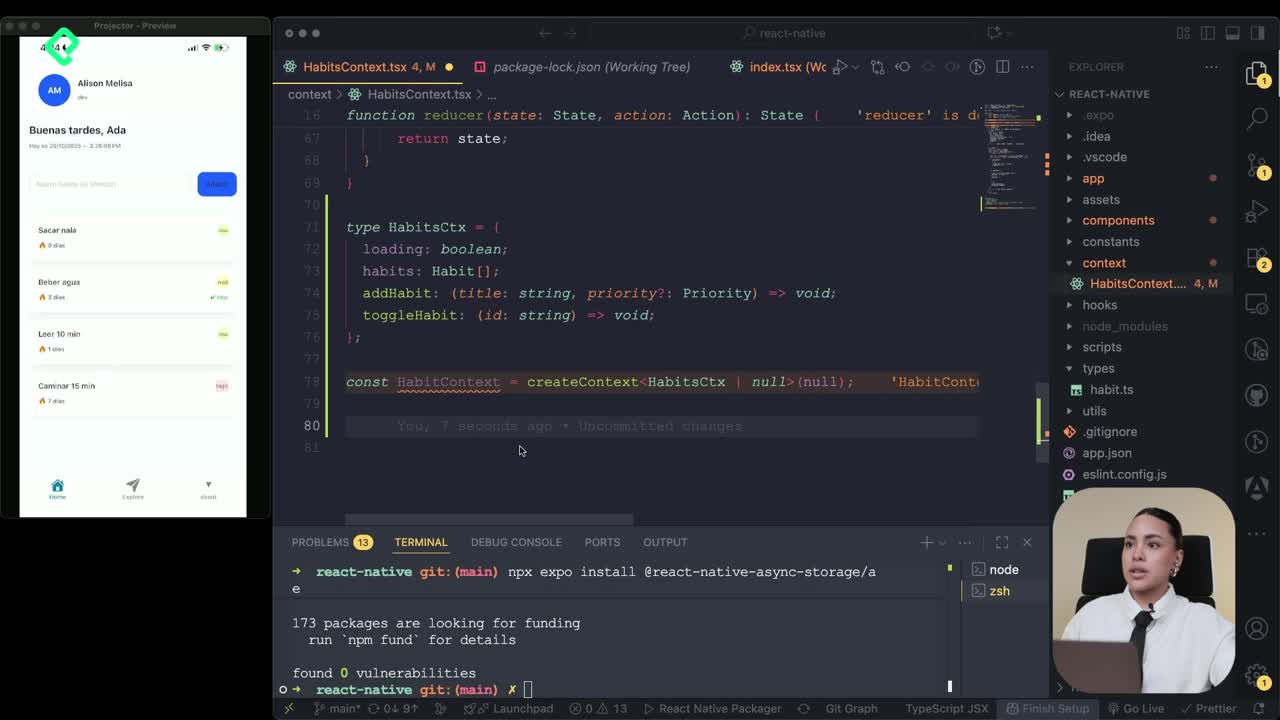
Persisting Habits with AsyncStorage Context
Viendo ahora - 16
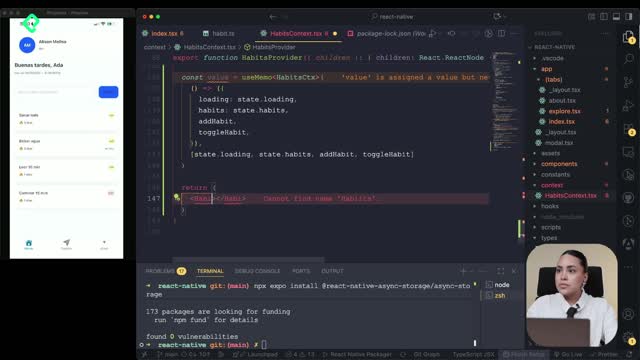
Persisting Habits with AsyncStorage and Context
13:19 min - 17
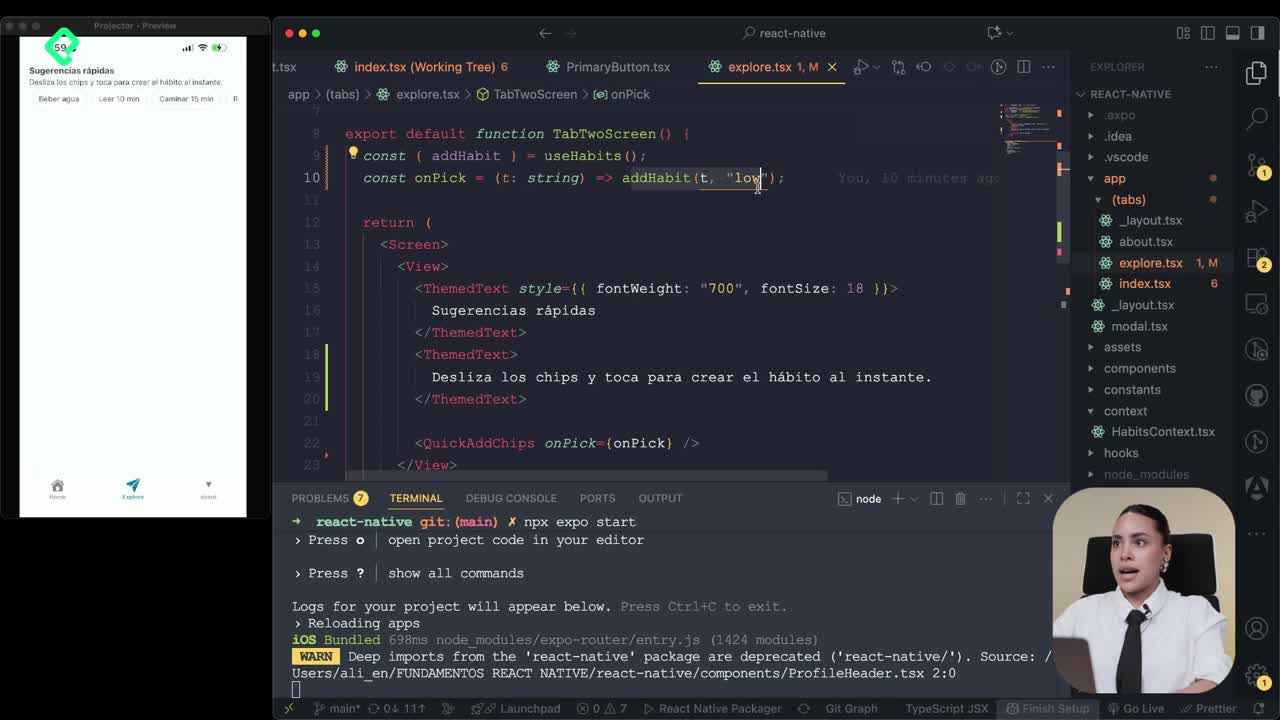
Confetti Animation With a Fake API Service
11:58 min - 18
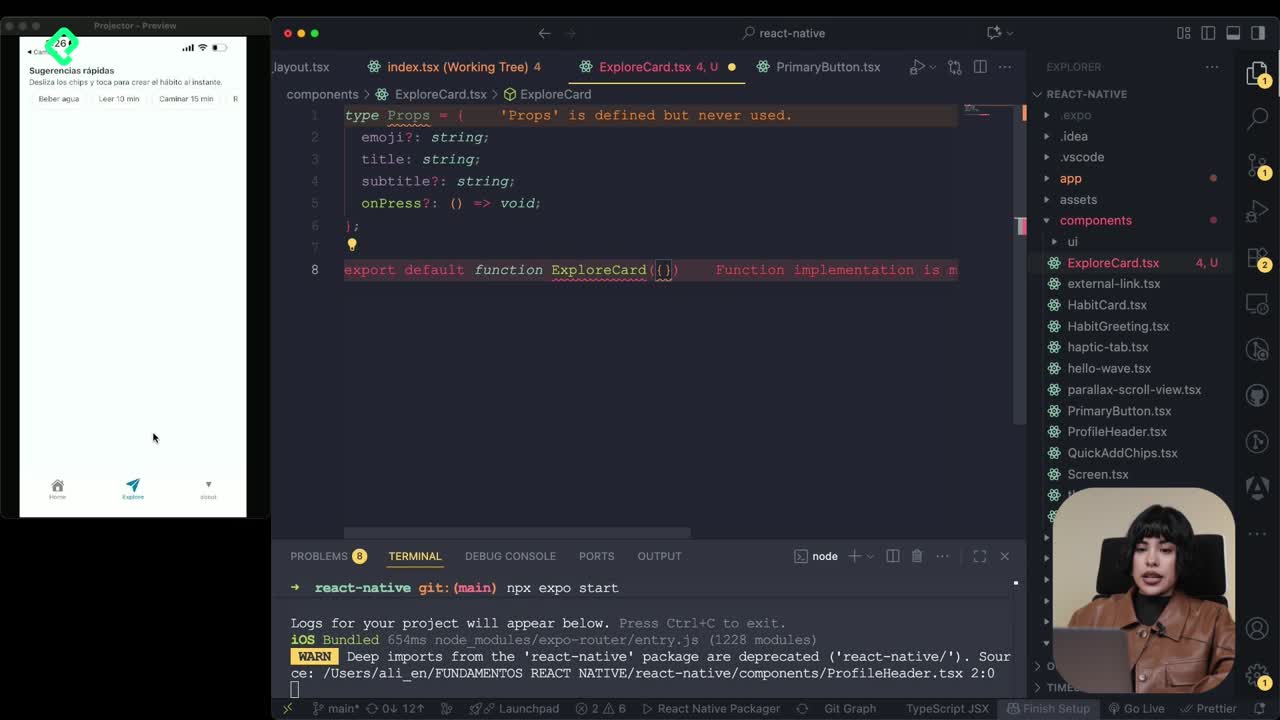
Cómo crear una ExploreCard específica para iOS y Android
09:47 min - 19
Explore Tab Carousel With FlatList
12:49 min - 20
AI Avatar Generator with AsyncStorage
12:32 min - 21
Camera and Gallery Access in React Native
16:01 min
Módulo 4: Visualización de Listas y Contenido
Recursos
Resumen
Building a React Context provider that persists data with AsyncStorage lets you share state across your habit-tracking app while keeping every change saved to memory. You will learn how to wire up useReducer, hydrate state on load, and auto-save changes with a debounced timer, ideal for React Native developers structuring scalable apps.
How do you set up a Context with TypeScript types?
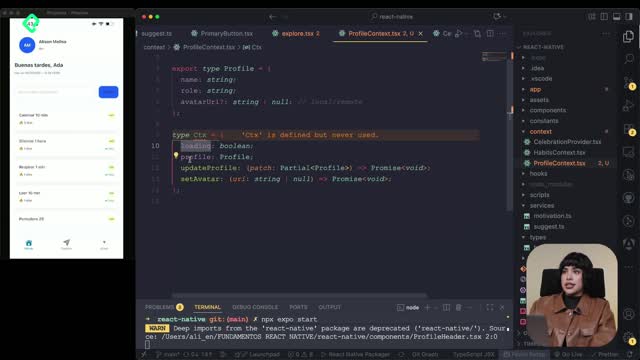
The first move is defining a type that holds the habits, the loading flag, and the functionalities you plan to expose. With that contract in place, you create the context using React's createContext and pass the type to it. If no value exists yet, you fall back to null as the default response.
This matters because your control center, the context itself, becomes the single source of truth. Every component that needs habits will read from here instead of duplicating logic.
What is a React Context provider? It is a component that wraps part of your app and shares state with every child below it, without prop drilling.
How do you create the provider with useReducer?
The provider is a function that returns a React Node and wraps your children. Inside, you call useReducer passing your reducer and your initialState. This hook gives you back two things: the current state and a dispatch function to trigger updates.
Think of useReducer as a small engine. The state is the fuel gauge, and dispatch is the action that changes it. You do not mutate directly; you describe what happened, and the reducer decides the next state.
Why use useEffect for hydration?
You also bring in useEffect to run a validation before any action touches the habits list. Inside, you mark the function as async and wrap the logic in a try-catch block. The goal is to read whatever sits in AsyncStorage, which is the app's persistent memory.
You await AsyncStorage.getItem using your storageKey, then parse the raw string into JSON. Once parsed, you dispatch a hydrate action with the recovered data as the payload. If nothing is stored, you dispatch the same action with an empty value so the app still initializes cleanly.
If the read fails, the catch block runs console.warn("Couldn't load habits") and dispatches an empty payload. That way the UI never gets stuck waiting on a broken promise.
How do you auto-save habits with a debounced timer?
Every time the habits change, you want them written back to storage, but not on every keystroke. That is where a debounce timer helps.
You declare a saveTimer reference typed as null | Timeout to hold the pending save. Then you add a second useEffect that reacts to changes in the habits list. The flow looks like this:
- Check if
state.loadingis true and exit early if so, since you do not want to save half-loaded data. - Call clearTimeout on the previous saveTimer to cancel any pending write.
- Schedule a new setTimeout that runs the save logic after a short delay.
- Return a cleanup function that clears the timer when the component unmounts or the effect re-runs.
Inside the scheduled save, you wrap the logic in async and try-catch. You await AsyncStorage.setItem, passing the storageKey and the habits serialized with JSON.stringify(state.habits). If something breaks, console.warn("Could not be saved") leaves a trace for debugging.
Why use JSON.stringify with AsyncStorage? Because AsyncStorage only stores strings. You convert your state object into a JSON string to save it, and parse it back when you read.
What functionalities does the provider expose?
Beyond hydration and saving, the provider needs to expose two actions to its children: add and select. Both travel through the same dispatch function from useReducer, which keeps the API minimal and predictable.
The pattern is consistent:
- The component calls a function like
addHabitorselectHabit. - That function calls dispatch with a typed action.
- The reducer returns the new state.
- The useEffect watching the state triggers the debounced save to AsyncStorage.
This loop is what makes your context feel alive. The user adds a habit, the UI updates instantly, and a moment later the data is safely written to memory.
What does dispatch do in useReducer? It sends an action object to the reducer, which then computes and returns the next state based on that action's type and payload.
Key concepts and skills covered
- createContext: builds the shared control center where habits live.
- useReducer: manages state transitions through actions and a reducer function.
- useEffect for hydration: reads stored habits from AsyncStorage when the provider mounts.
- useEffect for persistence: watches state changes and triggers a debounced save.
- AsyncStorage: the React Native API for persistent key-value storage, requiring JSON.stringify and JSON.parse.
- Debounce with setTimeout and clearTimeout: prevents excessive writes by grouping rapid changes into a single save.
- try-catch with console.warn: surfaces hydration and save errors without crashing the app.
- dispatch actions (hydrate, add, select): the typed contract between components and the reducer.
What would you change first if your habits were not persisting after a reload? Drop your guess in the comments before the next class, where you will see this provider plugged into the app.