
Using const, let, and Conditionals in JSX
Contenido del curso


Módulo 2: Construcción de la Interfaz de Usuario
- 5
Using const, let, and Conditionals in JSX
Viendo ahora - 6
Reusable Components with Props in React Native
14:49 min - 7
Conditional Styles With StyleSheet in React Native
11:24 min - 8

Dark Mode Theming in React Native Apps
13:07 min - 9
Making React Native Dynamic with useState
12:12 min - 10
Adding Habits and Streaks With React Native State
13:24 min - 11
Pressable vs TouchableOpacity in React Native
09:36 min
Módulo 3: Interactividad y Manejo de Datos
- 12
ScrollView vs FlatList in a Habits Carousel
10:50 min - 13
Diferencias entre ScrollView y FlatList para listas grandes
09:47 min - 14
Instalación de Async Storage para persistencia de datos en React Native
14:54 min - 15
Persisting Habits with AsyncStorage Context
12:07 min - 16
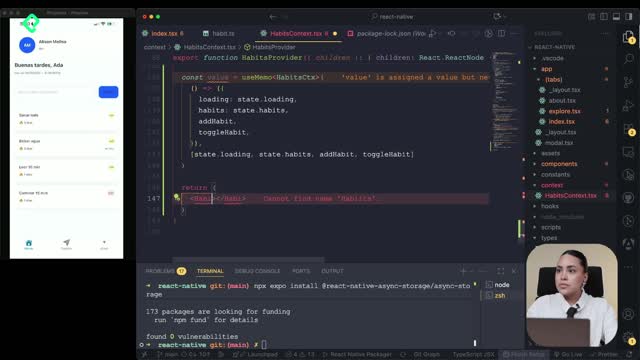
Persisting Habits with AsyncStorage and Context
13:19 min - 17
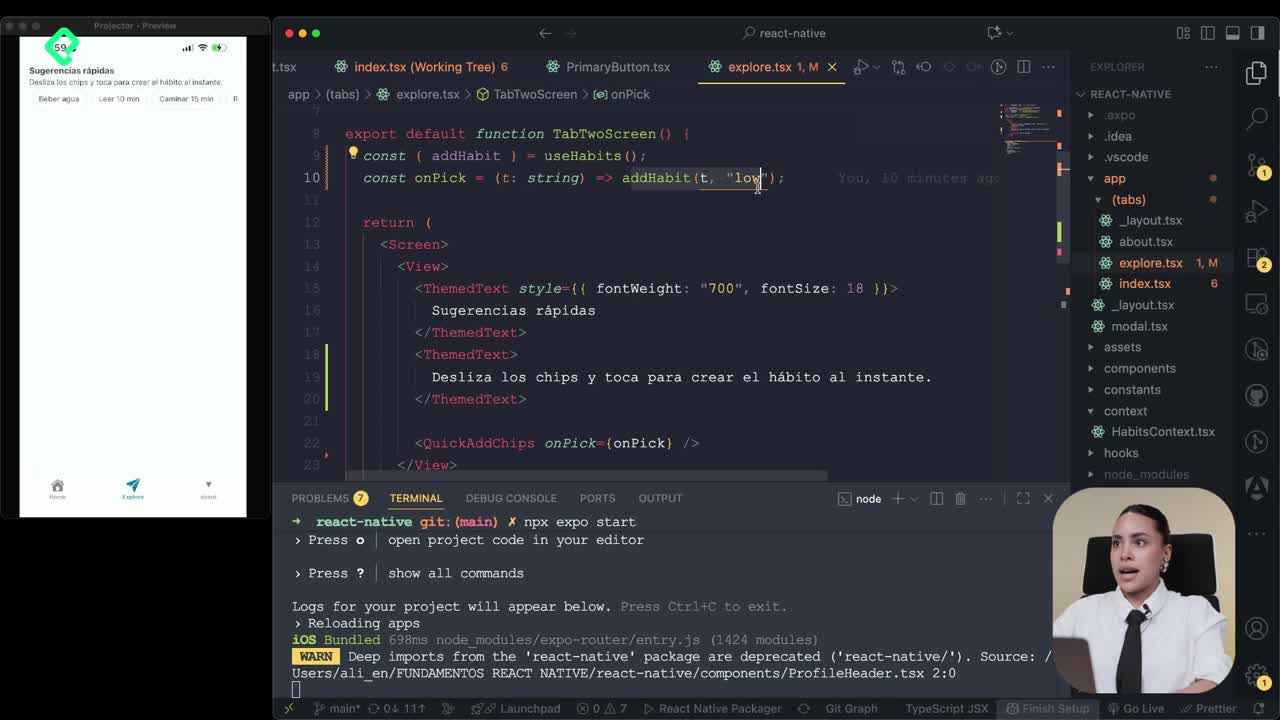
Confetti Animation With a Fake API Service
11:58 min - 18
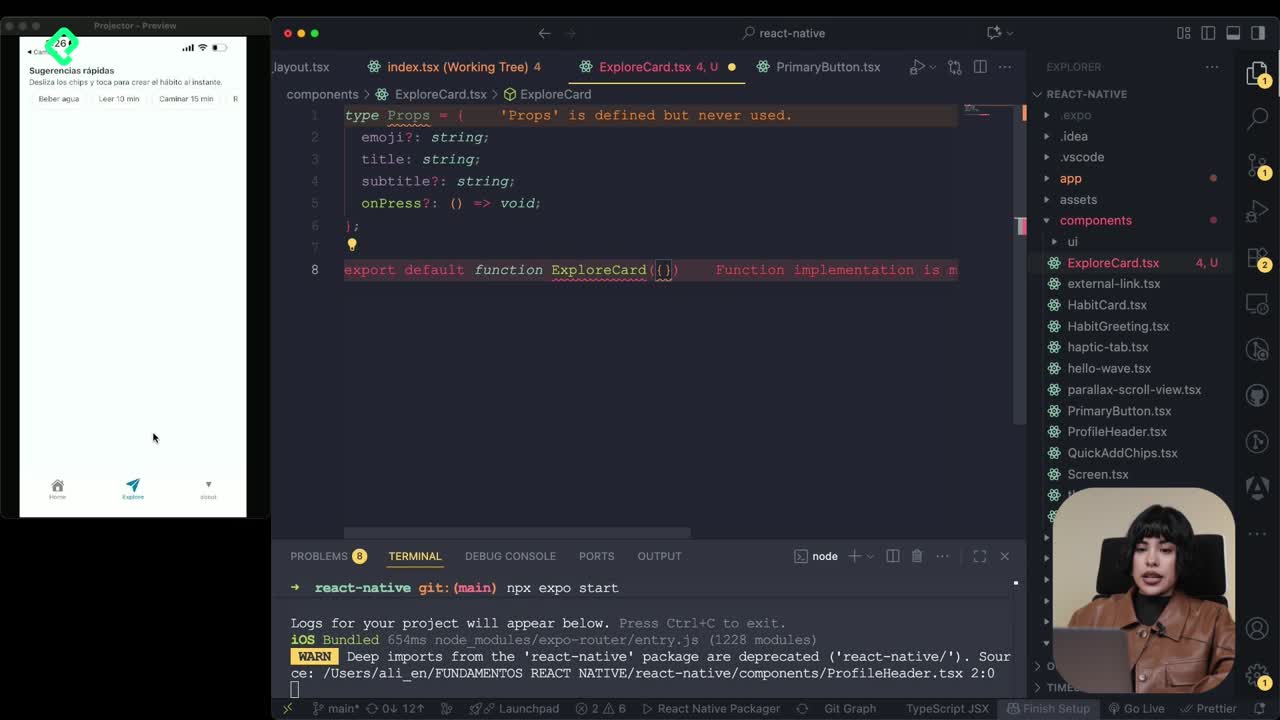
Cómo crear una ExploreCard específica para iOS y Android
09:47 min - 19
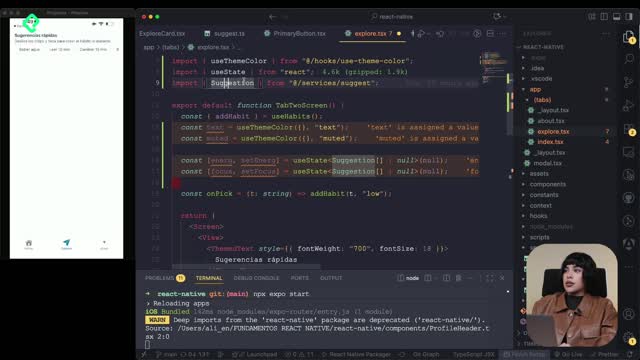
Explore Tab Carousel With FlatList
12:49 min - 20

AI Avatar Generator with AsyncStorage
12:32 min - 21
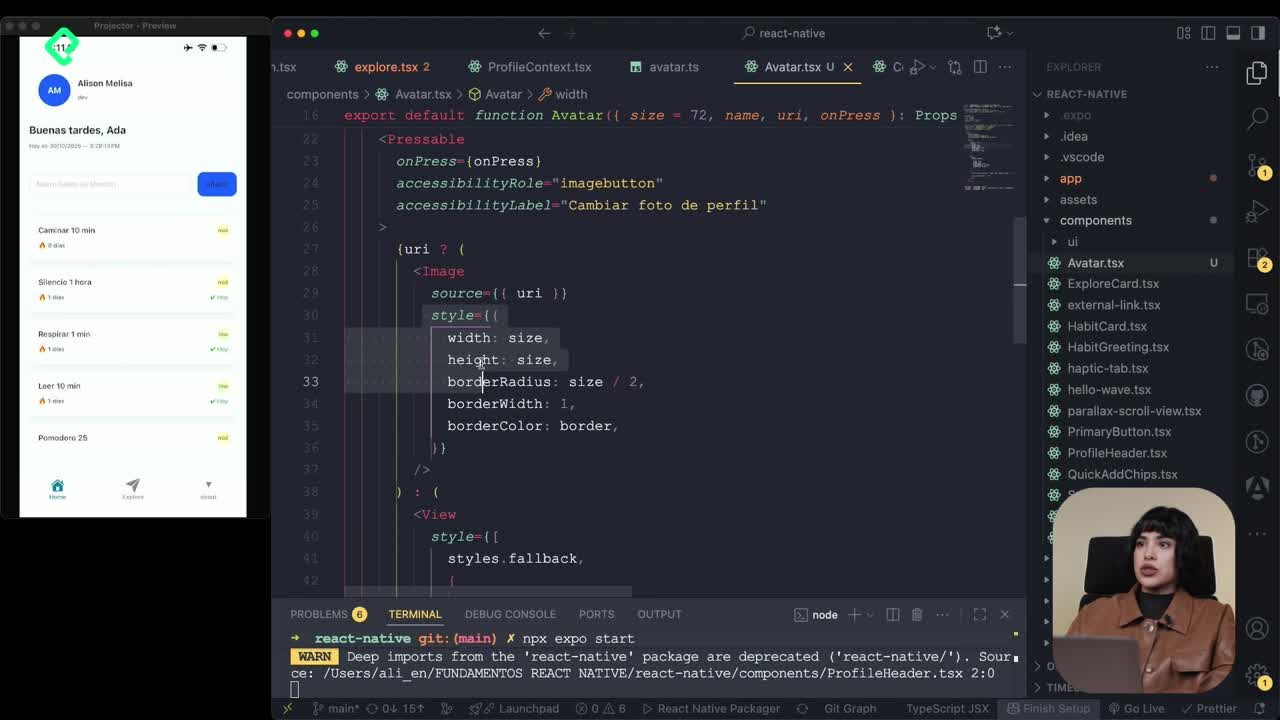
Camera and Gallery Access in React Native
16:01 min
Módulo 4: Visualización de Listas y Contenido

Recursos
Resumen
Mixing JavaScript logic with visual components is what gives React Native its real power. You'll learn how to use constants, conditionals, and functions inside .tsx files to build dynamic interfaces that react to data, user states, and time, all without leaving your component.
Why do React Native files end in .tsx or .jsx?
Those extensions aren't random. A .tsx or .jsx file is a superpowered file: it lets you write JavaScript, HTML-like tags, and CSS styles in the same place. That's why your components live there and not in plain .js files.
What does .tsx mean in React Native? It's a file that combines TypeScript with JSX, allowing you to write logic and visual markup together in one component. [00:10]
How do I display constants inside JSX components?
Inside the home screen you can declare constants for things like name and age, then inject them into your UI using curly braces {}. Those braces are the bridge between the JavaScript world and the visual HTML-like layer.
For example, you can drop the constant nombre with the value Allison inside a Text component and it will render directly on screen. The same works with numeric values: if edad equals 25, you can show edad + 10 and React Native will display 35 as your age in 10 years. [01:05]
This is where things get interesting. You're not limited to showing raw values; you can perform operations on them right inside the component.
How do I show conditional content with ternary operators?
Conditionals let you change what appears on screen depending on the state of your data. You'll use them constantly because apps live in different states: logged in, logged out, premium, free, empty, full.
Ternary inside a Text component
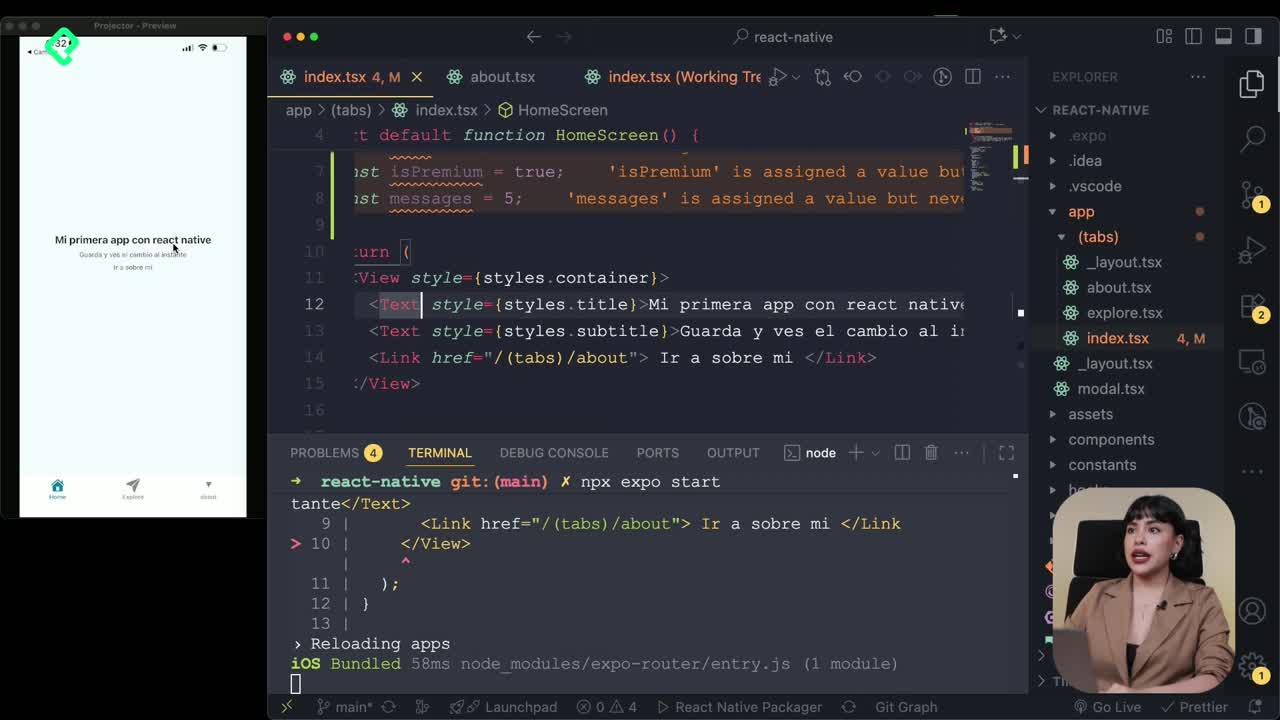
Imagine a boolean constant premium set to true. Inside a Text, you can write a ternary conditional, which works like a quick question:
- If
premiumis true, show "este usuario es premium". - If
premiumis false, show "este usuario gratuito".
Flip the value to false and the UI updates instantly. That's the magic of binding logic to your render.
Conditional rendering outside the tag
You can also place the condition outside the JSX element using the && operator. If mensajes is greater than 0, render a Text showing how many new messages the user has. If it's 0, nothing renders at all. [03:20]
What's the difference between a ternary and the && operator in JSX? The ternary
condition ? A : Balways renders something. The&&operator only renders when the condition is true, otherwise it renders nothing.
When should I use const vs let in JavaScript?
Not every value in your app stays the same. Some need to change as time passes or as the user interacts with the app. That's where the difference between const and let matters.
const: assigns a value once and keeps it locked. Use it for fixed data like a username or a configuration flag.let: lets you reassign the value later. Use it when something needs to update over time.
A practical example: a saludo constant that uses a ternary to check the current hour. If the hour is less than 12, it shows "buenos días"; if it's greater than 18, it shows "buenas noches". The result depends on the device's real time. [05:00]
How do I create reusable functions with arrow functions?
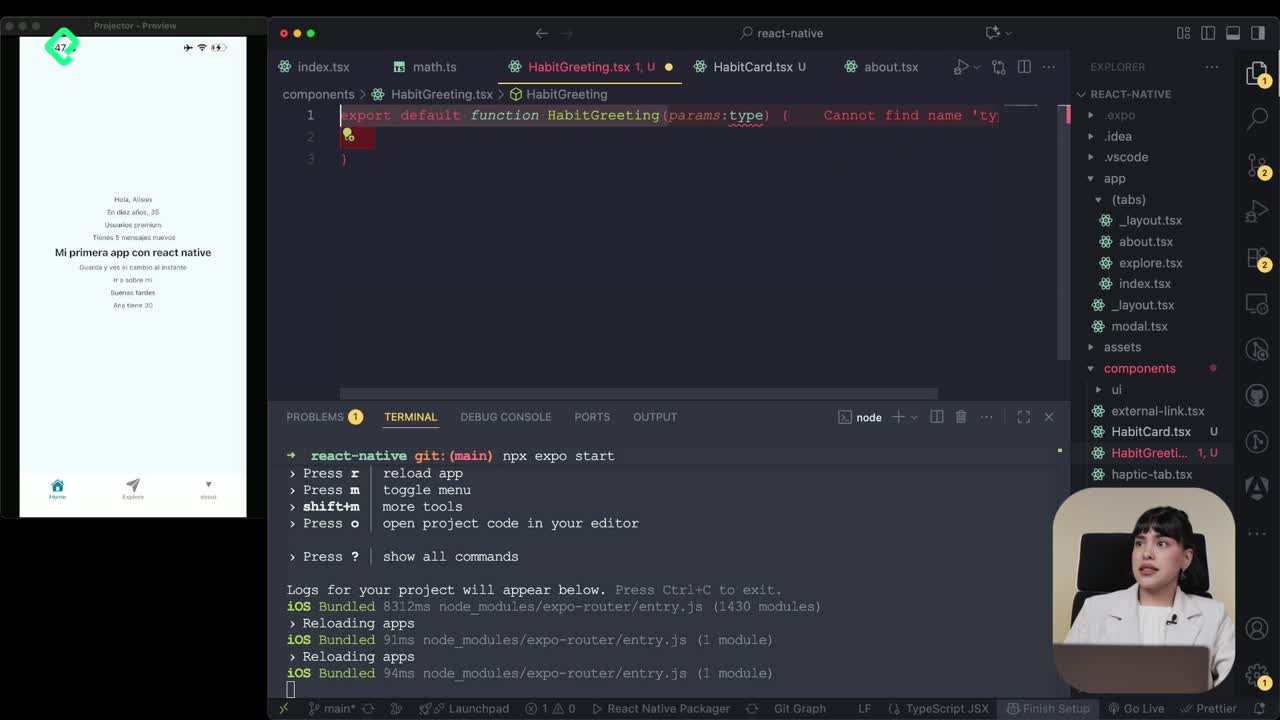
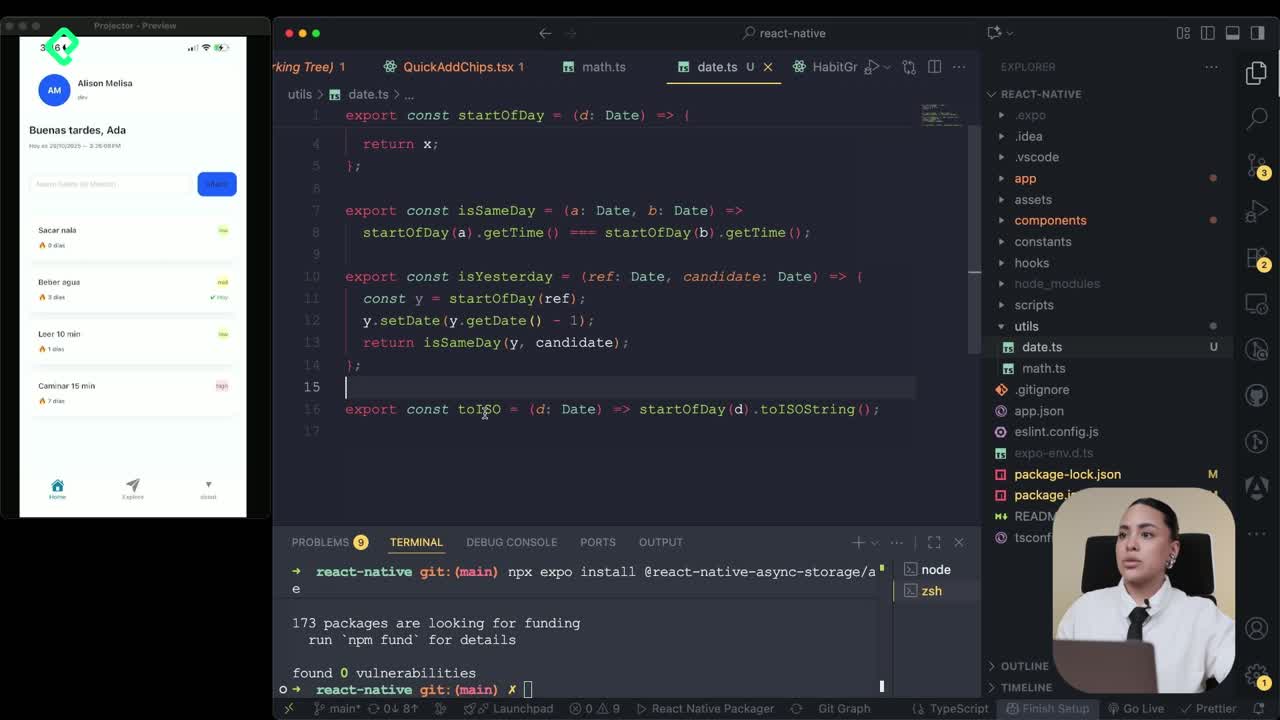
To keep your code clean, you can move logic into a separate folder called utils. Inside, create a file like math.ts to hold small operations you'll reuse across the app.
With arrow functions you can:
- Receive parameters like two numbers.
- Run an operation such as a sum or a multiplication.
- Return the result in a single concise line.
This pattern keeps your screens focused on rendering while the heavy lifting lives somewhere else.
Destructuring objects to build new data
Destructuring is another key concept. If you have a user object with nombre and edad, you can extract those properties directly and use them to build a new variable, concatenate strings, or feed them into another function. It's a cleaner way to work with structured data instead of accessing every property one by one. [07:15]
What is destructuring in JavaScript? It's a syntax that lets you pull specific properties out of an object or array and assign them to variables in a single line.
How do I import a function from another folder?
Once your function lives in utils/math, you bring it into your screen with an import statement at the top of the file. Then call it inside JSX using curly braces and parentheses, just like any other expression.
Save the file and you'll see the returned string render on screen, mixing the variables stored inside your utility function with the rest of your component. That separation between logic files and screen files is what keeps a React Native project scalable.
React Native runs on JavaScript, so every concept you sharpen in JS, like arrow functions, ternaries, destructuring, and the const vs let distinction, pays off directly in your mobile app.
Which of these patterns are you already using in your projects, and which one feels new? Drop a comment and let's compare notes.