
Persisting Habits with AsyncStorage and Context
Contenido del curso


Módulo 2: Construcción de la Interfaz de Usuario
- 5
Using const, let, and Conditionals in JSX
10:35 min - 6
Reusable Components with Props in React Native
14:49 min - 7
Conditional Styles With StyleSheet in React Native
11:24 min - 8
Dark Mode Theming in React Native Apps
13:07 min - 9
Making React Native Dynamic with useState
12:12 min - 10
Adding Habits and Streaks With React Native State
13:24 min - 11
Pressable vs TouchableOpacity in React Native
09:36 min
Módulo 3: Interactividad y Manejo de Datos
- 12
ScrollView vs FlatList in a Habits Carousel
10:50 min - 13
Diferencias entre ScrollView y FlatList para listas grandes
09:47 min - 14
Instalación de Async Storage para persistencia de datos en React Native
14:54 min - 15
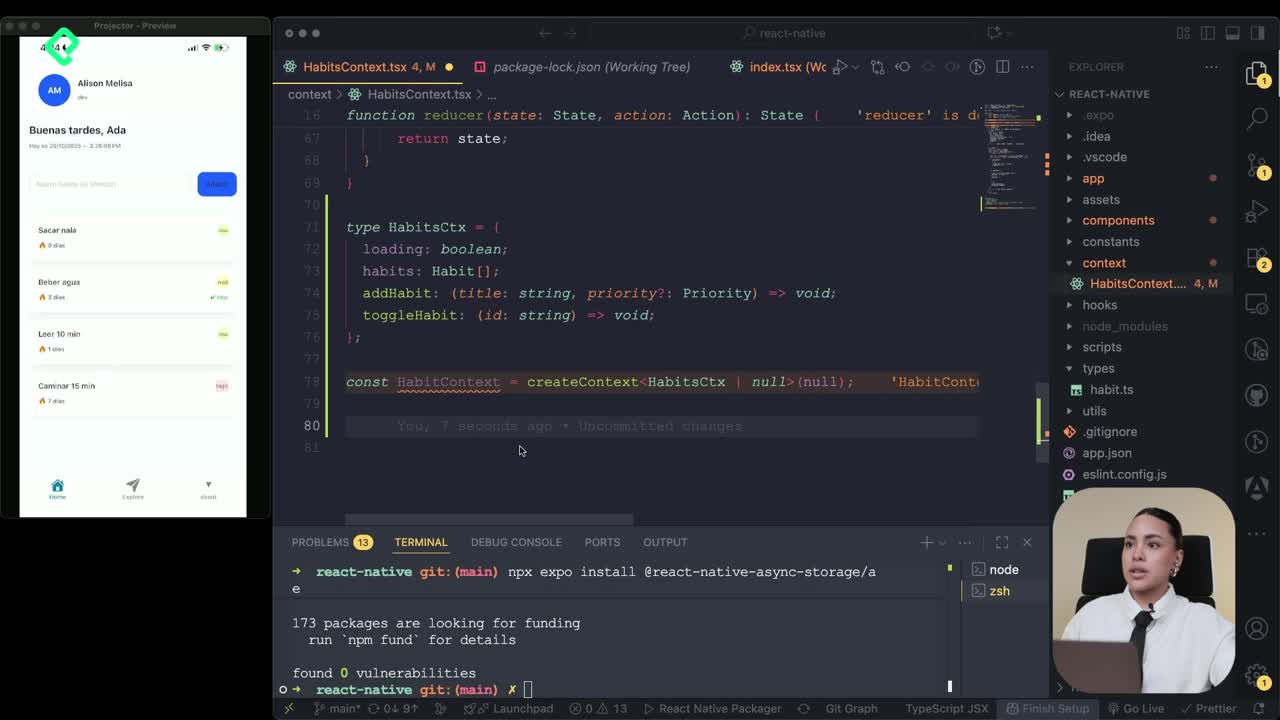
Persisting Habits with AsyncStorage Context
12:07 min - 16
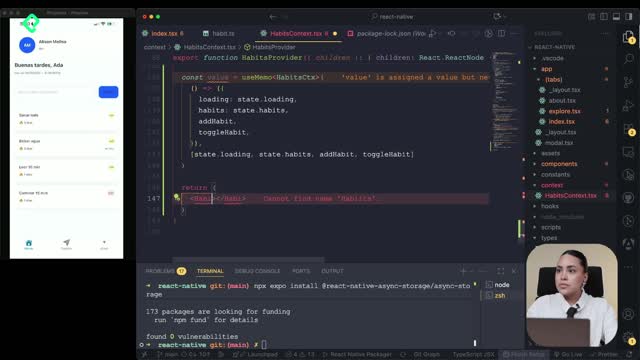
Persisting Habits with AsyncStorage and Context
Viendo ahora - 17
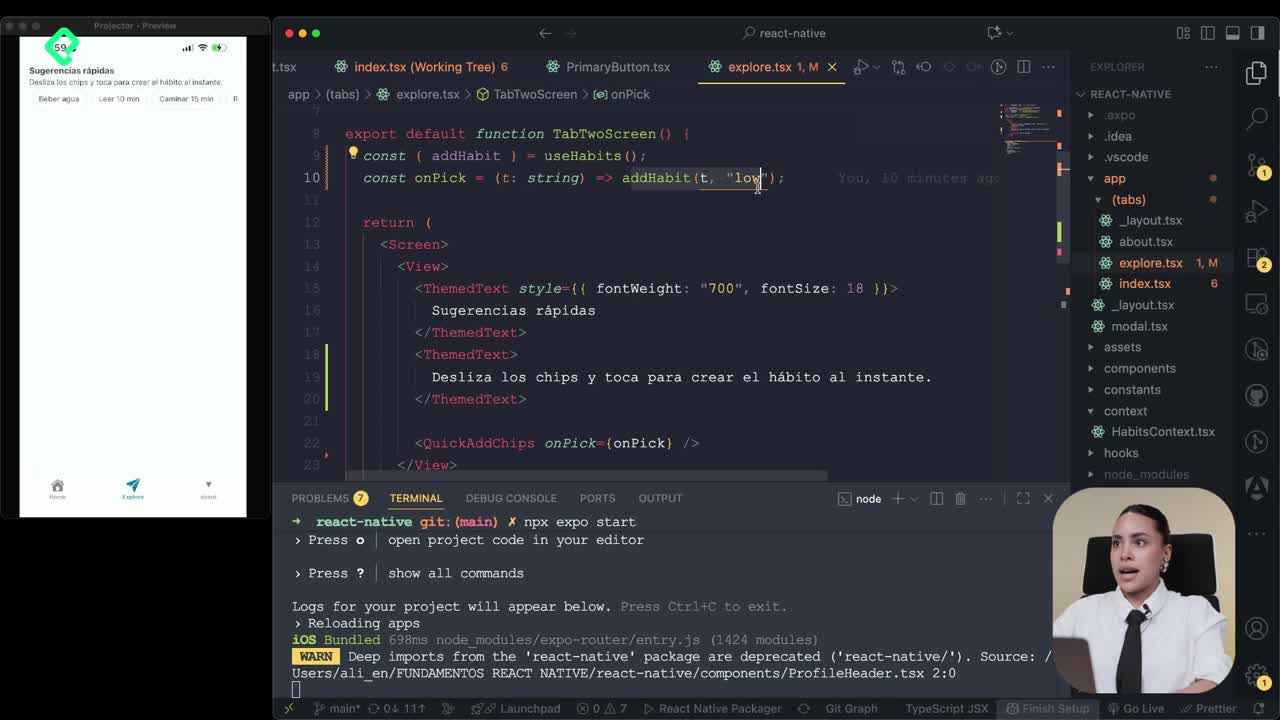
Confetti Animation With a Fake API Service
11:58 min - 18
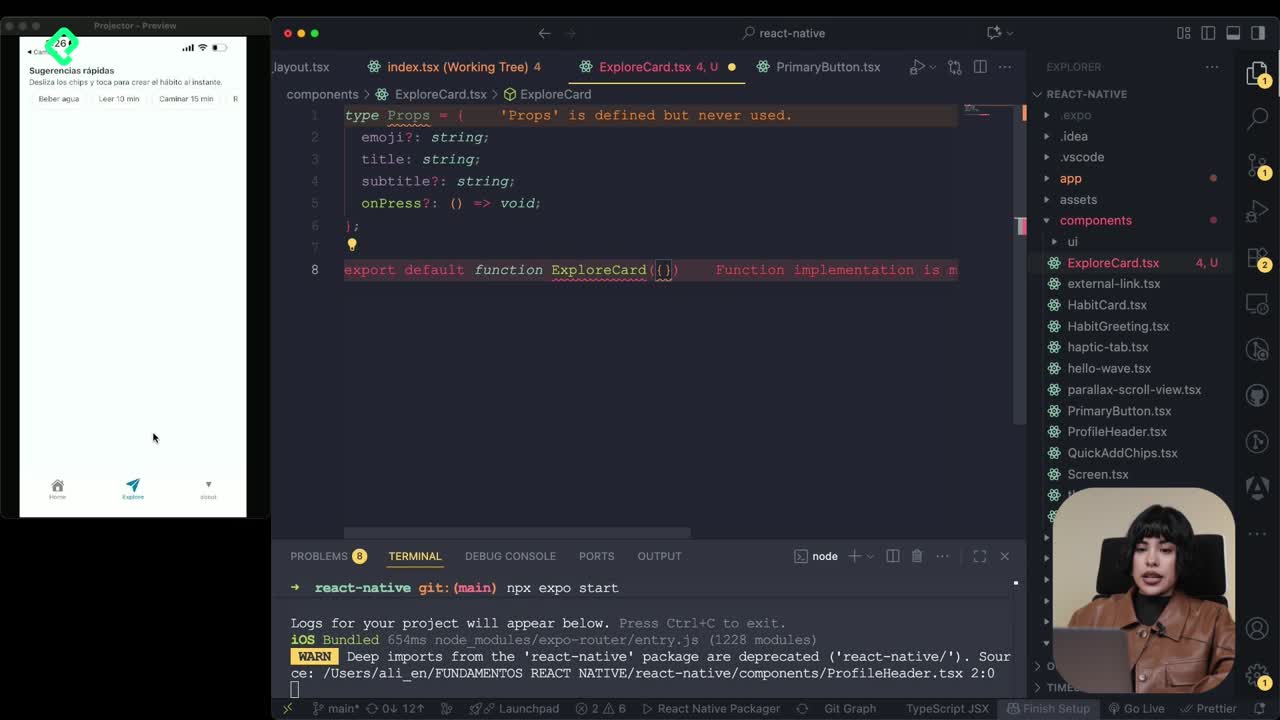
Cómo crear una ExploreCard específica para iOS y Android
09:47 min - 19
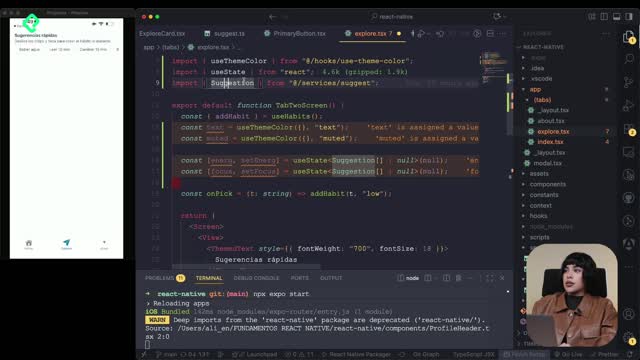
Explore Tab Carousel With FlatList
12:49 min - 20
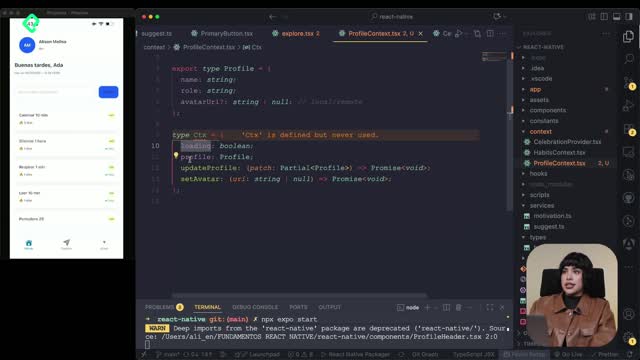
AI Avatar Generator with AsyncStorage
12:32 min - 21
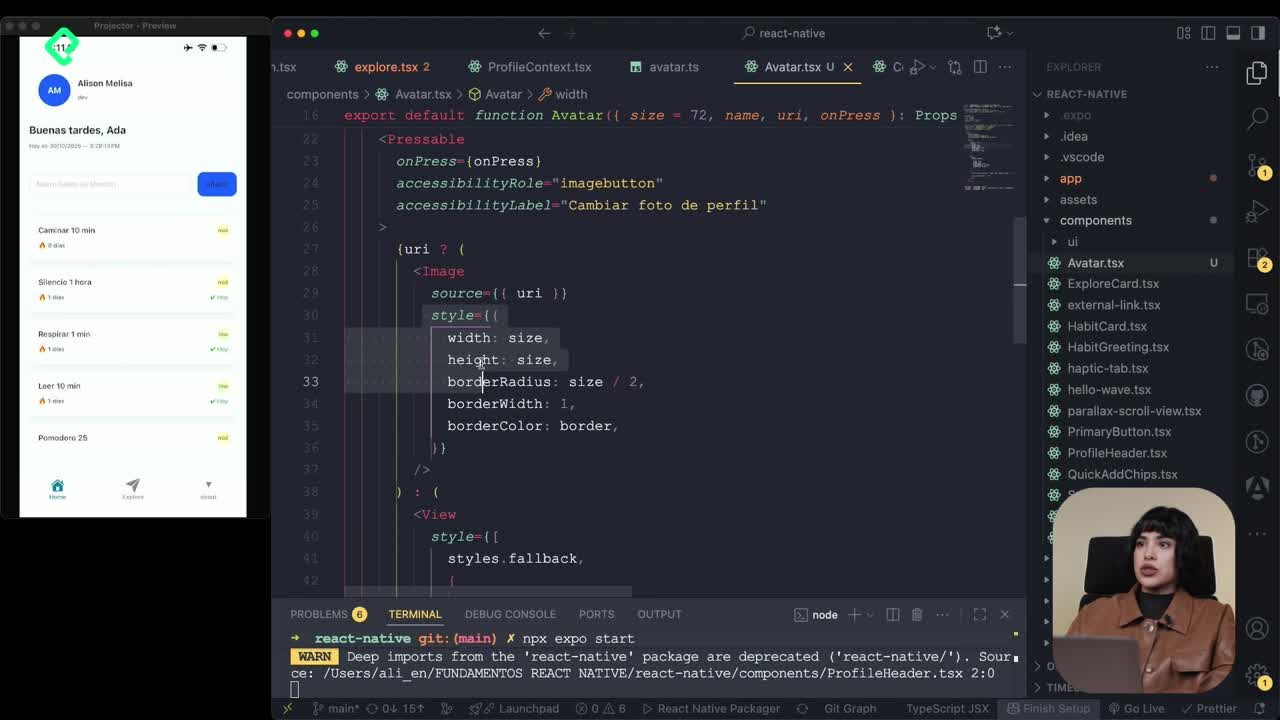
Camera and Gallery Access in React Native
16:01 min
Módulo 4: Visualización de Listas y Contenido
Recursos
Resumen
Saving user data so it survives after closing the app is one of the first real challenges when you build with React Native. Here you'll learn how to persist habits using AsyncStorage, wrap that logic inside a Context Provider, and consume it from your home screen so your data stays alive between sessions.
What does it mean to persist data with AsyncStorage in React Native?
When you build a habit tracker, every habit you add lives in memory. If you close the app, that memory disappears. AsyncStorage solves this by keeping your data on the device, so the next time you open the app, your habits are still there.
In this flow, we take the habits state, store it in AsyncStorage, and expose it through a Context Provider so any screen, like the home, can read and update it.
What is AsyncStorage in React Native? It's a key value storage system that saves data locally on the device. Anything you save stays even after the user closes the app.
How do you turn a context into a Provider for habits?
The idea is simple: you already have a habits model with state and loading logic, and now you need to expose it to the rest of your app. To do that, your component must return a React node wrapped in HabitsContext.Provider.
You pass two things to the Provider:
- The value, which contains your habits, loading state, and functions like
addHabitortoggleHabit. - The children, which represents every screen or component that will consume this context.
With that wrapper in place, any nested component can read habits without prop drilling.
How do you create a reusable useHabits hook?
To avoid importing useContext and the context object everywhere, you build a custom hook called useHabits. Inside, you call useContext with your habits context and return it as a constant.
A good practice is adding a safety check: if the context is undefined, you throw an error with a clear message like useHabits must be used inside HabitsProvider. This prevents silent bugs when someone forgets to wrap a screen.
Also, watch your TypeScript types. If a setTimer returns 250, type it as number so the Provider doesn't complain about mismatched types.
How do you connect the HabitsProvider to your app?
Just like you wrapped your app with a ThemeProvider, you do the same with HabitsProvider. You import it at the top level where your tabs or screens live, and you wrap everything inside it.
That way, every tab and every nested component can call useHabits and get access to:
- The list of habits.
- The loading flag.
- Functions like
addHabitandtoggleHabit.
A detail that's easy to miss: when you build the hook, return the full context object (ctx) so consumers can destructure each property. If you forget this, your screens will say the items don't exist.
How do you use the habits context in the home screen?
On the home screen, you stop managing local state for adding or toggling habits and start delegating to the context. You import loading, habits, and addHabit from useHabits.
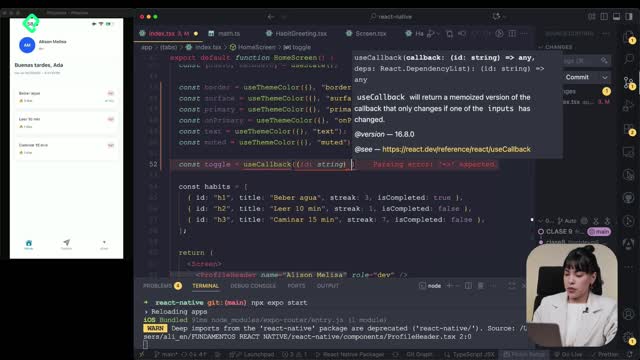
For adding, you build an onAdd function with useCallback:
- Read the current title.
- If the title is empty, return early.
- Call
addHabitfrom the context. - Reset the input state so the field clears.
Why use useCallback here? Because
onAddis passed to child components.useCallbackkeeps the same function reference between renders, avoiding unnecessary re renders.
For rendering, you map over habits instead of a local items array, and each card calls toggleHabit from the context. The completed counter also changes: instead of filtering local items, you filter habits and check if each one was completed today.
How do you handle the loading state and same day check?
While AsyncStorage reads your saved data, you show a loading text using a simple if (loading) check. Once it's ready, the FlatList renders your habits.
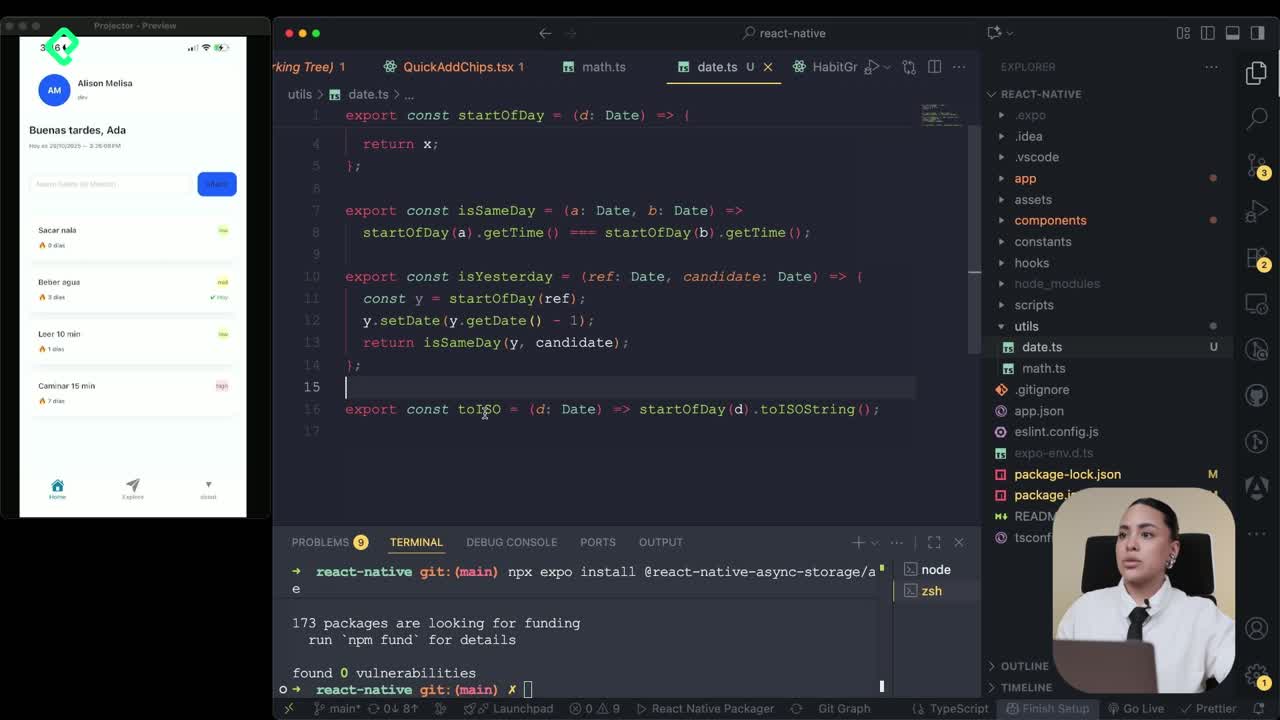
You also add a helper to verify if a habit was completed on the same day. This matters because you're saving every daily action, and the streak should only grow when today's date matches.
A small cleanup: since each habit already has a key inside, you can drop keyExtractor from your FlatList and rely on the internal id.
How do you reset AsyncStorage when testing your app?
While developing, you'll want to wipe the storage to start from zero. You can add a button that calls AsyncStorage.clear(). This empties everything saved on the device for your app.
Steps to add it:
- Import AsyncStorage at the top of your file.
- Import the
Textand button components you need. - On press, call the clear function.
- Reload the app from Expo Go.
After the reload, every habit card disappears, confirming the storage is empty.
Does AsyncStorage.clear() delete other apps' data? No. It only clears the storage scoped to your own app, so it's safe to use during development.
Key concepts and skills you practiced
These are the building blocks behind this implementation:
- AsyncStorage [00:10]: local persistence layer for React Native that survives app restarts.
- Context Provider [00:32]: pattern to share state across components without prop drilling.
- useContext and custom hook [01:18]: wrapping
useContextinsideuseHabitsfor cleaner imports and built in error handling. - useCallback [03:05]: memoizing the
onAddfunction so it keeps a stable reference. - Loading state [04:35]: showing feedback while AsyncStorage reads saved data.
- Same day validation [04:50]: checking dates to count completed habits and update streaks correctly.
- AsyncStorage.clear() [05:55]: utility to reset all stored data during development.
With these pieces, your habit tracker now remembers everything between sessions. As a challenge, try adding habits directly from the Explorer suggestions into the home screen. Drop a comment with how you solved it.