
Making React Native Dynamic with useState
Contenido del curso


Módulo 2: Construcción de la Interfaz de Usuario
- 5
Using const, let, and Conditionals in JSX
10:35 min - 6
Reusable Components with Props in React Native
14:49 min - 7
Conditional Styles With StyleSheet in React Native
11:24 min - 8
Dark Mode Theming in React Native Apps
13:07 min - 9
Making React Native Dynamic with useState
Viendo ahora - 10
Adding Habits and Streaks With React Native State
13:24 min - 11
Pressable vs TouchableOpacity in React Native
09:36 min
Módulo 3: Interactividad y Manejo de Datos
- 12
ScrollView vs FlatList in a Habits Carousel
10:50 min - 13
Diferencias entre ScrollView y FlatList para listas grandes
09:47 min - 14
Instalación de Async Storage para persistencia de datos en React Native
14:54 min - 15
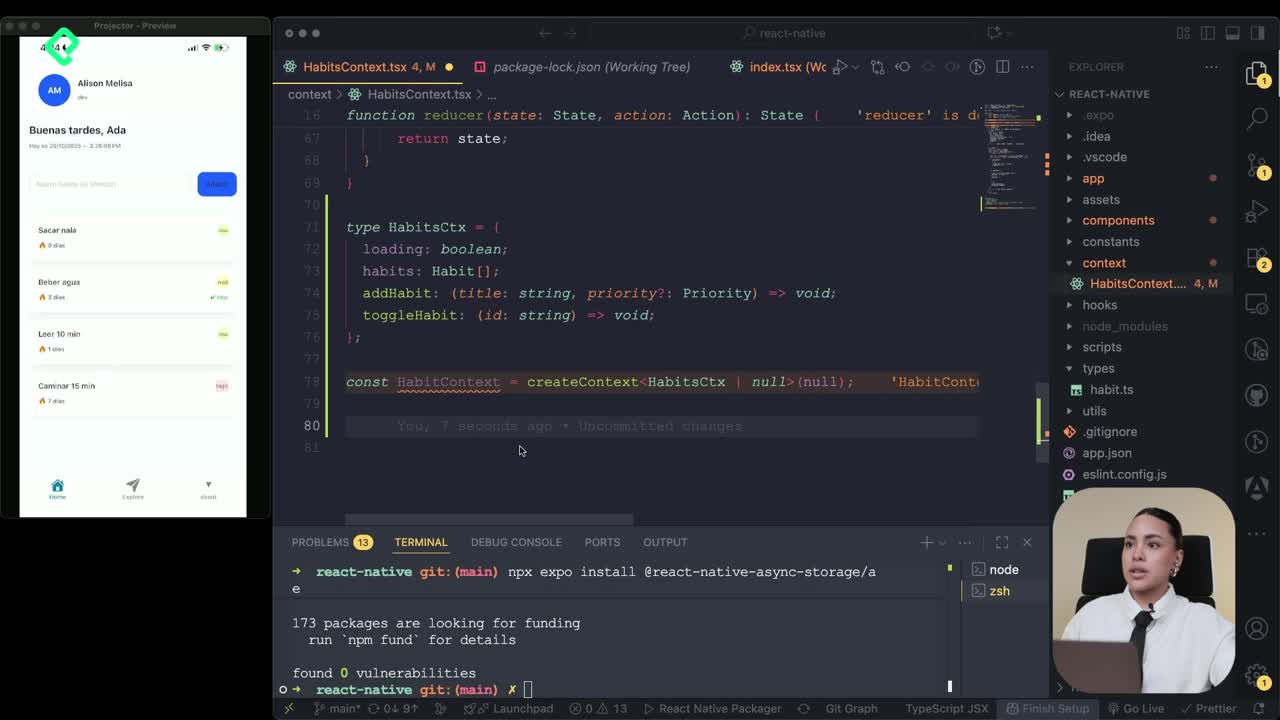
Persisting Habits with AsyncStorage Context
12:07 min - 16
Persisting Habits with AsyncStorage and Context
13:19 min - 17
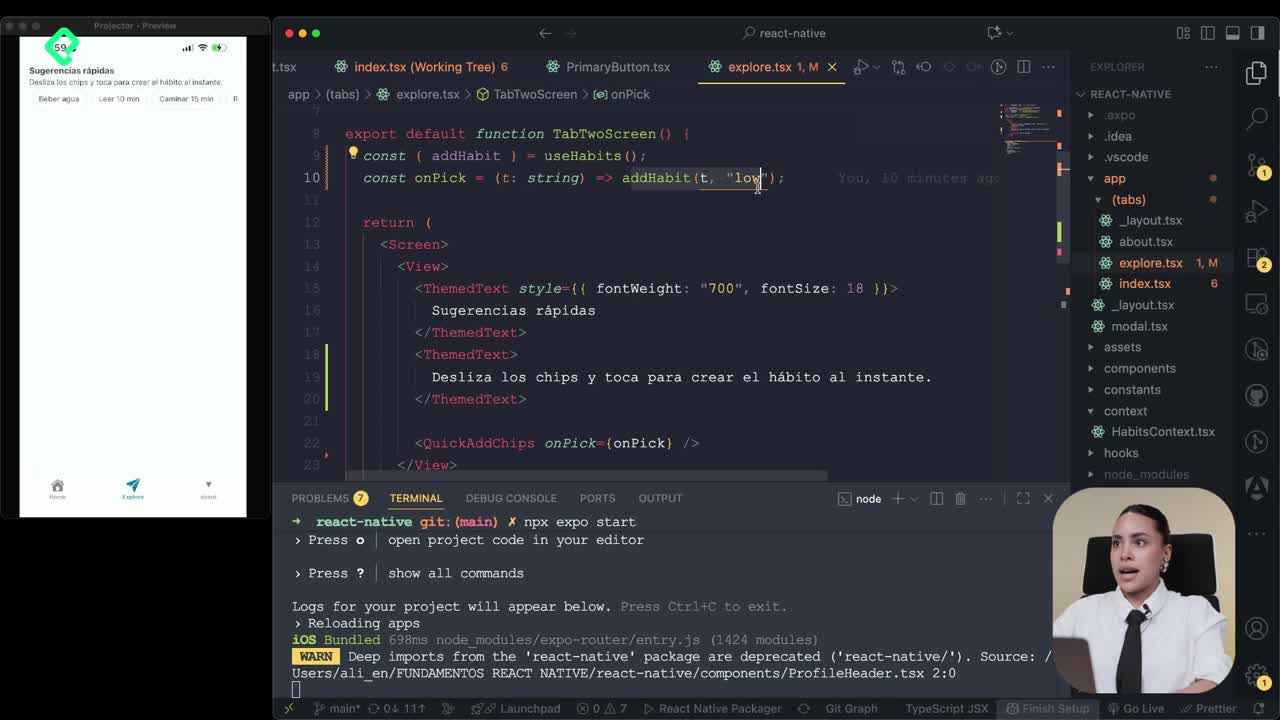
Confetti Animation With a Fake API Service
11:58 min - 18
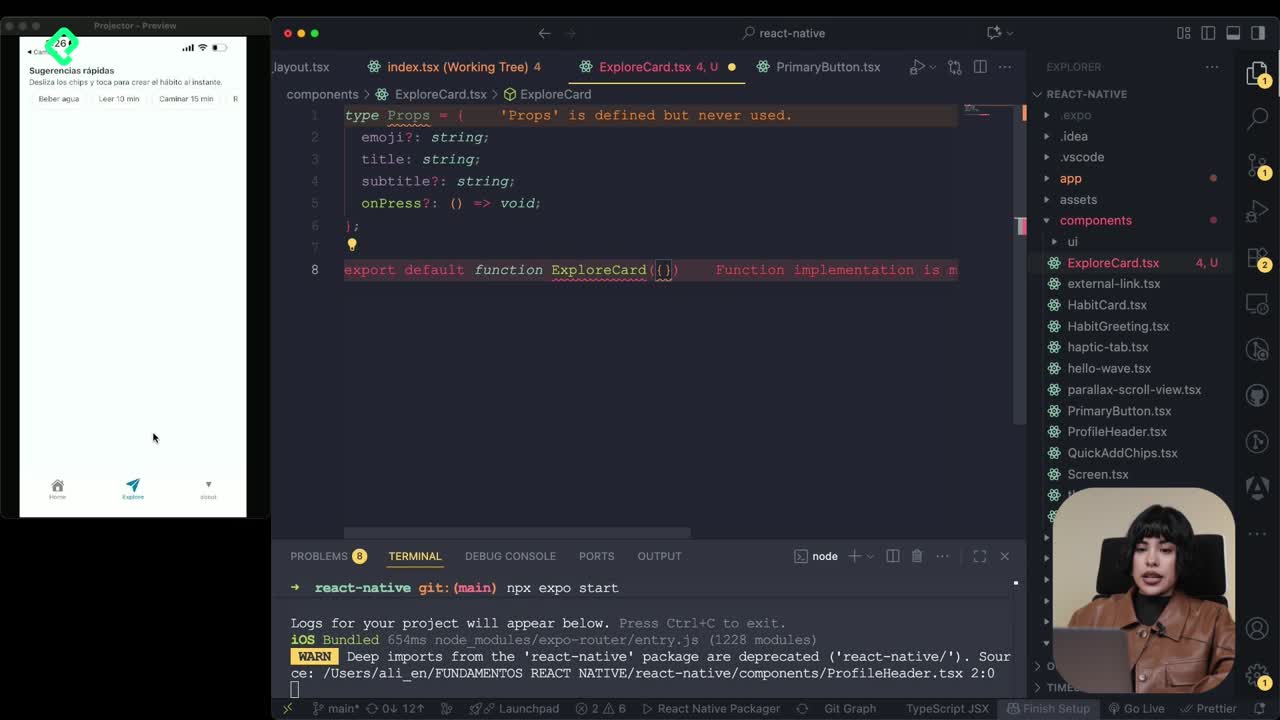
Cómo crear una ExploreCard específica para iOS y Android
09:47 min - 19
Explore Tab Carousel With FlatList
12:49 min - 20
AI Avatar Generator with AsyncStorage
12:32 min - 21
Camera and Gallery Access in React Native
16:01 min
Módulo 4: Visualización de Listas y Contenido
Recursos
Resumen
Turning a static React Native screen into a dynamic one starts with a single tool: the useState hook. You will learn how to handle state, connect it to a pressable component, and define an initial data model so your habit tracker app reacts to user interactions in real time.
What changed in the View before adding state?
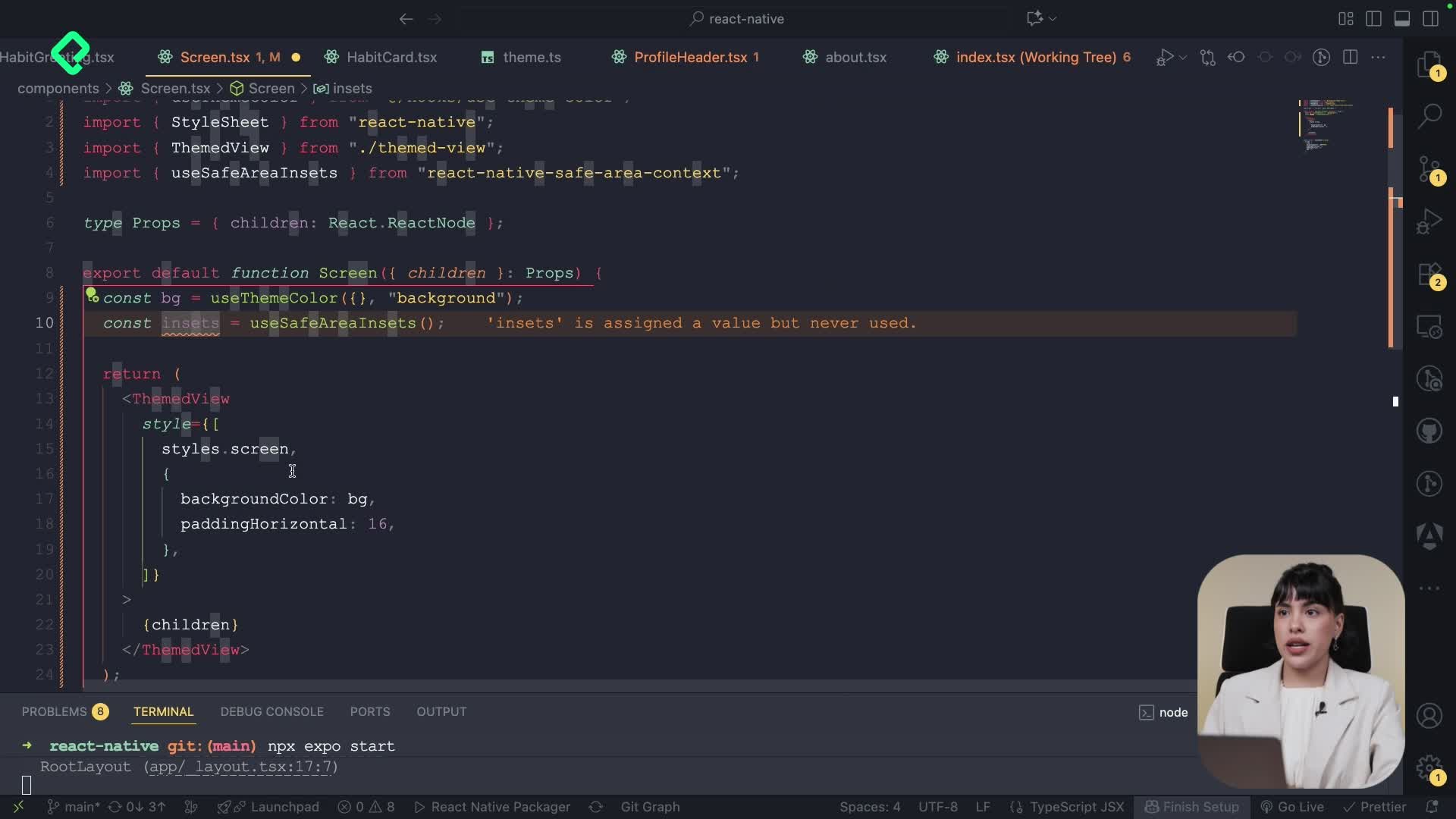
Before touching state, the layout needed a couple of refinements. The View tag was replaced by a themeView component, and a constant was created to store the background color value, mirroring the approach already used for text styles.
A horizontal padding was added directly inline, and the final detail focused on spacing for devices with a dynamic island. Phones with that notch tend to push the profile section too high on the screen, so the safe area insets constant becomes essential.
What does the safe area insets constant do? It stores the usable portion of the screen, excluding dynamic islands and system bars, so your content does not get hidden behind them.
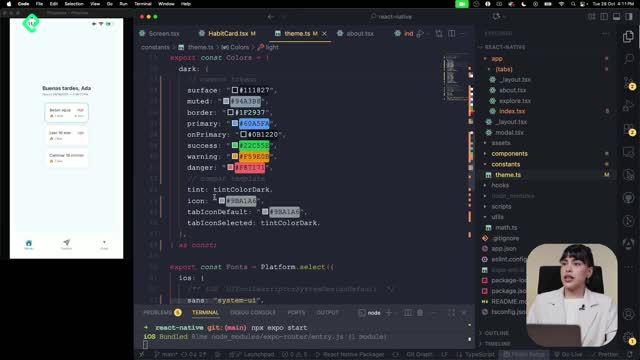
Applying paddings through insets keeps the dynamic island from overlapping the app. Toggling dark mode also confirms that the new background styles respond correctly to the theme.
How does the useState hook work in React?
Until now, the app relied on props, which pass values from a parent component down to a child. A state, on the other hand, is a value created and managed inside a screen, and it can change over time based on user actions.
The hook always returns two things: the variable that holds the current value, and a function that updates it. These values can be of different types:
- Numeric values for counters or scores.
- Strings for text inputs or labels.
- Booleans for toggles like completed or not completed.
To use it, you must import useState from React. Without that import, the hook will not work.
What is the difference between props and state? Props are read-only values passed from parent to child. State is created inside a component and can be updated by that component itself.
How do you connect a Pressable to a state change?
The card component received a new prop called onToggle, defined as a function. For now it stays empty, but it will later trigger the state update.
To make the card interactive, the View wrapper was replaced with a Pressable tag, which behaves like a button. The styles moved from the View directly into the Pressable, and the onClick action was wired to the onToggle prop.
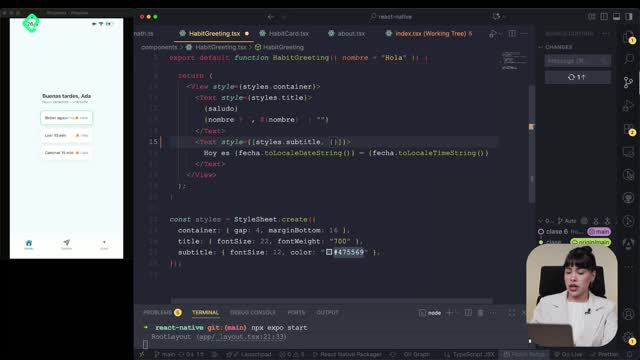
Inside the Pressable, a conditional style block was added using the pressed argument. The logic looks like this:
- Default styles come from the card style object.
- The
backgroundColoruses thesurfaceconstant. - Opacity drops to 0.96 when pressed and stays at 1 otherwise.
- The
borderColorswitches to a success color when the habit is marked complete.
That conditional gives instant visual feedback every time you tap a habit card.
How do you define the initial state for habits?
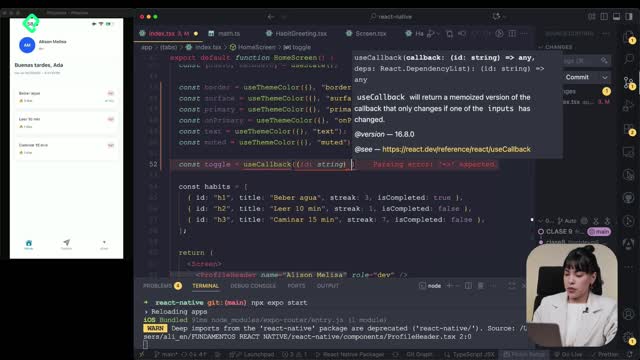
On the main index screen, two useState declarations were set up. The first one, items, holds the list of habits. The second one stores the new habit being added, renamed to avoid clashing with new, which is a reserved word in JavaScript.
Before initializing the state, a TypeScript type was created to define the habit model. The structure includes:
idas a string.titleas a string.streakas a number.isCompleteas a boolean.prioritytyped aslow,midorhigh.
With the model in place, the initial state was built as an array of objects matching that shape. Calling useState<Habit[]>(initial) ensures the app always starts with a predefined list of habits visible on screen.
Why do you need an initial state? Because without it, the screen would render empty on first load. The initial state guarantees there is always something to display while the user starts interacting with the app.
The pieces are now in place: a typed model, an initial array, and a Pressable ready to fire updates. The next step is wiring the toggle so each tap actually adds or modifies a habit in that list. What habit would you track first in your own app? Drop it in the comments.