Explore Tab Carousel With FlatList
Contenido del curso


Módulo 2: Construcción de la Interfaz de Usuario
- 5
Using const, let, and Conditionals in JSX
10:35 min - 6
Reusable Components with Props in React Native
14:49 min - 7
Conditional Styles With StyleSheet in React Native
11:24 min - 8
Dark Mode Theming in React Native Apps
13:07 min - 9
Making React Native Dynamic with useState
12:12 min - 10
Adding Habits and Streaks With React Native State
13:24 min - 11
Pressable vs TouchableOpacity in React Native
09:36 min
Módulo 3: Interactividad y Manejo de Datos
- 12
ScrollView vs FlatList in a Habits Carousel
10:50 min - 13
Diferencias entre ScrollView y FlatList para listas grandes
09:47 min - 14
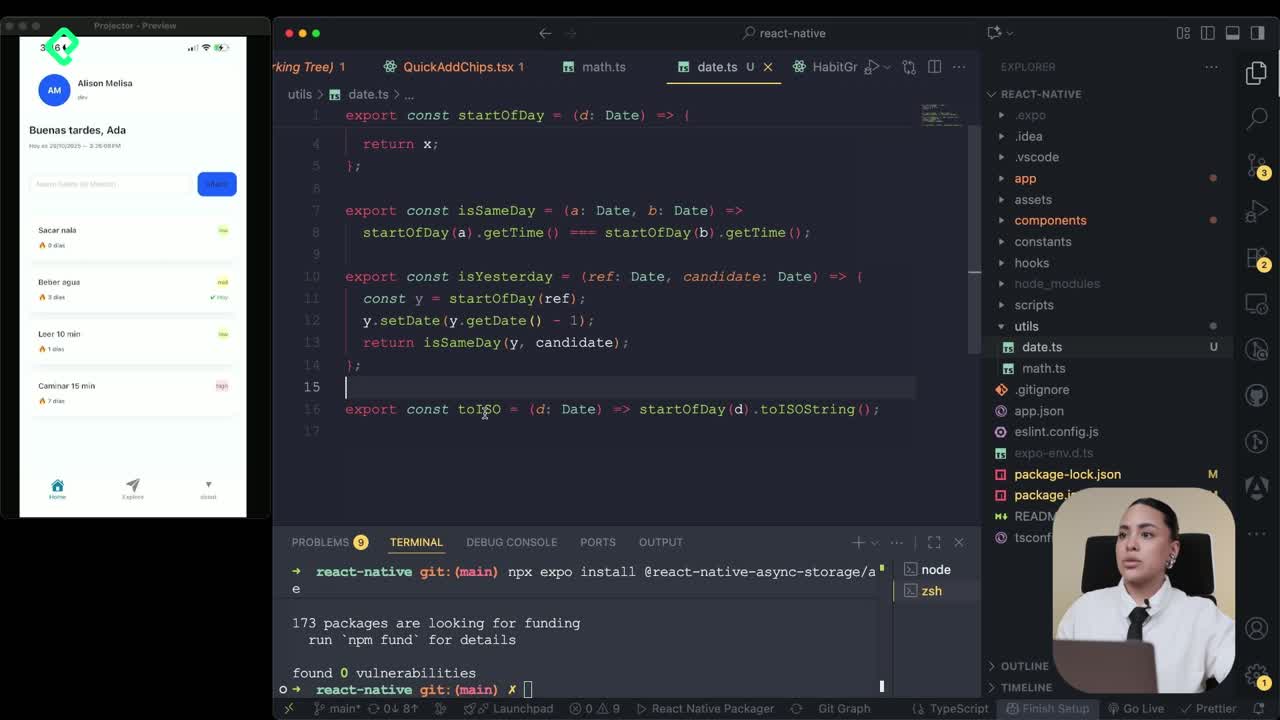
Instalación de Async Storage para persistencia de datos en React Native
14:54 min - 15
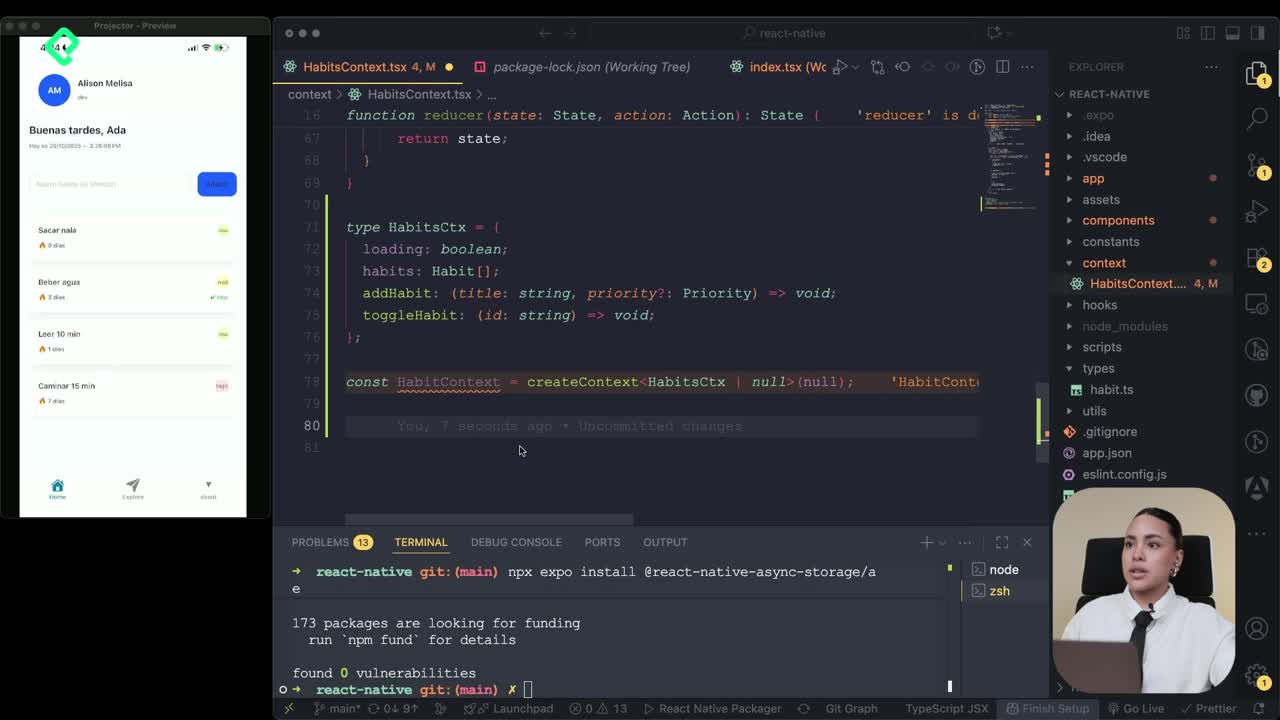
Persisting Habits with AsyncStorage Context
12:07 min - 16
Persisting Habits with AsyncStorage and Context
13:19 min - 17
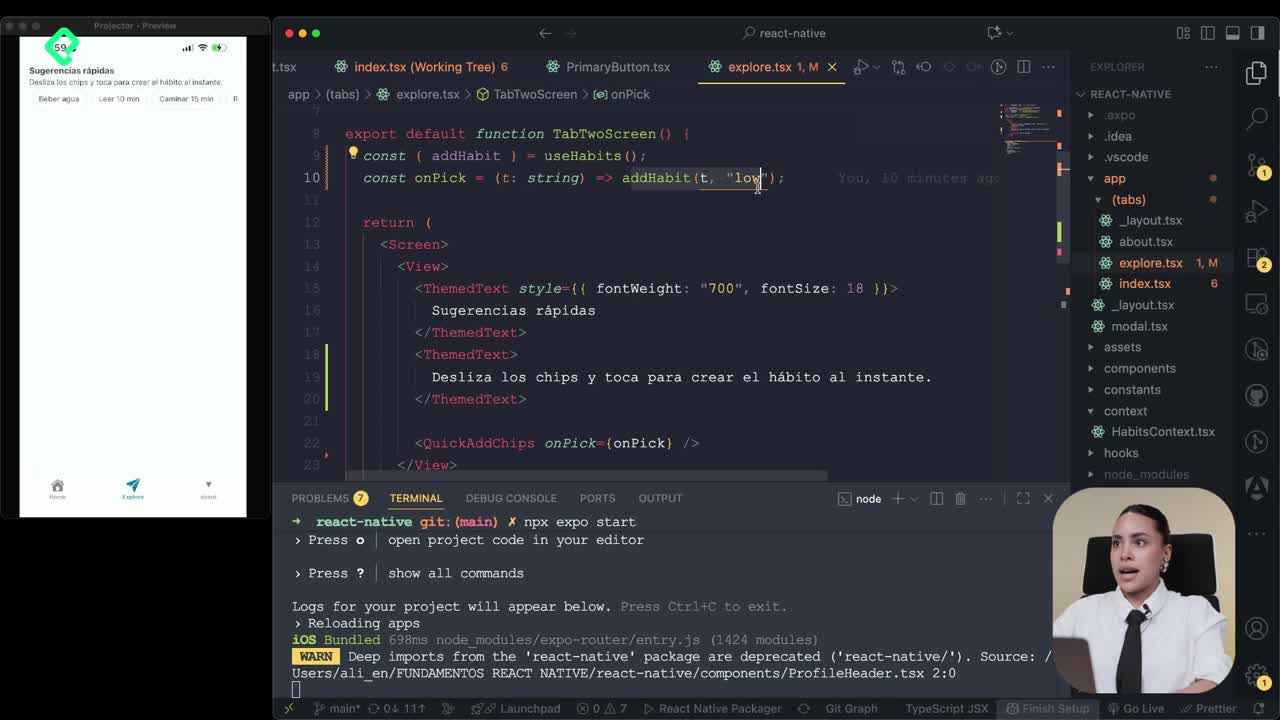
Confetti Animation With a Fake API Service
11:58 min - 18
Cómo crear una ExploreCard específica para iOS y Android
09:47 min - 19
Explore Tab Carousel With FlatList
Viendo ahora - 20
AI Avatar Generator with AsyncStorage
12:32 min - 21
Camera and Gallery Access in React Native
16:01 min
Módulo 4: Visualización de Listas y Contenido
Recursos
Resumen
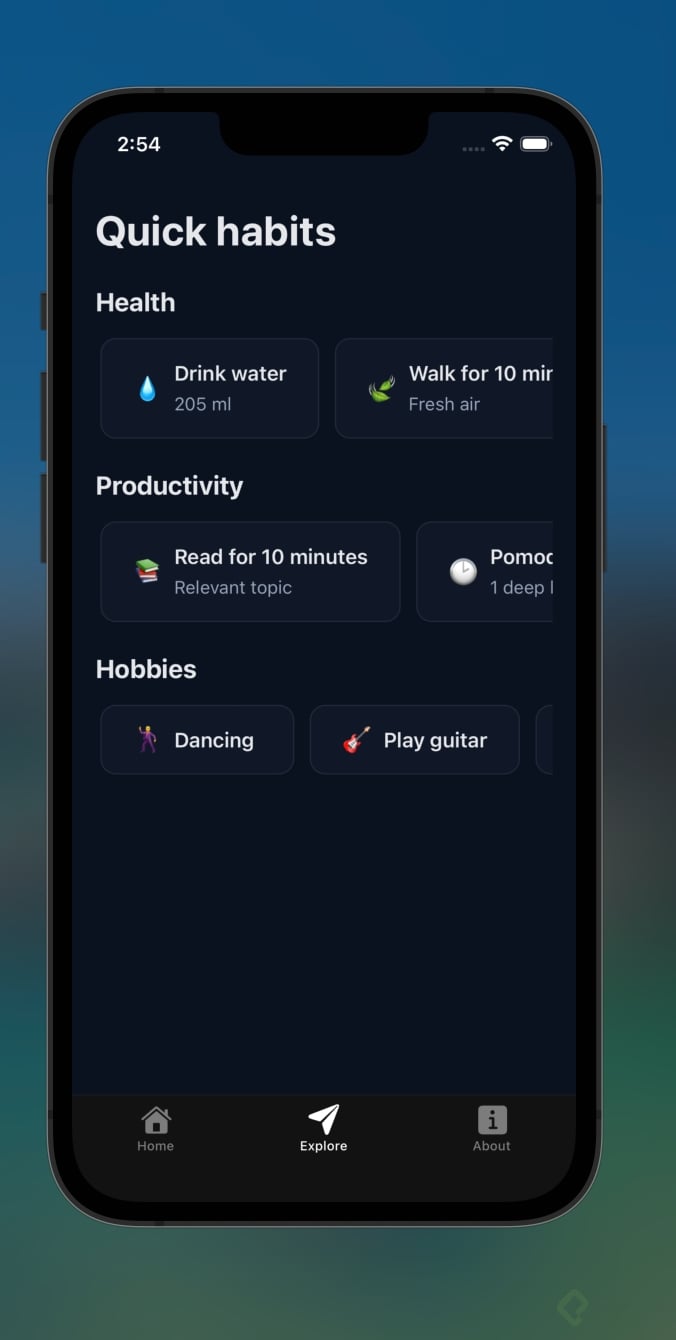
Connecting two screens in a React Native app sounds simple until you mix asynchronous calls, loading states, and a horizontal carousel. Here you'll learn how to wire the Explore tab with the habits service, render suggestions in a FlatList carousel, and let users add items to their main list with a single tap.
How do you set up state for multiple suggestion categories?
The Explore tab needs to handle two parallel sets of data: energy and focus. Each one lives in its own state slot so the UI can render them independently.
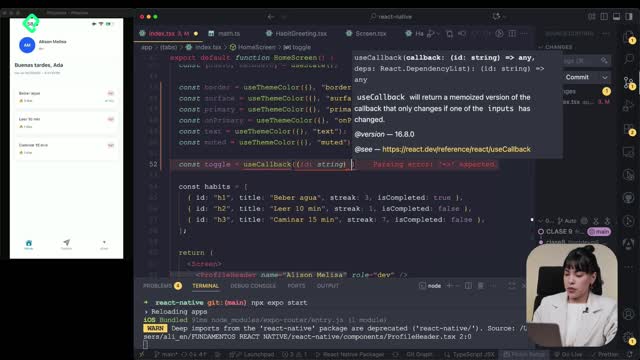
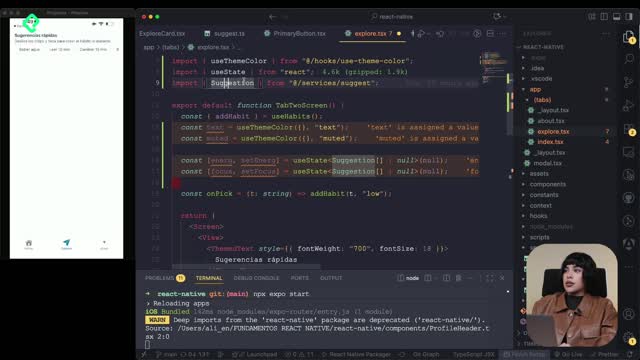
You start by creating two useState hooks of type suggestion, the same type defined in the services file. One holds the energy list, the other holds the focus list. Importing the type keeps everything aligned with the data shape you already use across the app [00:34].
What is a useState in React Native? It's a hook that lets a component remember a value between renders. Here you use it to store each category of suggestions separately so the screen knows what to show.
A third piece of state acts as a loading flag. You initialize it as false and flip it during the async call so the UI can react while data is on its way.
How do you fetch two endpoints in parallel with Promise.all?
When the user lands on the Explore tab, the app should request both categories at once instead of waiting for one to finish before starting the next. That's where Promise.all shines.
Inside a useEffect, you declare an async function wrapped in a try/catch block. The function calls suggestFor twice, once for energy and once for focus, and awaits both promises together. The result is destructured into two constants, A and B, which then feed setEnergy and setFocus [01:30].
A few details that make this implementation production ready:
- The
catchbranch logs aconsole.warnso you know if the load failed. - The
finallybranch resets the loading flag back tofalse. - The empty promise return keeps TypeScript happy when there's no payload.
Why use Promise.all instead of two awaits? Because both requests run in parallel. If each call takes 500ms, sequential awaits cost you a full second; Promise.all finishes in roughly 500ms total.
How do you render a horizontal carousel with FlatList?
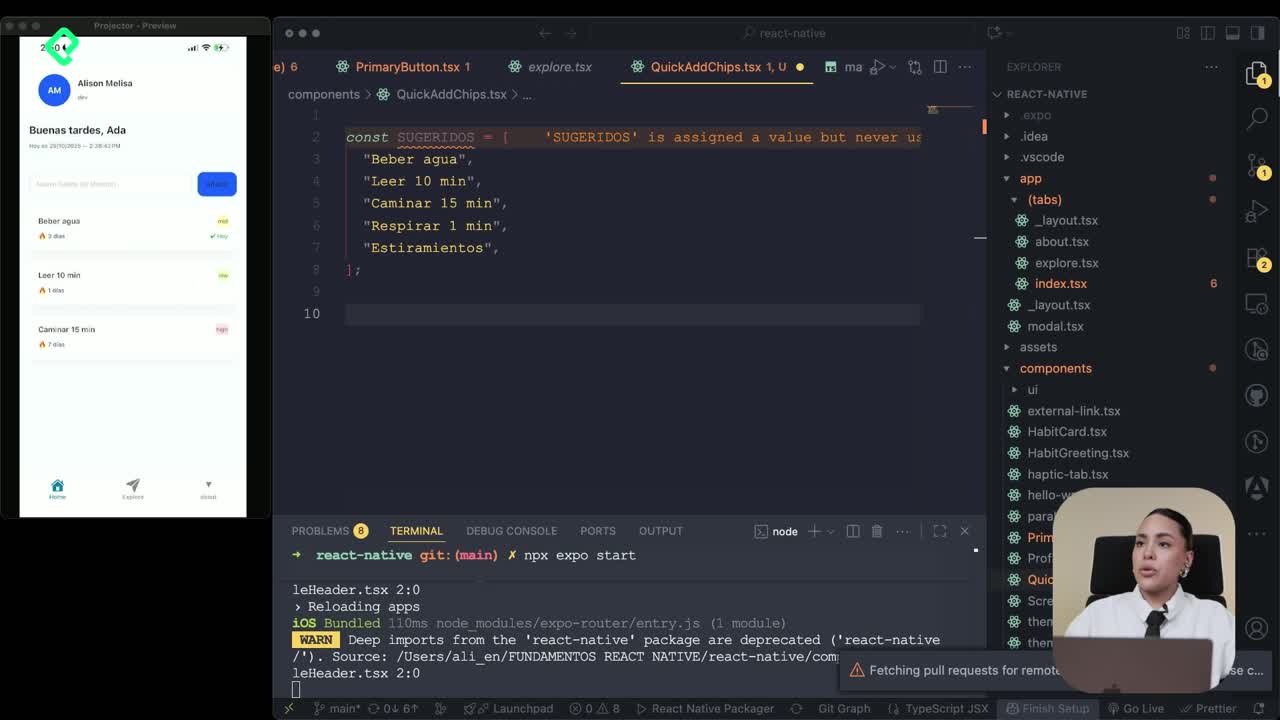
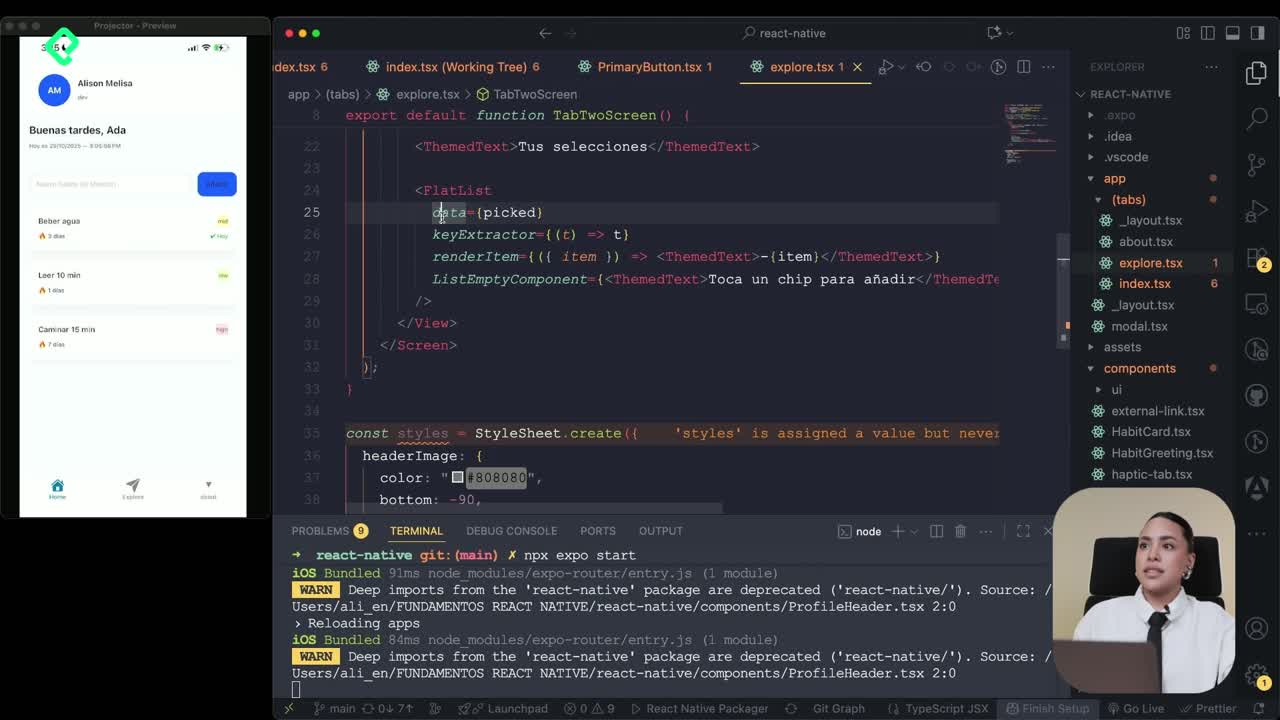
A ScrollView works for short content, but it loads every child at once. FlatList renders only what's visible, which is exactly what you want for a carousel of suggestions.
You create a reusable Section component that receives a title of type string and a data array of type suggestion. The component returns a View with spacing, a Text for the title, and a conditional block: if the data exists, render a horizontal FlatList; otherwise, render a loading skeleton [03:45].
The FlatList receives the standard props you already use on the home screen:
datafrom the section's incoming array.keyExtractorreturning the suggestion'sidas a unique identifier.renderItemreturning theExploreCardwith emoji, title, subtitle, and the onPick handler.horizontalto flip the layout sideways.
With the Section component built, the main return shrinks to two lines: one call for the energy category and another for focus. Less duplication, easier maintenance.
What does the loading state look like?
While the promises resolve, the user sees a placeholder instead of an empty screen. You reuse the same ExploreCard but swap the subtitle for a cargando label and apply a shadow style. The visual continuity tells users the section will fill in shortly, without breaking the layout [04:50].
How do you connect the carousel to the habits service?
The onPick handler used to receive a hardcoded value. Now it takes the full suggestion object so it can pass the real title and the priority defined in the service.
Instead of forcing a fixed priority, you read s.priority directly from the item. That way each suggestion keeps the metadata configured upstream. To confirm the action, you trigger a native Alert with the suggestion's title, giving the user immediate feedback that the habit was added [05:30].
The Alert API is part of React Native's core, so you import it from the same package you use for View and Text. No extra dependency needed.
What happens when the user taps a card?
The flow is short and predictable:
- The user taps a card in the Explore carousel.
onPickfires with the full suggestion object.- The habit gets added to the main list with its title, subtitle, and priority.
- An Alert confirms the action on screen.
Back on the home tab, the new habit appears sorted by the priority value defined in the service. You can add as many as you want, and each one keeps the styling rules tied to the operating system.
With this setup you already know how to share data between two services, render a performant horizontal list, and handle loading states without breaking the user experience. What other patterns would you like to see connected next?